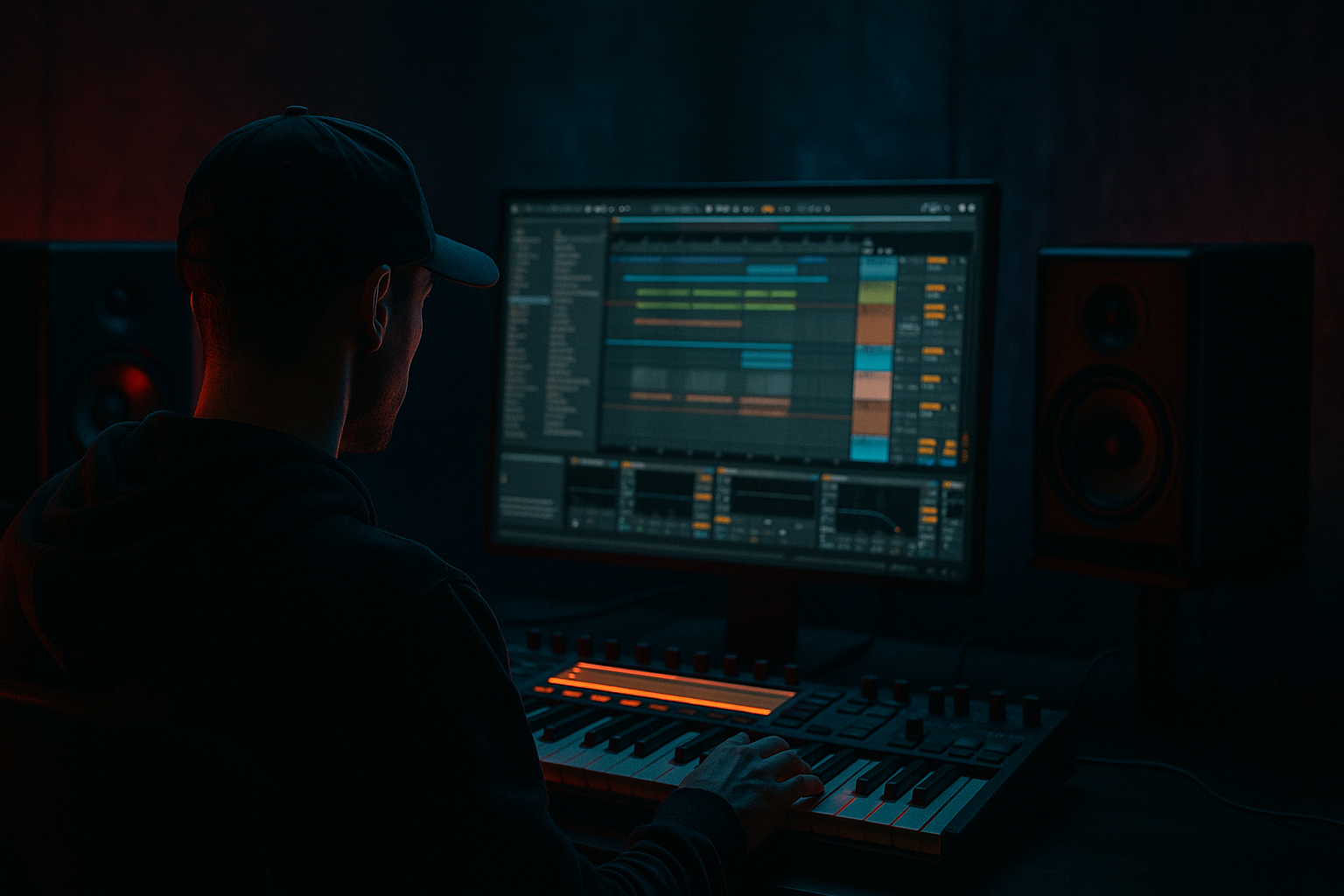
Main tutorial
Lesson Overview
A dub siren is one of the most useful tension tools in Drum & Bass because it can feel vintage, ravey, and menacing at the same time. In this lesson, you’ll build a dub siren riser with jungle swing in Ableton Live 12 and shape it so it can work in a roller intro, a pre-drop tension lane, or a halftime-to-double-time switch-up.
The goal is not just to make a “cool siren sound.” The goal is to make a siren that moves like DnB: it should sit inside a break-driven groove, lock to swung drum energy, and create enough pressure to carry a drop without clogging the mix. This matters because in jungle, rollers, and darker bass music, risers often need to feel more like part of the rhythm section than like a separate FX layer.
We’ll use stock Ableton tools to create:
- a playable dub siren tone
- a jungle-style swung modulation pattern
- an evolving riser shape with automation
- a clean arrangement approach that works in real DnB transitions 🎛️
- 8-bar intro build: slow siren movement over filtered breaks and distant atmospheres
- 4-bar pre-drop lift: siren rises while hats and ghost notes increase in density
- Drop switch-up: siren answers the snare or lead bass line in a call-and-response phrase
- Jungle breakdown: siren becomes a focal hook before the drum re-entry
- aggressive but controlled
- recognizably dub-inspired
- rhythmically alive
- suitable for darker rollers and jungle-inflected DnB
- Making the siren too bright too early
- Letting the siren fight the snare
- Using too much stereo width
- Overloading the low end
- Flat automation
- Too much reverb wash
- Resample the siren through dirt
- Layer a noise top
- Use a parallel drum bus feel
- Let the siren answer the bass
- Add tiny pitch bends
- Use a drop-hole moment
- Keep the sub clear
- one cleaner and more atmospheric
- one dirtier and more aggressive
By the end, you’ll have a reusable method you can drop into intros, 16-bar build-ups, or drop switch-ups.
What You Will Build
You’ll build a mono-friendly dub siren riser with a gritty, slightly unstable character, designed to rise over swung jungle drums without fighting the kick, snare, or sub. Musically, it will feel like a classic soundsystem siren being pulled into a modern DnB build, with the pitch wobbling, filter opening, distortion increasing, and timing nudged into a broken-break feel.
The finished result should work in a few contexts:
You’ll end up with a riser that sounds:
Step-by-Step Walkthrough
1. Set up a clean DnB lab rack
Start a new MIDI track and load Wavetable. Wavetable is ideal here because it gives you fast control over pitch movement and filter shaping without needing anything external.
Choose a simple waveform:
- Osc 1: saw or square
- Osc 2: optional, slightly detuned saw
- Keep it mono
- Set Glide/Portamento to around 40–80 ms if you want those sliding siren moves
Use a short MIDI clip, 1–2 bars long, and place a single sustained note around a musically useful center pitch like D#3, F3, or G3 depending on your track key. For DnB, you want the siren high enough to cut, but not so high that it turns into thin ear fatigue.
Add a Utility after Wavetable and set width to 0% for now. Keep the source focused and mono-safe before adding any stereo movement later.
2. Shape the siren envelope for a proper build, not a static beep
In Wavetable, shape the amp envelope so the siren has a fast attack and a controlled tail:
- Attack: 0–10 ms
- Decay: 200–500 ms
- Sustain: 70–100%
- Release: 150–350 ms
Then map a MIDI knob or automation lane to Filter Cutoff in Wavetable. Start with the filter relatively closed:
- Cutoff around 200 Hz to 1.2 kHz
- Resonance around 10–25%
Why this works in DnB: a dub siren is most effective when it evolves in tension over time, because DnB arrangement often depends on eight-bar phrasing and layered energy changes. A static siren can feel cheesy; a filter-moving siren feels like it’s actually driving the transition.
If you want a more authentic dub character, add a small amount of envelope-to-pitch movement or automate the pitch slightly upward in repeating shapes. Keep it subtle—this is a riser, not a full-on lead synth solo.
3. Build the “jungle swing” with MIDI placement and groove
Now program the siren rhythm so it interacts with broken drums instead of sitting on top like a straight EDM riser.
Try one of these approaches:
- Off-grid call-and-response: place notes slightly before or after the grid on the “&” of 2 and 4
- Ghost-hit pattern: short siren stabs between snare hits
- Swung pulse: 1/8 notes with selected notes delayed manually for groove
In the Groove Pool, try applying:
- MPC 16 Swing 55–60%
- or a lightly swung break groove extracted from a drum loop
Then use Velocity to create accents:
- main hits: 95–110
- ghost hits: 40–70
Add Note Length variation too. Shorter notes on the offbeats make the siren feel more like a rhythmic jungle accent. Longer notes work better if you want a sustained pre-drop pull.
Keep the pattern sparse. In DnB, tension often comes from leaving space for the break. A siren that’s too busy will fight the snare ghosting and fast hats.
4. Add modulation that feels unstable and alive
Insert Auto Filter after Wavetable if you want more control, or use Wavetable’s filter if you prefer simplicity. For a more animated build, add LFO from Max for Live if available in your Live 12 setup, but you can do this with stock automation alone too.
Useful modulation targets:
- Filter cutoff
- Resonance
- Oscillator detune
- LFO rate
- Wavetable position
Good starting points:
- LFO rate: 1/8 or 1/16 sync
- LFO amount: small to medium
- Filter movement: slow upward drift over 4–8 bars
For a dub siren with jungle swing, don’t modulate everything evenly. Instead:
- keep the pitch mostly stable
- let the filter open gradually
- let small rhythmic moves happen in sync with the break
If you’re using automation, draw a gentle climb across 8 bars, then add a sharper curve in the last bar before the drop. That contrast is what makes the riser feel intentional rather than continuous.
5. Resample the siren into audio for real DnB control
Once the MIDI pattern feels good, route the track to an audio track and resample the siren phrase. This is a classic Ableton workflow and especially useful for risers because audio gives you better control over timing, warping, and editing.
After recording, consolidate the best take into a clip and use Warp carefully:
- If the timing is already good, leave it mostly untouched
- If needed, nudge hits to sit tighter against the drum groove
- Use Complex Pro only if you stretch the audio more dramatically; otherwise keep it simple
Now you can reverse small sections, cut the tail, or duplicate the most effective hit into a build chain. This is where the sound becomes a real production element instead of a synth idea.
A strong DnB trick: take the last 1 bar of the siren, duplicate it, and automate reverse reverb-style swell timing by reversing the clip and fading it into the drop. Even without third-party tools, this creates a convincing tension ramp.
6. Distort and compress for underground weight
Add Saturator after the siren or audio resample:
- Drive: 2–8 dB
- Soft Clip: On
- Color on or off depending on brightness
If the siren needs more bite, follow with Drum Buss:
- Drive: 5–20%
- Boom: usually keep low or off for this sound
- Transients: 0 to +20
- Damp: adjust to tame harshness
Then add Compressor or Glue Compressor lightly to keep the siren consistent:
- Ratio: 2:1 to 4:1
- Attack: 10–30 ms
- Release: Auto or 100–300 ms
The point is to make the siren feel like it belongs in a dense DnB arrangement. Slight saturation helps it cut through break layers and bass movement. Too much compression, though, can flatten the motion and kill the rise.
7. Make room for the drums and sub
In darker DnB, your siren riser should never own the low end. Put EQ Eight after the processing chain and high-pass aggressively if needed:
- High-pass around 150–300 Hz
- If the sound is thick, go higher
- If the track is sparse, you can leave a little body around 120–180 Hz
Check for harshness in the upper mids:
- Tame 2.5–5 kHz if the siren gets nasal
- Reduce 7–10 kHz if it becomes piercing
- Use a gentle notch rather than killing the brightness completely
For stereo discipline, keep the riser mostly mono during the build, then widen slightly only near the peak using Utility or a subtle Chorus-Ensemble if you want movement. Keep the low end centered no matter what.
Why this matters in DnB: the kick, snare, and sub are the pillars. A riser is there to push energy upward without stealing those pillars.
8. Place the riser in a real arrangement context
Now drop the siren into an actual section of a DnB tune. A strong example:
- 8-bar filtered break intro
- 4-bar tension increase with snare fills
- siren starts in bar 5 with sparse hits
- final 1–2 bars include open hats, snare rolls, and a sub drop tease
- drop lands with the siren cutting out or answering the first snare
For a roller, the siren can appear as a call-and-response motif with the main bass phrase:
- bass answers on beats 1 and 3
- siren responds in the space after the snare
- final bar ramps into a drum fill or a drop mute
For jungle, try pairing the siren with:
- chopped Amen or break edits
- tom fills
- atmospheric noise
- a filtered sub pickup note
A very effective arrangement move is to let the siren rise while the drums thin out slightly, then reintroduce the full break on the drop. That contrast makes the riser feel bigger without needing excessive volume automation.
9. Automate the final 1-bar impact
The last bar should feel like a controlled panic. Automate:
- filter cutoff opening
- reverb send increasing
- delay feedback rising briefly
- volume up by 1–3 dB if needed
- distortion drive increasing slightly in the final beats
If you use Hybrid Reverb, keep it tasteful:
- Decay: 1.5–4 seconds
- Low cut: fairly high
- Dry/Wet: automate from 10% to 25% near the end
Add a short Echo with synced feedback if you want an old-school dub tail:
- Time: 1/8 or 1/4
- Feedback: 15–35%
- Filter the repeats so they don’t smear the drop
Finish by cutting the riser hard right before the kick/snare impact if you want the drop to feel cleaner and heavier.
Common Mistakes
- Fix: keep the filter lower at the start and automate the brightness upward only in the last bars.
- Fix: move some notes off the snare hits or thin the pattern during backbeat moments.
- Fix: keep the siren mono or near-mono until the final moments, especially if your drop has a big sub and dense break.
- Fix: high-pass the siren more aggressively. Risers should not compete with sub or kick weight.
- Fix: make the build curve more dramatic near the end. DnB tension often needs a late surge, not a constant climb.
- Fix: use reverb for space, not fog. Filter the reverb return and automate it carefully.
Pro Tips for Darker / Heavier DnB
- Print a pass with Saturator, Drum Buss, or subtle Overdrive-like coloration from stock devices. A resampled siren often sounds more “finished” than a pristine synth patch.
- Add a subtle Operator noise layer or a filtered white-noise burst under the rise for extra air and urgency. Keep it quiet.
- If your siren runs over a break, send both to a shared return with light saturation or glue-style compression for a more glued jungle texture.
- In darker rollers, make the siren act like a vocal phrase that interrupts the bassline. This creates conversation, which is a huge part of memorable DnB arrangement.
- Small pitch automation moves of 10–40 cents can make the siren feel more human and grimey.
- Mute the siren for a half-bar before the drop, then bring it back on the first fill. Silence is a tension tool too.
- If the build includes a sub pickup, make sure the siren is high-passed and the low end remains centered and stable.
Mini Practice Exercise
Spend 10–20 minutes building a single 4-bar riser that could sit in a jungle or roller intro.
1. Create a mono Wavetable siren patch with a saw wave and a closed filter.
2. Program a 1-bar note pattern with swung offbeat hits.
3. Apply a groove preset or manually nudge a few notes late.
4. Automate the filter to open across 4 bars.
5. Add Saturator and EQ Eight; high-pass the siren and soften harsh mids.
6. Resample the phrase to audio.
7. Reverse the last 1 bar and add a short Echo or Hybrid Reverb tail.
8. Export or save the rack so you can reuse it in another track.
Challenge yourself to make two versions:
Compare which one fits your current DnB track better.
Recap
A strong dub siren riser in Ableton Live 12 is all about motion, groove, and restraint. Keep it mono-friendly, rhythmically swung, and tightly arranged against the drums. Use Wavetable, Auto Filter, Saturator, Drum Buss, EQ Eight, Echo, and Hybrid Reverb to build tension, then resample for better control.
The key idea: in DnB, a riser works best when it feels like part of the break-driven energy, not a separate effect layered on top. Make it move with the jungle swing, protect the sub, and let the final bar do the heavy lifting.

