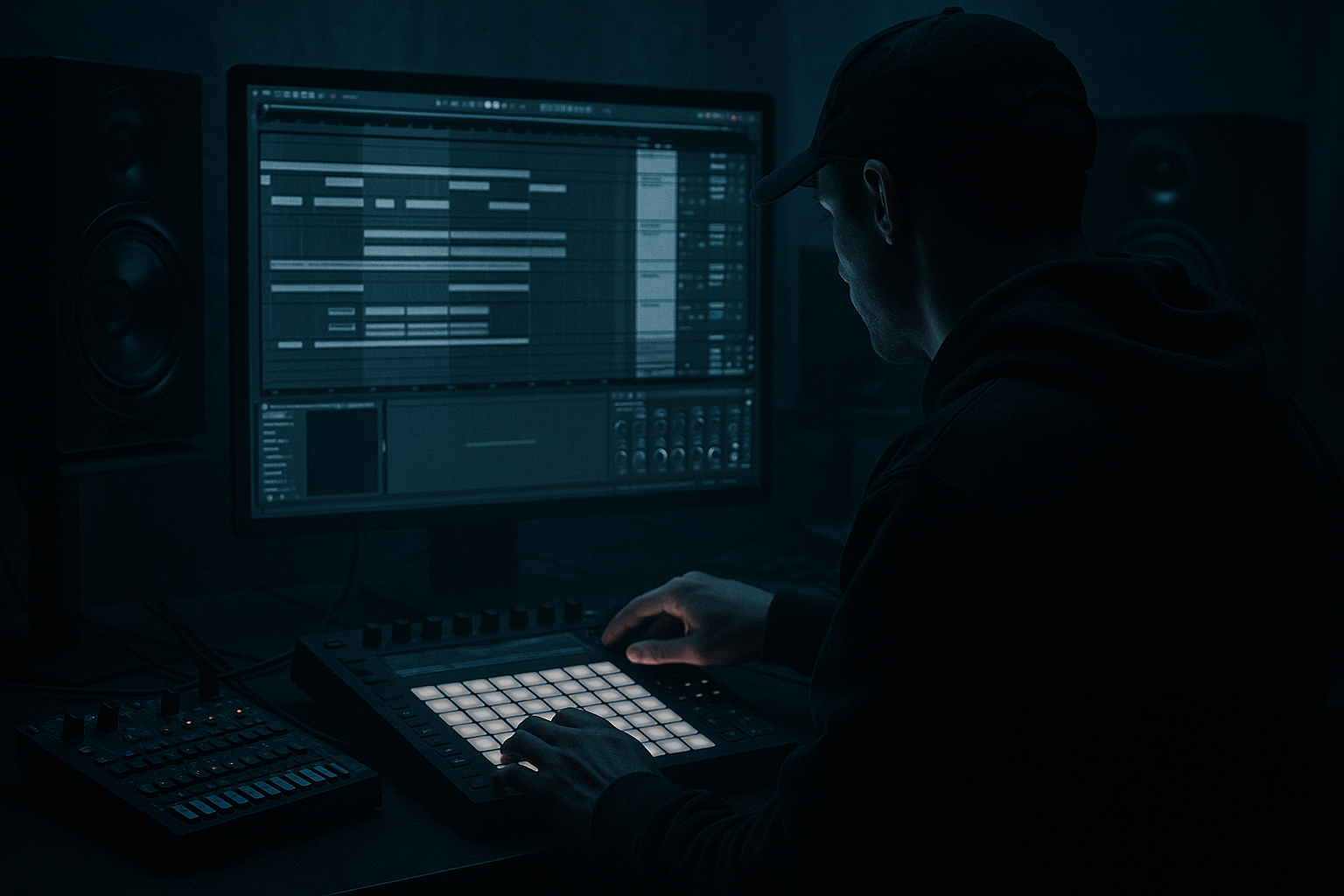
Main tutorial
Making Drum & Bass Intros More Atmospheric (Ableton Live) 🌫️🥁
1. Lesson overview
Atmospheric intros are a huge part of drum & bass and jungle—whether it’s liquid pads, eerie reese fog, vinyl crackle, or distant breaks. A good intro sets tone, key, space, and tension before the drop, without boring the listener.
In this lesson you’ll learn beginner-friendly ways to make intros more atmospheric in Ableton Live using mostly stock devices, with clear steps and settings you can copy immediately.
---
2. What you will build
A 16–32 bar DnB intro that:
- Establishes key + mood with pads/ambience
- Uses texture layers (noise, vinyl, foley, field recordings)
- Adds movement via automation and modulation
- Teases rhythm with filtered breaks and subtle percs
- Builds tension into a clean drop transition
- Atmos (blue), Drums (red), Bass (green), FX (purple)
- Riser: white noise with filter automation
- Impact: one-shot hit (cinematic boom or snare hit) on bar 33
- Downlifter: reverse cymbal / reverse reverb tail into the drop
- Bars 1–8: pad + texture only (very filtered, wide, wet)
- Bars 9–16: add distant break tease + subtle foley
- Bars 17–24: open drum filter + add riser
- Bars 25–32: tension peak (less reverb wet, more clarity) + pre-drop silence/impact
- Bar 33: drop
- High-pass non-bass elements: pads, textures, FX often HP at 150–300 Hz
- Keep sub space empty until the drop (or use only a hint of sub)
- Use Return tracks for reverb/delay to glue the intro:
- Reverb decay: 6–10 s
- Low Cut: 250–400 Hz
- Wet: 100% (because it’s a return)
- Atmosphere in DnB intros comes from key + texture + movement
- Use pads + noise/foley layers + filtered break teases
- Make it evolve with automation (filters, reverb, width, volume)
- Keep intros clean by high-passing and controlling reverb low end
- A strong intro has stages and a clear transition moment into the drop
Target vibe: rolling / jungle / cinematic DnB intro with a controlled build.
---
3. Step-by-step walkthrough
Step 0 — Set up your session (2 minutes)
1. Tempo: 172–175 BPM (classic DnB pocket).
2. Arrangement markers:
- `1–17: Intro A (atmosphere only)`
- `17–33: Intro B (tease rhythm / build)`
- `33: Drop`
3. Global key decision: Pick a key early (e.g., F minor or G minor are common for dark DnB).
Workflow tip: Color-code tracks:
---
Step 1 — Build a pad/bed that holds the key 🎹
Track: `Pad`
1. Load Wavetable (stock) → preset like a soft pad (or init patch).
2. Keep it simple:
- Osc 1: Sine/Triangle-ish wavetable
- Unison: 3–6 voices (keep it subtle)
- Filter: Low-pass around 4–8 kHz (no harsh highs)
3. Add this device chain:
Device chain (Pad):
1. Wavetable
2. EQ Eight
- HP filter at 120–200 Hz (remove mud so bass can hit later)
- Gentle dip 250–400 Hz if boxy
3. Chorus-Ensemble (stock)
- Amount: 20–35%
- Rate: 0.15–0.35 Hz
4. Reverb (stock)
- Decay: 5–9 s
- Pre-delay: 15–30 ms
- Size: 80–120%
- Low Cut: 200–400 Hz (important)
5. Utility
- Width: 120–160% (careful if it gets phasey)
Arrangement idea:
Hold long chords for 8 bars, then change chords every 4 bars. Even 1–2 chords can work in darker DnB if the texture evolves.
---
Step 2 — Add “air” texture (noise, vinyl, field recordings) 🌬️
Atmosphere often comes from non-musical layers.
Track: `Texture`
1. Drag in a vinyl crackle/field recording/foley sample (or use Ableton’s packs).
2. Add:
Device chain (Texture):
1. EQ Eight
- HP at 250–500 Hz
- Optional gentle shelf boost at 6–10 kHz (air)
2. Auto Filter
- Type: LP or BP
- Map cutoff for automation (more on this below)
3. Reverb
- Decay: 3–6 s
- Wet: 15–30%
4. Auto Pan (for movement)
- Rate: 0.05–0.20 Hz
- Amount: 20–40%
Pro workflow: Put textures quiet. If you can clearly “hear the sample,” it’s usually too loud. You want presence, not distraction.
---
Step 3 — Create a wide “wash” using resampling (big beginner hack) 🌫️
This is a super practical technique: freeze/flatten or resample reverb tails and make them into a new pad.
1. Take your `Pad` track.
2. Temporarily crank Reverb:
- Decay 12–18 s
- Wet 40–60%
3. Record 4 bars of chords.
4. Freeze & Flatten the track or resample:
- Create new audio track → set input to Resampling → record.
5. Now on the resampled audio:
- Reverse the audio (right-click clip → Reverse) for eerie swells
- Add Auto Filter and automate cutoff opening toward the drop
This instantly gives you cinematic intro vibes without complex sound design.
---
Step 4 — Add distant drums (filtered break tease) 🥁
DnB intros often hint the groove early—but filtered and far away.
Track: `Break Tease`
1. Choose a breakbeat loop (classic Amen-ish / jungle loop).
2. Warp mode: Complex Pro (or Beats if it’s tight and percussive).
3. Device chain:
Device chain (Break Tease):
1. Auto Filter
- LP 12 or 24 dB
- Start cutoff around 300–800 Hz
2. Reverb
- Decay: 1.2–2.5 s
- Wet: 10–20%
3. Drum Buss (subtle grit)
- Drive: 5–15%
- Crunch: 0–10%
4. Utility
- Gain down to sit behind the pad
Automation move:
Over 8–16 bars, slowly raise Auto Filter cutoff from ~500 Hz → 6–10 kHz. This “reveals” the drums and builds anticipation.
---
Step 5 — Add risers, impacts, and ear-candy FX 🔥
You don’t need a hundred FX—just a few well-timed ones.
Tracks: `FX Riser`, `Impact`, `Downlifter`
- Use Operator:
- Osc: Noise
- Add Auto Filter (LP) cutoff rising
- Add Reverb (big)
- Add Reverb tail (short) + maybe Saturator
Classic DnB transition trick:
Place a 1/4 bar silence right before the drop (or a tight low-pass + reverb tail) to make the drop hit harder.
---
Step 6 — Build tension using automation (the secret sauce) 🎛️
Atmosphere becomes exciting when it moves.
Automate these over the intro:
1. Reverb Dry/Wet (on pad/texture)
- Start wetter, gradually reduce slightly before drop to “focus” the mix.
2. Filter cutoff (Auto Filter on drums + textures)
- Slowly open toward the drop.
3. Stereo width (Utility)
- Wider early, slightly narrower right before the drop to make the drop feel huge.
4. Volume fades
- Introduce elements in stages instead of all at once.
Beginner-friendly automation plan (32 bars):
---
Step 7 — Mix hygiene for intros (so it doesn’t get messy) 🧼
- `Return A: Reverb` (big space)
- `Return B: Echo` (dubby delays for jungle flavor)
Suggested Return A (Reverb):
Send pads/textures lightly (like -18 to -10 dB send level to start).
---
4. Common mistakes
1. Too much low end in the intro
Pads + reverb tails can stack low mids quickly. High-pass aggressively.
2. Everything starts at bar 1
Atmospheres feel better when they arrive in layers.
3. Reverb with no low cut
This makes your intro muddy and masks the drop impact.
4. Overcomplicated chord progressions
In DnB, vibe and texture often beat fancy harmony—keep it minimal and evolving.
5. No transition event
If nothing “happens” at bar 17 or bar 33, the listener loses the thread.
---
5. Pro tips for darker/heavier DnB 🖤
1. Use a “dread” note + movement
- Hold the root note (e.g., F) on a pad/reese layer and automate filter resonance slightly.
2. Reese fog without committing to bass
- Make a reese in Wavetable/Operator, but high-pass it at 150–250 Hz so it’s only menace, not sub.
3. Haunted space with Convolution Reverb (if available)
- Try darker IRs (rooms, halls). Cut lows heavily afterward.
4. Pitch-drop into the drop
- Automate pitch on a riser down by -2 to -12 semitones in the last bar for tension.
5. Jungle flavor: tape wobble
- Light Frequency Shifter (very subtle) or Chorus-Ensemble + slight Auto Pan for that unstable, old-school vibe.
---
6. Mini practice exercise (15–20 minutes) 🧪
Goal: Make a 16-bar atmospheric intro that leads into a drum-only drop.
1. Create 4 tracks: `Pad`, `Texture`, `Break Tease`, `FX`.
2. Write two chords in your pad over 16 bars (swap at bar 9).
3. Add vinyl/field texture and high-pass it at 300 Hz.
4. Add a break loop, low-pass it at ~600 Hz, then automate to 8 kHz by bar 16.
5. Add a noise riser that grows from bars 13–16.
6. Add 1 beat of silence before the drop (bar 17) and place an impact hit on bar 17.
Bounce it and listen: does bar 17 feel inevitable?
---
7. Recap
If you tell me your sub-genre (liquid, jungle, neuro, minimal roller) and a reference track, I can suggest a specific 32-bar intro blueprint and exact devices to match that vibe.

