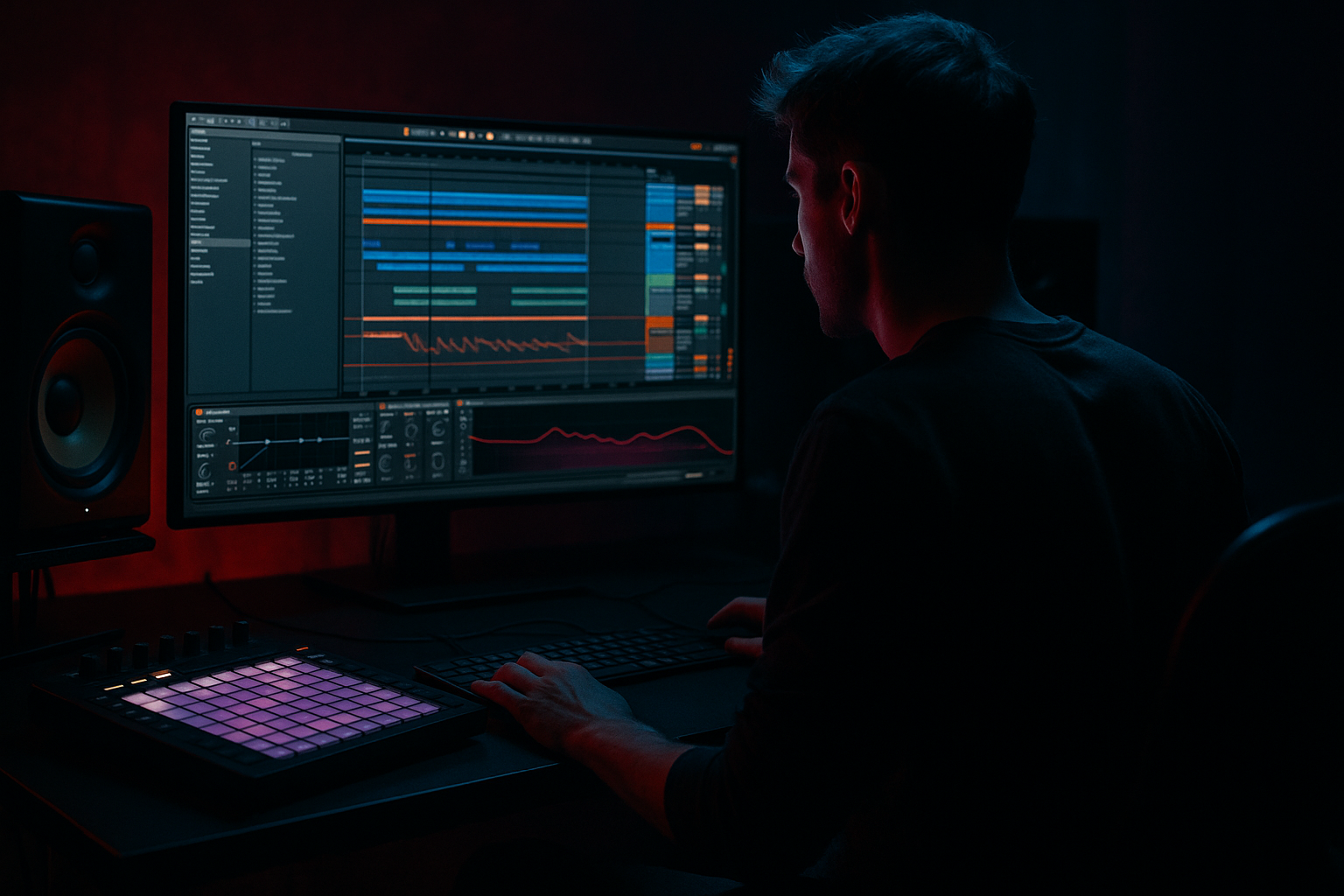
Main tutorial
```markdown
Managing Large Break Collections Without Chaos (DnB in Ableton Live) 🔥🥁
1. Lesson overview
If you produce drum & bass long enough, your break folder turns into a black hole: “amen_174_final_FINAL2.wav” energy everywhere. In this lesson you’ll build a clean, fast system in Ableton Live to store, tag, preview, slice, and audition breaks like a pro—so you spend time writing rollers, not hunting files.
We’ll focus on:
- A repeatable folder + naming standard
- Ableton’s Browser workflow (Collections, Places)
- Warp settings that work for DnB/jungle
- Break audition racks that let you swap breaks in context
- A “break pipeline”: raw → curated → sliced → ready-to-write
- `DNB_SAMPLE_LIBRARY/Breaks/`
- `Breaks/00_INBOX_RAW/`
- `Breaks/01_CURATED/`
- `Breaks/02_WARPED_READY/`
- `Breaks/03_SLICED_KITS/`
- `Breaks/99_ARCHIVE/`
- `Amen_Raw_174_OpenHats_v1.wav`
- `Think_Rolling_172_GhostSnare_v2.wav`
- `FunkyDrummer_HalfTime_87_HeavyRoom_v1.wav` (useful if you like halftime sources)
- Feel: `Rolling`, `Steppy`, `Jungle`, `TwoStep`, `HalfTime`
- Texture: `Crisp`, `Dusty`, `Noisy`, `Roomy`
- Content: `OpenHats`, `TightSnare`, `Ghosts`, `RideHeavy`
- For full breaks: start with Beats mode
- Preserve transients: try:
- If the break is tonal/roomy, sometimes Complex Pro works, but it can smear drums—use carefully.
- `02_WARPED_READY/`
- Drop breaks onto this audio track to preview in context.
- Open the Drum Rack chain list
- For slices that are too quiet: select that pad → adjust Simpler Gain
- Set Global pad behavior:
- Save the Drum Rack as:
- Store in:
- Track 1: CORE BREAK (body/snare character)
- Track 2: TOP BREAK (hats/air/sizzle)
- Duplicate your break track
- On TOP BREAK:
- On CORE BREAK:
- Verses: core only (cleaner groove)
- Drops: add tops + extra ride edits
- 16-bar evolution: every 8 bars, swap top break for variation without changing the main groove
- Drum Rack with:
- Audio Effects Rack after it with Macro controls:
- Make a “Crusher” return (send)
- Parallel banding for weight
- Transient control without plugins
- Keep sub clean
- Dark swing variation
- A folder pipeline (Raw → Curated → Warped Ready → Sliced Kits)
- Ableton Collections for fast recall
- Correct warp habits for DnB tempo
- A dedicated Break Audition track with stock devices
- Sliced kits that turn breaks into playable DnB tools
---
2. What you will build
By the end you’ll have:
1. A Break Library Structure on disk (raw + curated + “ready”)
2. Ableton Collections (color tags) for fast sorting 🎯
3. A Break Audition Track with a device chain:
- Simpler (Slice mode) for instant chop control
- EQ Eight + Drum Buss + Saturator for quick “DnB-ready” shaping
- Optional: Gate + Transient Shaper style workflow using stock tools
4. A template-able workflow that lets you:
- Drag in any break
- Warp it correctly
- Slice it
- Audition it against your bass and kick/snare
- Save as a reusable .adg rack or drum kit
---
3. Step-by-step walkthrough
Step 0 — Decide your “truth”: one library, one method 🧠
Pick one primary break library location and stick to it. If your breaks are scattered across old drives, you’ll always waste time.
Goal: A single top-level folder like:
---
Step 1 — Build a folder system that matches how you actually write DnB
On disk, create this structure (simple but powerful):
Recommended structure
All new downloads, sample packs, random rips.
Only breaks you’d actually use.
Warped, gain-staged, often pre-trimmed.
Drum Racks, Simpler presets, .adg racks.
Stuff you don’t want to delete, but don’t want to browse.
Why this works for DnB:
You’re separating “collector brain” from “producer brain.” DnB sessions move fast—your 01/02/03 folders should be small enough to browse quickly.
---
Step 2 — Create a naming convention you can filter in seconds
When you rename files, encode the useful info in the filename. Here’s a practical format:
`[Source]_[Feel]_[BPM]_[Desc]_[Key?]_v1.wav`
Examples
DnB-specific tags worth using
Tip: You don’t need to rename everything. Start with your top 100 breaks and build from there.
---
Step 3 — Make Ableton’s Browser work like a “break DJ crate” 🎛️
In Ableton Live:
1. Add your break folder to Places
- Browser → Places → Add Folder → select `Breaks/`
2. Use Collections (colored tags) for fast sorting:
- Right-click a break → Add to Collection
Create a personal scheme like:
- 🔴 Red = “Go-to rollers”
- 🟠 Orange = “Jungle / amen-focused”
- 🟡 Yellow = “Heavy / industrial breaks”
- 🔵 Blue = “Layer material (hats, tops)”
- 🟣 Purple = “Experimental / odd swing”
Workflow rule:
If a break isn’t tagged within 30 seconds of hearing it, it’s probably not a keeper.
---
Step 4 — Set up correct warp defaults for DnB breaks (this matters!)
Dragging breaks in with bad warp assumptions is a huge source of chaos.
Recommended warp approach
- Beats → Preserve: Transients
- Envelope: 0–20% (start low for punch)
Practical workflow
1. Drag break into an audio track
2. In Clip View:
- Enable Warp
- Set correct Seg. BPM
- Make sure 1.1.1 is correctly aligned to the downbeat
3. Consolidate a clean loop:
- Set loop braces to exactly 1 or 2 bars (common: 2 bars for classic breaks)
- Cmd/Ctrl + J (Consolidate) to create a clean sample file
Now you can move that consolidated file into:
This is your “I can use this instantly at 174” folder.
---
Step 5 — Build a Break Audition Track (your anti-chaos weapon) 🧨
Create a dedicated track in every DnB set called BREAK AUDITION.
Option A: Audio Track audition
Device chain (stock)
1. EQ Eight
- HP filter at 25–35 Hz (clean rumble)
- Optional dip 250–400 Hz if boxy
- Small shelf +1–2 dB at 8–12 kHz if dull
2. Drum Buss
- Drive: 5–15% (taste)
- Crunch: 0–20%
- Boom: OFF (usually; let your sub own low end)
3. Saturator
- Soft Clip: ON
- Drive: 1–4 dB
4. Utility
- Gain match (very important when browsing!)
- Width: keep at 100% or slightly narrower if phasey
Why this works:
You’re auditioning breaks through a “DnB lens”—quickly hearing if it will cut through a rolling bass without constantly building a chain from scratch.
---
Step 6 — Slice any break instantly with Simpler (Slice Mode) ✂️
For jungle/DnB, slicing is where the gold is.
Fast method
1. Take your warped, consolidated break (2 bars ideally)
2. Right-click clip → Slice to New MIDI Track
3. In the dialog:
- Slicing preset: Built-in → Slicing
- Slice by: Transient (usually best)
4. Ableton creates a Drum Rack with Simpler slices
Now tidy it for real-world use
- Use Choke groups for hats if needed (prevents mush)
- Consider chokes for “open hat” slices
Save it properly
- `Amen_Rolling_174_SLICED.adg`
- `03_SLICED_KITS/`
Now your break collection becomes playable instruments, not just files.
---
Step 7 — Create “Swap-Friendly” break layers (tops vs core)
A huge DnB workflow win: separate breaks into core and tops so you can swap quickly.
Approach
How to do it quickly
- EQ Eight: HP at 200–400 Hz
- EQ Eight: LP around 8–12 kHz if tops are harsh, or leave full if you like grit
Arrangement idea (rolling DnB)
---
Step 8 — Build a “Break Browser Rack” for quick audition inside the set (optional but powerful) 🎚️
You can make a Break Audition Rack that lets you drop breaks into Simpler and toggle processing quickly.
One-track rack idea
- One pad = Simpler (Slice mode) or Simpler (Classic)
- Macro 1: “Top Cut” (EQ Eight LP frequency)
- Macro 2: “Body Cut” (EQ Eight HP frequency)
- Macro 3: “Punch” (Drum Buss Drive)
- Macro 4: “Clip” (Saturator Drive)
- Macro 5: “Room” (Hybrid Reverb small room, very subtle)
- Macro 6: “Gate Tightness” (Gate threshold)
This makes auditioning breaks feel like selecting drum presets.
---
4. Common mistakes
1. Keeping everything “just in case”
Your curated folders should be opinionated. Archive the rest.
2. Not gain-matching when browsing
Loud breaks always “win.” Use Utility to level-match.
3. Warping without checking the downbeat
One wrong 1.1.1 and your slices will never feel right.
4. Over-slicing tiny micro-transients
If you slice too aggressively, you lose the natural groove. Sometimes slice by 1/8 or 1/16 instead of transient.
5. No separation between “ready” and “raw”
Raw folders are for storage. Ready folders are for writing.
---
5. Pro tips for darker/heavier DnB 🖤
- Return A: Saturator (Soft Clip ON) → Drum Buss → EQ Eight
- Send small amounts from break tracks for controlled aggression.
- Duplicate break
- On the duplicate: EQ Eight band-pass 120–500 Hz, saturate it, blend low.
- Great for modern heavy rollers where the break needs chest without muddy sub.
- Use Drum Buss for punch + crunch
- Use Gate to tighten noisy breaks (fast attack, short release)
- HP breaks at 25–35 Hz always
- Often HP even higher (50–80 Hz) if you’ve got a serious sub bassline
- Try Groove Pool with MPC-style swing lightly (think 5–15%), then commit by consolidating if it feels right.
---
6. Mini practice exercise (15 minutes) ⏱️
1. Choose 10 breaks from your messiest folder.
2. Put them into `00_INBOX_RAW/`.
3. Listen fast and move:
- 3 into `01_CURATED/`
- 7 into `99_ARCHIVE/`
4. For the 3 curated breaks:
- Warp correctly at 174 BPM
- Consolidate to clean 2-bar loops
- Save to `02_WARPED_READY/`
5. Slice 1 of them:
- Slice to New MIDI Track
- Save the Drum Rack to `03_SLICED_KITS/`
6. In an 8-bar loop, program:
- Bar 1–4: core break only
- Bar 5–8: add top layer or slice fills every 2 bars
Deliverable: one project with a clean audition chain + one saved sliced kit.
---
7. Recap
You now have a system that scales:
If you want, tell me what style you’re making (deep roller, jump-up, jungle, techy neuro-ish), and I’ll suggest a tagging scheme + default break processing rack tailored to that sound. 🥁
```

