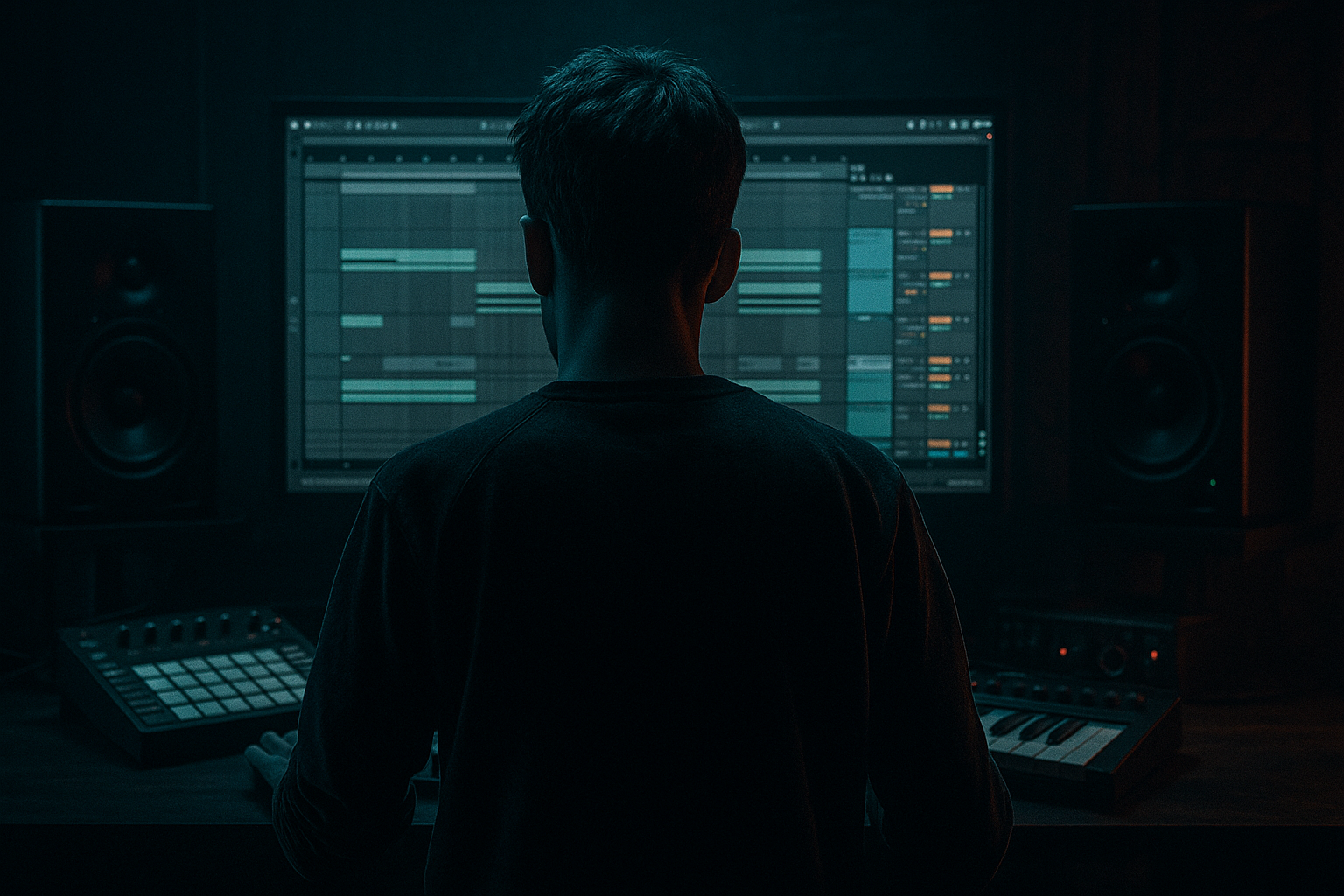
Main tutorial
Lesson Overview
This lesson is about taking a pad sound and a breakbeat and turning them into a usable DnB texture through resampling inside Ableton Live 12. The goal is not just to make something “sound cool” — it’s to build a practical layer you can use in a breakdown, intro, atmospheric drop, or switch-up in a drum & bass track.
In DnB, pads are often more than background harmony. A pad can become:
- a tension bed before the drop
- a gritty atmospheric layer behind a roller bassline
- a chopped rhythmic texture for halftime or fill sections
- a resampled source for ghosty stabs, reverse swells, and dark drones
- It creates movement without needing lots of MIDI automation
- It helps your track feel more authentic and organic
- It gives you original audio material you can chop, reverse, stretch, and layer
- It’s fast: one source can become multiple usable textures
- a sustained pad sound
- a chopped breakbeat
- resampled audio with printed groove
- a final layer that can sit under a 170–174 BPM DnB arrangement
- under a 2-bar intro
- behind a half-time breakdown
- as a subtle layer in a roller drop
- as a transition texture leading into a sub drop or reese switch
- transient flickers
- syncopated pulse
- chopped grit
- a jungle-ish, broken rhythm character
- slice it
- warp it
- filter it
- automate it
- bounce it again if needed
- Making the pad too bright
- Using a break that is too busy
- Printing too much low end
- Resampling for too long
- Not moving anything during the print
- Leaving the texture too wide
- Ignoring the drum/bass balance
- Use a band-pass filter on the resampled pad
- Resample twice
- Add subtle drum bus-style glue
- Use reverse chunks for tension
- Keep the sub separate
- Shape the groove with ghost timing
- Automate a narrow-to-wide motion
- higher Saturator drive
- more filter motion
- slightly drier Echo
- narrower stereo image
- Start with a short loop and a clean balance
- Use stock Ableton devices like Wavetable, Auto Filter, EQ Eight, Saturator, Echo, Utility, and Glue Compressor
- Resample the interaction, not just the individual sounds
- Slice the printed audio for rhythmic variation
- Keep low end controlled and mono-safe
- Automate filter and space effects for arrangement movement
The breakbeat side matters because DnB is built on drum movement. Instead of using a pad and a break separately, you’ll combine them through resampling so the break “prints” its rhythm into the pad. That gives you a single audio texture with character, groove, and variation — very useful for jungle, rollers, darker liquid, and neuro-influenced atmospheres.
Why this technique matters:
We’ll keep it beginner-friendly, using stock Ableton devices and a clear resampling workflow. By the end, you’ll have a pad that feels like it belongs in a DnB tune, not a generic ambient loop.
What You Will Build
You will build a dark, rhythmic pad texture made from:
The finished sound should feel like a hazy, moving atmosphere with breakbeat detail inside it — something you could use:
Musically, think of a pad that no longer sounds static. Instead, the breakbeat adds:
You’ll also learn how to create a resampled version that you can edit like audio:
This is a very practical DnB workflow because it turns one idea into several arrangement tools.
Step-by-Step Walkthrough
1. Set up a clean DnB project
- Open a new Live set and set the tempo to 172 BPM as a solid mid-point for DnB.
- Create two MIDI tracks:
- Track 1: Pad
- Track 2: Break source
- Create one audio track called Resample Print.
- Keep your project organized early. Rename tracks and color-code them if you like. This saves time later when you’re bouncing and editing.
DnB workflow tip: start with a 2-bar loop. Most decisions in drum & bass become clearer when you hear the groove over two bars instead of one.
2. Build a simple pad sound with stock devices
- On the Pad track, load Wavetable, Analog, or Operator. For beginners, Wavetable is very flexible and easy to shape.
- Choose a smooth waveform or basic pad preset, then simplify it:
- Attack: around 20–80 ms
- Release: around 1.5–4 seconds
- Filter cutoff: start around 200–800 Hz if the sound is too bright
- Add Auto Filter after the instrument. Use a low-pass filter and gently reduce harsh top end.
- Optional: add Chorus-Ensemble very lightly for width, but keep it subtle.
For a dark DnB mood, avoid super-bright ambient pads. You want something that can sit behind the drums, not fight the hats and snare.
3. Program a simple pad chord pattern
- Keep it minimal. Use a 2-bar or 4-bar loop with long notes.
- Try a minor or modal harmony:
- Example in F minor: Fm – Db – Eb – Fm
- Or keep it more ambient: Fm add9 – Dbmaj7 – Eb sus2
- If you’re not confident with chords, just use one or two notes spread across octaves. In DnB, tension often comes from voicing and texture, not complex harmony.
Arrangement context example: this pad could sit in the first 16 bars of an intro, slowly opening with filters before the drums fully land.
4. Load a breakbeat and make it feel usable
- On Track 2, drag in a classic breakbeat sample or a break loop you already own.
- Drop it into a Simpler instance or straight onto the audio track.
- If you use Simpler, choose Classic mode and set it to One-Shot or Gate depending on how you want to trigger slices.
- For a beginner-friendly setup, use the break as a loop first, not as a fully chopped performance.
Important: you are not trying to make the break perfect yet. You just need enough groove to imprint onto the pad during resampling.
5. Create space for the break to “talk” to the pad
- Put the break and pad into a rough balance.
- On the pad track, add EQ Eight:
- High-pass around 120–180 Hz
- If the pad is muddy, dip 200–400 Hz slightly
- On the break, use EQ to keep the low-end clean:
- High-pass anything below 30–40 Hz
- If the kick of the break is too strong, trim a little around 50–80 Hz
- Keep your master output with headroom. Aim for your loop to peak around -6 dB before heavy processing.
Why this works in DnB: the pad needs enough room for the drum transients to imprint onto it. If the pad is too thick in the low mids, the resampled result turns into mush instead of rhythm.
6. Route both sounds to a resample track
- On the Resample Print audio track, set Audio From to Resampling if you want to print the master output.
- A cleaner beginner approach is to route:
- Pad and Break group to a return-style bus or group
- Then resample that combined output
- If you want more control, create a group called Pad+Break Bus and place both tracks inside it, then record the group output through the resample track.
This is the heart of the lesson: you are printing the interaction between pad and break into audio. That gives you a new sound that has both harmony and rhythm inside one file.
7. Record 4–8 bars of the combined texture
- Arm the Resample Print track and record a few passes.
- Let the pad and break run together while you move one or two controls:
- pad filter cutoff
- break loop start point
- send amount to reverb or delay
- Don’t overperform. Small movement is enough. The point is to capture variation.
- Record at least 2 versions:
- one steady
- one with automation or extra filtering
Good beginner target: create a 4-bar recording that has obvious rhythmic detail but still feels atmospheric.
8. Slice the resampled audio into playable pieces
- Drag your recorded audio into a new audio track or onto a Simpler in Slice mode.
- Right-click the audio clip and choose Slice to New MIDI Track if you want quick triggering.
- Use a slicing preset like:
- by transients
- or 1/8 notes if the break rhythm is very regular
- Once sliced, play a few notes manually and listen for useful hits:
- short reverse-like swells
- rhythmic pad stabs
- ghosty offbeat chunks
- noise tails after snare hits
This is where the “masterclass” part starts to show: your pad is no longer just a chord. It’s now a playable rhythmic texture.
9. Shape the resampled pad with stock FX
- On the new audio texture, add:
- Auto Filter for movement
- Echo for depth and rhythmic tails
- Saturator for warmth and grit
- Utility for mono control if needed
- Suggested starting settings:
- Auto Filter cutoff automation: sweep between 300 Hz and 3 kHz
- Echo time: 1/8 or 1/4 dotted for DnB-style space
- Saturator drive: 2–6 dB
- If the texture gets harsh, place EQ Eight after Saturator and tame the upper mids around 2.5–5 kHz.
For darker DnB, you want the resampled pad to feel like it’s breathing inside the drum groove, not floating on top of it.
10. Automate the resampled texture for arrangement
- Use automation to make the part evolve over 8 or 16 bars:
- Filter cutoff gradually opens in the intro
- Reverb wet amount rises before a drop
- Echo feedback increases briefly in fills
- Volume drops slightly when the full drum section enters
- A very useful DnB arrangement move is to let the pad texture be loud in the build, then duck it slightly in the drop so the kick, snare, and bassline stay dominant.
Practical arrangement example:
- Bars 1–8: filtered pad + break texture intro
- Bars 9–16: drums enter, pad becomes narrower and quieter
- Bars 17–24: bassline drops in, pad becomes a background layer
- Bars 25–32: filter lift or reverse swell into a switch-up
11. Make it work with the drum/bass relationship
- If you have a sub or reese bass already, check the texture against it.
- Use Utility on the pad texture and engage Bass Mono or reduce width in the low end.
- If the texture clashes with the snare, cut some 180–250 Hz or lower the pad’s volume.
- Always check in mono. DnB breaks and basslines often translate best when the important low-mid information is stable.
This is especially important in rollers and darker bass music where the groove depends on a solid relationship between kick, snare, sub, and supporting textures.
Common Mistakes
- Fix: lower the filter cutoff, reduce high shelf brightness, or soften with Saturator before EQ.
- Fix: start with a simpler break or shorten the loop. A cleaner break makes a better resample layer.
- Fix: high-pass the pad and keep the break’s sub area under control before resampling.
- Fix: record 4 bars first. Longer is not always better. You want usable moments, not endless audio.
- Fix: automate one or two parameters while recording. Even a small filter sweep creates life.
- Fix: reduce width with Utility, especially below the low mids. DnB needs stereo interest, but not blurry low-end chaos.
- Fix: if the pad texture competes with snare or bass, lower it or EQ it before reaching for more effects.
Pro Tips for Darker / Heavier DnB
- Focus the texture into the midrange for a gritty, haunted feel. A band-pass around 300 Hz to 3 kHz can make the pad sound more like a rhythmic ghost than a soft ambience.
- First print the pad + break. Then process that recording with Saturator, Echo, and Auto Filter and resample again. This can give you a more “baked-in” underground character.
- If the break texture feels loose, try Glue Compressor lightly on the resampled audio:
- Ratio: 2:1
- Attack: 10–30 ms
- Release: Auto or 0.3 s
- Don’t squash it hard. Just tighten the movement.
- After slicing, reverse a few slices or duplicate a note before the snare hit. This works well in dark intros and pre-drop fills.
- Let the resampled pad supply mood and rhythm, not true sub weight. The actual low end should still come from a dedicated sub or bassline.
- Slightly shift a few slices early or late. Tiny timing changes can make the texture feel more human and more jungle-influenced.
- Narrow in the intro, wider before the drop, then narrow again once the bassline hits. This creates perceived energy without overcrowding the mix.
Mini Practice Exercise
Spend 10–20 minutes making a single 8-bar resampled pad texture.
1. Load a simple pad in Wavetable or Analog.
2. Write a 2-bar minor chord loop.
3. Add one breakbeat loop on another track.
4. Balance the two sounds so the break is audible but not overpowering.
5. Resample 4 bars onto an audio track.
6. Slice the recording into a new MIDI track.
7. Play 4–8 slices that feel rhythmically interesting.
8. Add Auto Filter and Saturator.
9. Automate one filter sweep across the 8 bars.
10. Bounce the result and listen back in mono.
Goal: make a loop that feels like a dark DnB atmosphere with drum movement inside it.
If you have time, create a second version that is more aggressive:
Then compare the two and decide which one fits a jungle intro, roller breakdown, or heavier drop better.
Recap
The core idea is simple: build a pad, combine it with a breakbeat, resample the result, and turn that audio into a playable DnB texture.
Remember:
This workflow is powerful because it turns static harmony into something that feels alive in a drum & bass track. Once you get used to it, you can use the same approach for intros, drops, atmospheres, fills, and switch-ups — all with a signature sound that feels more original and more “produced” inside Ableton Live 12.

