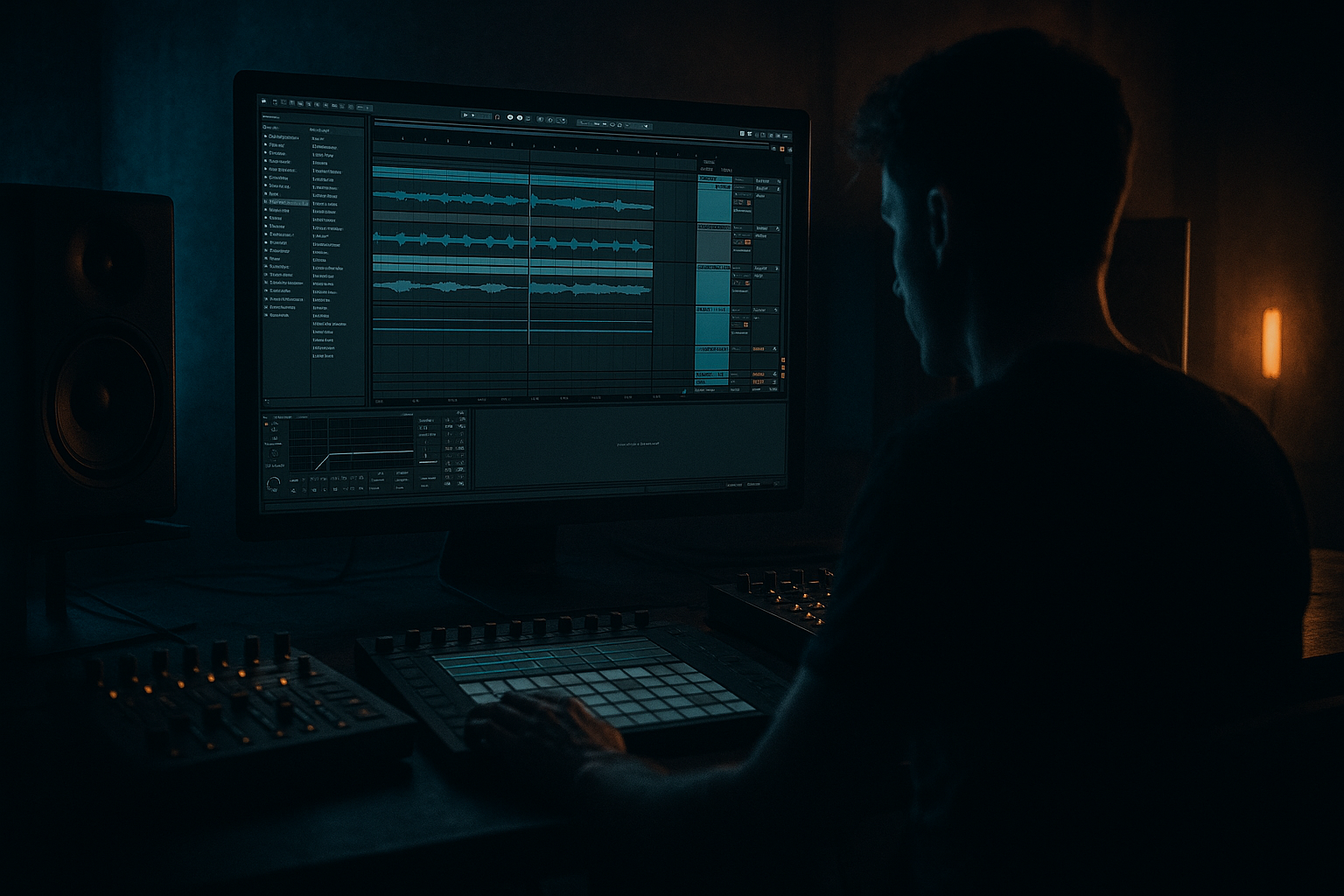
Main tutorial
Microtiming for Roll Feel — Drum & Bass in Ableton Live
Teacher voice: energetic, clear, and professional 🎧🔥
This intermediate tutorial shows how to create convincing roll feels in drum & bass/jungle using microtiming techniques in Ableton Live. You’ll learn practical, repeatable workflows (clip, device, and arrangement level) to humanize breaks, program ghost notes, and make rolls feel organic and heavy without losing the tightness DnB needs.
---
1) Lesson overview
- Goal: Use microtiming (ms/note offsets, groove templates, small grid nudges) to craft expressive drum rolls and a rolling groove in Ableton Live.
- Outcome: A tight DnB loop (2–4 bars) with layered rolls and ghost-hit microtiming that sit well with a locked sub-bass.
- Tools used: Drum Rack / Simpler or audio-chopped breaks, Groove Pool, Track Delay, Arpeggiator, Beat Repeat, Drum Buss / Saturator, EQ Eight, and clip/grid editing. All are stock Ableton devices where applicable.
- Skill level: Intermediate — you’ll need basic comfort with Drum Rack, MIDI clips, audio warping, and the Groove Pool.
- A front-line break (Amen/Funky-slice style or a programmed kit) on-grid for power
- A layered roll (hats/toms/snare grabs) with microtiming offsets for “swing” and shuffle
- A ghost-note bus with slight positive delay (few ms) and a second roll layer nudged early for pushy feel
- Arrangement idea: Use the roll as a drop fill in bars 2→3, automated to increase density and timing looseness before the main section.
- Offsetting low-frequency elements: Don’t move sub-bass or main kick off-grid — this kills clarity and phase. Keep bass solidly on-grid.
- Too-large ms offsets: >10–15 ms between layers can sound disconnected or sloppy rather than “groovy.” Start with 1–8 ms.
- Applying groove twice: Don’t both apply an extracted groove and later quantize the clip back to grid — you’ll undermine humanization.
- Overusing Track Delay without listening in context: small changes matter more than big ones. Always toggle bypass to AB test.
- Using only one technique: Relying solely on Groove Pool or only on Track Delay gives a less convincing result. Combine micro-nudge, groove, and small ms delays.
- Lock the sub; make the mids swing: Keep the sub and kick absolutely rigid, let snares, ghost snares, hats, and tom layers carry the groove and microtiming. This creates a dark, heavy, but still rhythmic pocket.
- Push snares slightly ahead for aggression: Try −2 to −6 ms on a secondary snare layer (not the main snare) to add punchiness.
- Use triplets for warped jungle rolls: Alternate between straight 1/32 and 1/32T in adjacent roll layers — blend them using levels and slight ms offsets for classic jungle push.
- Saturate per roll layer differently: Heavy saturation and high-pass on the aggressive roll layer (for mid grit), light chorus and delay on the behind-the-beat ghost layer for width/darkness.
- Parallel distortion bus: Send roll layers to a distortion bus with Drive 6–12 dB and low-pass around 6–8 kHz; blend in to add weight without bringing harshness.
- Tweak Attack/Release on Drum Buss: Slightly shorter attack (1–3 ms) for more transient slam; longer release for glue. Automate these during fills for impact.
- Use phase-conscious offsets: When layering the same sound (e.g., two snares), nudge one by a few ms but invert phase if mid/side issues occur — check in mono.
- Microtiming for DnB rolls = layered approach: grid-locked low end + micro-offset mids/highs.
- Use Groove Pool to extract real-break timing, Track Delay for precise ms control, and fixed small-grid nudging for exact note placement.
- Combine arpeggiator-created rolls, Beat Repeat, and smart saturation to sculpt dark/heavy roll textures.
- Keep offsets small (1–8 ms typically), never move the sub, and always A/B your changes in context.
---
2) What you will build
A 2-bar DnB drum loop with:
---
3) Step-by-step walkthrough
Note: Examples assume Live 10/11+ but techniques work in other recent versions.
A. Prepare your source drum material
1. Choose a break or kit:
- Option A (audio break): Drag a break (Amen/Funky Drummer) into an audio track. Warp it to project tempo using “Beats” mode and set the master warp marker at the transients.
- Option B (MIDI kit): Create a Drum Rack with Simpler instances for each sample. This gives easier single-hit control.
2. Make a basic 2-bar arrangement: Kick/snare pattern locked on the grid. Keep the sub-bass 100% on-grid — your microtiming lives in the mids/highs.
B. Create a clean "backbone" + humanized layers
1. Backbone (power hits):
- Use the main break or programmed snare/kick on-grid. This provides punch.
- Put this on its own track (Backbone Drums).
2. Roll layers (for feel):
- Create a new MIDI track: load a hat/snare/tom sample into Simpler or into a Drum Rack pad.
- Draw a fast roll note (e.g., 1/32 or 1/64 notes) for an 8-16 note roll inside a 1/8th fill section.
- Set the clip grid to a tiny fixed value so you can micro-position notes precisely:
- Right-click grid → Fixed Grid → pick 1/96 or 1/192 (if available). If not, use 1/64 and use Warp Start offsets for audio.
- Select groups of roll notes (the ghost/inner hits) and nudge them slightly off-grid with the mouse (a few grid ticks, or the nudging arrow).
- Example: Push ghost-hat group +1 to +5 ticks (≈ +3–+10 ms depending on BPM) for a laid-back feel; pull another roll layer −1 to −5 ticks for pushing aggression.
C. Use Groove Pool to extract real-break swing
1. Extract groove from a reference break:
- Drag an isolated one-bar audio break into Live, right-click its clip → Extract Groove (or use the sample as a groove in the Groove Pool).
- Open Groove Pool (bottom-left icon) and drag the extracted groove onto the pool.
2. Apply and tweak:
- Apply that groove to the backbone clip and the roll layers separately (drag the groove onto each clip).
- In the Groove Pool, set:
- Timing: 20–60% to taste (start at 35%)
- Random: 3–12% for subtle humanization
- Velocity: 10–30% if you want stronger dynamic changes
- Quantize: leave unchecked unless you want stronger alignment
- Commit the groove if you want to bake it (Clip → Apply Groove).
D. Track Delay for micro-ms control (precision)
1. Use Track Delay to offset entire tracks in milliseconds:
- Show the Track Delay in the Mixer (bottom-left of track in Live 11 or from Track Delay field).
- Set small positive delays for layers you want slightly behind (e.g., +3 to +8 ms).
- Set small negative delays for layers you want ahead of the backbone (e.g., −2 to −6 ms). This is powerful — keep values small.
- Example setup:
- Backbone Drums: 0 ms
- Ghost-hat bus: +4 ms
- Aggressive roll layer: −3 ms
- Perc fills: +6 ms
2. Listen in context — ms values sound different at different BPMs. At 174 BPM, 1/64th ≈ 2.8 ms — use that to relate offsets to note divisions.
E. Use Arpeggiator + Groove for sustained rolls
1. If you want a continuous roll from a single pad:
- Place an Arpeggiator MIDI effect before your Simpler in the chain.
- Set Rate to 1/32 (or 1/64 for faster rolls). Try 1/32T (triplet) to add swing difference.
- Gate: 40–60% so hits breathe.
- Retrigger: On. Style: Up or As Played depending on your roll shape.
2. Add a groove from Groove Pool to the clip for the microtiming feel — don’t forget to set groove Timing lower (~25–40%) for arpeggiated rolls.
F. Accent with Beat Repeat and dynamic automation
1. Create a Roll FX rack:
- Send the roll layer to a return track with Beat Repeat.
- Beat Repeat settings to try:
- Interval: 1/8 or 1/16
- Grid: 1/32 (or 1/16 for wider slices)
- Repeat: 1/8–1/32
- Offset: small positive/negative for internal shuffling
- Pitch/Filter: use sparingly
- Automate the return level and Beat Repeat's interval/grid for build fills.
2. Combine with Drum Buss and Saturator on the return:
- Drum Buss: Distortion 4–6, Transient Shape +10–15% (if present), Boom 0–2 dB for low-end weight.
- Saturator: Drive 2–5 dB, Soft Clip on.
G. Grouping and bussing
1. Group percussive layers into buses:
- High Perc Bus (cymbals/hats) — slightly behind with +2–6 ms Track Delay
- Mid Perc Bus (snare rolls/ghosts) — nudges variable
- Low/Weight Bus (kick/sub) — locked to grid
2. On each bus, use Glue Compressor (Glue Attack: 3–8 ms, Release 0.1–0.4 s) and EQ Eight for frequency slotting. Use EQ to remove overlapping mids; keeps the roll clear.
H. Arrangement ideas for rolls
1. Use microtiming variance over sections:
- Verse: Tight rolls (Timing in Groove Pool 15–25%, delays small)
- Pre-drop: Loosen rolls (Timing 35–60%, Random +8–12%, track delays wider) and increase Beat Repeat send
- Drop: Re-tighten backbone, keep subtle humanized ghost layers
2. Automate Groove parameters: You can automate a clip’s Groove being applied by committing multiple clip copies with different grooves or automate send to a groove-processed resampled track.
---
4) Common mistakes
---
5) Pro tips for darker/heavier DnB
---
6) Mini practice exercise (15–30 minutes) 🥁
1. Create a 2-bar loop at 174 BPM.
2. Load a classic break and warp it. Place it on the Backbone Drums track and keep it on-grid.
3. Create a Drum Rack with one hat sample and one snare sample. Program a 1/16 kick/snare backbone and a 1/32 hat roll in the last half-bar.
4. Set clip grid to Fixed 1/96. Nudge half the hat hits +3 ticks and half −2 ticks.
5. Extract groove from the break to Groove Pool. Apply to the hat roll clip with Timing 35%, Random 6%.
6. Add Track Delay: Backbone 0 ms, Hats +4 ms, Aggressive snare roll −3 ms.
7. Add a return with Beat Repeat (Grid 1/32, Interval 1/8), automate send up during the last half-bar.
8. Compare before/after by bypassing Groove and Track Delay to hear how microtiming changes feel.
Goal: Achieve a roll that sounds both tight and human — ghost hits slightly behind, lead roll slightly ahead.
---
7) Recap
Go make those rolls swing and tear through the mix. If you want, send a 2-bar stem and I’ll give time-stamped suggestions for specific ms offsets, groove Timing % and device-chains for your loop — I’ll help dial it in 🎚️🔊

