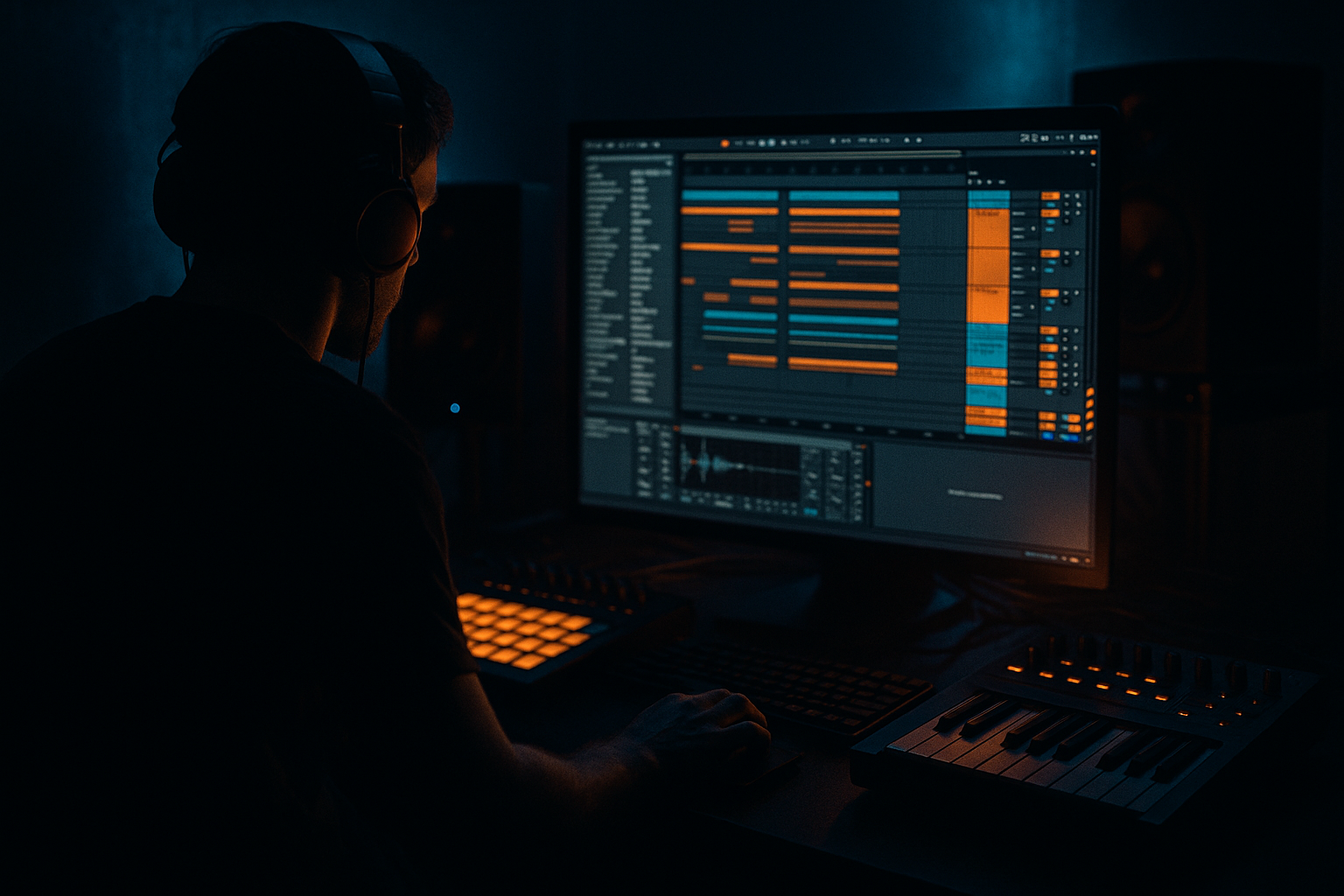
Main tutorial
Lesson Overview
In this lesson, you’ll build a Midnight Amen rewind moment in Ableton Live 12: a short atmospheric section that sounds like the track has been sucked backward into a VHS-rave memory before snapping back into the groove. This kind of moment is perfect in Drum & Bass because it gives your listener a breath of tension without killing momentum.
In real DnB arrangements, these rewind-style atmospheres are often used:
- before a drop
- after a drum fill
- during a 16-bar switch-up
- to transition into a darker second drop
- as a “memory flash” in intro/outro sections for DJ-friendly mixing
- a vocal-style “rewind” texture made from resampled audio
- a tape-warped ambience bed with VHS-rave color
- a filtered amen-style drum ghost tucked under the atmosphere
- a subtle reverse swell leading into the next phrase
- simple automation for pitch, filter, reverb, delay, and volume
- an atmosphere that can sit in a 16-bar intro, 8-bar pre-drop, or 4-bar transition
- Atmosphere Bed
- Rewind Chop
- Drum Ghost
- FX Return
- Auto Filter
- Echo
- Reverb
- Saturator
- Auto Filter cutoff around 300–800 Hz
- Echo Delay Time set to 1/8 or 1/4
- Reverb Decay around 3.5–6 seconds
- Saturator Drive around 2–5 dB
- Duplicate the clip
- Reverse the duplicate
- Place it so it leads into the original, or vice versa
- Trim the clip so the end of the sound feels like it’s pulling backward
- Simple Delay or Echo for a slightly smeared repeat
- Auto Filter with a low-pass cutoff around 1.5–4 kHz
- Slight Saturator drive for grain
- Echo feedback: 15–30%
- Reverb dry/wet: 10–25%
- Auto Filter resonance: 0.7–1.5
- Chorus-Ensemble
- Auto Pan
- Redux
- Chorus-Ensemble Amount: 10–20%
- Auto Pan Rate: 1/2 or 1 bar, Phase at 180°
- Redux Downsample: low to medium, just enough to blur the high end
- Automate Redux to increase only at the end of the rewind moment
- Automate Auto Pan depth higher during the transition, then back down
- Automate Reverb size larger right before the next drum hit
- Simpler
- Saturator
- Glue Compressor
- Auto Filter
- Simpler Filter: low-pass around 6–10 kHz
- Saturator Drive: 1–4 dB
- Glue Compressor: 1–2 dB gain reduction
- Auto Filter cutoff: 150–500 Hz if you want it very buried
- Bars 1–2: atmosphere bed only, filtered
- Bars 3–4: rewind chop enters, low-mid build
- Bars 5–6: drum ghost appears, reverb increases
- Bars 7–8: tension peaks, then hard cut or drop
- Auto Filter cutoff opening slowly from 300 Hz to 2.5 kHz
- Reverb dry/wet rising from 10% to 30%
- Echo feedback increasing slightly near the end
- Main track volume dipping by 1–3 dB just before the drop
- Reverb
- Echo
- EQ Eight
- Reverb dry/wet: 100% on the return
- Decay: 4–7 seconds
- EQ Eight: high-pass around 200–400 Hz
- Echo feedback: 20–35%
- High-pass the atmosphere around 150–300 Hz
- If it feels muddy, reduce 250–500 Hz by 2–4 dB
- If it feels sharp, dip 3–6 kHz gently
- High-pass around 120–200 Hz
- Low-pass around 8–10 kHz if the hats get too bright
- a reverse crash
- a snare reverse
- a filtered noise burst
- a chopped vocal inhale
- Reverse the audio clip
- Add Auto Filter opening upward
- Add Reverb with high dry/wet on a send
- Add a short fade-out on the clip end
- Too much reverb on the whole mix
- Rewind effect feels cheesy or overdone
- Atmosphere is too bright and masks the drums
- Drum ghost becomes a full drum loop
- No phrase shape
- Low end gets messy
- Layer one clean atmosphere with one degraded atmosphere. The contrast gives you VHS-rave character without losing definition.
- Use subtle Saturator before Reverb to make the tail feel denser and older.
- Try a tiny bit of Auto Pan on the atmosphere, but keep it slow and shallow so it feels like movement, not a wobble.
- For darker bass music, place the rewind moment in a breakdown just before a reese or halftime switch-up. The contrast makes the drop feel heavier.
- If you want more underground character, lower the brightness and add a little bit of clip-based fade randomness rather than a polished, perfect fade.
- For a more neuro-leaning feel, automate a band-pass filter briefly on the rewind chop, then open it back up as the drop arrives.
- If the atmosphere feels too clean, use Redux lightly and then roll off the harsh top with EQ Eight. Dirty first, then refine.
- If you are building a roller, keep the atmosphere shorter and more percussive. If you are building a darker liquid or atmospheric roller, let the tails breathe longer.
- Does the atmosphere support the drum energy?
- Does it feel like a transition into a DnB drop?
- Is the rewind moment obvious enough to notice, but subtle enough to keep groove?
- use short reversed textures
- keep atmosphere filtered and controlled
- add amen ghost rhythm for genre identity
- automate movement over 4 or 8 bars
- protect the low end so the drop can hit cleanly
The goal here is not just a cool effect. It’s to create a usable atmosphere section that feels like old tape, rave fog, and late-night urgency, while still sitting inside a clean modern DnB arrangement. We’ll use Ableton stock devices only, keep the process beginner-friendly, and focus on practical choices that work in rollers, jungle, darker liquid, and neuro-leaning atmospheres.
Why this matters in DnB: atmospheric moments help contrast the hard drums and bass. If everything is always full energy, the drop loses impact. A rewind moment gives you tension, storytelling, and a cinematic “reset” before the next hit.
What You Will Build
By the end, you’ll have a short Ableton Live 12 session section that includes:
Musically, it will feel like a smoky warehouse flashback: chopped air, backward tails, muffled drum memories, and a dark haze that still leaves space for the bassline and drums to return hard.
Step-by-Step Walkthrough
1. Set up a simple atmospheric scene
Open a new Ableton Live 12 set and create three audio tracks and one return track.
Name the tracks:
For the atmosphere bed, drag in any short atmospheric loop you already have, or record a few seconds of noise, room tone, vinyl crackle, crowd texture, or a pad from your own library. For beginner workflow, keep it simple: one sound is enough.
On the Atmosphere Bed track, add these stock devices:
Start with:
Why this works in DnB: atmospheric beds fill the “top and mid air” around the drums and bass without needing melodic complexity. In darker DnB, atmosphere often does more emotional work than harmony.
2. Build the rewind chop from a vocal or texture snippet
Find a short sound with character: a voice fragment, a cymbal tail, a snare hit, a rave stab, or even a spoken word sample. Keep it short, maybe 1–2 seconds.
Drag it into a new Audio track called Rewind Chop.
Now do a simple rewind-style edit:
If you want an old-school tape feel, add:
A useful beginner move: automate the clip volume down at the start of the rewind and up again right before the drop. Even a 1–2 dB move helps the ear feel motion.
Concrete parameter ideas:
3. Create VHS-rave color with modulation and band-limited tone
The “VHS-rave” part comes from making the sound feel aged, filtered, and slightly unstable. You do not need extreme distortion. You need controlled degradation.
On Rewind Chop, add these devices after the basic chain:
Start gently:
If the sound gets too harsh, place Auto Filter after Redux and roll off some top end.
A nice beginner automation idea:
This creates a VHS-like “flicker” instead of a static wash.
4. Add a drum ghost using an amen fragment
Now bring in a short amen break fragment. It can be just a kick-snare pair, a shuffled hat tail, or a tiny chopped drum loop. The goal is not a full breakbeat yet — just a ghost of rhythm underneath the atmosphere.
Create a new track called Drum Ghost and add:
Load your amen fragment into Simpler. Turn on Warp if needed, then shorten the clip so it feels like a tiny memory of the groove.
Suggested starting settings:
You want the ghost drum layer to be felt more than heard. If you can clearly identify every hit, it’s probably too loud for this role.
Why this works in DnB: amen-derived ghost rhythms give the listener a subconscious pulse, which keeps the atmosphere tied to jungle and DnB language even when the drums are partially removed.
5. Shape the rewind into a musical 4-bar or 8-bar phrase
Atmosphere in DnB works best when it behaves like part of the arrangement, not a random sound effect. Loop your rewind section over 4 or 8 bars and shape it like a phrase.
Use Arrangement View and make a small structure:
Add automation to create movement:
A useful arrangement example:
If your track drops every 16 bars, place this rewind moment in bars 13–16. That way the listener feels a controlled reset right before the next bassline hits.
6. Use return tracks for space instead of drowning the source
To keep your mix clean, send atmosphere elements to a return track rather than putting huge reverb on every channel.
On your FX Return track, add:
Set the return like this:
Send small amounts from Rewind Chop and Atmosphere Bed to this return. This gives you shared space, which sounds more cohesive and more professional.
Beginner tip: if the atmosphere is washing out your drums, reduce the send amount first before changing the source sound. That is usually the fastest fix.
7. Make space for the bass and future drop
Even though this lesson is atmosphere-focused, it must still behave like DnB. Low-end control matters.
On the Atmosphere Bed and Rewind Chop, use EQ Eight:
On Drum Ghost, keep it even more controlled:
If you already have a bassline in the project, mute it temporarily and listen to the atmosphere alone, then bring the bass back. You want to check that the atmosphere does not compete with the sub or reese movement.
Why this works in DnB: low-end separation is non-negotiable. Dark atmosphere can be huge in the stereo field, but the sub and kick must stay focused and clean.
8. Add a final rewind hit and transition cue
To finish the moment, create a short impact on the last beat before the drop. This could be:
Use Ableton’s stock tools:
Put a hard stop or a brief silence right after the rewind moment if you want a dramatic reset. In DnB, silence before a drop can hit just as hard as the loudest fill.
For an authentic roller or jungle feel, let the final impact cut into the first kick/snare of the drop, not after it. That tight handoff keeps the energy moving forward.
Common Mistakes
Fix: use return tracks and high-pass the reverb send so the low end stays clear.
Fix: make it subtle. A short reversed texture plus a low-passed tail often sounds more expensive than a giant obvious effect.
Fix: use Auto Filter or EQ Eight to tame the top end, especially around 4–10 kHz.
Fix: lower the volume, reduce transients with a little Glue Compressor, and hide it under the ambience.
Fix: automate filter, reverb, or delay over 4 or 8 bars so the section actually “moves.”
Fix: high-pass all atmospheric layers and check the mix in mono occasionally.
Pro Tips for Darker / Heavier DnB
Mini Practice Exercise
Set a 15-minute timer and create a 4-bar rewind moment from scratch:
1. Pick one short atmospheric sample.
2. Reverse it and place it before the original.
3. Add Auto Filter, Echo, and Reverb.
4. Create a tiny amen ghost layer with Simpler.
5. High-pass both layers so the low end stays clean.
6. Automate the filter cutoff from dark to brighter over 4 bars.
7. Automate one final reverse hit or noise swell into a hard stop.
Then loop it against a simple kick-snare pattern and ask:
If yes, save the chain as an Ableton rack or keep the session as a template for future tracks.
Recap
The key idea is simple: build a rewind moment that feels like a dark VHS memory inside a Drum & Bass arrangement.
Remember:
A great DnB atmosphere does not just sound cool — it sets up the impact of the drums and bass that follow.

