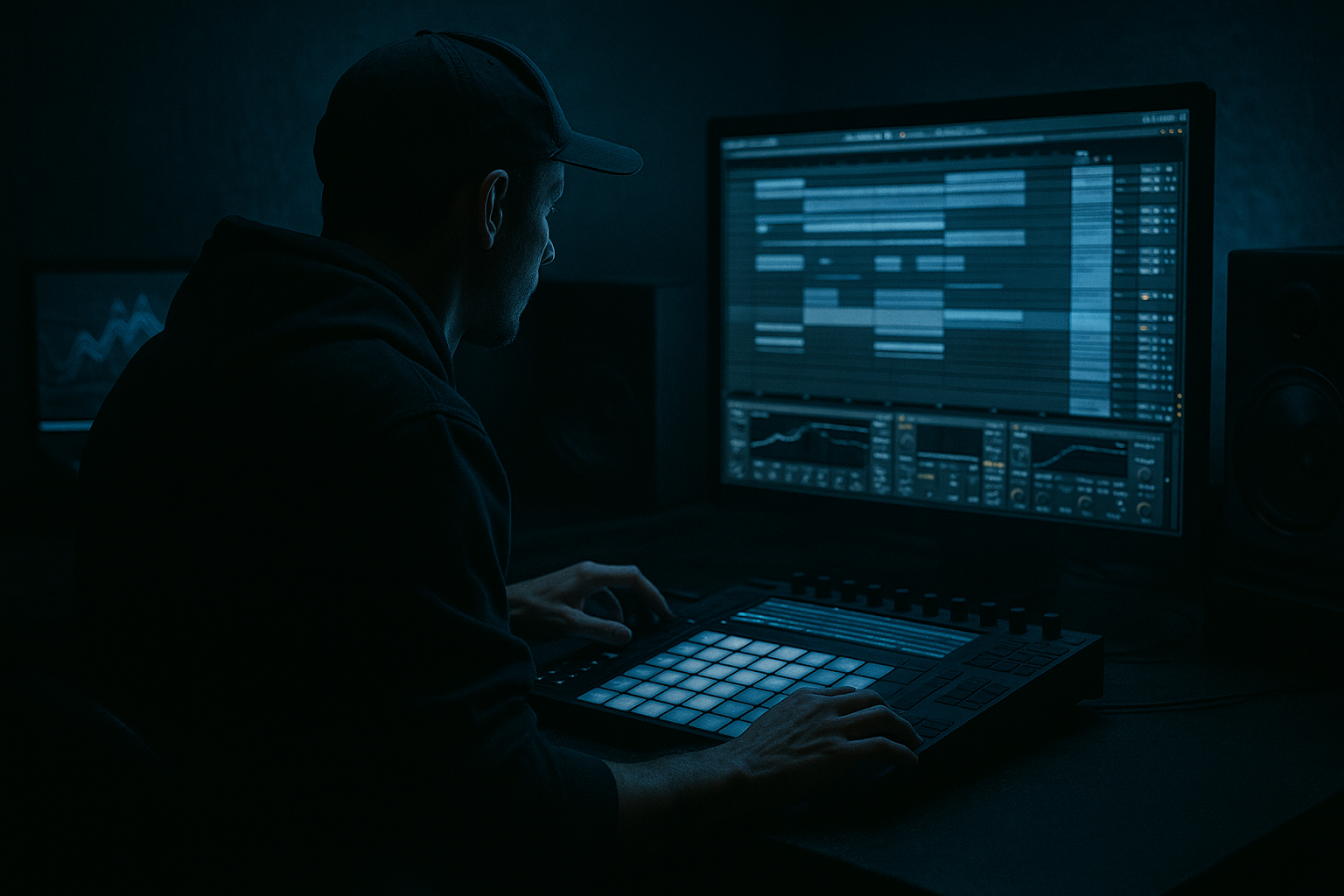
Main tutorial
Lesson Overview
In this lesson, you’ll learn how to modulate an Amen-style breakbeat so it feels alive across a full Drum & Bass arrangement in Ableton Live 12—while still staying DJ-friendly for clean mixing, intro/outro transitions, and club-ready phrasing.
This sits right at the intersection of drum editing, arrangement, and mastering mindset. In DnB, a loop that sounds great for 8 bars is not enough. The break needs to evolve through the track:
- open up in the intro
- lock into the drop with controlled variation
- create switch-ups without losing the groove
- leave room for the bass and the DJ’s next tune
- slice and reshape an Amen break
- automate tonal, stereo, and rhythmic changes
- create DJ-friendly 16/32/64-bar structure
- keep the drums punchy and mixable
- prepare the loop for mastering with enough headroom and control
- Intro: filtered, sparse, and mix-friendly for DJ blends
- Drop A: tight Amen variation with ghost-note detail and strong backbeat
- Drop B: more intense modulation, added fills, and widened texture
- Breakdown / Switch: tension-built variation using automation and resampling
- Outro: simplified version with clean low-end and less top-end clutter
- 174 BPM
- a weighty sub + reese call-and-response
- Amen chopped into phrase-aware edits
- controlled stereo movement on fills only
- enough dynamics to keep the track mixable in a DJ set
- 16 bars intro
- 32 bars drop
- 16 bars breakdown or switch
- 32 bars second drop
- 16 bars outro
- one audio track for the Amen break
- one MIDI track for sub
- one MIDI track for reese/bass movement
- one return for delay/reverb if needed
- one drum bus group for the break and any layers
- keep your intro drums filtered and narrower
- reserve the most aggressive Amen edits for the first 16 bars of the drop
- leave 4- or 8-bar transition cues before big switch-ups
- right-click the break
- choose Slice to New MIDI Track
- slice by Transient or 1/16 Notes if your source is already tight
- map it to a Drum Rack
- duplicate the original sliced clip
- make one version for main groove
- make another for variation/fill
- make a third for intro/outro filtered mode
- Simpler per slice if you need individual control
- Velocity variations for ghost-note realism
- Pitch adjustments on select snare/tom slices for tension
- Warp mode: Beats for short slices; Complex only if necessary
- Simpler Fade: 1–5 ms to avoid clicks on short hits
- Velocity range: keep ghost notes around 20–60 and main hits around 90–127
- strong kick/snare anchor
- ghosted ghost-snare or shuffled hat fragments
- one or two signature Amen pickups
- a small variation at the end of every 4 bars
- keep the main snare hits consistent
- move selected ghost notes slightly ahead or behind the grid
- use 1 or 2 repeated bars, then alter the 4th bar for a lift
- use Groove Pool with a subtle swing from a break-based groove
- try groove amounts around 10–30%
- nudge individual slices manually instead of quantizing everything hard
- EQ Eight: high-pass around 25–35 Hz to clean sub-rumble
- gently dip harshness around 3–6 kHz if the snare gets spiky
- Drum Buss: Drive 5–20%, Crunch lightly, Boom only if the break needs more weight
- Saturator: Soft Clip on, Drive 1–4 dB
- Glue Compressor: ratio 2:1, attack 10–30 ms, release Auto or 0.1–0.3 s, aiming for 1–2 dB of gain reduction
- filter cutoff
- reverb send
- stereo width
- sample tone/pitch
- device drive
- drum bus compression or saturation amount
- Intro: low-pass around 250–800 Hz
- Pre-drop lift: open to 2–6 kHz
- Drop: open fully or keep a subtle low-pass if the bass is bright
- Breakdown: automate filter movement rhythmically for tension
- Auto Filter Envelope for subtle pumping
- Shaper or Envelope Follower if you want the break to react to the transient of another element
- Frequency Shifter very lightly for metallic tension on fills only
- Bars 1–8: filtered, reduced top end, narrower width
- Bars 9–16: more open hats, stronger ghost notes, slight saturation lift
- Bars 17–24: add a fill every 4 bars using reversed slice or extra snare pickup
- Bars 25–32: full-intensity version, then remove elements for the outro or switch
- arm a new audio track
- set input to Resampling
- record 4–8 bars of your processed Amen
- drag the resulting audio into a new track
- reverse individual hits
- stretch one fill slightly for tension
- cut the audio at phrase points
- apply additional automation on the new sample
- Warp for alignment
- Reverse for a transition hit
- Fade handles on clip edges to avoid clicks
- Warp markers if a fill needs micro-timing correction
- create a 1-bar resampled fill at the end of every 8th bar
- use it only in the second drop
- keep the main groove cleaner in the first drop so the arrangement develops naturally
- sub mostly mono
- reese or mid-bass controlled in stereo
- leave room for kick/snare transients
- Utility on bass to keep sub mono
- EQ Eight to carve conflicting low mids
- Saturator or Overdrive lightly for audible bass on small speakers
- optional Sidechain Compressor keyed from the kick or from the whole drum bus, depending on style
- sub under 100–120 Hz kept centered
- reese widening mostly above 150–200 Hz
- avoid heavy stereo on the break’s low mids if the bass is already wide
- shorten break sustain with envelope shaping
- trim bass release times
- notch a small area in the bass around the snare’s body if needed
- use dynamic headroom, not static blanket cuts
- start with filtered Amen fragments
- remove the sub entirely for the first 8–16 bars
- use only hats, rim hits, ghost snare bits, and atmosphere
- introduce the bass with a low-pass or muted version before full drop impact
- reverse the process
- strip away the big fills
- leave a simpler break pattern with reduced top end
- keep 8–16 bars of clean rhythmic material for mixing out
- duplicate the full drop section
- simplify it for intro/outro by deleting notes or using clip envelopes
- automate Auto Filter and Utility Width to reduce clutter
- keep the final outro less dense than the intro if you want easy DJ transitions
- Over-quantizing the Amen
- Too much break activity in the same frequency range as the bass
- Making every 4 bars a big fill
- Overprocessing with compression
- Ignoring DJ phrasing
- Stereo widening the whole drum bus
- Not checking the break with the bass
- Use controlled saturation on the break group
- Automate tone instead of volume for energy changes
- Add tension with selective pitch shifts
- Print the break and re-cut it
- Use reverb only as a transition tool
- Keep sub cleaner than you think
- Let the break “answer” the bass
- Slice the Amen into MIDI so you can shape it like a DnB instrument.
- Build around 16/32-bar phrasing for DJ-friendly structure.
- Use light groove, automation, and resampling to create evolution.
- Process the drum bus with EQ Eight, Drum Buss, Saturator, and gentle compression.
- Keep the bass disciplined: mono sub, stereo discipline, and clear call-and-response.
- Save the biggest fills and tonal changes for phrase endings and drop transitions.
Why this matters: the Amen is iconic because it’s already rhythmic, ghost-note rich, and full of movement. But if you repeat it unchanged, it can become static or clash with a modern bassline. Modulation gives you motion, tension, and identity without wrecking the dancefloor function of the tune. 🔥
We’ll build a system that uses Ableton stock tools to:
---
What You Will Build
By the end, you’ll have a dark, evolving Amen-based drum section that works in a proper DnB arrangement:
Musically, think of a tune that could sit between rollers and darker jungle-inflected DnB:
---
Step-by-Step Walkthrough
1. Start with a clean DnB arrangement frame
Set your project to 174 BPM. Drop in a reference track if you have one, and build your session/arrangement around standard DnB phrasing:
In Ableton Live 12, create:
Why this works in DnB: club DJs need phrase clarity. If the break changes too randomly, it becomes hard to mix. If it’s too static, it feels unfinished. A 16/32-bar logic keeps it functional and musical.
Practical starting point:
2. Slice the Amen properly and turn it into a playable instrument
Drag your Amen break into Simpler or use Slice to New MIDI Track. For this lesson, slicing to MIDI is the most flexible approach.
In Ableton:
Now you can re-sequence the break instead of just looping it.
Suggested workflow:
In the Drum Rack, use:
Useful parameter suggestions:
3. Build a phrase-aware Amen groove, not just a loop
Program a 2-bar or 4-bar pattern that respects DnB phrasing. Don’t overfill the bar immediately. The Amen needs breathing room so the bassline can speak.
Start with a groove framework:
A good first pass:
Ableton tools:
Why this works in DnB: the Amen’s magic is in the push-pull timing. Slightly imperfect placement creates propulsion. Too much grid correction kills the jungle feel; too little makes it sloppy.
4. Shape the break with transient, tone, and bus control
Group your Amen slices and process the drum bus. This is where the sound starts to feel like a mastered part of a track rather than a raw sample.
On the break group, try this stock device chain:
1. EQ Eight
2. Drum Buss
3. Saturator
4. Glue Compressor or Compressor
5. Optional Utility for width control
Suggested settings:
Keep the break punchy but not smashed. In DnB mastering terms, the drums need transient definition and consistent density without collapsing the low-mid space needed by the bass.
5. Modulate the Amen across sections with automation
This is the core of the lesson: the break should evolve in a DJ-friendly way across the track.
Automate these across sections:
Use Auto Filter on the break group:
For movement, use LFO tool options within Ableton stock workflow:
Automation idea:
Musical context example: if your bassline is a dark reese with long held notes, automate the Amen to become busier during the bass gaps, then simplify it when the bassline hits a sustained note. That creates call-and-response without overcrowding the drop.
6. Add variation through resampling and slice editing
For a more advanced intermediate workflow, resample your processed break into a new audio track. This gives you a “printed” version of the tonal and dynamic processing.
Steps:
Now you can:
Ableton stock tools to use here:
Good use case:
7. Lock the break against the bass and low-end
In DnB, the break is only half the record. The bass must sit around it, not under it in a muddy way.
On the bass track, keep it disciplined:
Use:
Practical ranges:
If the Amen and bass clash, do not just turn things down. Instead:
8. Finish the DJ-friendly intro and outro
Now make the track mixable. Your intro and outro should let a DJ blend in and out without fighting the full drum/bass energy.
Intro suggestion:
Outro suggestion:
Ableton workflow:
This is masterful arrangement thinking: a strong DnB tune isn’t only about the peak, it’s about how elegantly it hands off to the next record.
---
Common Mistakes
- Fix: keep some human timing. Use Groove Pool lightly or manually offset ghost notes.
- Fix: trim low mids on the break, keep sub mono, and simplify bass notes during busy fills.
- Fix: save larger edits for phrase endings. Small movement is often enough.
- Fix: use transient-friendly bus shaping. If the break loses punch, back off the Glue Compressor or shorten its release.
- Fix: build intro/outro sections in 16- or 32-bar blocks so the track can be mixed cleanly.
- Fix: keep the center strong. Use width only on higher percussion, atmospheres, or fills.
- Fix: audition the break at full arrangement level, not solo. In DnB, solo sounds can be misleading.
---
Pro Tips for Darker / Heavier DnB
- Try Saturator with Soft Clip and modest Drive to make the Amen feel denser without flattening the transient.
- A slightly brighter snare or more open hat often reads as “bigger” than simply louder.
- Pitch a fill slice up or down by a few semitones for a one-shot accent. Use it sparingly for neuro or darker jungle energy.
- Resampling lets you capture the exact sound of your processing and then re-edit it like a new sample. Great for darker switch-ups.
- Short, filtered reverb throws on the last snare before a drop can sound huge. Don’t wash the main groove.
- Heavy DnB gets heavy by contrast, not by chaos. A disciplined mono sub makes the break feel more aggressive.
- Use fewer drum hits when the bassline is busy, and more drum detail when the bass holds. That call-and-response is a huge part of modern rollers and darker jungle-inflected DnB.
---
Mini Practice Exercise
Spend 10–20 minutes making one 16-bar section.
1. Load an Amen break and slice it to MIDI.
2. Program a 2-bar groove with one strong variation.
3. Duplicate it across 16 bars.
4. Automate Auto Filter so the first 8 bars are darker and the last 8 bars are more open.
5. Add one resampled fill at bar 8 or bar 16.
6. Put Drum Buss and Saturator on the break group.
7. Add a simple sub note pattern underneath and check the balance in mono.
8. Listen once with the drums soloed, then once in the full arrangement.
Goal: make the break feel like it develops over time while still being easy to mix.
---
Recap
If the Amen feels alive, controlled, and mixable at the same time, you’ve nailed the core of modern DnB drum arrangement.

