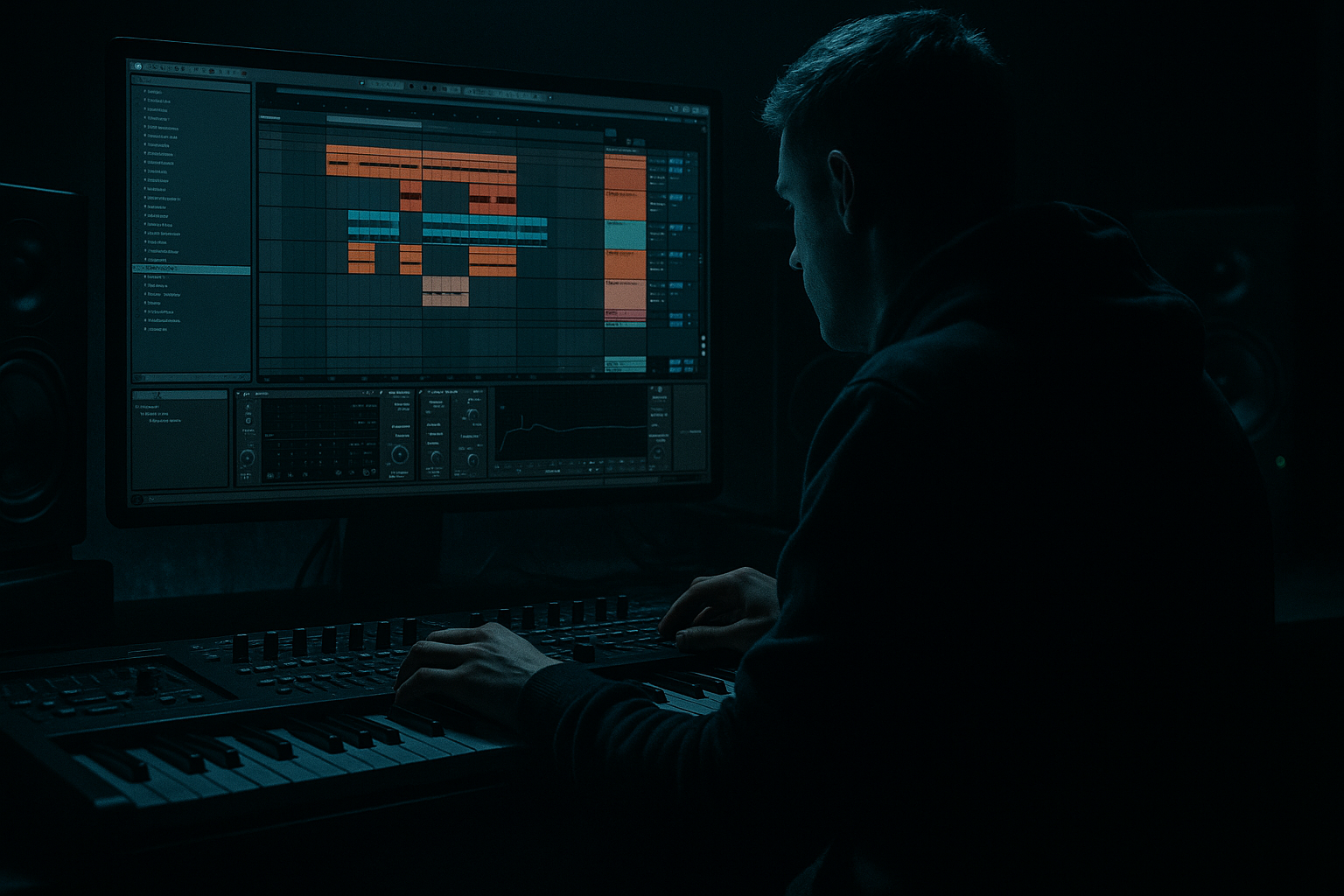
Main tutorial
Lesson Overview
In this lesson, you’ll build a Moonlit Jungle break roll in Ableton Live 12 using an automation-first workflow. That means the roll, movement, and tension are shaped mostly by automation and arrangement choices first, rather than by piling on lots of extra sounds.
This is a classic Drum & Bass / jungle skill because break rolls are what drive energy between phrases, lift a drop, and create that restless, rolling momentum you hear in darker rollers, liquid-jungle crossovers, and modern neuro-leaning DnB. In a real track, this kind of roll often appears:
- at the end of an 8-bar phrase before the drop returns
- as a fill leading into a vocal chop
- as a tension builder under atmospheres and bass movement
- as a transition from a sparse groove into a more intense section
- a chopped break with controlled swing
- vocal texture for ghostly movement
- automation on filters, reverbs, delay, and transients
- subtle resampling and arrangement changes for variation
- a chopped Amen-style or similar break pattern
- a vocal texture layer used like a ghostly rhythmic instrument
- controlled filter automation for rising energy
- reverb and delay throws for atmosphere
- a simple drum bus that glues the roll without killing punch
- a version you can use in a 32-bar intro, 8-bar pre-drop, or switch-up section
- busy but not messy
- dark, cinematic, and nocturnal 🌙
- tension-heavy without losing the drum groove
- ready to drop back into a full bassline or halftime switch
- Audio Track 1: Break loop
- Audio Track 2: Vocal texture
- Audio Track 3: FX / atmos or utility track if needed
- Warp the break if needed
- Set the clip to loop
- Turn on the metronome and listen for where the kick/snare energy naturally sits
- In bar 1, leave the break more open
- In bar 2, tighten the hits and add a few repeat slices near the end
- Use Ableton’s clip view to cut and duplicate small sections like snare tails or kick-snare fragments
- Bar 1: mostly original break
- Bar 2: increased density, with 1/8 or 1/16 repeats on the last beat
- hit, hit, gap
- hit, hit, hit
- short snare repeat at the end
- Drive: 5–15%
- Crunch: very low or off at first
- Boom: 0–10% if the break needs more low thump
- Damp: adjust by ear to keep the top end smooth
- Transients: +5 to +20 for sharper hits
- High-pass very gently if the break is muddy, around 20–35 Hz
- Cut a little around 250–500 Hz if the break sounds boxy
- If the hats are harsh, reduce a narrow area around 7–10 kHz
- one syllable
- a whispered phrase
- a single sustained vocal note
- a chopped word like “moon,” “night,” “come,” or “fall”
- Auto Filter
- Simple Delay
- Reverb
- optionally Utility
- Auto Filter: low-pass around 2–8 kHz depending on brightness
- Simple Delay: 1/8 or 1/16, feedback around 15–30%
- Reverb: short-to-medium size, decay around 1.5–3.5 s
- Utility: reduce width if the vocal gets too wide in the low mids
- on the last half of bar 1
- before the snare in bar 2
- as a call-and-response with the break
- Bar 1: keep it fairly open
- Bar 2: slowly close or open depending on the mood
- Final 1/4 bar: quick movement for tension
- Rising tension: cutoff moves from darker to brighter
- Moonlit fade: cutoff briefly closes, then opens for the drop
- start darker
- open the filter on select syllables
- close it before the loudest drum hit
- Reverb
- Simple Delay
- decay: 2–4 seconds
- pre-delay: 10–25 ms
- low cut if possible, or EQ later
- keep the wet signal supportive, not huge
- sync to 1/8D or 1/16
- feedback around 20–35%
- keep the return quieter than the dry vocal
- add more reverb on one word or chopped snare
- reduce it immediately after
- use one delayed hit at the end of the roll for a tail into the drop
- slightly shifting some chopped hits later for a laid-back feel
- nudging a few ghost notes earlier for urgency
- leaving the main snare anchors strong and direct
- apply a Groove Pool swing lightly, around 55–58% feel
- don’t overdo it, especially on the snare
- Bar 1: break starts open, vocal is quiet or filtered
- Bar 2 beat 3: vocal chop appears
- Last 1/4 bar: break density increases, vocal gets a delay throw
- Drop: everything opens and the full groove returns
- before a bass re-entry
- before a stop-start switch-up
- in a DJ-friendly intro to hint at the main vibe
- under a snare build before the drop
- it lets you commit the sound
- it makes it easier to chop the best moments
- it can make the roll feel more cohesive
- slice the rendered roll into smaller pieces
- reverse one tiny vocal tail
- duplicate a strong snare hit at the end
- create a variation for the next phrase
- 8 bars intro: filtered break and atmosphere
- 8 bars groove: main break pattern
- 2-bar roll: your Moonlit Jungle automation phrase
- drop: full drums and bass
- 8-bar switch-up: reduced drums with vocal echoes
- a bassline re-entry
- a snare fill
- a half-time break
- a dark atmospheric breakdown
- Making the roll too busy
- Using too much reverb on the whole break
- Letting the vocal fight the drums
- Overprocessing the break
- Forgetting the low end
- Automating too many things at once
- Darken the vocal with filtering
- Use short delay throws instead of long echoes
- Add a tiny bit of Drum Buss Drive
- Use automation to fake complexity
- Keep the low end mono
- Make the final beat before the drop special
- Think in phrases
- Build your roll from a strong break and a simple 2-bar phrase.
- Use vocals as a ghost texture, not a main lead.
- Automate filters first to create motion and tension.
- Use delay and reverb throws sparingly on key hits.
- Keep the groove tight, the low end controlled, and the phrase structure clear.
- In DnB, the best rolls sound powerful because they’re arranged well, not just overloaded.
We’ll make the roll feel “moonlit” by using:
Why this matters in DnB:
DnB relies on energy control. A good roll doesn’t just sound busy — it tells the listener when the drop is coming, where the phrase is headed, and how hard the next section should hit. In jungle and darker DnB, the roll often borrows motion from breaks, but the real power comes from how you automate the space around it. That’s what makes it feel alive.
---
What You Will Build
By the end of this lesson, you’ll have a 2-bar break roll that can slot into a DnB arrangement as a transition or build.
It will include:
Musically, the result should feel like:
Think of it as a “moonlit jungle” phrase: break energy, vocal mist, and automation movement all working together.
---
Step-by-Step Walkthrough
1) Start with a clean project and set the DnB pace
Open Ableton Live 12 and set the tempo to 174 BPM. That’s a comfortable starting point for modern DnB and jungle-based rolls.
Create three tracks:
Drag in a clean break sample. A classic Amen, Think, or any tight jungle break works well. For beginners, pick a loop that already has a strong groove and clear snare placement.
If the break is too long or loose, don’t worry yet. The goal is to shape it with arrangement and automation, not perfection immediately.
Useful starting moves:
Beginner tip: keep the first version simple. A strong break with good timing is better than a complicated edit that loses groove.
---
2) Build a 2-bar roll using clip duplication and simple edits
Duplicate the break clip so you have 2 bars to work with. This is your main roll cell.
Now edit the clip to create a sense of acceleration:
A good beginner-friendly structure:
Try a simple rhythm idea:
This kind of phrasing works in DnB because the listener feels the forward push without the roll becoming a full drum fill explosion. You’re creating tension by increasing note density near the end of the phrase.
If you want a more authentic jungle feel, keep the snare placement recognizable and let the tiny chops happen around it. That preserves the break identity.
---
3) Shape the break with Drum Buss and EQ Eight
Add Drum Buss to the break track. This is a stock Ableton device that’s great for adding weight and punch without overcomplicating things.
Good starter settings:
Then add EQ Eight after Drum Buss:
This is also where you should think about the bassline space. Even though we’re focusing on drums and vocals here, DnB only hits hard if the low end stays organized. Your break should have power, but it should not fight the sub.
Why this works in DnB:
Drum Buss can help the break feel more “finished” and energetic while preserving the transient snap that DnB needs. In fast music, small transient changes matter more than huge tone changes.
---
4) Add a vocal layer as a rhythmic ghost
This is where the lesson becomes “Vocals” category specific.
Take a short vocal phrase, breath, word fragment, or spoken texture. It can be:
Place it on a new audio track and warp it to fit the grid loosely. You do not need a full melody. In this style, vocals often act like a texture or percussion layer.
Now process the vocal with:
Suggested starting settings:
The goal is to turn the vocal into a ghost rhythm that sits behind the break. It should not feel like a lead vocal chorus. Think of it as mist over the drums.
Try placing vocal hits:
A tiny vocal chop can make a roll feel much more musical and cinematic without adding clutter.
---
5) Automate the filter first, not last
This is the main automation-first idea.
Instead of stacking more sound layers, create movement by automating the existing sounds. Start with the break and vocal track filters.
On the break track, automate Auto Filter cutoff:
Two useful approaches:
For the vocal, use filter automation to make it appear and disappear like a specter:
Also automate filter resonance lightly if you want a more nasal, eerie accent. Keep resonance subtle so it doesn’t whistle too much.
Concrete automation idea:
In the last 2 beats before the drop, raise the vocal filter cutoff from about 1.5 kHz to 6 kHz, then pull it back down right on the drop. That creates a quick inhale/exhale feeling.
---
6) Use reverb and delay throws only on selected hits
Instead of drowning the whole roll in reverb, automate sends or device mix to create throws on specific hits.
Create a Return Track with:
On the reverb return:
On the delay return:
Now automate send amounts from the vocal or break:
This is very common in modern DnB arrangement: one special effect hit is better than constant wash. It creates focus, and the listener notices the phrase ending.
---
7) Add groove with timing, not just swing percentage
DnB rolls get their character from micro-timing as much as from sound choice.
If you’re using the original break, try:
Ableton’s clip editing makes this manageable. If you split the break into pieces, you can move the tiny slices slightly without changing the whole groove.
If you want a little more bounce:
A good rule:
Keep the main backbeat stable. Move the decoration.
That’s how you get a rolling DnB feel without losing the power of the original break.
---
8) Create a simple drum-vocal call and response
Now arrange the roll so the drums and vocals answer each other.
Example 2-bar phrase:
This kind of call-and-response is especially effective in darker DnB because it gives the listener a short story inside the phrase. The drums say one thing; the vocal answers. That keeps the energy moving without needing a huge fill.
If you’re working toward a full arrangement, use this roll:
---
9) Resample the roll if you want a more “finished” sound
Once the automation feels good, record the result to a new audio track. In Ableton, you can resample internally by setting a new audio track input to Resampling and recording the phrase.
Why do this?
After resampling, you can:
This is a common DnB workflow: build it, print it, then edit it like a performance.
---
10) Put it into a mini arrangement
Place your roll inside a larger structure so it has a job.
A beginner-friendly arrangement example:
In a full track, this roll works well right before:
Keep the arrangement DJ-friendly by not overloading every section. Let the roll be a clear event, not constant motion.
---
Common Mistakes
- Fix: remove a few extra chops and keep the main snare recognizable. In DnB, clarity beats constant density.
- Fix: use automation or send throws only on selected hits. Too much wash blurs the groove.
- Fix: high-pass the vocal if needed, darken it with Auto Filter, and keep it as texture rather than a lead.
- Fix: start with Drum Buss + EQ Eight only. Add more only if the groove actually needs it.
- Fix: check that the roll isn’t masking the bass/sub area. If it is, trim low frequencies from the break and vocal layers.
- Fix: begin with filter automation, then add one or two send moves. One strong automation idea is better than five weak ones.
---
Pro Tips for Darker / Heavier DnB
- Roll off highs so it feels eerie, not poppy. A darker vocal sits better in underground DnB.
- A quick 1/16 or 1/8D delay can create movement without cluttering the mix.
- Keep it modest. Enough to thicken the break, not crush it.
- You do not always need more sounds. A filter sweep, a reverb throw, and one chopped vocal can feel very detailed when timed well.
- If your vocal or break is getting wide, use Utility or EQ to keep the low mids and lows controlled.
- This is where a vocal reverse, snare repeat, or delay burst can make the drop feel much bigger.
- DnB lives in 4-bar and 8-bar logic. If your roll feels random, it probably needs stronger phrase structure.
---
Mini Practice Exercise
Spend 10–20 minutes building a new version of this roll.
1. Choose a different break sample from your library.
2. Build a 2-bar loop at 174 BPM.
3. Add one vocal chop or spoken fragment.
4. Use only these devices at first:
- Drum Buss
- EQ Eight
- Auto Filter
- Simple Delay
- Reverb
5. Automate only three things:
- break filter cutoff
- vocal filter cutoff
- reverb send or dry/wet on one hit
6. Make one version that rises in brightness and one that gets darker before the drop.
7. Resample both and pick the stronger one.
Goal: make the roll feel like it belongs in an actual DnB arrangement, not just a loop.
---
Recap
If you want, I can turn this into a second lesson with a more advanced version using rack chains, sampler slicing, and automation lanes for a full drop transition.

