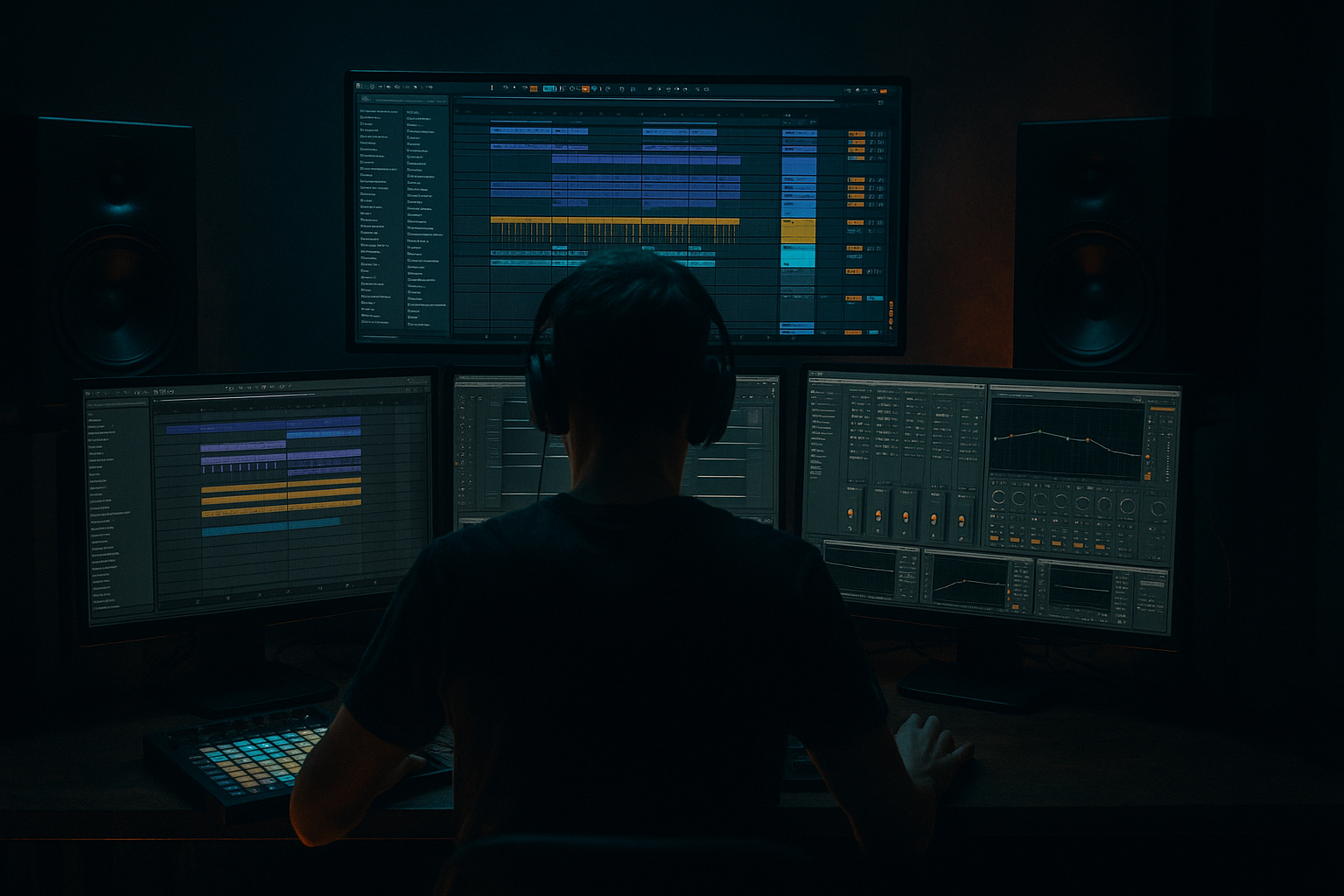
Main tutorial
Negative Space Groove Design for Jungle
1. Lesson overview
In jungle, groove is not just about what you play — it’s about what you leave out. That empty space between kicks, snares, chops, ghost hits, and bass notes is where the swing, tension, and forward pull live. 🔥
In advanced drum and bass production, especially jungle and rolling bass music, negative space groove design means you intentionally create rhythmic pockets so the drums feel urgent, broken, and alive without sounding overcrowded.
This lesson will show you how to build a jungle groove in Ableton Live that feels fast, breathable, and dangerous by controlling:
- drum hit placement
- rests and gaps
- call-and-response between kick, snare, hats, and break edits
- bass note timing around the drums
- micro-dynamics with velocity, envelopes, and transient control
- arrangement space over an 8- or 16-bar phrase
- a punchy kick/snare backbone
- an Amen-style chopped break layer
- intentional gaps that make the loop breathe
- a reese or sub bass pattern that avoids stomping on the drums
- ghost percussion used sparingly
- automation and variation to keep the groove evolving
- fast but not cluttered
- rolling but not constant
- aggressive but still spacious
- classic jungle energy with modern control
- Tempo: 168–174 BPM
- Key: F minor, E minor, or G minor work well for darker jungle
- Tracks:
- Drum Rack
- Simpler
- Sampler
- Groove Pool
- EQ Eight
- Compressor
- Glue Compressor
- Drum Buss
- Saturator
- Utility
- Auto Filter
- Corpus for metallic percs if needed
- Echo and Hybrid Reverb for dub space accents
- Snare on beat 2 and 4
- Kick not filling every obvious downbeat
- Leave gaps before or after key accents
- Kick: 1.1, 1.2.3, 1.3.4
- Snare: 1.2, 1.4
- Does the groove already feel like it has a push-pull?
- Is there a hole somewhere that creates anticipation?
- where the original drummer leaves air
- where ghost notes create momentum
- where there is a natural “hole” after a snare or kick
- strongest kick slices
- strongest snare slices
- ghost snare/hat slices
- noisy tail slices
- breathy in-between slices
- 2 kick-ish slices
- 2 snare-ish slices
- 4–6 ghost/hat slices
- 1 drag/flam slice
- 1 noise tail/reverse-ish slice
- the kick leaves room after impact
- the snare has a short window before ghost motion resumes
- hats and ghosts imply movement without becoming a wall
- bass avoids speaking over kick/snare transients
- a ghost before snare 2
- a hat after snare 2
- a drag leading into beat 4
- a small fill at the end of the bar
- one 1/16 gap after major kick
- one 1/16 or 1/8 gap after major snare
- a cleaner first half or second half of the bar
- Beat 1: kick + short hat
- Then leave one 1/16 empty
- Add a late ghost before beat 2
- Snare on 2
- No immediate hat stack after snare
- Tiny ghost on the “a” of beat 2
- Kick late in beat 3
- Sparse hat movement into snare on 4
- Mini fill only in the last two 1/16ths
- Set grid to 1/16
- Then disable grid temporarily and nudge ghost hits manually
- Use velocity shaping aggressively:
- Volume envelope decay: shorten slightly
- Sustain: low or zero
- Filter envelope: subtle low-pass for softer ghosts
- Keep transients short and sharp
- Use less tail than you think
- Filter: Low-pass around 7–10 kHz
- Amp decay: shorter than original
- Velocity to volume: 60–80%
- Optional Saturator after the pad:
- Group strong slices on one color
- Ghosts on another
- Fill/noise slices on another
- Ghost Level
- Fill Level
- Break LPF
- Break Saturation
- Osc A: Sine
- Osc B/C/D: Off
- Filter: Off
- Amp envelope:
- directly on every kick
- directly under every snare tail
- across every empty pocket
- let the kick define one low-frequency event
- let the sub answer in the gap after
- cut the sub before major snare hits
- don’t start a long sub note exactly there unless the kick is short and separated
- try starting the sub on the “and” after beat 1
- end it before snare on beat 2
- sub fills the pocket in one bar
- next bar leaves more room for drum fill
- then reese comes in only at phrase endings
- Timing: 30–55%
- Velocity: 15–30%
- Random: 0–10%
- Quantize: 1/16
- apply a light groove
- commit it if useful
- then manually nudge specific ghost hits by a few milliseconds
- pre-snare ghosts slightly early
- post-snare hats slightly late
- fill notes at bar end slightly rushed
- break ghosts
- fills
- occasional snare layers
- Core kick/snare
- Sparse break layer
- Minimal sub
- One signature ghost pattern
- Add more break chatter in bar 8
- Introduce a small reese stab
- Open a filter on hats slightly
- Pull percussion back again
- Let the bass answer less often
- Bring in atmosphere or dub delay tails
- Increase fill density
- Add one stronger snare drag or roll before transition
- Cut low end briefly in bar 16 beat 4 for impact into next phrase
- duplicate the main break clip
- remove 2–4 notes in later bars instead of adding notes
- alternate dense and sparse bars
- rim or snare send to Echo
- occasional stab through Hybrid Reverb
- filtered atmospheric tails in the background
- Mode: Stereo or Ping Pong
- Time: 1/8 or 1/4
- Feedback: 15–30%
- Filter engaged
- High-pass around 500 Hz
- Low-pass around 4–6 kHz
- Dry/Wet on return at 100%
- last snare before a fill
- isolated percussion stab
- one vocal chop
- does the groove improve when this note disappears?
- shorten bass notes
- move note starts off major drum hits
- automate volume or sidechain gently
- mains loud
- ghosts clearly lower
- fills lower unless transitional
- use Groove Pool lightly
- manually nudge select ghosts
- leave transients human where they help
- use short rooms
- use delay sends selectively
- keep sub and kick mostly dry
- backbone
- 3–5 support slices
- 1 small fill
- remove hats for 1/16 after snare 2 or 4
- shorten snare tail with envelope/transient shaping
- vinyl hiss
- low-level break room noise
- filtered field recording
- Auto Filter
- Utility
- EQ Eight
- keep sub clean and mono
- destroy the reese/mid layer above it
- kick on beat 1
- bass response on 1.1.3 or 1.2
- cut before snare
- tension
- release
- a more DJ-friendly looping structure
- break low-pass opening slightly into fills
- reese notch movement with Auto Filter
- send amount to Echo only on transition hits
- Drum Buss drive increase for end-of-phrase aggression
- Kick
- Snare
- Break Rack
- Sub
- FX
- Kicks: 1.1, 1.2.3, 1.3.4
- Snares: 1.2, 1.4
- 2 ghost slices
- 1 hat slice
- 1 fill slice at the very end
- no bass note can overlap a snare hit
- at least one kick must be followed by silence before bass enters
- Timing 40%
- Velocity 20%
- fast
- tense
- rolling
- spacious enough that each hit matters
- Start with a strong kick/snare skeleton
- Use break slices selectively, not continuously
- Create pockets after major hits
- Shape ghost notes with lower velocity and shorter envelopes
- Make the bass respond to drum space
- Use Groove Pool lightly, then edit manually
- Arrange density across phrases instead of maxing out every bar
- Keep FX and reverb from filling your carefully designed gaps
We’re not making a sterile two-step loop. We’re designing a groove that moves because of absence.
---
2. What you will build
By the end of this lesson, you’ll build a 16-bar jungle groove section in Ableton Live with:
Target result
Think:
Suggested project setup
1. Kick
2. Snare
3. Main Break
4. Percussion/Ghosts
5. Sub Bass
6. Mid Bass or Reese
7. FX/Atmos
8. Drum Bus
Recommended stock Ableton tools
---
3. Step-by-step walkthrough
Step 1: Start with the core groove skeleton
Before touching break chops, build a minimal kick and snare pattern.
Pattern concept
At 170 BPM, jungle often gains its complexity from breaks, but the backbone still matters:
Example backbone pattern
Program a 1-bar loop in MIDI or audio:
Now mute everything else and listen:
If not, remove one kick before adding more.
That’s the key mindset: subtract first.
Kick processing chain
On your kick track:
1. EQ Eight
- High-pass at 25 Hz
- Small cut around 250–350 Hz if boxy
2. Saturator
- Soft Sine or Analog Clip
- Drive: 2–4 dB
- Output adjusted to match level
3. Drum Buss
- Drive: 3–6
- Crunch: low or off
- Boom tuned to root/sub area if needed, but be careful
4. Utility
- Mono below 120 Hz if using a stereo kick sample
Snare processing chain
1. EQ Eight
- High-pass around 100 Hz
- Boost slightly around 180–220 Hz for body if needed
- Add presence at 2–5 kHz
2. Compressor
- Ratio: 4:1
- Attack: 10–20 ms
- Release: 40–80 ms
- Aim for 2–4 dB gain reduction
3. Saturator
- Drive: 1–3 dB
4. Optional Hybrid Reverb
- Very short room
- Dry/Wet: 5–10%
The snare should hit hard, but not fill all the space with a long tail.
---
Step 2: Import a classic break and find the empty spaces
Now bring in a classic breakbeat — Amen, Think, Apache, Funky Drummer, etc.
Workflow in Ableton
1. Drag the break into an audio track.
2. Turn Warp on.
3. Set the correct start marker.
4. Use Beats mode for rough timing or Complex Pro off — usually not needed.
5. Slice the break:
- Right click the clip
- Slice to New MIDI Track
- Choose slicing by transient or 1/16 notes
Ableton will create a Drum Rack with your break slices.
What to listen for
You are not looking for “cool chops” yet.
You are identifying:
Solo the break and mark:
Advanced jungle rule
Don’t use every slice.
Choose maybe:
This forces arrangement discipline.
---
Step 3: Design the groove around missing hits
This is the core of the lesson.
Instead of filling a 1/16 grid, create a loop where:
Practical pattern method
Build in layers:
#### Layer A: Backbone
Keep your programmed kick/snare.
#### Layer B: Break accents
Add only slices that support the main rhythm:
#### Layer C: Silence
Intentionally leave:
Example negative-space jungle bar
Try this logic:
The loop should feel like it’s ducking and lunging, not continuously chattering.
Editing tips in MIDI
In the Drum Rack clip:
- main hits: 100–127
- ghost hits: 35–75
- hat textures: 45–90
Important
If a ghost note doesn’t increase forward motion, delete it.
---
Step 4: Use velocity and envelope shaping to create air
Negative space is not only silence.
It’s also reducing the apparent weight of a hit so another hit can dominate.
In Simpler or Sampler on break slices
For ghost slices:
For key transient slices:
Example ghost-note treatment
On a ghost snare slice in Simpler:
- Drive 1–2 dB for presence without volume
This keeps the note present rhythmically, but not dominant sonically.
Rack organization tip
Inside the Drum Rack:
Then create Macro controls for:
This makes arrangement automation much faster.
---
Step 5: Make the bass obey the groove, not fight it
A lot of producers ruin negative space by writing a bassline that fills every hole the drums create.
For jungle, the bass should often respond to the drums, not sit on top of them constantly.
Build a sub pattern with restraint
Use Operator or Wavetable for clean sub.
#### Basic sub patch in Operator
- Attack: 0 ms
- Decay: 500–900 ms
- Sustain: -inf or very low if you want plucked movement
- Release: 80–150 ms
Groove principle
Avoid sub notes:
Instead:
Example bass rhythm
If your kick hits on 1.1:
That creates a conversation, which is exactly what jungle needs.
Bass processing chain
For sub:
1. EQ Eight
- Low-pass around 90–120 Hz if pure sub
- Remove rumble below 25 Hz
2. Compressor
- Gentle control only if needed
3. Utility
- Mono width 0%
4. Optional sidechain from kick/snare:
- very light
- 1–2 dB ducking max
- use for cleanup, not pumping
For reese/mid bass:
1. Wavetable or resampled audio
2. Auto Filter
- LP or band-pass automation
3. Saturator
- Drive 4–8 dB
4. Chorus-Ensemble lightly for width
5. EQ Eight
- carve around snare presence if needed
6. Compressor or Glue Compressor
Arrangement note
In darker jungle, a common move is:
That variation preserves the power of negative space.
---
Step 6: Groove Pool and microtiming for human urgency
Ableton’s Groove Pool is useful, but advanced jungle needs selective use.
Workflow
1. Extract groove from a break:
- right-click your original break
- Extract Groove
2. Open Groove Pool
3. Apply groove to:
- break MIDI track
- maybe percussion
- usually not to the sub unless very subtle
Suggested Groove Pool settings
Start with:
Then manually correct anything that weakens the pocket.
Better method for advanced control
Instead of relying fully on groove templates:
Good candidates for nudging
This creates tension and release without sounding sloppy.
---
Step 7: Use bus processing to exaggerate contrast
Negative space feels stronger when dense moments hit harder by comparison.
Drum bus setup
Route kick, snare, break, and perc to a Drum Group.
On the Drum Group:
1. Glue Compressor
- Attack: 10 ms
- Release: Auto or 0.3 s
- Ratio: 2:1
- Gain reduction: 1–3 dB
2. Drum Buss
- Drive: 2–5
- Crunch: 0–10%
- Damp around 6–10 kHz if too brittle
- Boom: very careful, often off for jungle buses
3. EQ Eight
- Tiny dip around 250–400 Hz if muddy
- Gentle high shelf if needed
Parallel smash return
Create a Return Track:
1. Compressor
- Ratio: 8:1 or higher
- Fast release
- Harder gain reduction
2. Saturator
- 4–8 dB drive
3. EQ Eight
- High-pass around 120 Hz
- Low-pass around 7–9 kHz
Send only:
This gives density without destroying your clean gaps.
---
Step 8: Arrange the groove so space evolves over 16 bars
A great jungle loop can still die in arrangement if every bar has the same amount of activity.
16-bar structure example
#### Bars 1–4
#### Bars 5–8
#### Bars 9–12
#### Bars 13–16
Arrangement trick
Use muting as groove design:
This is much more effective than constant escalation.
---
Step 9: Add dub space carefully
Jungle often benefits from FX tails, but these can kill negative space if overused.
Good space sources
Echo settings for jungle accents
On a return track:
Send only selected hits:
The delays should decorate the empty space, not flood it.
---
4. Common mistakes
1. Overfilling every gap
This is the big one.
If every 1/16 has a hat, ghost, fill, or bass note, you don’t have negative space — you have blur.
Fix
Mute one layer at a time and ask:
If yes, delete it.
---
2. Letting the bass cover drum transients
A sustained reese or sub can flatten the groove if it masks the kick/snare rhythm.
Fix
---
3. Using too many equally loud break slices
Jungle needs hierarchy.
Ghosts must feel secondary.
Fix
Use velocity and clip gain aggressively:
---
4. Quantizing everything too hard
Perfect grid alignment often kills jungle swing.
Fix
---
5. Too much reverb on drums
Long tails erase the holes you worked to create.
Fix
---
6. Confusing complexity with groove
More edits do not automatically mean better jungle.
Fix
Build a 1-bar groove that works with:
Then scale up.
---
5. Pro tips for darker/heavier DnB
If you want your negative-space jungle groove to hit more like darkside, techy, or heavyweight rolling DnB, use these moves 😈
1. Let the snare own a vacuum
After a big snare, leave a tiny dead zone.
That emptiness makes the next ghost or bass hit feel sinister.
Practical move:
---
2. Layer controlled noise in the gaps
Very quiet filtered texture can make sparse grooves feel larger without adding rhythmic clutter.
Try:
Process with:
Keep it low. You should miss it when muted, not notice it constantly.
---
3. Distort the mids, protect the sub
For darker jungle weight:
Mid-bass chain example:
1. Saturator drive 5–8 dB
2. Amp for grit
3. Auto Filter with envelope or automation
4. EQ Eight notch harsh resonances
5. Compressor
This gives aggression while preserving low-end clarity.
---
4. Use late bass answers
A bass note that arrives slightly after a drum phrase can feel much heavier than one that lands directly with the kick.
Try:
That creates menace and groove together.
---
5. Build phrase-end pressure with denser edits only at transitions
Keep bars 1–3 relatively restrained, then let bar 4 or 8 get busier.
This creates:
---
6. Automate darkness, not just volume
Use movement in tone to make sparse grooves feel alive.
Useful automations:
---
6. Mini practice exercise
Here’s a focused exercise you can do in 20–30 minutes.
Exercise: Build a 4-bar jungle groove with intentional emptiness
Step 1
Set tempo to 172 BPM.
Step 2
Create these tracks:
Step 3
Program a simple kick/snare backbone:
Step 4
Slice an Amen break to MIDI.
Step 5
In bar 1, use only:
Step 6
In bar 2, remove one of those ghost slices and add a different end fill.
Step 7
Write a sub pattern with only 2 notes per bar max.
Rule:
Step 8
Apply light groove from the original break:
Step 9
On bar 4, add a denser chop fill in the final half-beat.
Step 10
Now mute things one by one until the groove feels stronger.
Goal
Your loop should feel:
If it still sounds crowded, remove two more notes.
---
7. Recap
Negative space groove design in jungle is about controlling motion through absence.
Key takeaways
Final mindset
When producing jungle in Ableton Live, ask this constantly:
“What happens if I remove this note?”
If the groove gets clearer, harder, and more rolling, you’re designing negative space correctly. 🎯
The best jungle grooves feel like they’re always on the edge of falling apart — but never do. That tension comes from the empty spaces as much as the hits themselves.

