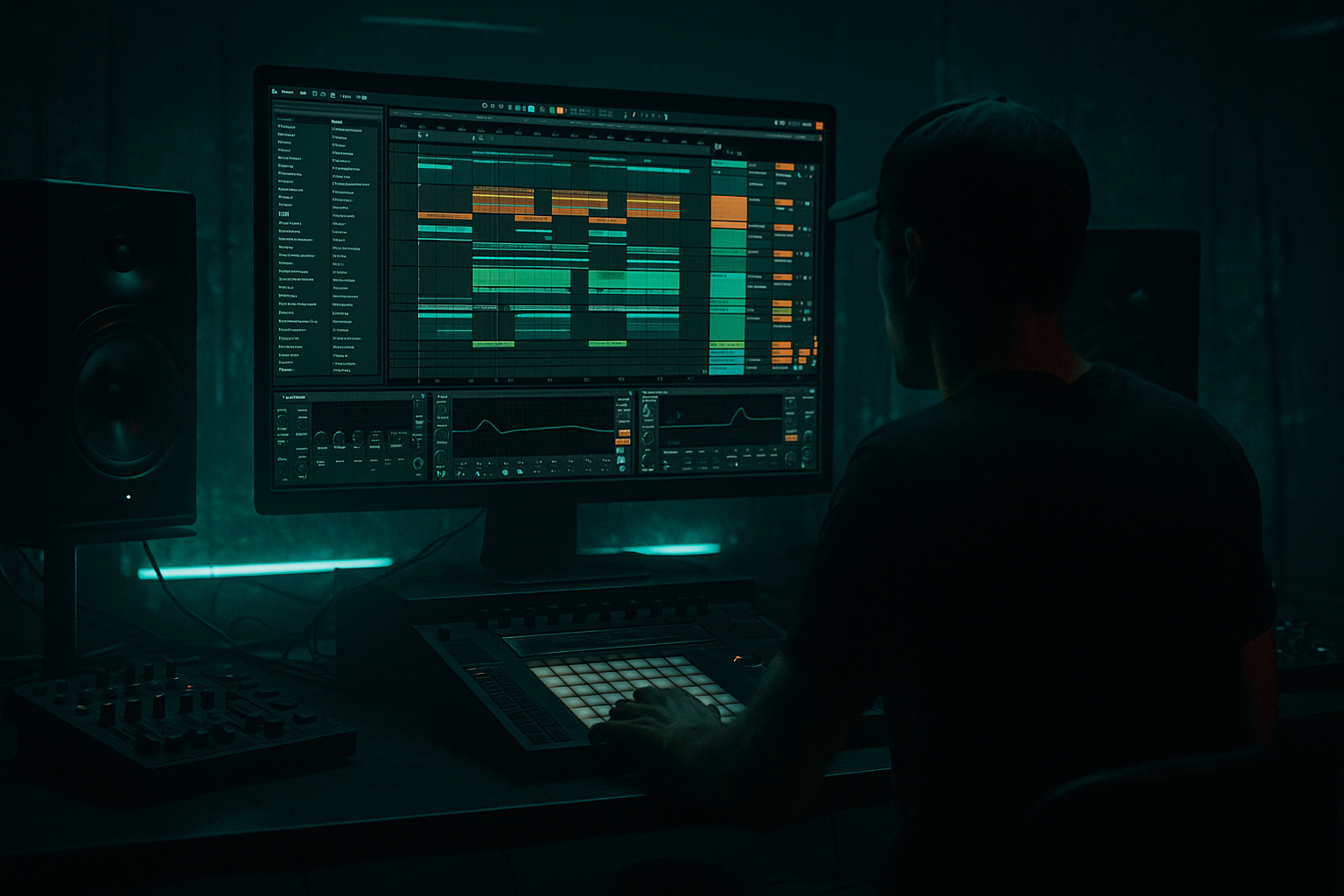
Main tutorial
```markdown
One‑Bar Motif Writing From Scratch (Arrangement View) — Drum & Bass in Ableton Live 🎛️🥁
1) Lesson overview
In drum & bass, a one‑bar motif is your “identity loop” — a short musical idea (often 1 bar) that can be repeated, varied, and arranged into a full track. Today you’ll write one from scratch directly in Arrangement View (not Session View), so you’re thinking like a finisher: composition + structure at the same time.
We’ll focus on:
- Building a 1‑bar musical motif (bass or mid hook) that locks to a DnB drum groove
- Using Ableton stock devices to shape it quickly
- Turning that 1 bar into 8–32 bars of arrangement using variation techniques
- Drums: 2‑step / roller foundation (kick + snare + hats)
- Bass motif: 1‑bar rhythmic pattern (sub + mid layer or one unified bass)
- Arrangement: an 8–16 bar “drop section” sketch with intentional variations every 2–4 bars
- Load: Drum Rack → drop in your own kick/snare/hats OR use core library samples.
- Keep it simple: Kick, Snare, Closed Hat, Open Hat, Ride (optional).
- Kick: on 1.1, and a second kick around 1.3.3 (or 1.3 depending on swing).
- Snare: strong on 1.2 and 1.4.
- Closed hats: steady 1/8 or 1/16, but leave micro-gaps for movement.
- Ghost snare (optional): a very low-velocity hit around 1.3.4 or 1.4.4 (depends on your groove).
- Add Groove Pool groove: try Swing 16‑65 (or any MPC-ish 16 swing).
- Apply groove mainly to hats/ghosts, not the main snare.
- On the Drum track:
- leaves space for the snare
- has one “call” and one “answer”
- is easy to vary every 2–4 bars
- Load Wavetable:
- Add:
- Operator → Osc A = Sine
- Add Saturator very lightly (Drive 1–3 dB) or keep clean
- EQ Eight:
- Wavetable: saw/square, filter + movement
- Auto Filter or Wavetable filter for motion
- Saturator / Overdrive for grit
- EQ Eight: high-pass around 120–180 Hz so it doesn’t fight the sub
- Optional Redux (very subtle) for edge
- Hit on 1.1 (root)
- Leave space around 1.2 (snare)
- Add a shorter “push” before beat 3
- Add a final “answer” late in the bar
- Note 1: 1.1.1 length ~ 1/8
- Note 2: 1.1.3 length ~ 1/16
- Note 3: 1.3.1 length ~ 1/8
- Note 4: 1.3.3 length ~ 1/16
- Note 5: 1.4.3 length ~ 1/16 (pickup into next bar)
- Make the late pickup (1.4.3) go up a 5th (C2 if you’re in F) or down to a darker note (Eb1 if it fits the scale).
- Stronger on 1.1
- Slightly lower for the quick 1/16 notes
- Keep sub fairly even; let mid layer carry dynamics if needed
- On Bass Group (or on Mid Bass if you prefer):
- Sidechain only from Kick (for sub) and maybe from Snare (for mid) depending on your mix. This keeps the sub consistent.
- Put Auto Filter on Mid Bass:
- Or use Shaper inside Wavetable (map Macro to movement)
- Nudge one note slightly late (a few ms) on the mid layer only
- Add one grace note (very short 1/32) before a main hit (jungle flavor), but keep sub clean.
- Bars 9–16: main motif
- Bars 17–24: same motif but with open hat energy + slightly brighter filter
- Bars 25–32: motif call/response with a half‑bar gap every 4 bars (crowd breath moment)
- Automate Mid Bass filter cutoff:
- Automate Reverb send only on the last 1/16 pickup note (creates depth without washing the groove)
- Hybrid Reverb (short room/plate, low send)
- Delay (1/8 or dotted 1/8 on a return, heavily filtered)
- If you mute the drums, does the motif still feel like a rhythm?
- If you mute the bass, do the drums still slam?
- Together: does the snare at 2 and 4 dominate the bar? (It should.)
- Too many notes: DnB motifs work because they leave air. Let the drums speak.
- Bass stepping on the snare: long notes through 1.2 and 1.4 = weak snare impact. Shorten notes or sidechain properly.
- No variation across 8 bars: a 1‑bar loop repeated 32 times screams “unfinished.”
- Over‑stereo bass: keep sub mono; stereo width belongs to mids/highs.
- Random sound design before composition: if the rhythm isn’t good on a plain sine/saw, it won’t magically become good with 12 devices.
- Use the “missing fundamental” trick: keep sub simple, distort the mid for weight.
- Resample for brutality:
- Minor 2nd tension (careful!): use a short passing note one semitone above root as a very brief stab (mid only), then resolve.
- Drum/bass call‑and‑response:
- Parallel smash on drums:
- A one‑bar motif in DnB is rhythm-first: rests, syncopation, and placement around the snare matter more than note count.
- Build it in Arrangement View so you naturally think in 8–16 bar phrases.
- Use stock devices (Wavetable/Operator, Saturator, EQ Eight, Compressor, Auto Filter) for fast, pro results.
- The difference between “loop” and “track” is variation + automation every few bars.
---
2) What you will build
A tight, repeatable 1‑bar motif in a dark/rolling DnB style:
Target vibe: jungle/roller energy — minimal notes, maximum groove 😈
---
3) Step‑by‑step walkthrough
Step 0 — Project setup (fast + correct)
1. Tempo: set to 172–176 BPM (try 174 BPM).
2. Time signature: 4/4.
3. Turn on Arrangement View (Tab).
4. Set Global Quantization to 1 Bar (top left).
5. Set the grid:
- Right-click timeline → Fixed Grid
- Start with 1/16 for drums, 1/8 for motif placement, then use Triplet grid as needed for jungle spice.
Workflow tip: Create a 16‑bar loop brace now (drag the Loop brace to cover 1–17). You’ll expand later, but it keeps you composing “in context.”
---
Step 1 — Lay a DnB drum anchor (so the motif has something to dance with) 🥁
Create 1 MIDI track: `Drums`.
Option A (quick): Use a Drum Rack
Program a classic 2‑step (1 bar):
Add groove:
Drum chain suggestions (stock devices):
1. EQ Eight: high-pass at ~25–30 Hz, small cut around 250–400 Hz if boxy
2. Drum Buss: Drive 5–15%, Crunch 5–20%, Damp to taste
3. Limiter (light safety): ceiling around -0.3 dB, just catching peaks
---
Step 2 — Choose motif role: “bass motif” is the DnB cheat code 🎯
Create 1 MIDI track: `Bass`.
For DnB, a motif often comes from rhythm + tone changes, not lots of notes. We’ll write a 1‑bar bass phrase that:
Key choice: pick a dark key like F minor or G minor.
---
Step 3 — Build the sound quickly (stock devices)
You can do this two ways:
#### Option 1: One unified bass (fast)
- Osc 1: Basic Shapes (saw or square)
- Unison: 2 voices, Amount low (keep mono focus)
- Filter: Low‑pass 24 dB, Drive slightly
1. Saturator (Analog Clip, Drive 2–6 dB)
2. EQ Eight (keep sub clean; tame harsh 2–5k if needed)
3. Compressor (optional light control)
#### Option 2: Split Sub + Mid (very common in DnB) 🔥
Make two MIDI tracks: `Sub` and `Mid Bass` (both play the same MIDI initially).
Sub track (Operator):
- Low-pass around 120–160 Hz
- Mono: use Utility → Width 0%, Bass Mono On (if available)
Mid Bass (Wavetable):
Routing tip: Group Sub + Mid into a Bass Group and put a gentle Glue Compressor (1–2 dB GR max) and Utility (mono low end) on the group.
---
Step 4 — Write the 1‑bar motif (the actual composition part) ✍️
Now write MIDI in Arrangement View.
1. In the timeline, create a 1‑bar MIDI clip on your Bass (or Sub/Mid) at bar 9 (pretend this is the drop start).
2. Double-click the clip to open the MIDI editor.
3. Set clip loop to 1 bar.
Motif concept: Use one root note (e.g., F1) and create rhythm with rests + syncopation.
Here’s a practical DnB roller motif template (in 1 bar of 4/4):
Example rhythm (1 bar):
Keep most notes the same pitch first. Then, add one variation note:
Velocity = groove:
DnB spacing rule: If your bass is stepping on the snare at 1.2 and 1.4, shorten notes so the snare punches through.
---
Step 5 — Lock the motif to the drums with sidechain (clean + loud) 🧼
You want the bass to feel glued to the kick/snare without destroying the tone.
Simple stock sidechain:
- Add Compressor
- Enable Sidechain
- Input: your Drum track (or just a dedicated ghost trigger track if you have one)
- Start settings:
- Ratio 4:1
- Attack 1–5 ms
- Release 60–120 ms (time it to bounce back before the next hit)
- Threshold: aim for 2–5 dB gain reduction on kick/snare hits
Advanced (cleaner):
---
Step 6 — Make it feel like DnB: movement + micro-variation
A 1‑bar motif becomes “pro” when it evolves subtly.
Add movement (stock):
- Filter: LP
- Envelope: small amount
- LFO: slow (e.g., 1 bar rate), subtle amount
Micro edits in the MIDI clip:
---
Step 7 — Expand in Arrangement View: turn 1 bar into 8–16 bars 🧱
This is where Arrangement View shines.
1. Duplicate your 1‑bar motif clip across 8 bars (Cmd/Ctrl+D).
2. Now create intentional variations every 2 or 4 bars:
- Bar 2: remove the last pickup note
- Bar 4: change one note pitch (5th or minor 7th)
- Bar 6: add a short “stutter” (two 1/16 hits)
- Bar 8: make a fill (drop the first hit, add a late push)
Arrangement idea (very DnB):
Automation (Arrangement View = your weapon):
- Slightly closed on bar 9
- Open gradually by bar 16
Stock devices for space:
---
Step 8 — Quick “motif integrity” check ✅
Solo drums + bass:
---
4) Common mistakes
---
5) Pro tips for darker/heavier DnB 😈
- Mid chain: Saturator → Overdrive → EQ Eight (cut harshness, boost presence gently)
- Freeze/Flatten the mid bass, then slice/reverse tiny bits for fills.
- When the snare hits, reduce bass activity; when hats open up, add a bass pickup.
- Return track with Drum Buss + Saturator + Compressor, blend in for density.
---
6) Mini practice exercise (15–20 minutes) ⏱️
1. Set tempo 174 BPM, key G minor.
2. Program a 1‑bar 2‑step drum loop.
3. Write three different 1‑bar bass motifs using the same sound:
- Motif A: mostly on-beat
- Motif B: more syncopated (late pickups)
- Motif C: includes one triplet flourish (but only once per bar)
4. Duplicate your favorite motif across 8 bars and create 4 variations (bars 2, 4, 6, 8).
5. Add one automation lane in Arrangement View (filter cutoff or reverb send) to build energy.
Deliverable: an 8‑bar “drop loop” that doesn’t feel copy‑pasted.
---
7) Recap
If you want, tell me your preferred sub style (clean sine vs reese‑ish) and whether you’re making roller, jump-up, or jungle — and I’ll give you 3 motif MIDI blueprints tailored to that vibe. 🥁
```

