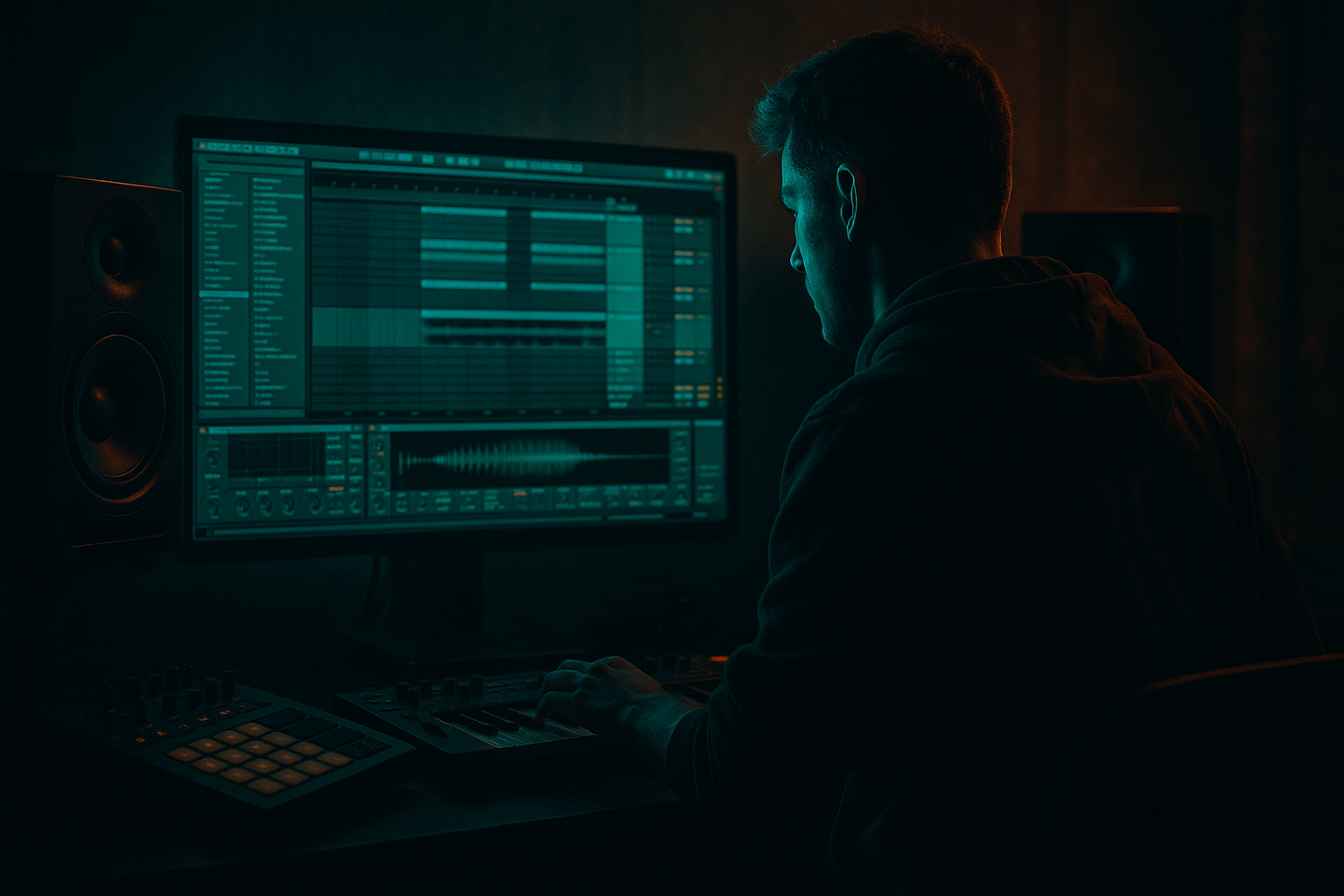
Main tutorial
Parallel Drum Crunch in Ableton Live 12 (DnB Focus) 🥁🔥
1. Lesson overview
Parallel drum crunch is one of the fastest ways to make Drum & Bass drums feel louder, denser, and more aggressive without killing your transients or turning your mix into a distorted mess.
In this lesson you’ll build a dedicated parallel processing return (or rack) that adds controlled saturation + compression + bite to your breaks and one-shots—perfect for rolling jungle grooves, modern neuro rollers, and dark techy steppers.
---
2. What you will build
You’ll create a “DRUM CRUNCH” parallel bus that you can send your drum groups to:
- Crunch path: saturation + clipping + parallel compression
- Tone control: HP/LP + notch/tilt shaping to keep it tight
- Transient preservation: keep the dry drums clean and punchy
- DnB-ready gain staging: loud without collapsing your kick/snare
- A Drum Group (Kick/Snare/Hats/Breaks)
- A Return track (or Audio track bus) called CRUNCH
- A repeatable chain you can save as a preset ✅
- Kick: start at -18 to -12 dB send
- Snare: -14 to -8 dB send (snare loves crunch)
- Break: -16 to -10 dB send
- Hats: -20 to -14 dB send (careful—hats get harsh fast)
- Enable HP filter around 120–180 Hz (24 dB/oct)
- Optional: small dip 3–5 kHz if the break gets “sandpapery”
- Optional: gentle shelf down 10–12 kHz if hats get brittle
- Mode: Soft Clip = ON
- Drive: +6 to +12 dB (start at +8 dB)
- Output: pull down to match level (aim similar loudness bypass/on)
- Color: try Analog Clip (nice for DnB)
- Optional: turn on DC Filter
- Multiband: 3 bands
- Low band: minimal/no distortion (or bypass)
- Mid band: stronger distortion
- High band: subtle, keep it smooth
- Crossover: Low < 180 Hz, High > 5.5 kHz
- Mid band drive: 20–40%
- High band drive: 10–20%
- Tone: slightly dark (pull brightness back)
- Attack: 0.3 ms (more bite) or 1 ms (slightly rounder)
- Release: 0.1 s or Auto
- Ratio: 4:1 (classic)
- Threshold: set for 4–10 dB gain reduction (yes, heavy—this is parallel)
- Makeup: OFF (set output manually)
- Drive: 5–20% (start 10%)
- Crunch: 10–25% (start 15%)
- Damp: 3–8 kHz depending on brightness
- Boom: OFF (usually) for DnB parallel crunch
- Ceiling: -0.3 dB
- Gain: leave at 0 (it’s for catching spikes)
- Pre-drop tension: automate send up +2 to +4 dB in the last 2 beats
- Drop impact: pull it back slightly on the very first kick to keep it punchy, then return up
- Fill moments: blast the crunch return for 1 bar on snare fills
- Put Drum Buss (or Transient Shaper via Drum Buss “Transient” style—Live doesn’t have a dedicated one stock) on the dry snare, not the return.
- Or reduce Glue attack speed: go from 0.3 ms → 1–3 ms so transients poke through in the crunch path.
- Make the crunch darker on purpose:
- Snare-forward crunch:
- Neuro/tech step bite:
- Break integrity trick:
- Sidechain the crunch return to the kick (sub-friendly):
- Parallel drum crunch = aggression + density without sacrificing punch.
- Use a Return track for fast, flexible DnB routing.
- Core chain (stock): EQ Eight → Saturator (Soft Clip) → (Roar) → Glue Compressor → Drum Buss → Limiter
- High-pass the return, distort mids, control highs.
- Blend with intention and automate it for drops, fills, and jungle call/response energy.
You’ll end with:
---
3. Step-by-step walkthrough
Step 0 — Set up a DnB drum context (quick baseline)
1. Set tempo: 172–176 BPM
2. Create a Drum Group (Group your drum tracks):
- Kick (one-shot)
- Snare (one-shot)
- Hats/perc
- Break (Amen / Think / your loop)
DnB note: Parallel crunch shines when you’re blending clean one-shots + character breaks.
---
Step 1 — Choose your parallel routing (two solid options)
#### Option A: Return track (classic + fast)
1. Create a Return Track: `Create → Insert Return Track`
2. Name it: CRUNCH
3. Set the Return track fader initially to -inf (down), we’ll bring it up later.
Why returns? You can send multiple drum elements into one crunch “glue/anger” lane.
#### Option B: Audio track bus (more control for printing)
1. Create a new Audio Track named CRUNCH BUS
2. Set all drum tracks output to Sends Only (optional) and send to this bus or route into it.
3. Use Audio From = Drum Group (post-fader) if you want easy capture.
Why bus? Easier to print, automate, and do pre/post processing in one lane.
For this tutorial, we’ll do Option A (Return track).
---
Step 2 — Send drums to the crunch (gain staging matters)
On each drum track (or on the Drum Group), raise the Send A knob (assuming CRUNCH is Return A):
If you send from the Drum Group, start at -14 dB send and adjust.
---
Step 3 — Build the CRUNCH chain (stock Ableton devices)
On the CRUNCH Return, add devices in this order:
#### 1) EQ Eight (pre-filter to avoid flubby distortion)
- If your kick lives low and you want it clean, go higher (160–220 Hz).
Goal: Distort the mid punch and snare crack—not the sub.
---
#### 2) Saturator (the core crunch)
DnB sweet spot: +8 dB drive + soft clip gives you density without instant fizz.
---
#### 3) Roar (Live 12) for controlled bite (optional but powerful) 😈
Roar is incredible for parallel drum aggression because you can distort bands differently.
Suggested quick setup:
Example:
If Roar feels like too much, skip it and rely on Saturator + Glue.
---
#### 4) Glue Compressor (parallel smack + density)
Tip: On the crunch return, heavy GR is fine because dry drums keep transients.
---
#### 5) Drum Buss (final “thwack” and controlled clipping)
(Boom can blur low-end; use it only if you’ve HP’d aggressively)
---
#### 6) Limiter (safety net, optional but recommended)
This keeps the return from randomly overshooting when snare + break hit together.
---
Step 4 — Blend it like a DnB producer (the “raise until you miss it” method)
1. Start playback on your main drop loop (8 bars).
2. Bring up the CRUNCH return fader slowly from -inf:
- Stop when the drums feel more forward and aggressive
- Back it off slightly so it’s felt more than “heard”
Common target: return fader ends up around -18 to -8 dB, depending on how hard you drove the chain.
A/B check: Mute the return—if everything collapses, you’ve probably overdone it. If it feels like it loses energy but stays clean, you nailed it.
---
Step 5 — Make it groove with arrangement moves (DnB/jungle style) 🎛️
Parallel crunch isn’t just “set and forget”—automate it like a weapon:
Automation ideas:
Jungle trick: On amen edits, crank crunch on every 2nd bar for call-and-response grit.
---
Step 6 — Add a “clean transient” option (simple but huge)
If your snare loses snap:
---
4. Common mistakes 🚫
1. Crunching the sub
- If your return isn’t high-passed, you’ll smear the low end and kill headroom.
2. Too much high-frequency distortion
- Hats + distortion = harshness fast. LP or Damp your crunch chain.
3. Parallel chain is louder than the dry drums
- Parallel should support. If it dominates, you’ll lose punch and clarity.
4. Over-compressing the main drum bus instead of parallel
- Keep your main drum bus more restrained; do the violence in parallel 😄
5. Not gain-matching
- If “on” is louder, you’ll always think it’s better.
---
5. Pro tips for darker/heavier DnB 🖤
Use EQ Eight after distortion: gentle shelf down 8–12 kHz. Dark crunch = weighty, modern.
Add a notch cut around 200–350 Hz on the return to remove boxiness while keeping crack.
Use Roar mid band with more drive and keep highs restrained—aggression without fizz.
Send breaks more than hats. Let the break bring grit; keep hats clean and tight.
Put Compressor on the return:
- Sidechain from Kick
- Ratio 2:1–4:1
- Fast attack, medium release
- Just 1–3 dB reduction
This keeps low-end punch and stops “wall of noise” syndrome.
---
6. Mini practice exercise (15 minutes) ⏱️
1. Load a basic DnB loop:
- Kick on 1 and “and of 2”
- Snare on 2 and 4
- Add an Amen/Think break quietly under it
2. Build the CRUNCH return chain exactly as above.
3. Do three blends:
- A) Subtle: return barely audible (ghost crunch)
- B) Medium: obvious thickness (most common)
- C) Heavy: near-destruction for 1-bar fill
4. Automate send amount:
- Last 2 beats before drop: +3 dB send
- First bar of drop: -2 dB send
5. Bounce/export an 8-bar loop and compare A/B/C.
---
7. Recap ✅
If you tell me your drum sources (clean one-shots vs break-heavy, and whether you’re aiming for jungle, jump-up, or neuro), I can suggest a tighter set of exact values for your specific vibe.

