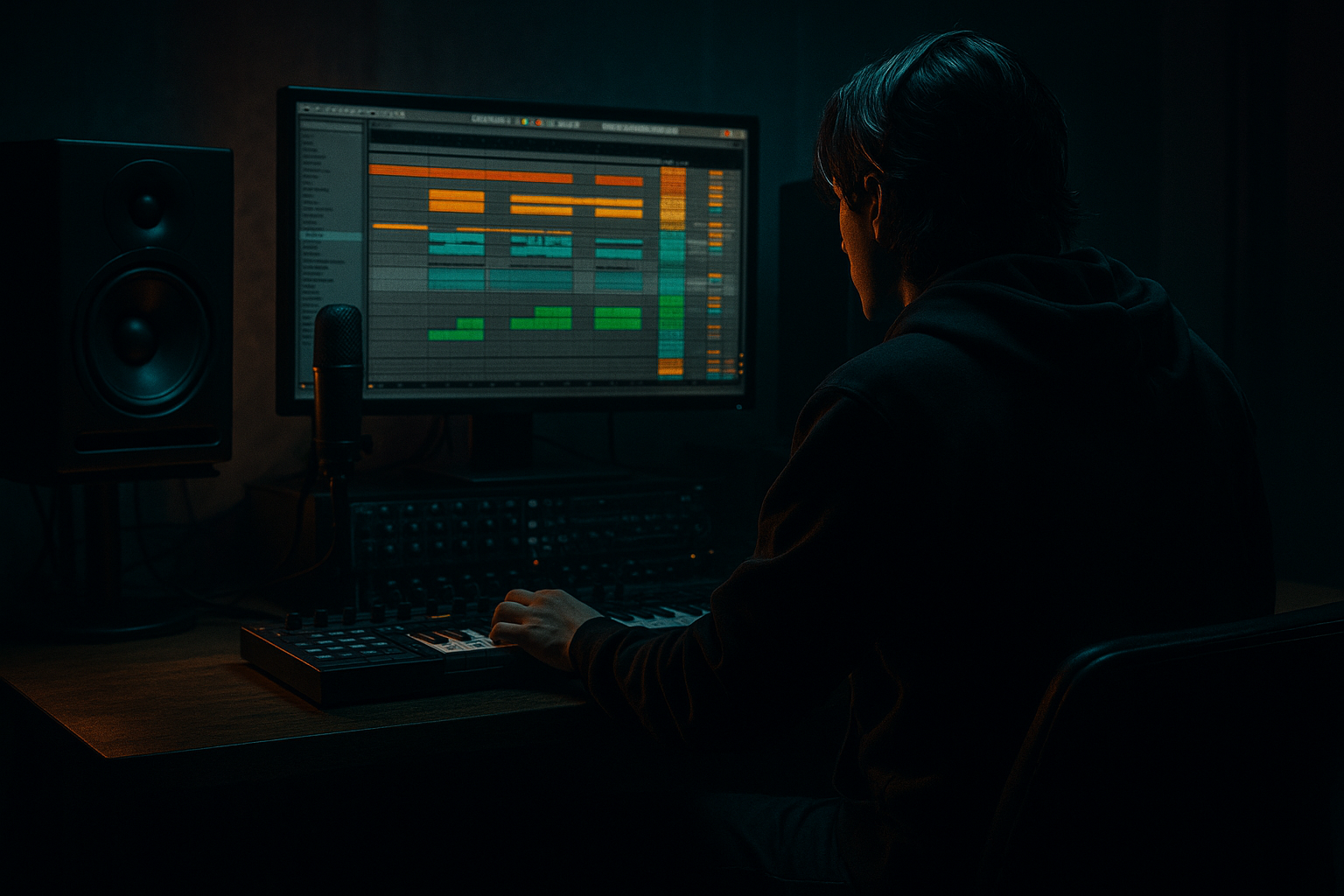
Main tutorial
```markdown
Percussion Call & Response (DnB) — Using Session View in Ableton Live 🥁🔁
1. Lesson overview
Call and response is one of the fastest ways to make rolling drum and bass percussion feel alive—like the drums are “talking” every bar. In this lesson you’ll build a Session View performance grid where:
- A core groove (the “call”) plays consistently
- Multiple response variations swap in on the 2nd half of the phrase (or every 2 bars)
- You can audition and record these into Arrangement in a controlled way
- Track A: Core Groove (Call) — stable 1-bar or 2-bar loop
- Track B: Responses (Alt Perc Clips) — a column of variations (fills, hat flips, rim accents)
- Track C: Ear-candy One-shots — impacts, reverse cymbals, foley ticks (optional)
- A Scene workflow so you can launch:
- Drum Rack
- EQ Eight
- Glue Compressor (light)
- Saturator (subtle)
- Make each Response clip 1 bar, but design it to feel like it answers the call.
- Or make them 2 bars, with change only in bar 2.
- Set Follow Action Time to 2 Bars for each Response clip.
- Use a single clip (or 2-bar clip) and just let it loop.
- Let Follow Actions move through variations.
- Call clips = one color (e.g., blue)
- Response clips = another color (e.g., orange)
- Fills/impacts = red
- In Response clips: set ghost notes around 20–50 velocity
- Accents around 80–110
- Don’t let every hat hit at the same velocity (machine-gun fatigue)
- Nudge some response hits slightly late for weight:
- Jungle-ish ghost snares often sit slightly behind for “drag.”
- EQ Eight
- Transient shaping (stock workaround)
- Sidechain from the snare (clean space)
- 16 bars intro (call only)
- 16 bars add responses (light)
- 16 bars heavier responses + occasional fills
- 8 bars breakdown (strip back to call + sparse ticks)
- back to full roll
- Too much response, not enough call: If every bar is a fill, nothing feels like a groove.
- Responses stepping on the snare: Busy rim/hat hits right on 2 and 4 can weaken the backbeat.
- Over-swinging: DnB can swing, but heavy swing can turn the roll into a wobble.
- No frequency discipline: Hats + rides + shakers can become a 6–12 kHz ice pick.
- Launching chaos: Not using Global Quantization = messy clip timing and accidental flam vibes.
- Make responses more “textural” than “busy”:
- Use Saturator + filtering for industrial edge:
- Add gated room vibe for menace (subtle):
- Create “anti-fill” responses:
- Clip-level chance (if you like controlled randomness):
- Session View is perfect for auditioning call/response variations like a live drum arranger 🎚️
- Keep the Call stable and mix-ready; let Responses provide motion and personality
- Use Follow Actions to cycle responses automatically and maintain flow
- Shape groove with velocity + Groove Pool + micro-timing
- Mix responses with EQ, Drum Buss, and subtle sidechain so the snare stays dominant
We’ll focus on DnB/jungle-style percussion: tight hats, ghost hits, rimshots, shakers, and little syncopated fills that don’t wreck the groove.
---
2. What you will build
A Session View setup with:
- Scene 1: Call + minimal hats
- Scene 2: Call + Response 1
- Scene 3: Call + Response 2
- Scene 4: Call + Response 3 (heavier fill)
Then you’ll record the best combinations into Arrangement for a clean, repeatable structure.
---
3. Step-by-step walkthrough
Step 0 — Project setup (DnB defaults)
1. Set tempo to 172–176 BPM.
2. Turn on the metronome.
3. In the top bar, set Global Quantization = 1 Bar (you can switch to 1/2 later for faster flips).
Why: Bar-quantized launching keeps your call/response tight and musical.
---
Step 1 — Create your “Call” drum foundation
Goal: A stable loop that can run for minutes without getting annoying.
1. Create a MIDI track: Cmd/Ctrl + Shift + T
2. Drop in a Drum Rack (stock).
3. Load a DnB-friendly kit:
- Use Core Library one-shots, or your own (tight kick, snappy snare, clean hat).
4. Program a 1-bar groove (classic DnB skeleton):
- Kick: 1.1, (optional ghost kick at ~1.3.3 or 1.4.2)
- Snare: 1.2 and 1.4 (standard halftime backbeat in 4/4 DnB)
- Closed hats: steady 1/8 or 1/16 depending on vibe
DnB tip: Keep the “call” simple enough to support heavy bass—let the bass be the drama; let the percussion be the momentum.
Suggested “Call” device chain (inside the track):
- High-pass hats around 200–400 Hz (depending on sample)
- Gentle dip around 3–6 kHz if harsh
- Ratio 2:1, Attack 10 ms, Release Auto, GR 1–2 dB
- Drive 1–3 dB, Soft Clip On (adds density)
Rename the clip: CALL – Core Groove (1 bar)
---
Step 2 — Create a separate “Response” percussion track (so you can swap ideas fast)
Goal: Responses are variations, not chaos. Separate track = easy clip launching and mixing.
1. Create a new MIDI track called RESPONSES – Perc.
2. Add Drum Rack again, but keep it mostly for:
- rims, ride fragments, shaker, ghost snares, bongos/perc ticks
3. Create multiple MIDI clips in Session View:
- Response 1: Hat flip (open hat on the “and” of 4, or offbeat 1/16 shift)
- Response 2: Rim accent pattern (syncopate around snare)
- Response 3: Micro-fill (last 1/2 bar has quick 1/16 notes)
- Response 4: Jungle-style shuffle (think swung ghost hits)
Clip length suggestion:
Key technique: Follow Actions for automatic call→response
This is where Session View becomes a “composer.”
For each clip in RESPONSES – Perc:
1. Click the clip → open Launch box (bottom left area).
2. Set Follow Action:
- Follow Action Time: 1 Bar
- Action A: Next
- Action B: None
- Chance: 100% Next
3. Put your Response clips in a vertical chain (top to bottom) so they cycle.
Result: Each bar, Live can move to the next response variation—perfect for evolving percussion while keeping structure.
Alternative (more musical): Call holds, Response rotates every 2 bars
---
Step 3 — Lock the “Call” while Responses change
You want the Call to stay stable while the Responses rotate.
On the CALL track:
On the RESPONSES track:
Global Quantization: Keep at 1 Bar so swaps happen cleanly on phrase boundaries.
---
Step 4 — Make Scenes that behave like DnB sections (Intro → Roll → Peak)
Scenes are your “section launcher.” Think like a DJ arrangement.
1. Create Scenes (rows) such as:
- Scene 1 – Intro Roll (no responses)
- CALL playing
- RESPONSES stopped
- maybe a light shaker clip only
- Scene 2 – Roll A (Response chain starts)
- CALL playing
- RESPONSES playing (start at Response 1)
- Scene 3 – Roll B (more busy response chain)
- CALL playing
- RESPONSES uses heavier clips
- Scene 4 – Pre-drop Fill (1 bar impact)
- CALL stops for 1 bar (optional)
- big fill clip triggers
- crash/reverse
Workflow suggestion: Color-code clips:
---
Step 5 — Make it “talk” using Velocity, Groove Pool, and Micro-timing
Intermediate producers win here. The pattern can be simple—feel comes from movement.
A) Velocity shaping (very DnB)
B) Groove Pool
1. Open Groove Pool.
2. Add a groove like Swing 16- style (subtle) or a shuffled MPC groove.
3. Apply it to Responses more than the Call:
- Call: 0–20% Groove
- Responses: 20–40% Groove
4. Keep Timing subtle; use Velocity in groove to humanize.
C) Micro-timing
- Select a note → move a few ms late (avoid full 1/64 jumps unless intentional).
---
Step 6 — Mix the Call/Response relationship (so it doesn’t clutter the snare/kick)
Call and response works when the “response” answers rather than competes.
On the RESPONSES track:
- High-pass 150–300 Hz (remove low mud)
- Identify harshness around 6–10 kHz and tame if needed
- Use Drum Buss:
- Drive 2–6
- Transients +5 to +20 (careful)
- Boom Off (usually for perc)
1. Add Compressor on RESPONSES
2. Sidechain On
3. Input = your Snare (from Call track or separate snare track)
4. Fast attack, medium release:
- Attack 1–3 ms, Release 60–120 ms
5. Only 1–3 dB ducking—subtle groove “breathing.”
Why: Your snare stays king, responses become the chatter around it.
---
Step 7 — Record your Session performance into Arrangement 🎛️➡️📜
1. Hit Global Record (top transport).
2. Launch Scenes live:
- Run Scene 1 for 8 bars
- Scene 2 for 16 bars
- Scene 3 for 16 bars
- Scene 4 for 1–2 bars as a transition
3. Stop recording.
4. Go to Arrangement View and clean up:
- Consolidate the best 16-bar stretch
- Duplicate with variation
- Add small mutes (e.g., kill hats 1/2 bar before drop)
Arrangement idea (classic rolling DnB):
---
4. Common mistakes
---
5. Pro tips for darker/heavier DnB 😈
- Use metallic foley ticks, short rides, filtered noise hats.
- Keep rhythm simple but sound design grimy.
- On responses: Auto Filter (HP or BP) → Saturator → EQ Eight
- Automate filter cutoff per scene for tension.
- Send responses to a Return track with:
- Reverb (short room, 0.3–0.7s)
- Gate (tight)
- EQ Eight (HP to remove low end)
- Instead of adding notes, remove hats for a bar, or switch to half-time shaker.
- Silence is a response too—super effective before drops.
- In MIDI clips, use note probability (per-note chance) for ghost hats/ticks.
- Keep main accents at 100%, ghosts at 20–60%.
---
6. Mini practice exercise (15 minutes)
1. Build a 1-bar Call that feels roll-ready at 174 BPM.
2. Make 4 Response clips, each 1 bar:
- R1: open hat accent on the last 1/8
- R2: rimshot syncopation (avoid snare hits)
- R3: 1/16 hat burst in last 1/2 bar
- R4: “jungle shuffle” ghosts (low velocity)
3. Put Follow Actions on responses:
- Time 1 bar, Action = Next
4. Perform and record:
- 8 bars Call only
- 16 bars with the response chain running
- 1 bar “drop fill” (make a separate clip with a snare roll or tom hit)
Goal: When you listen back, you should feel a clear question/answer every bar or every 2 bars—without losing the roll.
---
7. Recap
If you want, tell me your preferred subgenre (rollers, jump-up, jungle, neuro) and I’ll suggest specific response patterns and a matching device chain for that style.
```

