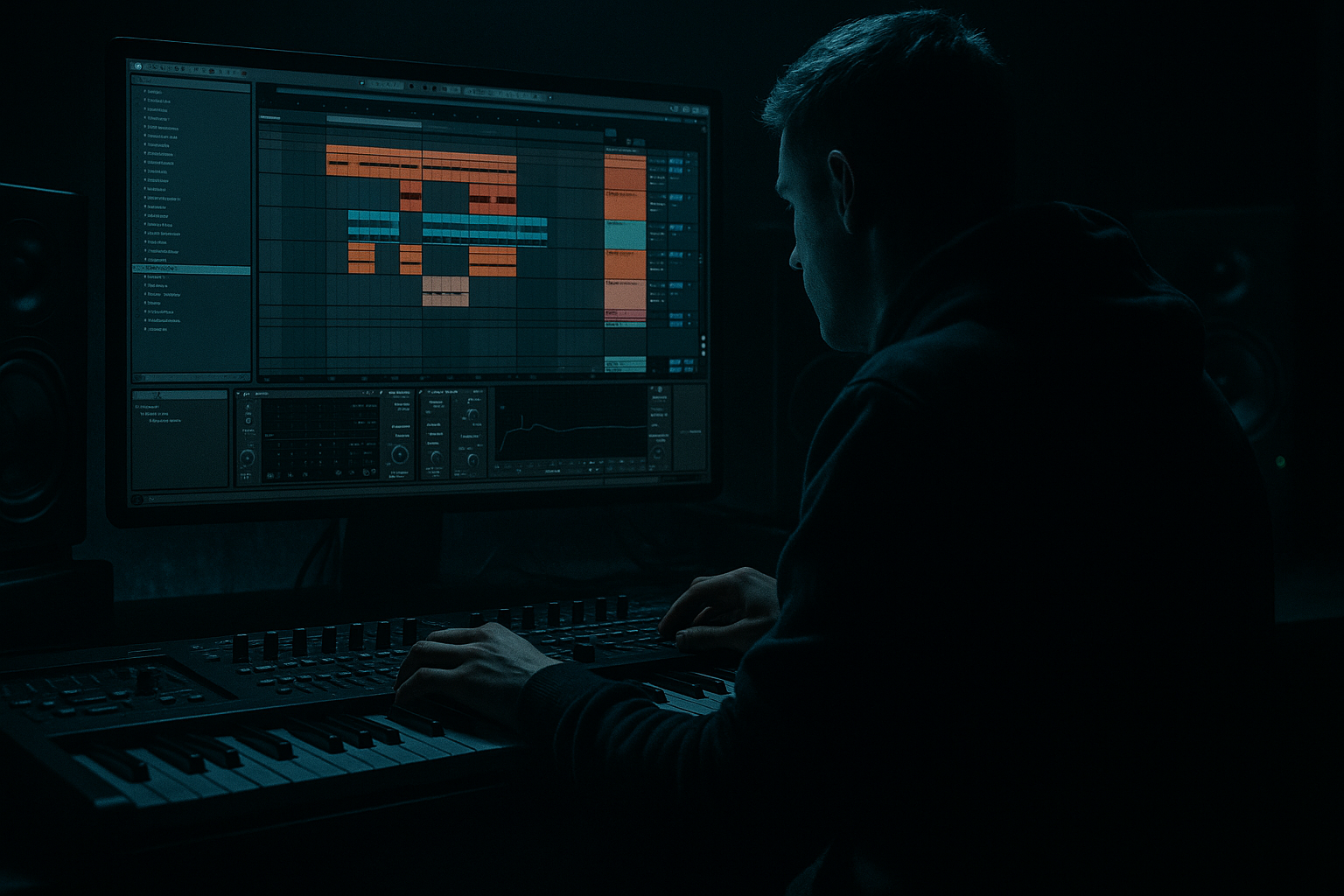
Main tutorial
```markdown
Percussion Layer in Ableton Live 12: Offset It for Warm Tape-Style Grit in Jungle / Oldskool DnB 🎛️🥁
1. Lesson overview
In this lesson, you’ll learn how to build a percussion layer in Ableton Live 12 and deliberately offset it in time to create that warm, slightly unstable tape-style grit that feels right at home in jungle, oldskool DnB, and rolling darkstep-adjacent drum programming.
This is not about making drums sloppy for the sake of it. It’s about creating a layer that feels:
- a little human
- a little worn
- a little ahead or behind the grid
- and very much like it came off a dubplate, tape machine, or dusty sampler
- more alive
- more analog
- more vibey against the break
- less “EDM looped,” more authentic jungle pressure
- layering percussion with a break or main drum loop
- using track delay, clip nudging, and sample start offsets
- adding warm saturation, slight filtering, and modulation
- keeping the groove tight enough for DnB while still sounding organic
- an Amen-style break
- a chopped breakbeat
- a programmed kick/snare pattern
- a tight rolling DnB drum loop
- shakers
- rim hits
- wood blocks
- muted congas
- foley hits
- hi-hat ghost patterns
- chopped percussion from the break itself
- slightly late or early
- band-limited
- saturated
- slightly warped in character
- glued into the drum bus
- 160–172 BPM for modern DnB
- 150–165 BPM if you want a more oldskool / halftime-feel foundation
- shaker loop
- tambourine
- rim clicks
- tiny percussion hits from a break
- conga ghosts
- hat loop with swing
- sampled foley like keys, metal taps, or vinyl crackle hits
- timing
- tone
- saturation
- stereo width
- automation
- `Perc Offset`
- `Jungle Grit Perc`
- `Tape Shaker`
- `Ghost Loop`
- 5–15 ms late for laid-back groove
- 5–10 ms early for nervous, driving urgency
- 15–25 ms late for looser tape-style drag
- +5 ms to +15 ms for late, lazy percussion
- -5 ms to -10 ms for urgent, pushing percussion
- ghost notes
- offbeat hats
- syncopated percussion fills
- Try Repitch for more sampler-like oldskool behavior
- Try Beats with transient preservation for tighter rhythmic control
- For looser texture, experiment with slightly less-perfect stretching
- offset one copy by a few milliseconds
- filter it heavily
- pan it slightly left or right
- High-pass at 150–300 Hz depending on the sound
- Slight dip around 400–700 Hz if it’s boxy
- Gentle roll-off above 10–12 kHz if it’s too shiny
- Drive: 2–6 dB
- Soft Clip: ON
- Base: 0 to slightly below 0 if needed
- Color: subtly on if it adds richness
- thicker transients
- a little edge
- softer high-end peaks
- Drive: 5–20%
- Crunch: light to moderate
- Boom: usually OFF or very subtle for percussion layers
- Transients: slightly down if it’s too spiky
- narrowing the stereo image if needed
- controlling gain
- checking mono compatibility
- keep it fairly centered
- or use a small stereo width reduction if it’s too wide and distracting
- short room
- plate-style decay
- pre-delay around 10–25 ms
- high-pass the reverb return
- Low-pass cutoff around 8–14 kHz
- a touch of resonance for character
- automate cutoff very slowly over 8–16 bars
- very low dry/wet
- gentle depth
- small movement only
- light bit reduction
- very subtle sample rate reduction
- mix it in in parallel if possible
- Does it swing with the break?
- Is it fighting the snare?
- Is it adding motion between the main hits?
- Does it feel like part of the same drum family?
- shift it a few ms later or earlier
- reduce high-frequency overlap
- try sidechaining it lightly to the kick or snare
- kick, or
- kick + snare bus
- Ratio: 2:1 to 4:1
- Attack: 5–20 ms
- Release: 50–120 ms
- Gain reduction: just a couple dB
- Bring the offset percussion in after 8 or 16 bars
- Drop it out before a breakdown so the re-entry feels bigger
- Automate filter cutoff for transition sections
- Add extra offset hits in fills before snare drops
- Make one version with more grit for the second half of the drop
- Version 1: clean-ish
- Version 2: more saturated and slightly more delayed
- the sub
- the reese or rolling bass
- the main snare
- any ride or break top
- trim more low-end from the percussion
- reduce reverb tail
- move the percussion slightly later so it doesn’t mask bass articulation
- you can let the percussion be a little more aggressive and present
- 5 ms
- 10 ms
- 15 ms
- a little Saturator
- a little Drum Buss
- maybe light Redux
- closed hats
- brushed metallic hits
- short rim clicks
- filtered break fragments
- one version slightly early
- one version slightly late
- commits the groove
- makes editing easier
- lets you treat it like an actual sampled loop
- encourages more oldskool workflow
- filter cutoff
- drive amount
- track delay by a tiny amount, if musically sensible
- send level to reverb or delay
- Does the groove feel more human?
- Does the layer add motion without clutter?
- Does it enhance the break rather than compete with it?
- Keep the main break or drum bed solid
- Add a separate percussion layer
- Offset it by tiny amounts
- Shape it with EQ Eight, Saturator, Drum Buss, Auto Filter
- Keep it punchy but imperfect
- Use arrangement movement to avoid loop fatigue
- the groove should breathe
- the top end should feel aged but energetic
- the percussion should push and pull around the break
- the result should feel raw, musical, and dangerous 🔥
That offset movement can make percussion feel:
We’ll focus on:
---
2. What you will build
You’ll build a 2-layer percussion system:
Layer A: Main break / core drum loop
This is your anchor. It can be:
Layer B: Offset percussion texture
This is the layer we’ll make gritty and warm:
We’ll make this layer:
By the end, you’ll have a percussion layer that sits like classic jungle detail: alive, gritty, and moving inside the groove.
---
3. Step-by-step walkthrough
Step 1: Set up your drum foundation
Start with your main DnB groove at a tempo like:
#### Option A: Using a breakbeat
1. Drag an Amen, Think, or other classic break into an audio track.
2. Warp it if needed.
3. Set the warp mode:
- Beats for tight drum slicing
- Complex Pro if the break is more textural and less transient-driven
#### Option B: Programming your own drum bed
1. Create a MIDI track with Drum Rack.
2. Use kick, snare, ghost snare, and hats.
3. Keep the core pattern clean and strong.
Goal: your core drums should already feel good before adding the gritty layer.
---
Step 2: Choose your percussion layer source
Pick a percussion source that will benefit from offset timing. Good options for jungle/DnB:
#### Best practice:
Use something with sharp transients and small rhythmic detail.
These sounds respond really well to offsetting.
---
Step 3: Put the percussion on a separate track
Keep this layer separate from your main break.
#### Why?
Because you want to shape:
independently from the main drum bed.
Name the track something obvious like:
That makes arranging much easier later.
---
Step 4: Offset the percussion rhythmically
This is the key move.
You have three main ways to offset percussion in Ableton Live 12:
#### Method 1: Clip start offset
If you’re using an audio clip:
1. Open the clip view.
2. Adjust the Start marker or nudge the waveform slightly.
3. Move the clip a few milliseconds earlier or later.
A tiny shift can completely change the feel.
Suggested starting offsets:
For jungle, a slight late placement often sounds great on shakers and ghost percussion because it gives the break room to breathe.
#### Method 2: Track Delay
Use the Track Delay field at the bottom of the mixer track.
Try:
This is excellent because it’s non-destructive and easy to automate or adjust.
#### Method 3: MIDI note nudging
If your percussion layer is MIDI:
1. Select the notes.
2. Nudge them slightly off the grid.
3. Try moving only some hits, not all.
This is especially effective for:
Important: don’t shift everything evenly.
That sounds like a bad delay plugin setting, not groove.
---
Step 5: Add “tape-style” movement with Warp and timing variation
If your percussion is an audio loop, use Warp creatively.
#### In Warp:
#### Micro-movement trick:
Duplicate the percussion layer and:
This creates a subtle “double machine / imperfect playback” feel.
That’s very jungle-friendly.
---
Step 6: Shape the tone with a warm, gritty device chain
Now let’s make the percussion sound like it came from tape or a dusty sampler. Here’s a practical stock Ableton chain:
Suggested chain: `EQ Eight -> Saturator -> Drum Buss -> Utility -> Reverb (send or light insert)`
1. EQ Eight
Use EQ Eight first to clean the layer before adding grit.
Try:
For oldskool jungle percussion, you usually want the layer to sit above the kick/sub, not fight it.
---
2. Saturator
This is where the warmth starts.
Try:
If the percussion is too clean, push the Saturator harder until you hear:
Don’t overcook it unless you want obvious distortion. A little goes a long way.
---
3. Drum Buss
Drum Buss is excellent for gritty DnB drum textures.
Try:
This can give percussion that compressed, slightly crushed character that works beautifully in jungle.
---
4. Utility
Use Utility for:
For a focused jungle percussion layer:
---
5. Reverb
If you use reverb, keep it controlled.
Recommended:
For jungle, you generally want space without washing out the swing.
Better still: use a Send/Return so the percussion stays punchy and you can automate the space.
---
Step 7: Add tape-style grit with modulation and filtering
To emulate worn tape or sampler character, add tiny imperfections.
#### Option A: Auto Filter
Add Auto Filter after saturation.
Try:
This makes the layer feel like it’s moving through a slightly aging signal path.
#### Option B: Chorus-Ensemble
Use subtly if the percussion needs a little drift.
Try:
This works best on shakers or airy percussion, not on punchy rimshots.
#### Option C: Redux
Use carefully if you want sampler-style crust.
Try:
This can give a very oldschool digital sampler edge, but don’t overdo it unless that’s the aesthetic.
---
Step 8: Glue the layer into the break
Now listen to the percussion against the main break.
Ask:
If it’s fighting:
#### Stock device option:
Use Compressor with gentle sidechain from:
Suggested settings:
This keeps percussion out of the way while preserving the vibe.
---
Step 9: Use arrangement to make it feel musical
Don’t just loop the layer forever. Jungle thrives on movement.
#### Arrangement ideas:
#### Very effective technique:
Duplicate the percussion layer into:
Use Version 2 only in the second 8 or 16 bars of the drop.
That progression is classic and keeps listeners locked in.
---
Step 10: Final check in context with bass
This matters in DnB.
Play the percussion against:
If the bass is heavy and dark:
If the bass is sparse:
Remember: in drum and bass, percussion is often the glue that makes the groove feel fast even when the bass is doing the heavy lifting.
---
4. Common mistakes
1. Over-offsetting the layer
If you push it too far off-grid, the groove can feel broken instead of warm.
Fix: start with tiny moves:
Then listen in context.
---
2. Making every percussion hit equally late
That sounds robotic in a different way.
Fix: vary timing slightly between hits or phrases.
---
3. Too much high end
A bright shaker loop can fight hats, rides, and break transients.
Fix: use EQ Eight or Auto Filter to soften the top.
---
4. Over-saturating
It’s easy to turn “tape grit” into harsh digital clipping.
Fix: add distortion in stages:
Instead of one extreme processor.
---
5. Using too much reverb
This can blur the groove and kill the snap.
Fix: keep reverb short and selective, preferably on a send.
---
6. Not checking the percussion with the bass
What sounds great solo may vanish once the bass enters.
Fix: always audition in full mix context.
---
5. Pro tips for darker/heavier DnB
Tip 1: Offset only the top layer, not the whole drum kit
Keep your kick and snare solid.
Let only the perc layer drift slightly.
That gives the groove a stable core with a moving exterior — perfect for heavy jungle pressure.
---
Tip 2: Use ghost percussion to imply speed
A few tiny, late hits between snare accents can make the beat feel faster without adding more obvious drums.
Great sounds:
---
Tip 3: Layer two versions of the same percussion
Try:
Keep both low in the mix, filter them differently, and pan them subtly.
That creates a worn stereo smear that feels very tape-ish.
---
Tip 4: Saturate before compression for more vintage density
If you saturate first, then compress, the layer can feel more glued and analogue.
A good order:
1. EQ Eight
2. Saturator
3. Drum Buss
4. Compressor
5. Utility
---
Tip 5: Use resampling for authenticity
Resample the percussion layer into audio once it feels right.
Why?
This is very effective for jungle production in Ableton.
---
Tip 6: Automate tiny changes every 8 bars
Dark DnB benefits from evolving texture.
Automate:
Even small changes make the loop feel alive.
---
6. Mini practice exercise
Exercise: Build a gritty offset percussion layer in 10 minutes
#### Goal:
Create a percussion loop that feels slightly late, warm, and tape-worn, sitting over a jungle break.
Steps:
1. Load a breakbeat or programmed DnB drum loop at 170 BPM.
2. Add a second audio or MIDI track with:
- shaker loop, or
- rim percussion, or
- chopped break top loop
3. Offset the percussion by +8 ms to +12 ms.
4. Add this device chain:
- EQ Eight
- Saturator
- Drum Buss
- Auto Filter
5. High-pass around 200 Hz.
6. Add 3–5 dB Drive in Saturator.
7. Add light Crunch in Drum Buss.
8. Automate the Auto Filter cutoff slowly over 8 bars.
9. Bounce the percussion to audio if it feels good.
10. Compare:
- original on-grid version
- offset gritty version
What to listen for:
If yes, you’ve got it. ✅
---
7. Recap
A great jungle/DnB percussion layer is often not perfectly aligned. The magic comes from small timing offsets, warm saturation, and careful filtering that make the layer feel like part of an old sampler or tape chain.
The core formula:
Final mindset:
Think like a jungle engineer:
If you want, I can also give you:
1. a rack preset chain for this effect in Ableton Live 12, or
2. a MIDI + audio example pattern for a classic jungle-style percussion layer.
```

