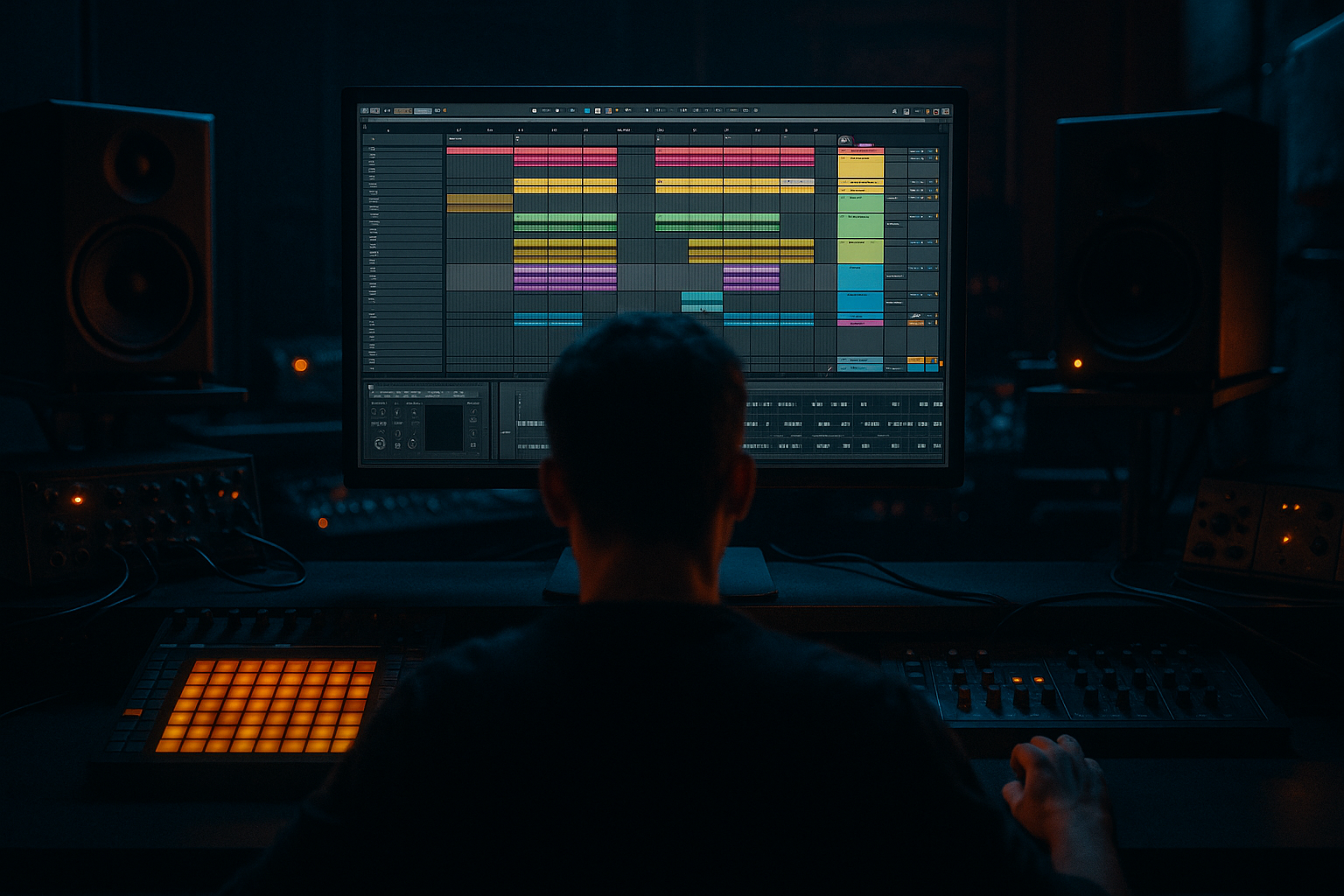
Main tutorial
```markdown
Pitch Oldskool DnB Fill for Sunrise-Set Emotion (Ableton Live 12)
Beginner • Ragga Elements • Jungle/DnB focused 🌅🥁
---
1) Lesson overview
In classic jungle and ragga-leaning DnB, the fill is often where the emotion lives: a pitched vocal stab, a tape-y rewind, a tom run, or a cheeky reggae “hey!” that lifts the crowd right before the drop.
In this lesson you’ll build an oldskool-style pitched fill that feels warm, nostalgic, and sunrise-ready, using Ableton Live 12 stock tools and a simple, repeatable workflow.
We’ll focus on:
- Pitch movement (the “riser” feel without EDM clichés)
- Timing + swing (so it still rolls)
- Ragga flavour (short vocal/chop choices)
- Mix control (so the fill hits but doesn’t wreck your drop)
- A pitched ragga vocal chop (or horn stab) that climbs into the next section
- A classic jungle drum punctuation (snare rush / tom-ish hit / ghost notes)
- Dub-style space using delay + reverb
- A clean “snap back” into the drop (so the fill doesn’t smear your first kick/snare)
- Drag a groove like MPC 16 Swing 57–65 (or any subtle swing).
- Apply lightly: Timing 10–25%, Random 0–5%.
- A short ragga vocal (“hey”, “come”, “selecta”)
- A horn stab
- A percussive hit (rim, tom, conga)
- A vinyl/tape shout style sample
- Create a new MIDI track: “Ragga Fill”
- Drop in Simpler (Live stock)
- Mode: Classic
- Turn on Warp off inside Simpler (keep it raw) unless you need time-stretch.
- Start/End: trim tight so it hits quickly.
- Attack: 0–5 ms (fast)
- Decay: 150–350 ms (depends on sample)
- Sustain: 0%
- Release: 50–120 ms (short but not clicky)
- Find Pitch/Env section:
- Place hits on 16th notes but leave space.
- Example rhythm (1 bar):
- First hit: C3
- Next: D3
- Next: E3
- Last: G3 (strong lift)
- Start medium, end stronger:
- A tight snare
- A crunchy break snare layer (optional)
- A tom or rim (optional)
- In the last 2 beats of the phrase, add 16th-note snares
- Then remove a few hits so it breathes (don’t machine-gun the whole thing)
- Add Velocity variation (random-ish)
- Add Groove (same groove as main drums)
- Automate Reverb Dry/Wet to rise during the fill, then drop to near 0% right at the downbeat.
- Automate Echo Feedback up slightly on the last hit, then down.
- Add an extra final 1/16 hit just before the drop.
- Make its note lower (e.g., drop from G3 to C3).
- Lower velocity slightly so it “bows” into the downbeat.
- In Simpler, automate Transpose:
- Keep it quick—this is a wink, not a breakdown.
- Every 8 bars: short fill (1/2 bar) to keep energy moving
- Every 16 bars: bigger fill (1 bar) with dub space
- Pre-drop (bar 16/32): pitched ragga fill + snare rush + tail cut
- Bars 1–8: main groove, minimal vocals
- Bars 9–16: introduce ragga call (small fills)
- Bar 16: your pitched fill (bigger)
- Bar 17: drop returns clean, extra crash or ride
- Use minor movement: instead of C–D–E–G, try C–Eb–F–G.
- Shorter reverb, dirtier delay:
- Add saturation for grit:
- Band-limit for pirate-radio energy:
- Harder drum punctuation:
- Use Simpler to load a tight ragga chop that pitches cleanly.
- Create emotional lift with MIDI pitch steps and/or pitch envelope.
- Add oldskool flavour with groove, velocity variation, and snare punctuation.
- Create sunrise space using Echo + Reverb, then automate tails down so the drop hits hard.
- Keep the fill bright and uplifting, but filtered in the low end to protect your sub.
---
2) What you will build
A 1-bar fill (optionally 2-bar) at the end of an 8/16-bar phrase that includes:
Target vibe: uplifting, emotional, sun-coming-up energy ☀️
Tempo: 170–174 BPM (we’ll use 172 BPM in examples)
---
3) Step-by-step walkthrough
Step 0 — Set the session up (so it feels like DnB)
1. Set tempo to 172 BPM.
2. Make an 8- or 16-bar loop for your main groove.
3. Use a basic DnB drum pattern (amen-ish or two-step):
- Kick around 1.1 and 1.3.3 (or similar)
- Snare on 2 and 4
- Hats shuffled/16ths with swing
Ableton tip: Add Groove Pool swing early.
---
Step 1 — Choose a ragga-friendly fill sound
You want something that pitches well:
Keep it short. If it’s too long, pitching will sound messy.
Where to put it:
Load your sample into Simpler
---
Step 2 — Make it “oldskool” with pitch + envelope
In Simpler:
A) Amp Envelope
This makes it stabby like classic jungle chops.
B) Pitch Envelope (the emotional lift)
- Env Amount: +12 to +24 semitones (start with +12)
- Decay: 200–600 ms
- Attack: 0 ms
This creates a “yip” / rising chirp at the start of each hit—very oldskool.
Optional (more musical):
Instead of pitch envelope, use MIDI notes to create a rising line (next step). Pitch envelope gives that “hardware sampler” vibe.
---
Step 3 — Program the fill (1 bar that rolls)
Go to the bar before the drop (e.g., bar 16).
Create a 1-bar MIDI clip on Ragga Fill.
Pattern idea (classic jungle build):
- Hit on 4.1.1
- Hit on 4.2.3
- Hit on 4.3.3
- Hit on 4.4.2 (the “last push”)
Now the magic: pitch it upward using MIDI notes.
Pitch plan (beginner-safe):
This gives a reggae-ish melodic climb without becoming cheesy.
Velocity = emotion
- 70 → 85 → 95 → 110
---
Step 4 — Add jungle drum punctuation (snare rush or ghost roll)
Create a track: “Fill Drums”
Use a Drum Rack with:
Easy snare rush (last 1/2 bar):
Make it oldskool instantly:
Quick processing chain (stock):
1. Drum Buss
- Drive: 5–15%
- Crunch: 0–10%
- Boom: off or very low (fills can get boomy)
2. EQ Eight
- Cut below 120–180 Hz (fills don’t need sub)
- Gentle presence boost around 3–6 kHz if needed
---
Step 5 — Dub-space it for sunrise vibes (but keep the drop clean)
On the Ragga Fill track, add:
#### Device chain (simple + effective)
1. EQ Eight
- High-pass: 150–250 Hz
- Small dip if harsh: 2–4 kHz
2. Echo (dub delay flavour)
- Time: 1/8 Dotted or 1/4
- Feedback: 20–35%
- Filter: keep lows out (HP around 200 Hz)
- Modulation: small (adds warmth)
3. Reverb
- Decay: 1.2–2.5s
- Pre-delay: 10–25 ms
- Low Cut: 200–400 Hz
- High Cut: 7–10 kHz
4. Utility
- Width: 110–140% (sub stays mono anyway because we filtered lows)
#### Crucial: “Snap back” automation so the drop hits clean 🎯
This is the sunrise trick: lush tail into the transition, but not over the drop.
---
Step 6 — Create a classic pitch-drop “answer” (optional but very oldskool)
Old jungle often does a quick pitch fall right before the drop.
Two beginner-safe ways:
Option A: MIDI note fall
Option B: Automate Transpose in Simpler
- During the last 1/4 note, sweep from +0 to -7 semitones.
---
Step 7 — Arrangement ideas (how DnB actually uses this)
Try these common placements:
DnB/Jungle structure example (32 bars):
---
4) Common mistakes
1. Too much low-end in the fill
If your vocal chop has bass, it will fight the sub and muddy the transition.
→ High-pass around 150–250 Hz.
2. Reverb/delay still ringing into the drop
Makes the first kick/snare feel weak.
→ Automate Dry/Wet down or use a short mute tail right at the drop.
3. Pitching everything too high
“Chipmunk ragga” kills the vibe fast.
→ Keep the rise subtle: +3 to +7 semitones in musical steps, or pitch-env +12 but short decay.
4. Over-quantized fill
Oldskool DnB needs pocket.
→ Apply groove lightly, nudge a couple hits a few ms late.
5. Fill is louder than the drop
Fills should lead, not dominate.
→ Aim the fill about -3 to -6 dB under the drop’s main snare peak.
---
5) Pro tips for darker/heavier DnB (same technique, different mood) 🌑
- Echo with more character (higher Noise / subtle Wobble)
- Reverb decay 0.6–1.2s
Use Saturator after EQ:
- Mode: Analog Clip
- Drive: 2–6 dB
- Soft Clip: On
Put Auto Filter (or EQ Eight) at the end:
- Low-pass around 6–10 kHz
- Slight resonance for bite
Add a single pitched-down snare on the last 1/8 note (like a “doom” hit).
---
6) Mini practice exercise (10–15 minutes)
1. Pick one ragga vocal chop (very short).
2. Build three different fills at the end of a 16-bar loop:
- Fill A: 4 notes rising (C–D–E–G)
- Fill B: same rhythm, but minor (C–Eb–F–G)
- Fill C: pitch envelope only (no MIDI pitch changes)
3. For each fill, automate:
- Reverb Dry/Wet up during the fill
- Reverb Dry/Wet down to near 0% on the drop
4. Bounce each fill to audio (Freeze + Flatten) and label them:
- `Fill_Rise_Maj`
- `Fill_Rise_Min`
- `Fill_PitchEnv`
You’re building your own jungle toolkit here. 🔧
---
7) Recap
If you tell me your current drum pattern style (two-step vs amen) and the type of vocal you’re using (shout/horn/MC phrase), I can suggest a specific 1-bar MIDI pattern and exact pitch notes that fit your key.
```

