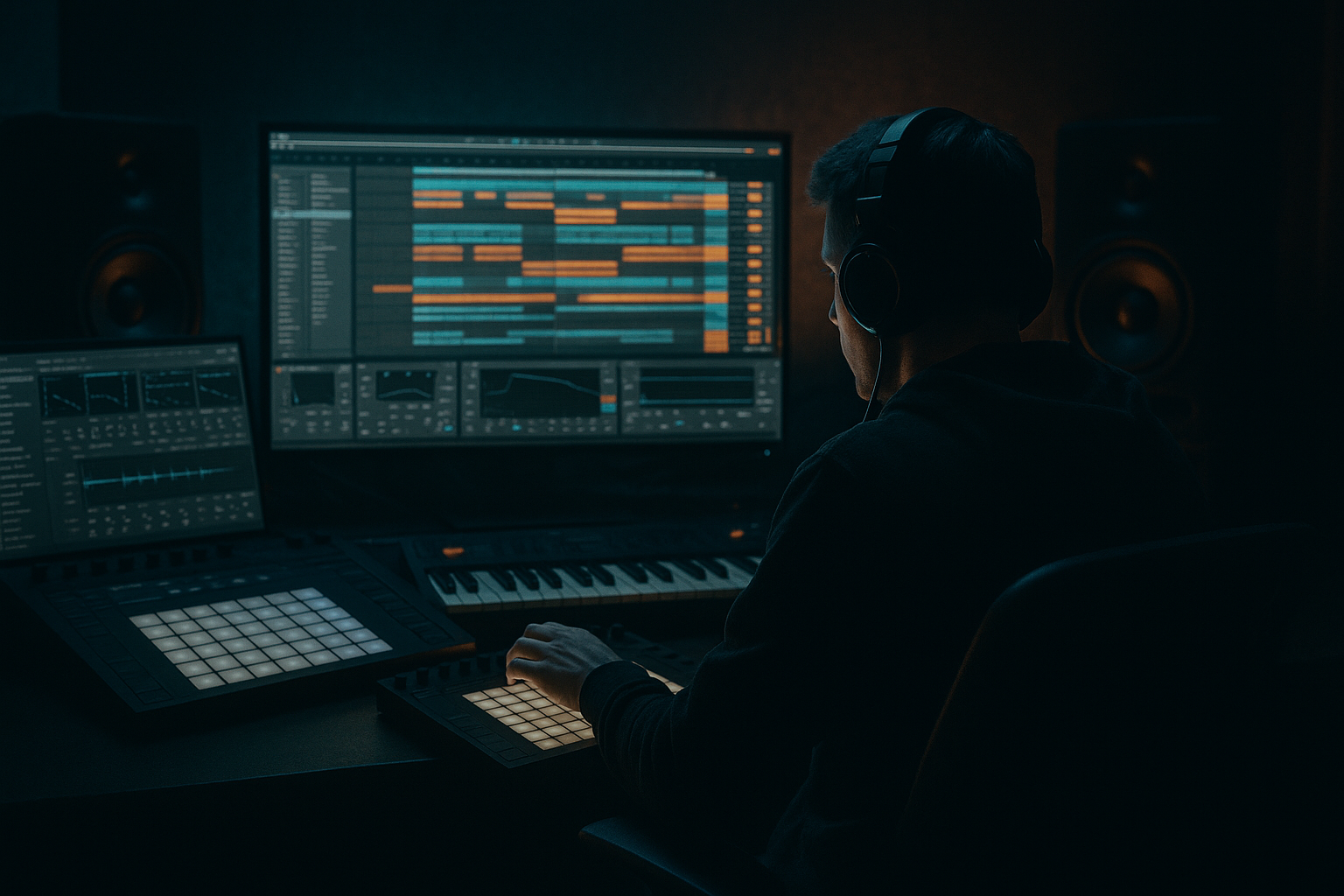
Main tutorial
Lesson Overview
A Ragga-flavoured DnB track lives or dies on movement. The drops hit harder when the FX chain feels like it’s responding to the rhythm, almost like the track is talking back to the drums. In this lesson, you’ll build an automation-driven FX chain in Ableton Live 12 that gives your intro, build, drop switch, and fills that classic ragga-to-rave energy: dub delays, filter sweeps, vocal chops, pitch drops, tape-style stop moments, and controlled chaos.
This technique sits right in the arrangement stage of a Drum & Bass tune, especially if you’re working on jungle, rollers, ragga jungle, dark stepper, or neuro-leaning DnB with a reggae/dancehall flavour. Instead of throwing random FX everywhere, you’ll design a modulated chain that can be performed, automated, and resampled into your arrangement. That matters because DnB relies on contrast: tight drums and sub vs. spacious FX, clipped brutality vs. splashy atmosphere, and clean drop impact vs. tension in the bars leading in. 🎛️
You’ll use stock Ableton devices to build a chain that can transform a simple ragga vocal hit or percussion loop into a full arrangement tool. The goal is not just “make it sound cool,” but make it useful: something you can reuse across intros, 8-bar build sections, drop transitions, and turnaround fills without cluttering your mix.
What You Will Build
By the end, you’ll have a routed FX chain that can turn a ragga vocal stab, conga, rimshot, or skank into a dynamic transition tool for a DnB arrangement.
Specifically, you’ll create:
- A modulated FX return or audio track chain with Delay, Filter, Auto Filter, Saturator, Echo, Reverb, and Utility
- Automation moves that morph the sound from dry and rhythmic to wide, washed, and pitchy
- A chain that can generate:
- A version that stays controlled in mono at the low end while still sounding wide and animated in the mids and highs
- Too much reverb on the return
- Delay feedback that runs away and muddies the drop
- FX chain is wide but loses impact in mono
- Automation is too constant and loses tension
- Using a source that is too busy or too long
- Saturating the FX chain so hard it masks the snare
- Darken the tail, not the source
- Use call-and-response with the snare
- Print your best FX moments
- Blend a little distortion instead of more volume
- Keep the sub clean while the top end gets chaotic
- Use switch-ups to reset attention
- Build ragga FX around short, characterful source material.
- Use Ableton stock devices to create a controlled chain: filter, delay, saturation, reverb, utility.
- Map key parameters to Macros so you can automate fast and musically.
- Automate FX in phrase-based DnB sections: 4-bar and 8-bar movement is your best friend.
- Keep the low end clean, the width controlled, and the biggest FX throws reserved for transitions.
- Resample your best moments so the chain becomes part of the arrangement, not just a live effect.
- pre-drop dub echoes
- filtered ragga callouts
- reverse-feel swells
- bar-end downlifters
- drop-fill glitches
Musically, think of it like this: a vocal chop says “come again,” a delayed tail throws it across the stereo field, then a filter closes in as the drums slam back in. In a rolling 174 BPM tune, that little motion can make the whole section feel more alive without adding more notes.
Step-by-Step Walkthrough
1. Choose the right source material and place it in a DnB context
Start with a ragga-style one-shot, short vocal phrase, chopped chant, or a percussive loop with personality. In DnB, the best FX sources are usually short and characterful: a “pull up” vocal, a dancehall shout, a rimshot, a skank guitar stab, or a tom hit. You want material that has a strong midrange identity so it can cut through busy drums.
Put the source on an audio track and trim it tightly. If it’s a vocal, keep the consonant attack intact. If it’s a loop, chop it into 1/2-bar or 1-bar phrases so the FX chain can respond to arrangement points. A ragga phrase works especially well just before the drop, at the end of an 8-bar section, or as a call-and-response against the snare. This is where the “talking” quality of the style comes alive.
Why this works in DnB: the genre depends on fast phrasing and strong bar-level energy. A small vocal or percussive gesture can signal a transition more clearly than a big muddy riser.
2. Build a dedicated FX return or group chain
For flexibility, create a Return Track called `Ragga FX` or group the source into an audio effect chain. If you want to send multiple elements—vocals, tops, percussion—use a Return Track. If you want to heavily process one sample into a signature transition tool, use an Audio Effect Rack on that track.
A practical return chain in Ableton Live 12:
- Auto Filter first
- Echo or Delay
- Saturator
- Reverb
- Utility last
Suggested starting values:
- Auto Filter: Low-Pass mode, cutoff around 700 Hz to 2.5 kHz depending on how open you want it
- Echo: time synced to 1/8 or 1/4, feedback 20–45%
- Saturator: Drive +2 to +6 dB, Soft Clip on if needed
- Reverb: Decay 1.2–2.8 s, Dry/Wet 10–25%
- Utility: Width 80–130% for the return, but be careful with stereo low end
Keep this chain intentionally simple. In DnB, too many FX devices can blur the transient shape, and you want the chain to stay punchy enough for break-driven arrangements.
3. Map the core modulation points to Macro Controls
If you’re using an Audio Effect Rack, map the most important parameters to Macros so you can automate them with precision. In Ableton Live 12, this is where the chain becomes performance-friendly.
Map these:
- Auto Filter cutoff
- Echo feedback
- Echo Dry/Wet
- Reverb Dry/Wet
- Saturator Drive
- Utility Width
Suggested Macro ranges:
- Filter cutoff: 250 Hz to 6 kHz
- Echo feedback: 15% to 65%
- Reverb Dry/Wet: 0% to 30%
- Saturator Drive: 0 dB to 8 dB
- Width: 70% to 140%
Then label them clearly:
- `Tone`
- `Throw`
- `Wash`
- `Grit`
- `Width`
- `Space`
This makes automation fast and musical. Instead of drawing five separate device lanes every time, you can automate one or two Macros to shape an entire transition.
4. Create the ragga “talk-back” delay behaviour
Ragga DnB often uses delayed vocal phrases that feel like they bounce around the drum pattern. To get that feel, focus on timing the delay to the groove rather than using it as a generic echo.
Use Echo for a smoother, modern motion, or Delay for a sharper, more obvious ping-pong style. Try:
- Sync time: 1/8 dotted or 1/4
- Feedback: 25–40%
- Filter inside Echo: cut below 250 Hz and above 7–9 kHz
- Modulation: subtle, around 5–15% if you want movement
- Ping-Pong: on if the vocal needs width and bounce
Now automate the Echo Dry/Wet in key moments:
- Verse/low-energy section: 5–12%
- Pre-drop build: 18–35%
- One-bar drop transition: 40–55%, then snap back down
For classic ragga flavour, automate the feedback up at the end of a phrase, then quickly pull it back before the drum drop. That creates a “voice trailing into the next bar” effect that feels very alive in a DnB arrangement.
5. Shape the tone with filtering and saturation
The best ragga FX chains are not just wet; they’re animated by tone changes. Add Auto Filter before the delay if you want to process the original input, or after the delay if you want to reshape the repeats.
Two useful approaches:
- Pre-delay filtering: good for more controlled, mix-friendly movement
- LP cutoff around 1.2 kHz to 4 kHz during builds
- Open to 8–12 kHz right before the drop
- Resonance modest, around 10–25%
- Post-delay filtering: good for dubby, sweeping tails
- Cut low end aggressively below 120–180 Hz
- Automate the cutoff down to darken the tail during tension
- Then open it quickly for the “reveal”
Add Saturator after the delay or before it depending on your goal:
- Before delay: makes the repeats more harmonically rich
- After delay: makes the whole tail denser and more aggressive
Suggested saturation settings:
- Drive +3 to +5 dB for subtle warmth
- Drive +6 to +8 dB for heavier, grimier transitions
- Soft Clip on if the vocal is peaky or if the chain is getting unruly
This matters in DnB because saturation helps FX cut through dense drums without requiring too much volume. You get perceived loudness and attitude without needing extra layers.
6. Automate the chain across 8-bar phrases
Now write automation that matches DnB phrasing. Don’t just move knobs randomly—think in bars and energy arcs. A strong workflow is to automate over 8-bar sections and use the last 1 or 2 bars as the dramatic pivot.
Example arrangement context:
- Bars 1–4: sparse intro, filtered vocal chops, low feedback
- Bars 5–8: delay feedback rises, filter opens, reverb increases
- Bar 8 last beat: short tape-stop-like feel by pulling dry signal down and increasing wetness
- Drop lands on bar 9 with the chain snapped back to dry and tight
Useful automation ideas:
- Raise `Throw` on the final word of a ragga phrase for a single echo burst
- Open `Tone` during build tension, then close it slightly as the drop lands
- Increase `Width` only on the tail, not on the dry hit
- Push `Grit` for the final bar of a turnaround, then reduce it in the drop to keep the mix clean
In Ableton Live 12, use the Arrangement View automation lanes or clip envelopes for repeatable sections. Clip envelopes are great if the same ragga hit repeats every 8 bars with slight variation. Arrangement automation is better if the movement changes across the song.
7. Add controlled movement with modulation and resampling
If you want a more organic, “alive” feel, use modulation inside the chain and then resample it. For example, add Auto Filter with a very slow LFO amount if you want subtle waviness on the delay tail. Keep the movement restrained:
- LFO amount: 5–15%
- Rate: slow enough to drift over 1–2 bars
- Filter resonance: low to moderate
Then resample the best moments to audio:
- Print the return track during the build
- Freeze and flatten, or record to a new audio lane
- Chop the best tail into fills, uplifters, and drop-leading fragments
This is a very DnB-friendly move because it turns a live FX moment into arrangement material. A one-bar processed ragga phrase can become a fill at bar 16, a breakdown texture, or a tension layer under the snare build.
8. Lock the low end and stereo image
Even though this is an FX lesson, the mix still matters. Ragga FX can ruin your drop if the low end becomes bloated or the width gets out of control. Use Utility as the final device to keep things disciplined.
Practical rules:
- High-pass the FX return around 120–180 Hz if there’s any low-end content
- Keep the dry sub and kick mono
- Use Utility Width at 100% or slightly above for mids/highs, but avoid widening the whole spectrum if the source contains body
- Check the chain in mono occasionally
If your vocal is powerful in the midrange, let that drive the effect. Don’t let bassy ambience from reverb or delay compete with the main drum-bass relationship. In DnB, the kick, snare, and sub are the foundation; the ragga FX should frame them, not fight them.
Common Mistakes
- Fix: reduce Reverb Dry/Wet to 10–20% and shorten decay to around 1.2–1.8 seconds for faster DnB sections.
- Fix: automate feedback only for specific bar endings, then bring it back down before the main downbeat.
- Fix: keep Utility Width under control and high-pass the return. Check mono before exporting.
- Fix: save the biggest moves for phrase endings, pre-drop bars, and switch-ups. DnB energy works best with contrast.
- Fix: choose short vocal phrases, simple chants, or one-shots that leave space for the drums to breathe.
- Fix: reduce Drive, or move saturation before the delay so only the source gets clipped, not the full wash.
Pro Tips for Darker / Heavier DnB
- Use Auto Filter after delay/reverb and automate the cutoff down toward 1–2 kHz during tension. This gives a murky, underground feel without losing the initial vocal bite.
- Place the ragga phrase on beat 4 or the pickup before the snare, then let the FX tail answer the snare hit. That creates movement that feels very natural in rollers and jungle.
- Resample the chain and chop the printed audio into micro-fills, reverse swells, and one-bar transitions. This is a huge time saver and gives your arrangement a more custom feel.
- A small amount of Saturator drive can make the FX read as more aggressive and forward, especially in darker neuro-leaning DnB.
- If the source has low-end, remove it early. Let the chain focus on upper mids, where ragga character and drum cut-through live.
- Every 16 or 32 bars, change the FX automation shape: longer delay, shorter reverb, darker filter, or a different throw length. That keeps the arrangement from feeling looped.
Mini Practice Exercise
Spend 10–20 minutes building one full FX transition for a 174 BPM DnB drop.
1. Load a short ragga vocal phrase or a single dancehall-style shout.
2. Put it on an audio track and create a Return Track FX chain with Auto Filter, Echo, Saturator, Reverb, and Utility.
3. Map filter cutoff, delay feedback, reverb wetness, and saturation drive to Macros.
4. Automate a 4-bar build:
- Bar 1: dry and filtered
- Bar 2: feedback increases
- Bar 3: reverb widens and cutoff opens
- Bar 4: final word gets a big delay throw
5. Print the result to audio.
6. Chop the printed tail into:
- one reverse swell
- one bar-end fill
- one pre-drop atmosphere layer
7. Place the fills before a snare drop or break edit and listen in context with kick, snare, and sub.
Goal: make the transition feel like it belongs in an actual DnB arrangement, not just a cool FX experiment.
Recap
If you want this sound to feel authentic, think like a selector and an arranger: let the ragga element speak, then use automation to push it into the drums at exactly the right moment.

