Main tutorial
Lesson Overview
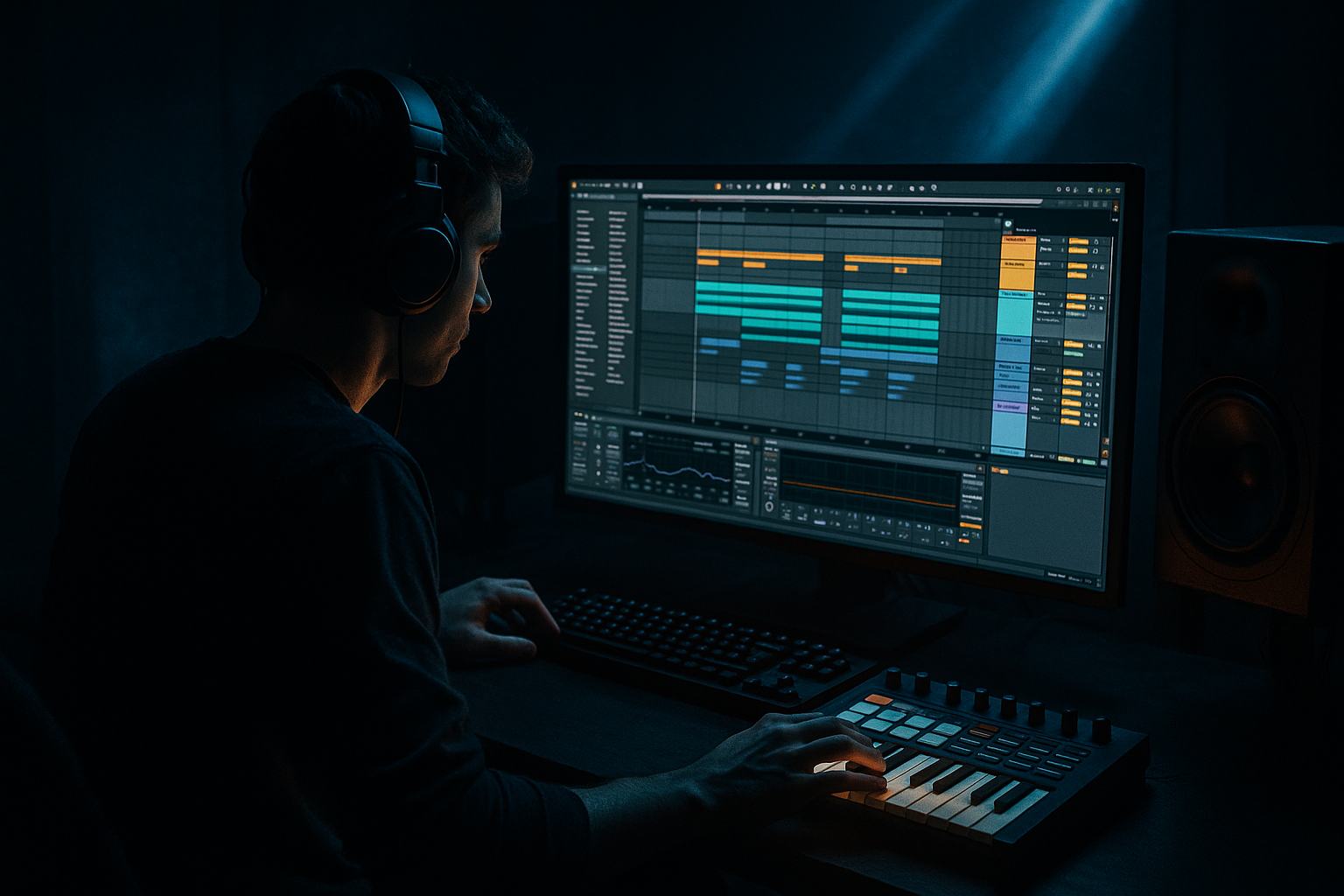
In this lesson, you’ll rebuild an oldskool rave-pressure bassline in Ableton Live 12 using beginner-friendly stock tools, with the focus on making it sit properly under DnB drums. The goal is not just to draw in notes — it’s to create that driving, simple, hypnotic low-end that makes a jungle or rave-leaning DnB drop feel urgent, danceable, and heavy.
This technique matters because oldskool-style basslines are often built on repetition, groove, and contrast rather than complex sound design. In DnB, that bassline has to work with fast drums, not fight them. It needs to leave space for the kick, snare, break edits, and ghost notes while still carrying pressure through the drop. That’s why learning this workflow is so valuable: it teaches you how to build a bassline that feels classic, functional, and club-ready without overcomplicating the process.
We’ll keep the sound design simple and practical: a sub layer, a mid-bass/reese layer, some saturation, and a few light movement tricks using Ableton stock devices like Operator, Wavetable, Saturator, Auto Filter, and Compressor. You’ll also learn how to phrase the bassline so it locks with DnB drums instead of flattening them. 🔥
What You Will Build
By the end of this lesson, you’ll have a bassline that sounds like it belongs in an oldskool rave-inspired DnB drop:
- A tight sub foundation holding the low end in mono
- A mid-bass layer with a slightly dirty, reese-like edge
- A simple rhythmic phrase that leaves room for drums and break chops
- A call-and-response pattern that feels like classic jungle pressure
- A basic 8-bar drop section with one or two arrangement variations
- A mix that keeps the bass powerful but not muddy, with the kick and snare still punching through
- Making the bassline too busy
- Letting the sub and kick fight each other
- Using too much stereo widening on low end
- Ignoring note length
- Over-distorting the bass
- Forgetting the snare space
- No arrangement variation
- Layer a quiet noise or reese top above the mid-bass
- Use call-and-response phrasing
- Automate filter movement on the mid layer only
- Add tiny pitch movement for menace
- Resample and chop for weight
- Use a drum-bass contrast mindset
- Check mono early
- Build the bass around the drums, not the other way around.
- Use a clean sub layer and a gritty mid layer.
- Keep the phrase simple, rhythmic, and repetitive for oldskool rave pressure.
- Leave room for the snare, kick, and break edits.
- Use Ableton stock devices like Operator, Wavetable, Saturator, EQ Eight, Auto Filter, and Compressor.
- Add movement through note length, velocity, filter automation, and arrangement variation.
- Keep the low end mono, controlled, and punchy for proper DnB impact.
Musically, think of a phrase that uses a small number of notes, repeated with attitude: something like a root note, a fifth, and a passing note that creates movement. In a DnB context, this works best when it locks to the snare grid and leaves space around the kick hits so the rhythm stays energetic.
Step-by-Step Walkthrough
1. Start with a clean DnB drum context
Before you build the bassline, load a simple drum loop or program your own basic DnB pattern in a new MIDI track. Keep it classic:
- Kick on the first beat with variation depending on your style
- Snare on beat 2 and beat 4
- Hats or shuffled percussion in the gaps
- Optional break layer chopped lightly for jungle character
The reason to do this first is simple: basslines in DnB are judged by how they sit with the drums. If you write the bass in isolation, it’s easy to make it too busy or too long. Put the drums in place so you can hear where the bass should breathe.
For this lesson, aim for a 2-step-ish foundation with break energy. If you’re using a breakbeat, keep it trimmed and looped so the bassline has something rhythmic to bounce against.
2. Create a sub bass with Operator
Add Operator on a new MIDI track and build a simple sub layer.
Suggested setup:
- Oscillator A: Sine wave
- Octave: -1 or -2
- Filter: off, or keep it very open
- Envelopes: short, clean, no long release
Play a simple MIDI phrase using just a few notes from the key of your track. A good beginner approach is:
- Root note
- Fifth
- Octave up or down as a variation
- One passing note for tension
Keep the notes short at first, around 1/8 to 1/4 note lengths, depending on the groove. DnB bass often works better when it is rhythmic and controlled instead of legato and washed out.
Suggested values:
- Velocity range: around 80–110
- Release: very short, around 10–50 ms
- Glide/portamento: off for now, or very subtle if you want slides later
Why this works in DnB: the sub is the foundation of the drop. In fast music, a clean sine bass keeps the low end solid and makes the kick and snare feel stronger. If the sub is messy, the whole tune loses pressure.
3. Duplicate the bass track and build a mid-bass layer
Duplicate the Operator track or create a second MIDI track for the midrange. This layer gives the bassline its oldskool rave bite.
You can use either:
- Wavetable for a richer, slightly detuned tone
- Another Operator patch with more harmonics
- A simple Analog-style patch if you want it rough and basic
A beginner-safe starting point in Wavetable:
- Oscillator 1: saw or square-based wavetable
- Unison: 2 voices max
- Detune: light, around 5–15%
- Filter: low-pass, cutoff around 200–800 Hz depending on brightness
- Envelope: short decay for punchy hits
Keep this layer mono or near-mono to start. You can widen it later in the highs, but the low-mid region should stay controlled.
Now shape the tone with Saturator:
- Drive: 2–6 dB
- Soft Clip: on
- Output: trim to match level
This adds audible grit without needing heavy distortion. In oldskool rave-inspired DnB, the mid-bass doesn’t need to be ultra-clean. A bit of edge helps it cut through the drums and gives the drop personality.
4. Write a simple bass phrase that supports the drums
Open the MIDI clip and build a phrase that answers the drum pattern rather than covering it. For a beginner, keep it to 1 or 2 bars repeated across the loop.
A strong starting structure:
- Note 1 on the “and” of beat 1
- Note 2 around beat 2 or just after the snare
- Note 3 as a short pickup before beat 4
- Small variation in bar 2
Try phrasing where the bass leaves the snare hits clear. In DnB, the snare is often the main anchor, so a bass note that lands right on top of it can make the groove feel cramped.
A useful beginner rule:
- Let the snare breathe
- Use bass notes to push into the snare or answer after it
- Keep long notes only where you want extra weight
If you’re making an oldskool rave pressure bassline, think “simple, stubborn, memorable.” One or two notes repeated with rhythm will often feel stronger than lots of notes.
5. Add movement with MIDI editing and note length variation
The bassline will feel much more alive if not every note has the same length and velocity. In Ableton, use the MIDI editor to vary note lengths slightly.
Practical moves:
- Make some notes shorter for punch
- Extend one note into the next gap for tension
- Lower velocity on a repeat note so it feels like a ghost phrase
- Raise velocity on the note that leads into the snare or drop accent
Suggested variation ranges:
- Short notes: 1/16 to 1/8
- Longer accent notes: 1/4
- Velocity contrast: around 15–25 points difference
This gives the bassline the kind of pulsing motion you hear in jungle and rave-influenced DnB. It’s not about fancy melody — it’s about making the phrase feel like it’s breathing with the drums.
6. Glue the two layers together with Group processing
Select both bass tracks and group them into a Bass Group. This is the point where the sound starts to feel like one instrument.
On the group, add:
- EQ Eight to clean up unnecessary low-mid buildup
- Compressor for light glue
- Optional Saturator for extra cohesion
Suggested EQ Eight moves:
- High-pass very gently around 20–30 Hz if needed
- Cut a little around 200–350 Hz if the bass gets boxy
- If the sound is harsh, tame a small area around 2–5 kHz
Compressor suggestions:
- Ratio: 2:1
- Attack: 10–30 ms
- Release: Auto or around 100–200 ms
- Gain reduction: only 1–3 dB
The goal is not to squash the bass. You just want the sub and mid layer to feel connected, especially when the bass note changes. This is important in DnB because fast drums and fast bass need clean dynamic control to avoid a muddy drop.
7. Make the drums and bass talk to each other
Now test the bassline against the drum pattern and listen for clashes.
In Ableton, do a few simple checks:
- Solo bass + drums
- Loop 2 bars
- Listen to the kick and sub relationship
- Check whether the snare still hits cleanly
If the kick disappears, shorten bass notes around the kick or move the bass phrase slightly later. If the snare feels crowded, remove bass notes directly on the snare hit and place them just before or after instead.
You can also add subtle sidechain compression to the bass group using the kick as the trigger:
- Ableton Compressor
- Sidechain on
- Attack: 1–10 ms
- Release: 50–120 ms
- Keep it light so the groove pumps, not ducks unnaturally
This helps the bass get out of the way just enough for the drums to punch through, which is essential in DnB.
8. Add subtle movement and edge with modulation
For a bit more life, automate or modulate one or two parameters instead of changing the whole sound.
Good beginner-friendly options:
- Auto Filter cutoff on the mid layer
- Saturator drive for drop emphasis
- Instrument Rack macro controlling filter and volume
- Wavetable’s filter envelope amount, if using Wavetable
Try this simple automation idea:
- Bars 1–4: slightly darker bass
- Bars 5–8: open the filter a little more
- Last half-bar before a phrase repeat: raise drive or cutoff briefly
Parameter ideas:
- Auto Filter cutoff sweep: from 250 Hz to 1.2 kHz
- Resonance: low, around 5–15%
- Saturator drive lift: +1 to +3 dB on the last note before a switch-up
This creates a classic pressure curve: the bassline starts controlled and gets more intense as the drop develops.
9. Arrange it like a real DnB section
Put the bassline into an 8-bar drop and make a small variation every 4 bars.
Example arrangement:
- Bars 1–2: main bass phrase
- Bars 3–4: same phrase, but with one note removed
- Bars 5–6: add a small fill or a higher passing note
- Bars 7–8: strip back the bass briefly to create space for the next section
In a club context, this gives you tension and release without needing a full breakdown. For an oldskool rave-inspired tune, a DJ-friendly layout matters:
- 16-bar intro with drums and filtered bass hints
- 8-bar drop
- 4-bar variation
- 8-bar repeat with added energy
- 8-bar outro or transition
This helps the bassline feel like part of a full track, not just a loop.
10. Export a quick resample if you want extra character
Once the bassline feels good, record or resample it to audio. This is optional but powerful.
Why do this?
- It helps you commit to a sound
- You can edit the audio more easily
- You can slice a bass phrase into fills and variations
- You can add stronger texture without juggling too many live devices
In Ableton, record the Bass Group to a new audio track and then:
- Chop the first hit for a sharper start
- Reverse one short tail for a transition
- Duplicate a note and pitch it for a quick fill
This is a very common DnB workflow because resampling makes it easier to turn a simple bassline into something with real character.
Common Mistakes
Fix: Reduce the number of notes. In DnB, a simple phrase often hits harder than a busy one.
Fix: Shorten bass notes, use sidechain compression lightly, and keep the sub in mono.
Fix: Keep everything below roughly 120 Hz centered and mono-safe.
Fix: Tighten or lengthen notes to match the groove. Small changes in note length can dramatically improve bounce.
Fix: Use moderate Saturator drive and check the bass at low volume. If the sub disappears, back off the distortion.
Fix: If the bass sits on top of the snare, move the note slightly earlier/later or remove it entirely.
Fix: Make a tiny change every 4 or 8 bars so the loop feels like a track, not a test pattern.
Pro Tips for Darker / Heavier DnB
Use a very low-level Wavetable layer with a high-pass filter to add grit without muddying the sub.
Let the bass answer the drums. A short bass hit after a snare can feel huge in a darker roller.
Keep the sub stable, and move the upper harmonics. That gives tension while protecting the low end.
In Operator or Wavetable, use a small pitch envelope or very subtle detune to make the bass feel less static.
A bounced bass hit can be sliced and rearranged into new fills. This is great for jungle-influenced drops.
If the drums are busy, keep the bass simple. If the bass is aggressive, simplify the break chops. This is how you keep clarity in darker DnB.
If the bass loses power in mono, simplify the stereo layer or narrow the mid-bass.
Mini Practice Exercise
Spend 10–20 minutes rebuilding a bassline over a basic DnB drum loop:
1. Load a kick/snare loop or program a basic 174 BPM drum pattern.
2. Create a sub with Operator and write a 2-bar phrase using only 3 notes.
3. Duplicate the track and make a mid-bass layer with Wavetable or Operator.
4. Add Saturator to the mid-bass and drive it until it sounds dirty but still controlled.
5. Edit note lengths so some hits are short and one hit is slightly longer.
6. Group the bass layers and add light EQ and compression.
7. Loop 8 bars and make one change in bar 5 or bar 7.
8. Bounce the bass to audio and try one chopped fill before the loop repeats.
Goal: by the end of the exercise, your bassline should feel like it belongs under DnB drums, not just like a loop sitting on its own.

