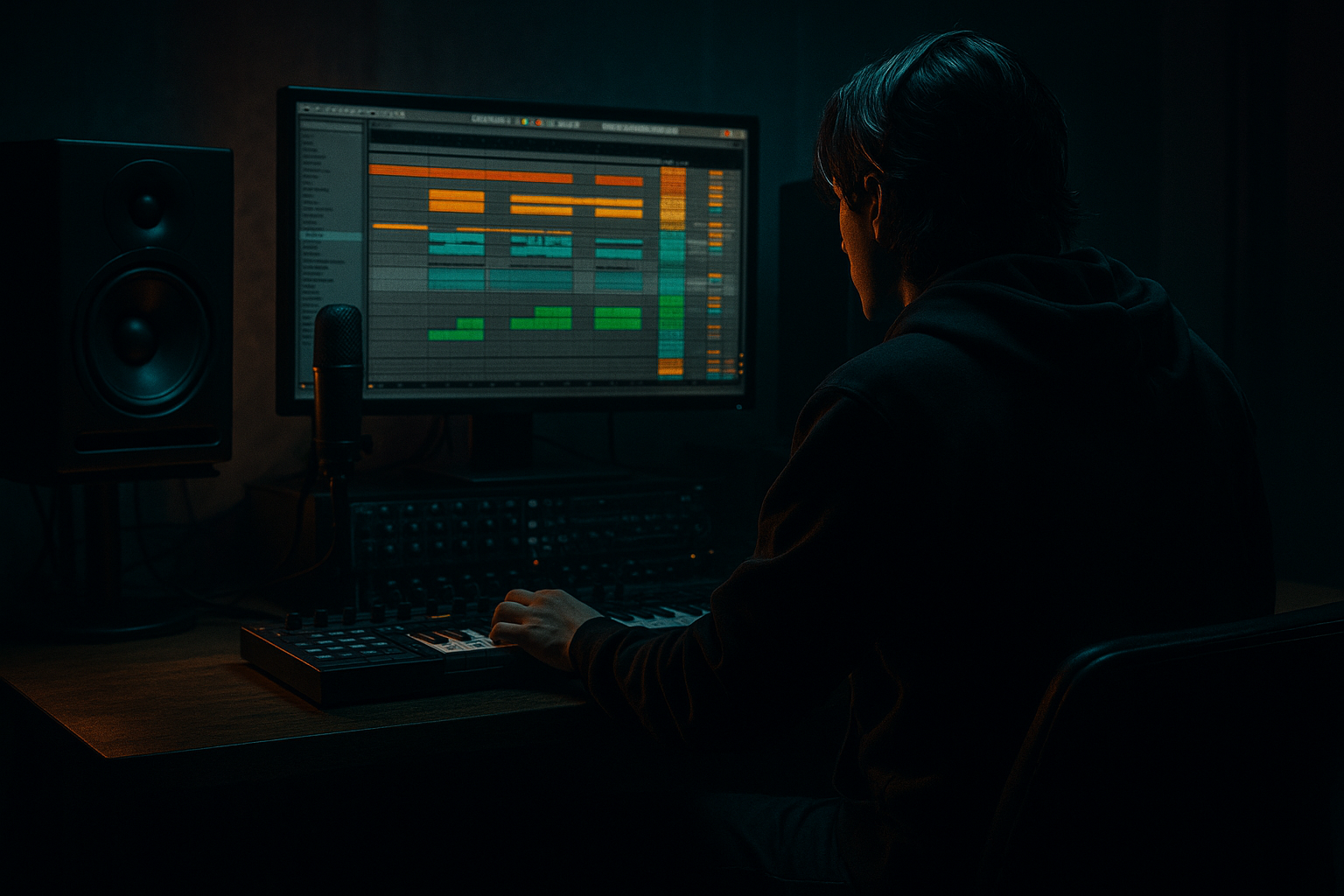
Main tutorial
Rebuild a Jungle Arp for VHS-Rave Color in Ableton Live 12 (Beginner, Ragga Elements)
1) Lesson overview
In this lesson you’ll rebuild a classic jungle-style arpeggio riff and push it into VHS-rave territory: slightly detuned, noisy, saturated, and moving. Think early jungle/ragga intros and rave stabs—but with that worn tape + CRT glow vibe. 🎛️📼
You’ll learn:
- How to program a jungle arp in MIDI (even if you don’t know music theory)
- How to get that rave “lift” with chord choices + rhythm
- A clean Ableton stock chain for tape-ish wobble, grit, and space
- How to arrange it around a rolling DnB groove
- Bright, bouncy arp with swing and rhythmic gating
- VHS movement (wow/flutter), slight detune, gentle noise
- Dubby space (short delays, roomy verb), controlled in the mix
- Arrangement-ready: intro tease → drop support → variation → exit
- Device: Wavetable
- Start from Init (right-click → Initialize Preset)
- Osc 1: Saw
- Osc 2: Square (or Saw), level lower than Osc 1
- Unison: 2–4 voices
- Detune: low (around 10–20%)
- Filter: LP24 (low-pass)
- Amp Envelope (ENV 1):
- Osc 1: Saw
- Osc 2: Square (slightly detuned)
- Filter: 24 dB low-pass, mild resonance
- F minor triad: F – Ab – C
- Eb major: Eb – G – Bb
- Db major: Db – F – Ab
- Step through: F – Ab – C – Ab and repeat
- F Ab C Ab | F Ab C Ab | F Ab C Ab | F Ab C Ab
- Turn on Groove Pool and try:
- Apply lightly: 10–25% groove amount to start.
- Accents give it that “rave hand” feel:
- Mode: LP (low-pass)
- Cutoff: start 3–6 kHz
- Resonance: 10–20%
- Add LFO:
- Mode: Analog Clip
- Drive: 2–6 dB
- Soft Clip: On
- Output: adjust so level matches bypass
- Mode: start with Chorus
- Rate: slow (0.15–0.35 Hz)
- Amount/Depth: moderate (don’t wash it out)
- Mix: 10–25%
- Echo:
- Reverb:
- Add LFO (Ableton Live 12’s LFO is a MIDI Modulator/Device depending on your setup).
- Map it to:
- Settings:
- Create a new Audio track: “VHS Noise”
- Drop in a short vinyl/tape noise sample (or Ableton Pack noise if you have it).
- High-pass it with EQ Eight:
- Keep it super low: you should feel it more than hear it. 📼
- Add Compressor on the arp track
- Enable Sidechain
- Input: your Drum Bus (or kick/snare group)
- Settings:
- Low-pass the arp (Auto Filter cutoff lower)
- Less delay/reverb
- Maybe only the first half of the pattern (simpler)
- Open filter gradually
- Increase Echo feedback slightly
- Add a small velocity boost on accents
- Full arp pattern
- Sidechain active
- Keep space controlled (don’t drown in reverb)
- Transpose pattern up +7 semitones for 1 bar (classic rave lift)
- Or swap chord notes (e.g., move to Eb major note set)
- Add a quick 1/8 note stutter for the last 1–2 beats (edit MIDI or use note repeats)
- Too much reverb: Jungle arps should be vibey but not foggy. Keep verbs short.
- Pitch wobble too strong: VHS drift is subtle—if it sounds out of tune, you went too far.
- No velocity shaping: Flat velocities = boring arp. Accents make it rave.
- Fighting the break: If the arp masks snares, reduce 2–5 kHz a bit with EQ Eight.
- Too wide in mono: Heavy chorus can collapse weirdly. Check with Utility → Width (try 80–100%).
- Minor + suspended tension: Add the 2nd or 4th occasionally (G or Bb in F minor context) for darker “ragga tech” edges.
- Band-limit the arp for authenticity: Use EQ Eight:
- Resample for grit: Freeze/Flatten the arp to audio, then:
- Call-and-response with bass: Let the arp play in gaps. In drop, try:
- You created a jungle arp using a minor chord note set and a 16th-note pattern.
- You added VHS-rave color with subtle filter motion, saturation, chorus, tape-ish echo, and controlled reverb. 📼
- You made it work in a DnB mix using sidechain compression, EQ, and a 16-bar arrangement with variation.
---
2) What you will build
A 16-bar jungle arp hook that sits above a typical 170–175 BPM break/amen-style beat:
---
3) Step-by-step walkthrough
Step 0 — Project setup (fast + correct)
1. Set tempo to 174 BPM (classic jungle speed).
2. Create these tracks:
- MIDI Track: “Jungle Arp”
- (Optional) Audio/MIDI track for your break and bass, so you can hear context.
DnB context tip: Don’t build the arp in isolation—keep a simple drum loop playing so you can feel the groove. 🥁
---
Step 1 — Choose a sound source (stock, beginner-friendly)
On Jungle Arp MIDI track, load:
#### Option A (easiest): Wavetable
Suggested settings:
- Cutoff: start around 4–7 kHz
- Resonance: small amount (5–15%)
- Attack: 0–5 ms
- Decay: 250–450 ms
- Sustain: 0–20%
- Release: 80–180 ms
This gives you a plucky rave-friendly tone that won’t smear.
#### Option B (more “old rave”): Analog
---
Step 2 — Write a jungle-friendly chord shape (simple + effective)
Jungle arps often imply harmony through minor chords and suspended notes.
Pick a key that’s common in DnB: F minor (works great with heavy bass).
Use this chord as your “home”:
And a variation chord for movement:
or
You don’t need theory—just use these note sets and you’re golden.
---
Step 3 — Program the arp rhythm (the jungle bounce)
1. Create a 1-bar MIDI clip (looping).
2. Set the grid to 1/16.
3. Enter notes from the chord (F–Ab–C) in a repeating pattern.
A classic beginner pattern (1 bar, 16th notes):
So you get 16 steps like:
Now add jungle flavor:
- Swing 16-65 (or similar)
Velocity shape (important):
- Make step 1 and 9 louder (downbeats)
- Slightly reduce off-steps (human bounce)
---
Step 4 — Make it “VHS-rave”: movement + grime (stock chain)
Add this device chain after Wavetable/Analog:
#### 1) Auto Filter (motion + shaping)
- Amount: subtle (5–15%)
- Rate: 1/2 or 1 bar (sync)
This makes the arp “breathe” in a tape-like, musical way.
#### 2) Saturator (warmth + edge)
This helps it sit in a DnB mix without needing insane volume.
#### 3) Chorus-Ensemble (VHS width)
Goal: subtle width + smear, not trance supersaw.
#### 4) Delay (dub-rave trails)
Use Echo or Delay (stock). Echo is great for “tape-ish.”
- Time: 1/8 (or 3/16 for jungle bounce)
- Feedback: 15–30%
- Modulation: small (just a touch)
- Filter inside Echo: roll off highs (so repeats feel old)
- Dry/Wet: 8–18%
#### 5) Reverb (room, not a cathedral)
- Size: small/medium
- Decay: 0.8–1.6 s
- Pre-delay: 10–25 ms
- High Cut: 4–7 kHz
- Dry/Wet: 6–12%
DnB rule: Keep it tight—your drums need the space.
---
Step 5 — Add “tape wobble” and noise (VHS vibe without plugins)
You can fake VHS with subtle modulation + texture:
#### Wow/Flutter style pitch drift (easy method)
- Wavetable Osc Pitch (very small range!)
- Or Fine Tune
- Wave: Sine
- Rate: 0.2–0.6 Hz
- Amount: tiny (think cents, not semitones)
If it sounds seasick, reduce amount immediately.
#### VHS noise layer (quick and effective)
- High-pass around 200–600 Hz
---
Step 6 — Make it groove with the drums (sidechain + pocket)
The arp should dance around the break—not fight it.
#### Sidechain compression (classic DnB clarity)
- Ratio: 2:1 to 4:1
- Attack: 1–10 ms
- Release: 80–180 ms
- Threshold: aim for 1–4 dB gain reduction on hits
This creates space so your break stays punchy.
---
Step 7 — Arrangement ideas (16 bars that feel like jungle)
Here’s a reliable DnB-friendly structure:
Bars 1–4 (tease intro):
Bars 5–8 (build):
Bars 9–12 (drop support):
Bars 13–16 (variation):
---
4) Common mistakes
---
5) Pro tips for darker/heavier DnB
- High-pass: 150–300 Hz
- Low-pass: 6–10 kHz
This creates that sampled/rave-era bandwidth.
- Add Redux lightly (bit reduction just a touch)
- Add Saturator after
- Chop and re-trigger the audio like a proper jungle edit
- Arp hits on bar ends
- Bass dominates the first half of each bar
---
6) Mini practice exercise (15 minutes)
1. Build the arp using F–Ab–C–Ab at 174 BPM.
2. Apply swing: Swing 16 at 15%.
3. Add the chain: Auto Filter → Saturator → Chorus-Ensemble → Echo → Reverb.
4. Make two 8-bar versions:
- Version A (cleaner): less chorus, less echo
- Version B (VHS): more chorus, tiny pitch LFO, add noise track
5. A/B them with your drums and pick which sits better.
---
7) Recap
If you want, tell me what vibe you’re aiming for (early ragga jungle, darker techstep, or modern rollers) and I’ll give you a specific arp pattern + chord movement that matches it.

