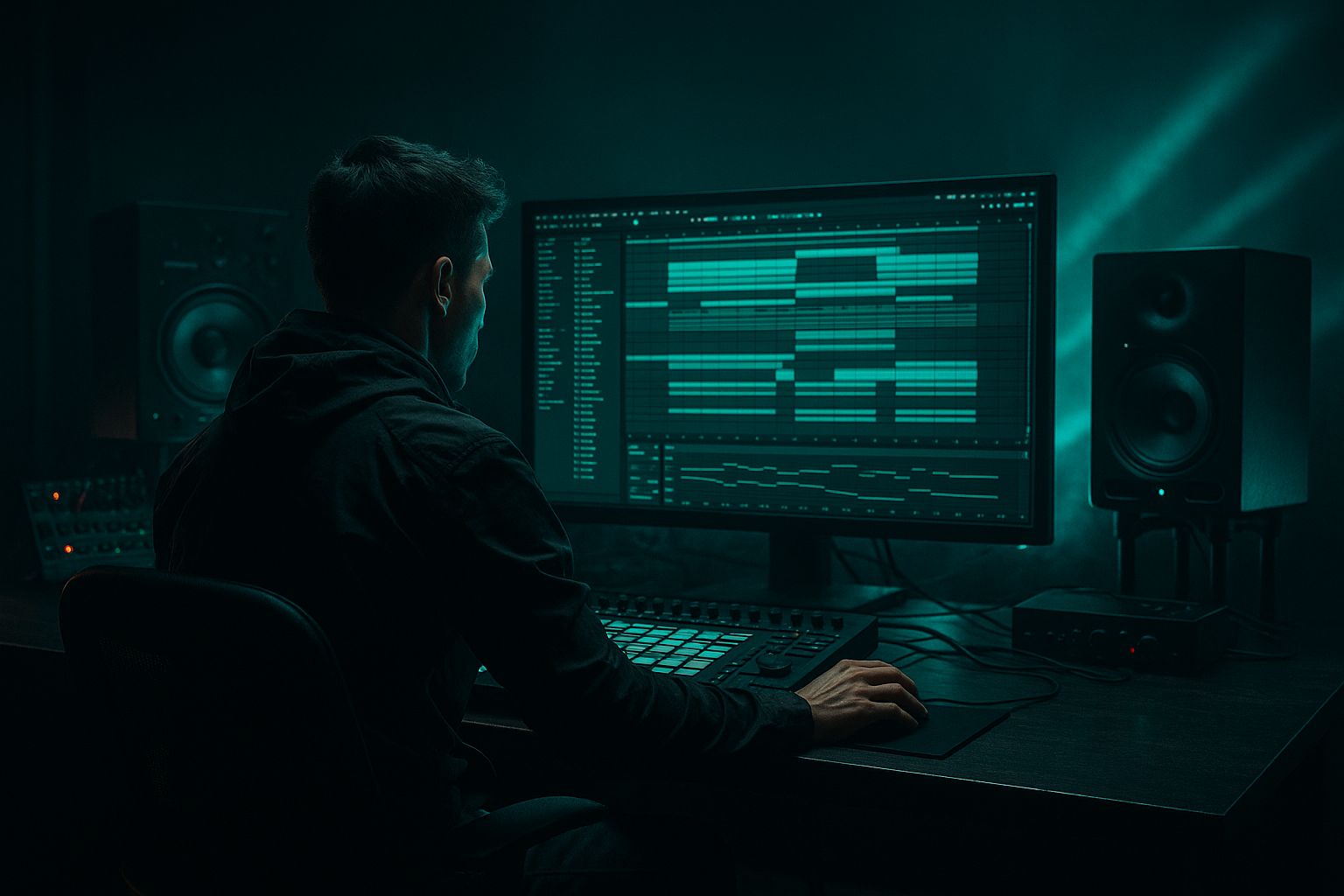
Main tutorial
Lesson Overview
In this lesson, you’re going to rebuild the weight of a kick in Ableton Live 12 by using a Session View to Arrangement View workflow, then shaping it into a proper oldskool jungle / DnB edit. The goal isn’t just “make the kick louder.” It’s to make it feel like it has mass, punch, and attitude while still leaving room for the break, sub, and bass movement that define Drum & Bass.
This matters a lot in DnB because the kick often has to survive a busy low end: chopped breaks, rolling subs, reese bass movement, ghost notes, and fast arrangements all competing for space. In oldskool jungle especially, the kick often carries the first-hit impact of the drop while the break provides the motion and texture. If the kick feels weak, the whole groove can collapse. If it’s too heavy, it can swallow the break and ruin the bounce.
We’ll use Ableton’s stock tools to do this properly:
- Session View for fast iteration and loop-based editing
- Arrangement View for shaping the final phrase and energy curve
- Drum Rack, Simpler, EQ Eight, Saturator, Drum Buss, Glue Compressor, Utility, and Auto Filter
- optional resampling for extra grit and realism
- a reconstructed kick layer that has more weight and body
- a chopped oldskool break supporting the groove
- a sub bass or low roller that leaves space for the kick transient
- a transition from Session View loop building into Arrangement View automation
- a kick that works in a 4–8 bar phrase, suitable for intro tension, drop impact, or a switch-up section
- a clean low end that still feels dirty, broken, and underground
- bar 1–2 = filtered tension and break fragments
- bar 3–4 = kick weight enters with more body
- bar 5–8 = full groove with sub and break interaction
- the drop feels like a classic jungle move: half-built in Session View, then committed in Arrangement View with automation and edits
- Boosting the kick instead of rebuilding it
- Letting the break and kick fight in the same low band
- Too much sub under the kick
- Over-saturating until the kick loses punch
- Ignoring phase between layers
- Making the loop work but forgetting the arrangement
- Use a very short room or ambiance layer under the kick and break, but keep it filtered so it adds atmosphere, not mud.
- Try subtle Drum Buss transient enhancement on the kick group for extra snap without needing harsh EQ.
- If the kick needs more “wooden” weight for oldskool vibes, layer a very quiet low tom or tuned percussion hit under the body layer.
- For darker rollers, automate the kick group’s Saturator drive up slightly in the second half of the phrase to make the drop feel more unstable.
- Use Reverb sparingly on fills only — short decay, heavily filtered — so the kick stays dry and close.
- Resample your finished kick edit and re-cut it in Arrangement View. That often gives a more committed, sample-based feel than endless tweaking.
- Keep the sub mono and the kick centered. Let the movement happen in the breaks, atmospheres, and upper harmonics.
- If the track feels too modern, reduce perfect symmetry: leave one bar with a slightly different kick pattern or a tiny break chop. That imperfection is part of the jungle DNA.
- Rebuild kick weight by layering, carving, and saturating, not just turning it up.
- Use Session View to test the groove fast, then Arrangement View to shape the edit.
- In jungle and oldskool DnB, the kick must work with the break and sub — not against them.
- Keep the low end mono, controlled, and spacious enough for the kick to land.
- The best edits feel like the track is evolving, not looping.
This is an Edits lesson, so the focus is on turning raw elements into a tighter, more intentional DnB arrangement — not just sound design in isolation. You’ll learn how to build a kick that feels like it was reconstructed inside the track, not pasted on top of it.
What You Will Build
By the end, you’ll have a short but powerful jungle/DnB drop section with:
Musically, think of a section where:
Step-by-Step Walkthrough
1. Build a focused Session View loop around the kick
Start in Session View with three tracks:
- Track 1: Break loop
- Track 2: Kick layer
- Track 3: Sub or bass pulse
For the break, use a chopped amen-style loop or any dusty break with strong snare and kick hits. If needed, put the break into Simpler and slice it manually or use Slice to New MIDI Track for faster edits.
For the kick layer, load a clean kick sample into Simpler or Drum Rack. Choose something with a short transient and a usable low body, not an overly clicky modern techno kick. For oldskool jungle vibes, you want a kick that can be reshaped, not one that already sounds finished.
Make a 1-bar clip on the kick track with a single kick on beat 1, then duplicate it into a 2-bar loop. Keep the loop sparse at first. You’re creating room to hear the interaction between kick, break, and sub.
Practical starting point:
- Kick clip velocity: 100–127
- Clip length: 1 or 2 bars
- Break loop: high-pass lightly around 80–120 Hz if it’s fighting the kick/sub already
Why this works in DnB: the groove in jungle often comes from contrast — strong anchor hits against chopped rhythmic detail. A kick that’s too busy can blur the break’s syncopation.
2. Rebuild the kick body with layering, not just gain
Drag your kick into a Drum Rack and create two lanes:
- Kick transient layer
- Kick body layer
The transient layer can be the original sample or a trimmed version with the click preserved. The body layer should be a second kick sample, a low tom, or even a tuned thump with more low-mid weight. Keep it simple and phase-aware.
Use Simpler on the body layer and adjust:
- Start: move slightly forward if the attack is too soft
- Warp/Loop off for one-shots
- Fade: short, just enough to avoid clicks
- Transpose: tune by ear so it reinforces the track key or sits cleanly with the sub
Good starting ranges:
- Transient layer: high-passed around 120–180 Hz
- Body layer: low-passed around 2–5 kHz, depending on click content
- Body tuning: often somewhere between -3 to +3 semitones, but trust your ears
If the two layers fight, nudge the start point of one sample by a few milliseconds or invert phase using Utility on one lane. Even small alignment changes can make the kick feel twice as solid.
3. Use EQ Eight to carve a proper kick pocket
Put EQ Eight on the kick rack or on the group bus. Shape the layers so each one has a job.
A useful DnB kick shape:
- Small boost around 50–80 Hz for weight
- Cut muddiness around 180–350 Hz
- Gentle presence boost around 2–4 kHz if the kick needs more definition
- High-pass the transient-only layer higher than you think if it’s clouding the low end
Don’t overdo the low boost. In DnB, the kick only feels huge when the sub is controlled. A kick that owns too much 40–60 Hz can make the drop smaller, not bigger.
If the break has a kick sample inside it, reduce the overlap by either:
- cutting the break’s low band with EQ Eight
- or using Auto Filter in high-pass mode during the kick-heavy bars
This is a classic edits move: you’re not changing the musical idea, you’re editing the frequency relationship so the kick lands with authority.
4. Add controlled saturation for oldskool weight
Insert Saturator after EQ Eight on the kick group. This is where the kick starts to feel like it belongs in a classic jungle system.
Try these settings:
- Drive: around 2–6 dB
- Soft Clip: on
- Curve: default is fine to start
- Output: trim back so you keep headroom
If you want more aggressive edge, use Analog Clip mode carefully. If the kick gets too square or thin, back it off and lower the drive. The idea is to bring out harmonics so the kick reads on smaller speakers without losing the low-end hit.
Optional variation: place Drum Buss after Saturator.
- Drive: around 5–15%
- Transient: slightly positive for more punch
- Boom: use very carefully, often around 0–15%, tuned to the track’s low end
- Boom frequency: around 50–70 Hz if it helps the kick rather than the sub
For jungle vibes, a touch of saturation often does more than a huge EQ boost. It gives you that slightly worn, sample-based feeling that suits oldskool edits.
5. Control the kick’s envelope so it punches, not smears
Open Simpler or the sample’s envelope controls and shape the decay. In DnB, the kick often needs to be short enough to make room for break detail, but long enough to feel physical.
Use these general starting points:
- Attack: 0 ms
- Decay / Release: short to medium, depending on the sample
- If there’s tail rumble, shorten it until the kick stops before the sub note gets messy
If you’re using a sample with too much tail, put Auto Filter after it and use a gentle low-pass or dynamic movement during the arrangement. You can also resample the kick layer once it sounds right, then re-import that audio and trim it like an edit tool.
This is especially useful in an edit workflow: commit a cleaned-up kick sample, then treat it like a new piece of source material.
6. Build the sub relationship so the kick feels heavier
Your kick won’t feel heavy unless the sub leaves it space. In oldskool DnB, the bass isn’t always a huge sustained reese — sometimes it’s a simple sub pulse or a short stab that supports the drum groove.
Use a Wavetable, Operator, or even a sine in Simpler:
- Keep it mono with Utility
- Roll off above 100–150 Hz
- Sidechain lightly or manually gate around the kick hits
- Tune the sub notes to sit around the track root or a supportive fifth
Good starting point:
- Sub volume: low enough that the kick owns the first impact
- Sidechain / volume duck: about 1–3 dB if subtle, more if the arrangement is dense
- Stereo width: 0% on the sub lane
If the kick is still weak, don’t just turn it up. Instead, reduce the sub envelope length or lower its level on the kick beat. That creates the illusion that the kick got bigger without actually needing more gain.
7. Move from Session View to Arrangement View and edit the phrase
Once your loop feels strong in Session View, record it into Arrangement View. This is the point where the lesson becomes an edit, not just a loop.
In Arrangement View:
- create a 4-bar intro tension
- bring in the break first, filtered
- introduce the kick layer on bar 3 or 4
- open the sub/bass fully on the drop
- add a switch-up in bar 7 or 8 for oldskool movement
Use clip automation or track automation to make the section evolve:
- Auto Filter cutoff opening from roughly 200 Hz up to full range
- Saturator drive increased slightly at the drop
- Utility width on atmospheric layers opening up, while the kick and sub stay mono
- break level automation to let the kick punch through on key hits
A strong arrangement example:
- Bars 1–2: filtered break and atmosphere
- Bars 3–4: kick layer enters, sub muted or minimal
- Bars 5–6: full groove, break and sub lock together
- Bars 7–8: edit fill, reversed cymbal, or a one-bar break chop to reset energy
This is where Session View helps you test quick ideas, but Arrangement View gives them intentional impact.
8. Use clip edits to create an oldskool drum conversation
Now make the kick feel like part of the break, not separate from it. Duplicate the kick clip and create small variations:
- move one kick slightly earlier for a push
- remove a kick in bar 4 to create space
- add a ghost hit before the main kick
- chop the last kick of the loop into a shorter version for a switch
In oldskool jungle, that “broken” feeling matters. The kick can answer the break’s snare or fill the gap between chopped drum fragments.
Try adding:
- a ghost kick at low velocity around 30–60
- a reversed slice into the main hit
- a short break stutter before the drop
- a one-beat filter dip right before the kick returns
These edits make the weight feel earned. The listener feels the drop because the arrangement gives it space.
9. Glue the drums as a group, then check mono and headroom
Route kick, break, and drum support into a Drum Bus. On that bus, use Glue Compressor lightly:
- Ratio: 2:1 or 4:1
- Attack: around 10–30 ms to keep punch
- Release: Auto or 0.1–0.3 s
- Aim for only a few dB of gain reduction
Add Utility on the drum bus and check mono. The kick weight should hold up without any stereo tricks. The low end must stay stable, especially if the track will be played in clubs or on sound systems.
Keep enough headroom:
- Avoid clipping the master
- Leave roughly -6 dB peak headroom during the build
- Don’t “solve” weight by overcompressing the master
For DnB, clean headroom lets the kick hit harder when the drop arrives. If everything is already maxed out, the groove has nowhere to go.
Common Mistakes
- Fix: layer transient + body, then shape with EQ and saturation.
- Fix: high-pass the break slightly, or reduce its low mids during kick hits.
- Fix: shorten the sub envelope or duck it manually on kick beats.
- Fix: use lighter drive and trim output. The kick should feel denser, not flatter.
- Fix: nudge sample start points, flip phase with Utility, and listen in mono.
- Fix: move to Arrangement View early and automate energy changes across 4–8 bars.
Pro Tips for Darker / Heavier DnB
Mini Practice Exercise
Spend 15 minutes building a 4-bar kick edit:
1. Load one break loop, one kick sample, and one sub tone.
2. Build a simple Session View loop with a kick on bar 1 only.
3. Layer a second kick body and shape it with EQ Eight and Saturator.
4. Make the kick and break work together in mono.
5. Record the loop into Arrangement View.
6. Automate a filter opening across 4 bars.
7. Add one edit: a ghost kick, reversed slice, or one-beat drop-out.
8. Resample the final 4 bars and compare it to the raw loop.
Goal: make the second version feel heavier, tighter, and more intentional without adding more elements.

