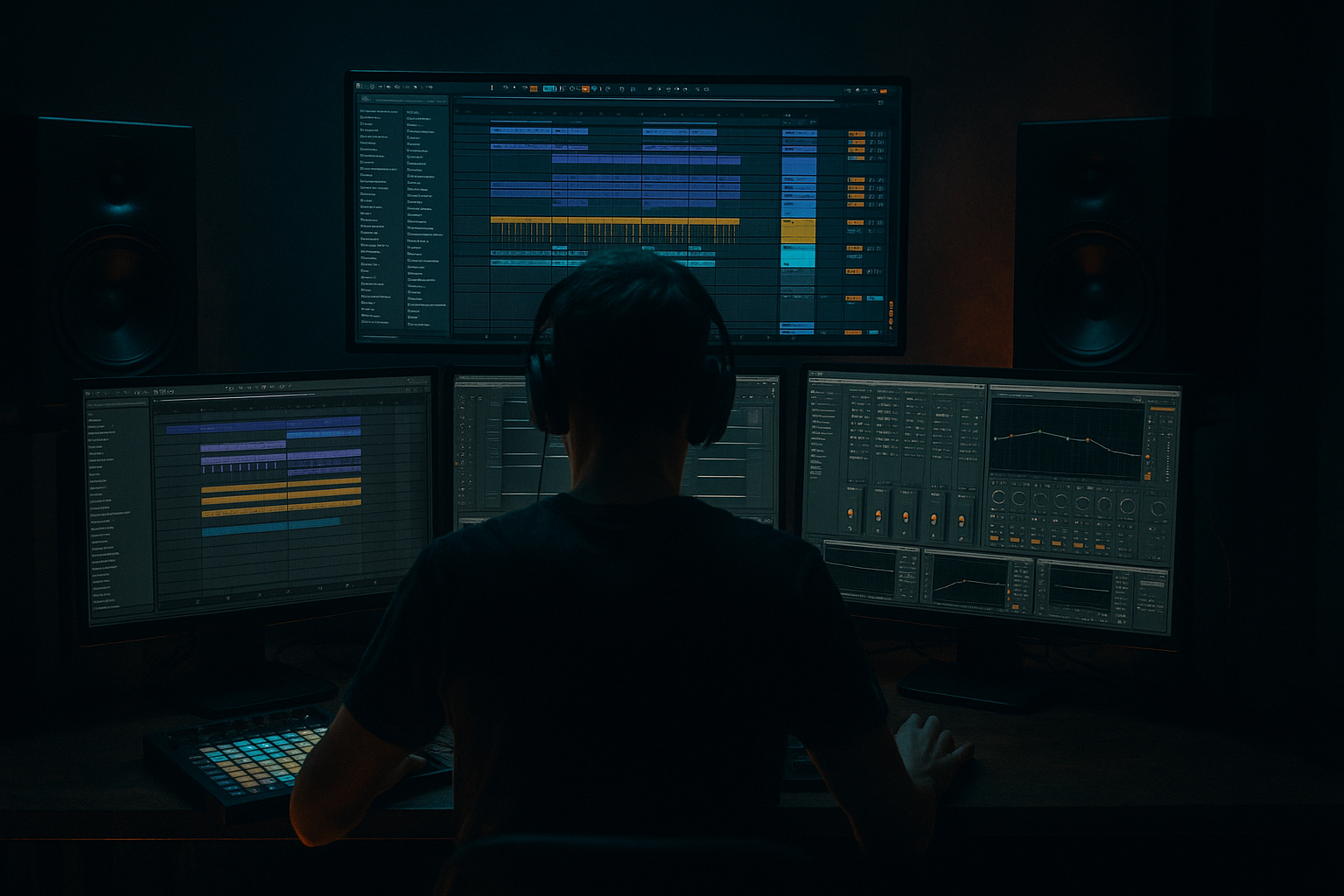
Main tutorial
Lesson Overview
In this lesson, you’ll rebuild an Amen-style 808 tail with a crunchy sampler texture in Ableton Live 12, then shape it so it sits like a proper DnB tool rather than a random bass hit. The goal is to create a tail that feels like it came out of a jungle break edit, a rollers drop, or a darker halftime switch-up: deep, animated, slightly busted, but still mix-clean enough to live under fast drums.
Why this matters in DnB:
- The 808 tail gives you sustained low-end weight after the punch of the hit.
- The Amen-style crunch adds midrange grit and rhythmic identity, which helps the sound cut through dense drums and reese layers.
- In DnB, bass sounds often need to do two jobs at once: support the sub and carry character. A clean sub alone can feel too polite; a crunchy tail can give the bassline attitude without losing foundation.
- This technique is especially useful for call-and-response bass phrases, drop fills, and arrangement transitions where you want a short, nasty tail that feels sampled and alive.
- A fast Amen-style attack with a crunchy break texture in the upper mids
- An 808-style decay tail that holds the low end for a short, musical length
- Controlled harmonic grit from Ableton stock devices like Saturator, Drum Buss, Redux, Auto Filter, EQ Eight, and Compressor
- A version that works both as:
- Clean mix behavior:
- Letting the Amen layer carry too much low end
- Overdistorting before the envelope is right
- Making the sub stereo
- Using too much Redux or bit reduction
- Not checking the sound in the full drop
- Leaving too much 200–400 Hz buildup
- Too much tail length
- Duck the tail from the kick, not the whole mix
- Layer a very quiet noise transient
- Use subtle pitch movement on repeated hits
- Accent the first hit, then degrade the repeats
- Use Auto Filter resonance carefully
- Think in layers of aggression
- Keep an eye on headroom
- place all three versions in a simple 4-bar DnB loop
- audition them against a kick/snare pattern and a reese
- choose the one that:
- Build the sound from a strong 808 foundation plus a short Amen-style crunch layer
- Keep the sub mono and clean
- Use EQ Eight, Saturator, Drum Buss, Redux, Auto Filter, Compressor, and Utility to shape tone and movement
- Focus on envelope control before heavy processing
- Resample the result to lock in the texture
- Test it in a real DnB arrangement context, not just solo
- Use automation to make the tail evolve across the drop
We’ll build the sound inside Ableton Live using stock devices only, focusing on Sampler/Drum Rack workflows, saturation, envelope shaping, filtering, and mixing discipline. You’ll end up with a bass hit that sounds like a heavily resampled jungle tool: tight on the front, dirty in the body, controlled in the low end, and ready for arrangement.
What You Will Build
By the end, you’ll have a single bass hit / tail sound with these characteristics:
- a one-shot bass accent in a neuro/rollers drop
- a phrased tail after a drum stab or break chop in a jungle edit
- mono-compatible low end
- reduced harshness in the 2–6 kHz zone
- enough headroom to sit under drums and reese layers
Think of it as a bass tool you can place under an Amen chop, a snare fill, or a sub-driven drop phrase. It should feel dirty on purpose, not accidentally broken.
Step-by-Step Walkthrough
1. Choose and prepare the source material
Start with a short sample that already has movement in it:
- an 808 kick or tom
- an Amen break chop
- a layered hit made from a kick + noisy percussion
- or a resampled bass stab with a clear transient
For this lesson, the best approach is:
- use an 808-style low hit for the tail foundation
- layer a short Amen chop or break fragment on top for crunch
In Ableton Live 12:
- Drag your source into a new Audio Track
- Warp it only if needed; if it’s a one-shot, keep it as a one-shot
- Trim the clip so the transient is clean and the tail is obvious
- If the source is too long, shorten it now—DnB bass tools need to be tight and reusable
Good source choices:
- kick with solid fundamental around 45–60 Hz
- break chop with crisp hat/snare noise in the 2–10 kHz range
- a bass stab with some upper harmonic content
Why this works in DnB: your bass sound needs a strong pitch center and a timbral edge. The 808 gives body; the Amen texture gives identity. That’s a classic jungle-to-modern DnB hybrid move.
2. Build the hit inside Sampler or Drum Rack
Drag the sample into Simpler first if you want fast shaping, or into Sampler if you want more detailed control over envelope and zone behavior. For an intermediate workflow, I recommend:
- Put the sound in a Drum Rack
- Load the 808 foundation on one pad
- Load the Amen crunch layer on another pad
- Group them so you can process the result together later
Suggested pad setup:
- Pad 1: 808 body
- Pad 2: Amen crunch
- Pad 3: optional noise layer or top transient
On the 808 pad:
- Set Amp Envelope roughly:
- Attack: 0–5 ms
- Decay: 250–800 ms
- Sustain: 0 dB or slightly below
- Release: 20–80 ms
- Tune the sample to the key of the track if possible
- Use Glide/Portamento only if you want a sliding tail feel for a more modern rollers or neuro phrase
On the Amen layer:
- Keep it very short
- Set the decay so it flashes and disappears fast
- If it has too much low end, filter it hard later
The point is not to make a huge sample; it’s to make a controlled hybrid hit with a gritty top and a stable bottom.
3. Shape the low-end relationship first
Before adding grit, decide what your low end is doing. In DnB mixing, the sub is not a decorative element—it’s the anchor.
On the 808 layer, add EQ Eight:
- Low shelf or bell boost if needed around 45–70 Hz by +1 to +3 dB
- Cut mud around 120–250 Hz by -2 to -5 dB
- If the tail gets boxy, make a small dip around 300–500 Hz
On the Amen crunch layer, add EQ Eight:
- High-pass around 120–180 Hz
- If needed, go higher, even up to 250 Hz, to keep the low end clean
- Use a small notch if a snare ring or metallic peak feels harsh in the 2–4 kHz zone
If the 808 and Amen layer fight for space:
- reduce the Amen layer volume before processing
- or use Utility to narrow the low layer to mono
A good rule: let the 808 own the sub, and let the Amen layer own the character. That separation is what makes the sound hit hard without turning muddy.
4. Add crunch with stock saturation and bit reduction
Now we make the sound feel sampled and aggressive. This is where the “crunchy sampler texture” comes alive.
Add Saturator to the group or the combined rack:
- Start with Soft Clip on
- Drive around 2 to 6 dB
- Use Analog Clip if you want more aggression
- Keep the output compensated so you’re judging tone, not loudness
Then add Drum Buss after Saturator:
- Drive: 5–20%
- Crunch: 5–25%
- Boom: use carefully, often 0–15%
- Damp: adjust to tame harsh top if needed
If you want the “old sampler” edge:
- Add Redux very lightly
- Bit depth: around 10–12 bits
- Downsample just enough to roughen the upper mids, not destroy the tail
This combination gives you:
- clipped front-end punch
- crunchy tail harmonics
- that slightly broken, resampled feel common in jungle edits and dark rollers
Keep checking the sound at a lower monitoring level. If it only sounds good loud, you’ve probably overcooked the distortion.
5. Control the envelope so the tail feels intentional
A good DnB tail should feel like it’s been edited with purpose. If the decay is too long, it turns into low-end blur. If it’s too short, it loses impact.
Use one or more of these methods:
- Compressor with sidechain from the kick or main drum bus:
- Ratio: 2:1 to 4:1
- Attack: 10–30 ms
- Release: 50–120 ms
- Aim for subtle ducking, not obvious pumping unless the track wants it
- Auto Filter to shape the decay:
- Low-pass around 4–10 kHz if the top is too sharp
- Add slight resonance if you want a more resonant, vocal tail
- Clip envelope or sample decay adjustment inside Simpler/Sampler to shorten the tail
For a more modern DnB drop, try automating the filter:
- open slightly on the first hit
- then close down by the end of the bar for tension
This is especially useful in a 8-bar drop phrase where the first two bars are fuller and the last two bars get tighter before the switch. It keeps the bassline from sounding static.
6. Create movement with frequency-focused automation
This is where the sound becomes musical rather than just processed.
Automate one or more of the following:
- Auto Filter cutoff
- Saturator drive
- Drum Buss crunch
- EQ Eight gain in a midrange band
- Utility width on the upper layer only
Practical automation ideas:
- Open the filter from 180 Hz to 500 Hz over the first half of a fill
- Increase Saturator drive by 1–2 dB on the last hit of a 4-bar phrase
- Reduce Redux intensity on quieter notes to create dynamic contrast
- Automate the Amen layer volume so it appears only on certain hits
A useful arrangement example:
- Bars 1–4: bass tail is cleaner, supporting the drum groove
- Bars 5–8: automate more crunch and brighter filter movement
- Bar 8: cut the tail short for a transition into the next section
In DnB, automation is often what makes a loop feel like a record rather than a demo. Even small changes keep the listener locked in.
7. Glue the layers, then clean the mix
Once the sound feels good, process the group as a unified instrument.
On the group/bus, try:
- Glue Compressor for light cohesion:
- Attack: 3–10 ms
- Release: Auto or 0.1–0.3 s
- Keep gain reduction subtle, around 1–2 dB
- EQ Eight for final cleanup:
- cut rumble below 25–30 Hz
- trim harshness if the texture pokes too hard around 3–5 kHz
- Utility to check mono compatibility:
- keep the low end mono
- if any stereo widening exists, keep it only in the upper layer
If the tail is stepping on the kick:
- shorten the release
- use sidechain compression more aggressively
- or move the bass hit off the kick transient by a few milliseconds
This is the mixing part that matters most: in fast DnB, the bass needs to be felt instantly and released cleanly so the drums can keep moving.
8. Resample the result and audition it like a producer
Once the sound is close, resample it. This is a classic DnB workflow because resampling forces commitment and often reveals the most usable version of a sound.
In Ableton:
- Create a new Audio Track
- Set input to Resampling
- Record several versions of the hit
- Pick the best one, then trim it down
Why resample?
- It bakes in the texture
- It lets you see the waveform clearly
- It makes further editing faster
- It helps you judge whether the sound actually works in the arrangement
After resampling:
- compare the raw and processed versions
- choose the one with the best punch-to-tail balance
- if needed, slice it into a Drum Rack for future reuse
This is a very practical jungle/DnB move: one good resample can become a whole phrase, a fill, or a signature bass accent.
9. Place it in a musical DnB context
Don’t judge the sound solo only. Put it into a real musical situation.
Try one of these contexts:
- A roller bassline where the tail answers the kick pattern
- A jungle break edit where the sound lands after a snare choke
- A dark halftime switch-up where the tail supports a sparse drum phrase
- A drop call-and-response where the Amen tail answers a reese stab
A strong arrangement example:
- Bar 1: Amen break chop and kick lead the groove
- Bar 2: the 808-tail hit appears on the “and” of beat 3 as a response
- Bar 3: duplicate the hit but automate more crunch
- Bar 4: remove the tail entirely for contrast before the next phrase
This is why the sound works in DnB: it’s not just a bass tone, it’s a rhythmic event. DnB arrangement depends on interaction between drum grid, bass punctuation, and space. The tail gives the track forward motion without overcrowding the groove.
Common Mistakes
Fix: high-pass it harder, usually above 120 Hz, often higher.
Fix: shape decay and release first, then saturate. Otherwise the distortion exaggerates bad tails.
Fix: keep the foundation mono with Utility; only widen upper texture if needed.
Fix: reduce the effect until it sounds gritty, not aliased and brittle.
Fix: always audition with drums, reese, and hats playing. A sound that slaps solo can vanish in context.
Fix: small EQ cuts in this zone often make the whole bass feel bigger, not smaller.
Fix: shorten the decay or release so the next kick or snare has room.
Pro Tips for Darker / Heavier DnB
Sidechain only the bass hit, so the drums stay punchy and the tail breathes naturally.
A tiny high-passed break tick or vinyl crack can make the tail feel more sampled and underground.
Automate the sample pitch by ±1 to 3 semitones on select hits for variation, especially in an 8-bar phrase.
Keep the opening hit cleaner, then increase saturation or filter closing on later hits. That gives the drop progression.
A little resonance can make the tail feel more aggressive and vocal, but too much will ring badly in dark systems.
Sub = stable
Mid tail = crunchy
Top texture = disposable but exciting
This separation keeps heavy DnB clear and playable on a big rig.
Dark bass music often benefits from a few dB of breathing room before master processing. Don’t chase loudness too early.
Mini Practice Exercise
Spend 10–20 minutes building three versions of the same sound:
1. Version A: Clean
- 808 tail only
- EQ cleanup
- no distortion
2. Version B: Crunchy
- 808 + Amen layer
- Saturator + Drum Buss
- gentle filtering
3. Version C: Aggressive
- same as B
- add a touch of Redux
- automate more drive on the final hit
Then:
- keeps the low end solid
- cuts through the midrange
- still sounds controlled at low volume
Bonus challenge: make bar 4 slightly dirtier than bars 1–3 using only automation.
Recap
If you get the balance right, this becomes a killer DnB tool: deep, crunchy, and mix-ready with that authentic jungle-to-modern hybrid energy 🔥

