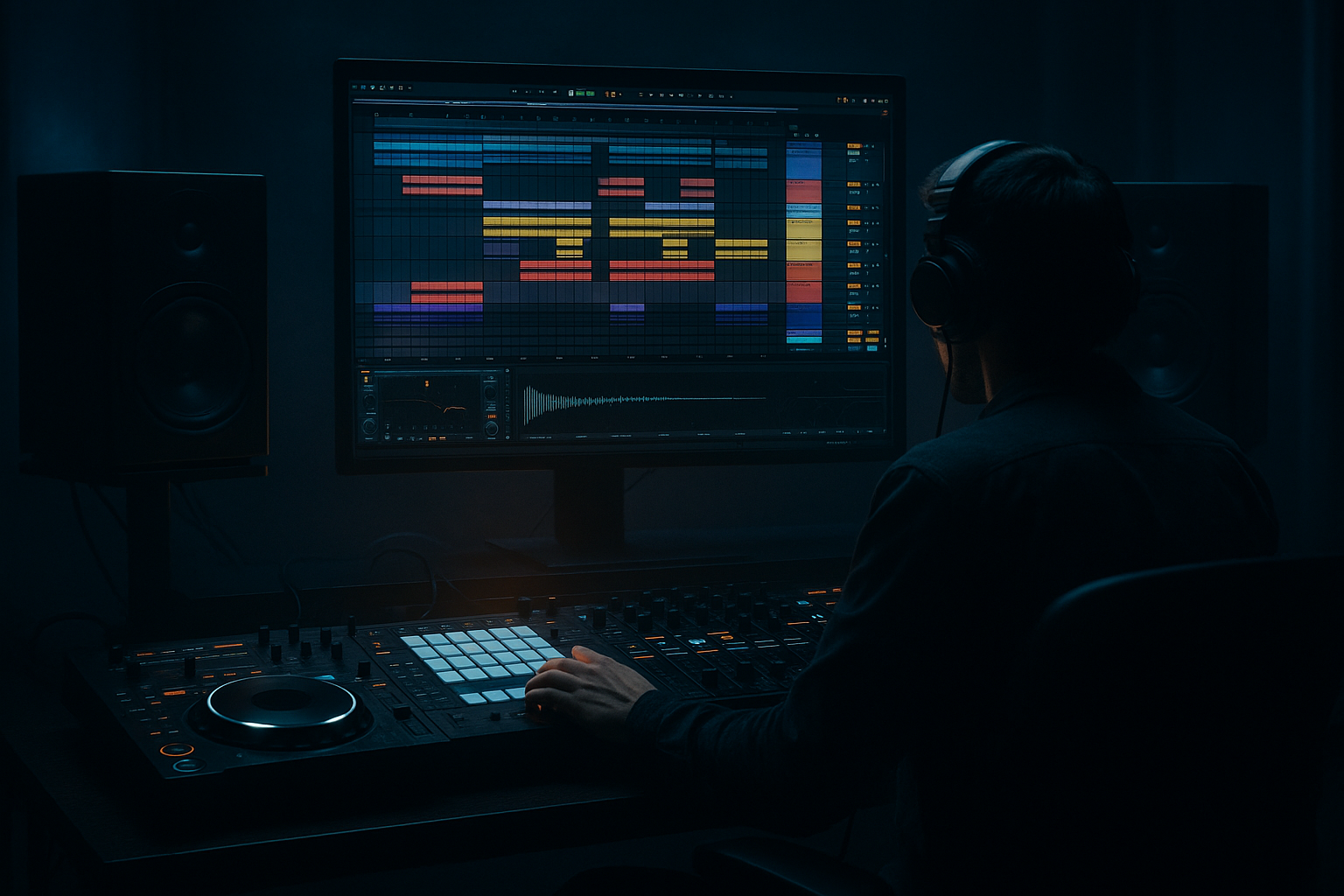
Main tutorial
Resampling Workflows for Oldskool Vibes (DnB/Jungle) — Session View 🎛️🥁
1. Lesson overview
Resampling is one of the fastest ways to get that oldskool jungle / early DnB grit: bounced breaks, crunchy bass reprints, “recorded-through-a-mixer” glue, and happy accidents. In Ableton Live, Session View is perfect for this because you can perform, capture, and iterate quickly—like you’re cutting dubplates.
In this lesson you’ll build a Session-based resampling rig that lets you:
- Print processed break loops into new audio clips
- Re-sample bass stabs/reese layers into one cohesive “recording”
- Create variations (fills, edits, pitch drops) rapidly
- Build a palette of “bounced” material ready for Arrangement View
- Source tracks (Breaks, Bass, FX)
- A dedicated RESAMPLE audio track to print anything (or everything)
- A “Drum Buss + Saturator + Filter” printing chain for crunchy breaks
- A “Bass Print” chain (glue + distortion + resampling to mono lows)
- A method to create multiple takes and select the best clips
- Drop in a break (Amen, Think, Funky Drummer, etc.).
- Warp mode: Beats
- Add basic gain staging: aim peaks around -6 dB.
- Load Drum Rack with extra kicks/snares/hats for reinforcement.
- Keep it minimal: a kick layer + snare crack is enough.
- Use Operator or Wavetable.
- For a quick reese in Operator:
- Add impacts, risers, noise sweeps.
- Use Simpler for one-shots; Auto Filter for movement.
- When you want “everything together” (breaks + bass + FX) printed as a single performance.
- Set Audio From to a Group bus (explained next).
- Rename the new clip: `Amen_printed_170bpm_take1`
- Consolidate (Cmd/Ctrl + J) if you’ve made any selections.
- Open the clip and try:
- Redux (subtle!)
- Auto Pan (for jungle stereo movement)
- Set RESAMPLE Audio From = BASS BUS (Post FX)
- Record 8 bars of a rolling bassline with mod moves (filter, wavetable position, etc.)
- Flatten it into audio edits:
- Scene 1: Intro (filtered break + atmos)
- Scene 2: Pre-drop (snare rolls, tension FX)
- Scene 3: Drop A (full break + bass)
- Scene 4: Drop A variation (different printed break take)
- Scene 5: Breakdown (remove kick, keep edits)
- Scene 6: Drop B (heavier bass print)
- Resampling too hot: If your printed clips are clipping, your saturation/compression decisions are compromised. Keep the master peaking around -6 to -3 dB while printing.
- Monitoring feedback loops: If RESAMPLE monitor is In, you can get doubling/feedback. Keep it Off.
- Warp artifacts on breaks: Beats mode settings matter. If it’s flamming, adjust Envelope and consider turning Warp off after printing if the loop is already tight.
- Over-processing before printing: If you destroy transients with heavy compression then resample again, it can get lifeless. Print in stages.
- No naming/versioning: Session View gets messy fast. Name clips and color-code takes.
- Parallel smash bus (drums):
- Resample at different pitches for “era” vibe:
- Mono your sub AFTER resampling:
- Gate your breaks for that tight “cut” feel:
- Print “FX tails” separately:
- Session View resampling is about perform → print → edit → repeat.
- Use a dedicated RESAMPLE track (Resampling or Post-FX bus input).
- Print breaks with a purposeful chain (EQ → Saturation → Drum Buss → Filter moves → Glue).
- Resample multiple takes, name them, then slice and rearrange for jungle edits.
- Capture scene launches into Arrangement for fast, musical structure.
---
2. What you will build
A practical Session View template with:
End result: a set of resampled audio clips that already sound like a record.
---
3. Step-by-step walkthrough
Step 0 — Prep: set the vibe and session behavior
1. Tempo: 165–175 BPM (try 170 BPM).
2. Global Quantization: set to 1 Bar (top-middle of Live).
3. Metronome: on for capture, off for performance.
4. Loop length mindset: work in 4, 8, 16 bar scenes—classic jungle phrasing.
Why: Oldskool energy comes from tight phrasing + quick edits. Quantization keeps your resamples locked.
---
Step 1 — Create your core tracks (Session View)
Create these tracks:
A) BREAKS (Audio Track)
- Preserve: Transients
- Envelope: start around 40–60
B) DRUM HITS (MIDI Track)
C) BASS (MIDI Track)
- Osc A: Saw
- Osc B: Saw (detune slightly, e.g., +7 cents)
- Add Filter (LP24), Drive around 3–6 dB
- Glide/Portamento: 60–120 ms for movement on notes
D) FX (Audio or MIDI Track)
E) RESAMPLE (Audio Track) ✅
This is your printing deck.
---
Step 2 — Set up RESAMPLE routing (the classic method)
On the RESAMPLE track:
1. Audio From: choose Resampling (captures the master output).
2. Monitor: set to Off (prevents feedback/double monitoring).
3. Arm the track (record-enable).
4. Create empty clip slots in several scenes.
When to use “Resampling”:
Alternative (cleaner, more controlled):
---
Step 3 — Bus your drums for more controlled printing (recommended)
1. Select BREAKS + DRUM HITS → Cmd/Ctrl + G to Group → name it DRUM BUS.
2. On RESAMPLE track:
- Audio From: choose DRUM BUS
- Post FX (so it prints processing)
Now you can resample just drums, without bass bleeding in.
---
Step 4 — Build an “Oldskool Break Print” device chain (stock-only)
On DRUM BUS, try this chain (in this order):
1. EQ Eight
- HP filter around 30 Hz (clean rumble)
- Small dip 250–400 Hz if boxy
- Gentle lift 7–10 kHz for air (optional)
2. Saturator
- Mode: Analog Clip
- Drive: 3–8 dB
- Soft Clip: On
- Output: compensate so level is similar (don’t just get louder)
3. Drum Buss
- Drive: 5–15% (go higher for gnarlier)
- Crunch: 10–30%
- Boom: 0–20% (keep subtle for jungle breaks)
- Damp: adjust to taste (reduce harshness)
4. Auto Filter (for performance + movement)
- Filter: LP (12 or 24)
- Map Frequency to a Macro (if you rack it) or automate manually
- Add a touch of Envelope for dynamic movement
5. Glue Compressor
- Attack: 3 ms
- Release: Auto
- Ratio: 2:1
- Gain Reduction: aim 1–3 dB on peaks
Why this works: it mimics the “printed through hardware” feel—compression + saturation + tone shaping, then you commit it to audio.
---
Step 5 — Resample breaks like you’re cutting jungle edits ✂️
1. Launch your break clip(s) in BREAKS.
2. Perform filter moves on DRUM BUS (Auto Filter cutoff).
3. Arm RESAMPLE and hit clip record into an empty slot:
- Record 8 or 16 bars.
4. Stop recording. You now have a new audio clip.
Immediately do this:
- Warp mode: Complex (for full loops) OR Beats (for punchy slicing)
- Pitch: try -2 to -5 semitones for darker, older tone
Oldskool trick: print several takes with different filter rides and saturation amounts. You’re building a “break pack” unique to the tune.
---
Step 6 — Slice your resampled break (Session-friendly)
1. Right-click your resampled break clip → Slice to New MIDI Track.
2. Slice preset:
- Slicing: Transient
- Destination: New Drum Rack
3. Now you can play the break like a kit, making:
- Fast ghost edits
- 1/16 stutters
- Classic “Amen turnaround” fills
Add on the new sliced Drum Rack track:
- Downsample: 2–8
- Bit reduction: 0–2 (tiny amounts)
- Rate: 1/8 or 1/16
- Amount: 10–25%
- Phase: 180° for wide motion (keep mono compatibility in mind)
---
Step 7 — Resample bass into a “recorded” layer (glue + grit) 🧱
Make a BASS BUS group if you have multiple bass layers.
On BASS BUS, try:
1. EQ Eight
- Low cut unnecessary sub from non-sub layers (e.g., HP at 80–120 Hz on mid layer)
2. Saturator
- Drive: 2–6 dB
- Soft Clip: On
3. Overdrive (for bite)
- Freq: 700–1.5kHz
- Drive: 10–30%
- Tone: adjust to avoid fizz
4. Compressor
- Attack: 10–30 ms
- Release: 60–120 ms
- Aim for 2–4 dB GR
Now resample it:
After printing:
- Add Fade In/Out tiny clicks removal
- Warp: Complex Pro if needed
- Create variation clips:
- `bass_print_A`
- `bass_print_A_fill`
- `bass_print_A_lowpass`
Classic DnB move: duplicate the printed clip and pitch +12 (one octave) very quietly for presence, then filter it.
---
Step 8 — Create scenes like “DJ sections”
Build scenes (rows) that represent a tune structure:
Record a performance:
1. Click Arrangement Record (top bar).
2. Launch scenes live for 2–3 minutes.
3. You’ve now “played” an arrangement—very oldskool workflow.
---
4. Common mistakes
---
5. Pro tips for darker/heavier DnB 🖤
Create a return track A = DRUM SMASH:
- Glue Compressor (Ratio 10:1, fast attack, 5–10 dB GR)
- Saturator (heavy)
- Blend return subtly (5–15%). Then resample the result.
Print breaks at normal pitch → then repitch -3 / -5 semitones and tighten with Beats warp. Old jungle often lives in those darker pitch zones.
On the printed bass clip track add Utility:
- Bass Mono: On
- Width: 80–100% (keep subs centered)
Put Gate before saturation on DRUM BUS:
- Adjust threshold until tails tighten slightly (don’t chop the groove)
- Great before resampling so the printed loop is already punchy.
Resample only FX returns (set RESAMPLE input to return track) to get crunchy reverb throws you can place like one-shots.
---
6. Mini practice exercise (15–25 min) ⏱️
1. Load one break on BREAKS and set warp to Beats.
2. Build the DRUM BUS chain (EQ Eight → Saturator → Drum Buss → Auto Filter → Glue).
3. Record three 8-bar resamples:
- Take 1: clean-ish (mild saturation)
- Take 2: heavier (more Drive + lower filter cutoff)
- Take 3: “DJ sweep” (big filter movement + a tiny bit of Redux after)
4. Slice Take 2 to Drum Rack and program a 2-bar fill with stutters.
5. Build two scenes:
- Drop A = Take 1 loop
- Drop A var = Take 1 + your sliced-fill every 8 bars
6. Record a 60–90 second Session performance into Arrangement.
Deliverable: one arrangement with two drop sections using your own printed breaks.
---
7. Recap
If you want, tell me what style you’re aiming for (98 jungle, techstep, modern rollers, halftime), and I’ll suggest a resampling chain + scene layout tailored to that sound.

