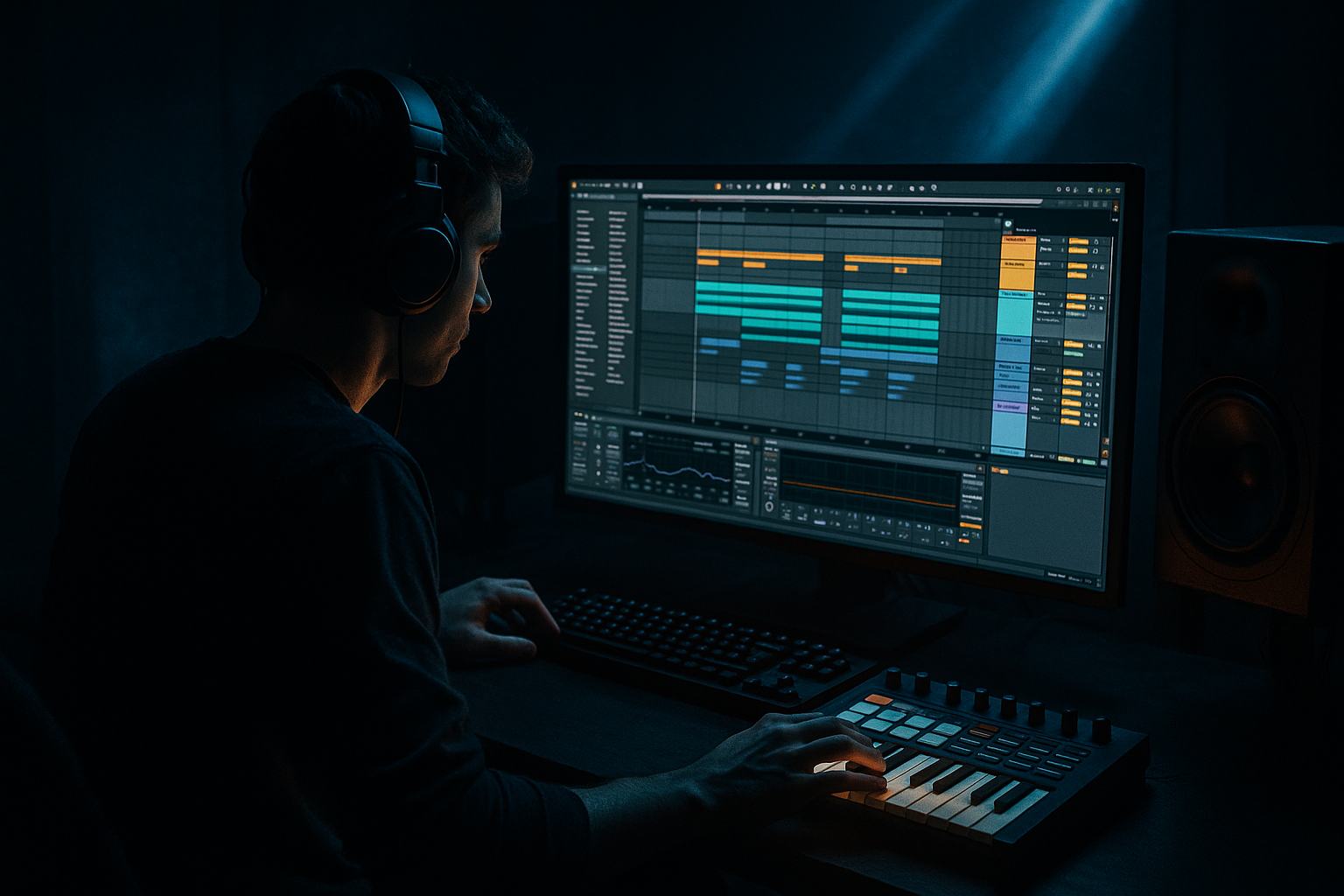
Main tutorial
Lesson Overview
This lesson is about taking the oldskool rave swing feel from early jungle / DnB and flipping it into a modern Ableton Live 12 workflow that still hits in a club. The goal is not to copy an Amen loop and call it retro — it’s to borrow the rhythmic attitude: the off-grid push, the snare drag, the ghost-note bounce, and the slightly “live” instability that makes oldskool DnB feel dangerous.
In a real track, this technique lives in the drum pocket and bass interaction of the drop, but it also shapes your intro, switch-up, and second drop. It matters musically because oldskool swing gives your drums human pressure and forward motion; it matters technically because if you quantize everything rigidly, the groove becomes flat, and if you swing too hard, the low end stops locking with the kick and sub.
This works especially well for roller DnB, jungle-leaning half-time sections, dark dancefloor tunes, and retro-rave-influenced club tracks. By the end, you should be able to hear a groove that feels intentionally “bent” rather than sloppy: the break breathes, the snare lands with attitude, the bass answers the drums, and the whole loop feels like it wants to lurch forward without losing control.
What You Will Build
You’re going to build a retro-rave swing-flipped drum-and-bass loop inside Ableton Live 12: a 16-bar drop foundation with an oldskool-feeling break edit, tight kick/snare anchor, ghost-note motion, and a bassline that respects the swing instead of fighting it.
Sonically, it should feel:
- gritty but controlled
- syncopated without sounding lazy
- ravy and nostalgic, but still modern enough for a club system
- tight in mono, with the sub locked and the top-end movement kept above the fundamental
- lean on swung 16ths and break micro-timing
- let the snare feel a touch late or dragged in places
- create a push-pull between break energy and bass stab placement
- this becomes your main drop groove or the core of a second-drop variation
- it should be strong enough to carry the first 16 bars, then evolve with fills and switch-ups
- when looped with bass and drums, it feels like a recognisable oldskool-inspired DnB pocket
- the groove should still work if you mute the break and leave only the programmed kick/snare
- the low end should remain solid in mono, and the swing should be audible without the whole mix feeling loose
- Use a two-layer bass mindset: sub first, menace second. Keep the sub line simple and mono, then let the mid layer carry the dirty movement. This keeps the groove heavy without low-end smearing.
- Let the break provide tension, not just texture. A chopped break with a few strategically late hats and early ghost snares can create more menace than a hyper-distorted loop that fills every space.
- Resample your drum bus once the pocket is working. Printing the groove lets you reverse tiny fragments, re-chop fills, and create one-shot impacts that feel native to the track. This is especially useful for darker jungle-leaning sections.
- Use one controlled filter move per phrase. A gentle low-pass opening on the break or a short bass filter sweep into bar 9 can add tension, but multiple simultaneous sweeps will weaken the pocket.
- Keep the snare authority strong. In heavier DnB, the snare is part groove, part punctuation. If the snare gets buried under layers of grit, the whole drop feels smaller.
- Automate energy by subtraction first. Muting the kick for half a bar, dropping the bass for one beat, or removing hats for a turn-around often creates more impact than adding another layer.
- If you want extra underground character, distort the midrange of the break, not the sub. A little saturation around the break’s body range adds attitude while leaving room for the low-end engine.
- Use only Ableton stock devices
- Use one break source only: either chopped break or programmed one-shots
- Keep the sub mono
- Use no more than 3 drum layers plus 2 bass layers
- a 16-bar loop with:
- mute the bass: does the drum groove still feel like oldskool DnB?
- switch to mono: does the kick/sub relationship stay solid?
- listen at low volume: can you still hear the snare logic and swing without the mix turning into noise?
Rhythmically, it should:
Role in the track:
Success criteria:
Step-by-Step Walkthrough
1. Start with a clean 2-bar drum grid and set the swing target
In Ableton, create a fresh MIDI track for drums and lay down a simple 2-bar pattern at 174 BPM: kick on the first beat, snare on the backbeat, and a basic closed-hat pulse. Keep it boring for the first pass on purpose. You need an anchor before you introduce oldskool movement.
Now open the Groove Pool and audition a MPC-style swing groove or one of Ableton’s stock swing grooves. For this lesson, aim for a swing feel around 54–58% rather than extreme shuffle. In DnB, too much swing makes the groove feel drunk instead of driving. Apply the groove lightly first, then adjust the note-level timing manually after.
Why this works in DnB: the drum grid stays clear enough for the kick and snare to retain club impact, while the slightly late offbeats create the retro-rave lurch. The groove should feel like it is leaning forward, not sagging.
What to listen for:
- the snare still hits like the “pillar” of the bar
- hats and ghost notes move around it instead of flattening into a strict grid
2. Choose your break source: A or B
Here’s the first decision point.
A. Use a chopped oldskool break as the energy layer
- Drag in a break loop, slice it to a new MIDI track, and keep only the useful hits.
- Best if you want genuine jungle pressure and a more unpredictable top layer.
B. Program the groove from scratch with individual drum hits
- Use one-shot kick, snare, hat, and ghost perc samples.
- Best if you want a cleaner modern drum tone with only the feel of oldskool swing.
For a retrofit-rave DnB tune, option A gives more attitude, while option B gives more control. If you’re writing for a heavy drop with a precise subline, option B is often easier to mix. If you want a rawer, break-led roller, option A usually wins.
Practical Ableton move: if you choose A, use Slice to New MIDI Track and let Simpler create a playable drum rack. If you choose B, keep your kick and snare separate so you can shape their timing independently.
3. Build the drum hierarchy before adding too much detail
Your drum hierarchy in this style should be:
1. snare/backbeat
2. kick
3. break ghosting and top texture
4. hats and fills
Put your snare on a strong backbeat first. In oldskool-flavoured DnB, the snare often benefits from being a little more proud than in polished neuro, so don’t over-trim it to fit the kick. Then place the kick so it supports the snare’s momentum, often on beat 1 and a few syncopated pushes before the backbeat.
Add small ghost notes from the break or extra percussion around the snare. Keep them low in level — often 6 to 12 dB quieter than the main snare — so they create motion without cluttering the transient picture.
Stock-device chain example for the drum group:
- Drum Buss: Drive around 5–15%, Crunch low to moderate, Boom very restrained or off if your kick is already strong
- EQ Eight: high-pass the top-break layer around 120–180 Hz so it doesn’t fight the kick/sub
- Glue Compressor: light glue, around 1–2 dB gain reduction, just enough to make the break and one-shots feel like one pocket
What to listen for:
- the snare should feel like it “pulls” the groove forward
- the kick should land with authority but not flatten the swing
4. Nudge the break against the grid instead of over-quantizing it
This is where the retro-rave feel really appears. Open the MIDI clip of your sliced break or programmed drum hits, and start moving specific hits a few milliseconds late or early. Don’t move everything. Move only the parts that define the pulse:
- hats can sit slightly late for drag
- ghost snares can be a touch early for urgency
- a few syncopated kick fragments can be slightly ahead to create shove
In Live 12, use the note view and zoom in enough to see the timing clearly, then adjust in small amounts. You are not trying to create randomness; you’re creating a controlled imbalance. If your loop starts sounding like it’s falling over, you’ve gone too far.
A useful target:
- main snare: close to grid or slightly late
- ghost snare fragments: subtly offset by a few milliseconds
- hats: often the best place to carry swing without destabilising the low end
Why this works in DnB: the bassline and sub can stay stricter while the top layer carries the oldskool human feel. That separation keeps the groove alive without destroying the low-end lock.
5. Lock the bass to the drum pocket, not the other way around
Now write a bassline that reacts to the swing instead of ignoring it. In oldskool-influenced DnB, the bass often works best as short phrases, call-and-response stabs, or a reese that breathes around the snare.
Start with a simple 2-bar motif:
- leave space where the snare hits
- let notes answer the kick or fill the gap after a ghost note
- avoid constant 1/16 motion unless the break is doing most of the rhythmic work
If you’re using a reese, split the job:
- sub layer: mono, steady, clean, usually a simpler note pattern
- mid layer: movement, distortion, stereo interest above the sub range
Stock-device chain example for bass:
- Wavetable or Operator for the source
- Saturator with a mild Soft Clip and Drive around 2–6 dB for harmonics
- EQ Eight: low-pass or trim above where the buzz becomes harsh; keep the sub fundamental clean
- optional Utility on the sub layer set to Bass Mono or simply keep the sub track mono by design
What to listen for:
- the bass should “answer” the drums, not sit on top of them
- in mono, the low end should stay solid and not hollow out when the reese widens
If the bass feels late, try moving the bass notes slightly earlier by a tiny amount rather than forcing more velocity. If it feels rushed, pull the phrase back a touch and let the break create urgency.
6. Use the drum-and-bass relationship as the main swing engine
This is the core of the lesson: oldskool swing flip happens when the drums and bass are not both obeying the same timing rule.
Try this setup:
- drums: swung hats and break fragments
- bass: mostly straighter attack, with selective note offsets
- result: the bass “falls into” the groove created by the drums
That contrast is what makes the groove feel musical rather than wobbly. If both drums and bass are heavily swung, the track can lose its spine. If both are rigid, the track loses the rave bounce.
Use a simple response pattern:
- bar 1: bass phrase leaves space
- bar 2: bass answers with a more active line or a short pitch movement
- bar 3–4: repeat but add one new note or a small fill
A successful result should sound like the drums are leaning and talking, while the bass keeps the floor from collapsing. The listener should feel motion without confusion.
7. Shape the top end so the groove feels old, not muddy
Oldskool vibe comes from movement and grit, not from masking. Keep the top break textured, but don’t let high frequencies turn brittle.
On the drum group or break layer:
- use EQ Eight to soften harshness around 6–10 kHz if hats become fizzy
- if the break sounds boxy, trim a little around 250–500 Hz
- if the groove needs more snap, a small lift around 2–4 kHz can help, but don’t overdo it if the snare already cracks
Add Drum Buss sparingly if you want extra density, but watch the transient loss. If the kick starts feeling like it is shrinking, back off the drive and/or reduce compression. This is a trade-off: more grime can sound bigger in solo, but less clean in the mix.
Workflow efficiency tip: once the break layer feels right, commit it to audio. Printing the groove lets you edit tiny timing issues, reverse a fragment for fills, and stop endlessly reopening clip settings. In this style, committed audio often leads to better decisions faster.
8. Check the loop in context with the actual drop arrangement
Don’t polish the groove in isolation for too long. Put it under a basic arrangement:
- 8-bar intro
- 16-bar first drop
- 8-bar switch or breakdown tease
- 16-bar second drop with variation
Example phrasing:
- bars 1–4: main groove, minimal fill
- bars 5–8: add one break chop or extra hat fill
- bars 9–12: strip the bass for one bar, then slam it back
- bars 13–16: introduce a new drum accent or reverse hit into the drop reset
This matters because oldskool swing is strongest when it has contrast. If the whole drop is hyper-detailed from bar 1, the swing stops feeling special. Leave negative space so the first fill or bass variation actually lands.
Check the idea against the arrangement with drums and bass together. If the groove works only in a loop but disappears once the bass enters the arrangement, the timing relationship is probably too busy.
9. Add one switch-up that preserves the swing but changes the energy
For the second half of the drop, make one meaningful change:
- mute the main kick for half a bar and let the break carry the momentum
- reverse a chopped snare fragment into the next phrase
- open the hats wider for two bars, then pull them back
- replace the bassline with a shorter call-and-response version
Keep the swing identity, but evolve the phrasing. In oldskool-inspired DnB, the second drop often works better when it feels like a remix of the same pocket rather than a totally new idea.
If you want a darker flavour, bring in a low rumble or a filtered atmospheric bed very quietly behind the groove, but keep it out of the sub lane. The point is to intensify the mood without blurring the kick and bass.
10. Do a mono and low-end sanity check before you move on
Toggle your master to mono or use Utility on the master for a quick compatibility check. The sub, kick, and main snare should still make sense. If the groove collapses in mono, the issue is usually one of these:
- the bass layer is too stereo below the crossover point
- the break is masking the kick in the low mids
- a widened effect is carrying a rhythmic role that should have been mono
Fix it by:
- keeping the sub layer mono
- high-passing the textured break layer more aggressively
- reducing stereo on anything that defines the downbeat
Stop here if the loop already feels right in mono and still swings in stereo. That means the core of the idea is working. Don’t chase extra motion if it starts to blur the low end.
Common Mistakes
1. Swinging everything equally
- Why it hurts: if drums, bass, and fills all get the same timing offset, the groove loses its internal contrast and starts to feel vague.
- Fix in Ableton: keep the swing mostly in hats, break fragments, and select ghost notes; leave the main snare and sub foundation more stable.
2. Quantizing the break too hard
- Why it hurts: it kills the “human drag” that gives oldskool DnB its identity.
- Fix in Ableton: manually nudge only the hits that matter instead of flattening the whole clip; use lighter quantize values and then micro-adjust by ear.
3. Letting the reese or bass stereo image contaminate the sub
- Why it hurts: the bottom end loses punch and mono compatibility.
- Fix in Ableton: keep the sub layer separate and mono; place widening only on the mid bass or higher harmonics, not the fundamental.
4. Over-processing the break until the transients disappear
- Why it hurts: oldskool groove needs bite. If the break becomes smeared, the swing reads as mush instead of energy.
- Fix in Ableton: reduce Drum Buss drive, back off compression, and use EQ to clean buildup rather than smashing the transient.
5. Ignoring the bass/drum call-and-response
- Why it hurts: the loop can sound busy but not musical, with no phrasing logic.
- Fix in Ableton: rewrite the bass so it leaves space for the snare and answers the break accents every 1 or 2 bars.
6. Making the intro and drop identical
- Why it hurts: without contrast, the oldskool groove loses impact when the drop arrives.
- Fix in Ableton: strip the intro to atmosphere, filtered break texture, or a teaser percussion pattern; save the full swing pocket for the drop.
7. Using too much high-end distortion on hats and breaks
- Why it hurts: the top becomes brittle, and the groove stops feeling deep.
- Fix in Ableton: soften with EQ Eight around harsh areas and keep Saturator/Drum Buss drive moderate; if needed, layer a cleaner hat above the grit.
Pro Tips for Darker / Heavier DnB
Mini Practice Exercise
Goal: Build a 16-bar retro-rave DnB drop loop that swings with oldskool attitude but still locks cleanly with a bassline.
Time box: 15 minutes
Constraints:
Deliverable:
- a swung drum pocket
- a bassline that leaves space for the snare
- one 2-bar switch-up
- one fill or pickup into bar 9 or 13
Quick self-check:
Recap
Oldskool rave swing in Ableton Live 12 is about controlled imbalance: swing the top, anchor the low end, and let bass phrases respond to the drums instead of fighting them. Keep the break human, the sub mono, the snare proud, and the arrangement selective. If the loop feels like it’s leaning forward with attitude, still hits hard in mono, and leaves room for a second-drop evolution, you’ve got the right DnB pressure.

