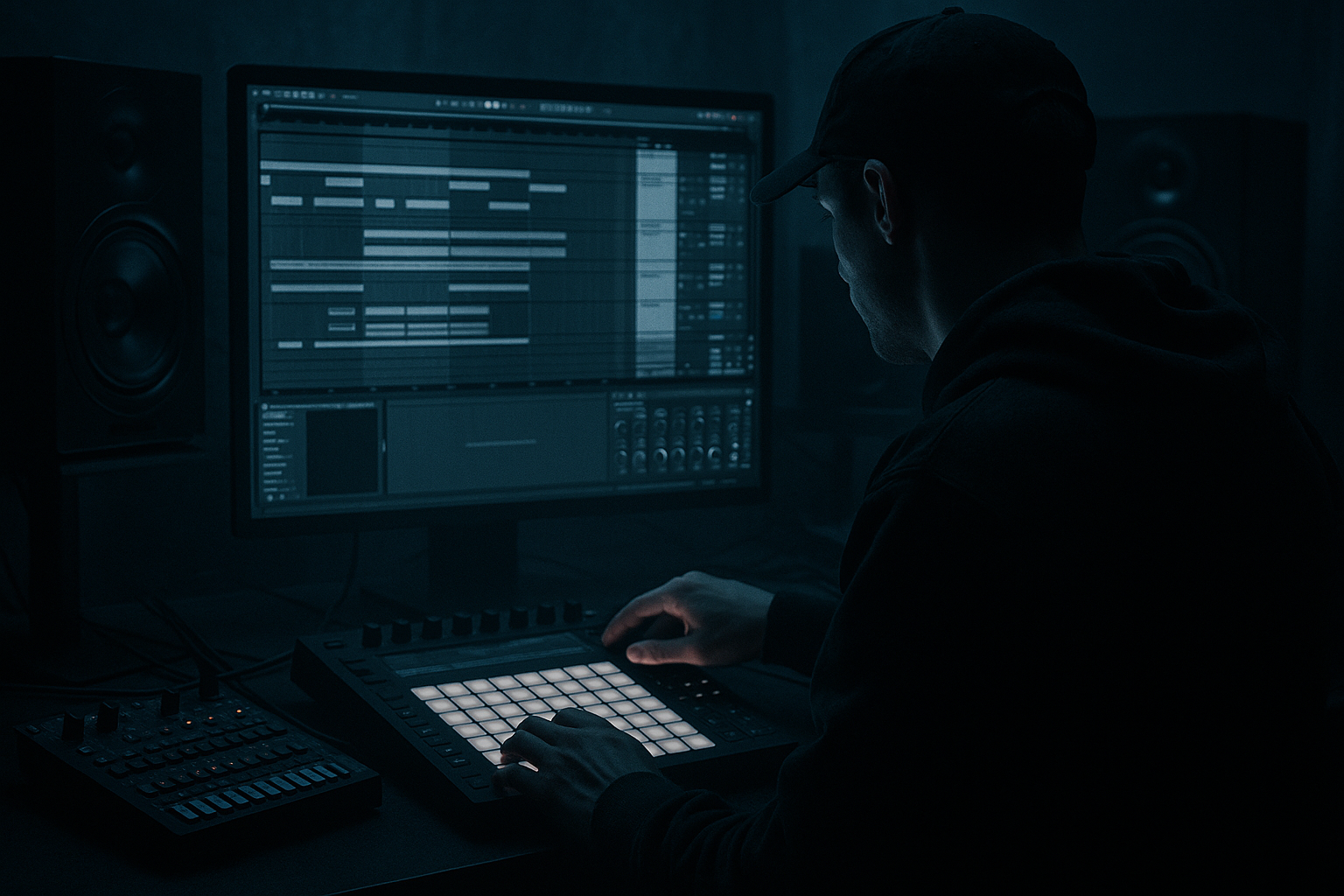
Main tutorial
Reverb Send Rides on Fills with Clean Routing (DnB in Ableton Live) 🎛️🥁
1. Lesson overview
In drum & bass, fills are where you can briefly “open the room” without washing out the groove. The cleanest way to do that is send-riding: automate how much of a sound goes to a dedicated reverb return, only on fills, while keeping the main drums dry and punchy.
This lesson shows you a repeatable routing + automation workflow in Ableton Live that works great for rolling breaks, neuro/techy drums, and jungle edits.
---
2. What you will build
You’ll build a tight DnB drum bus (kick/snare hats) plus a fill lane where:
- Your snare fill / tom fill / break slice gets a reverb “bloom” only at the end of phrases (e.g., every 8 or 16 bars)
- Reverb stays controlled, mono-safe, and low-end clean
- Routing remains clean: one return track = one job
- Automation is easy to copy/paste between sections
- Return A: “Fill Verb” (short, dark, controlled)
- Send automation rides on snare fills + occasional break hits
- Optional: post-reverb gating/sidechain for that classic DnB snap
- Kick track (usually stays mostly dry)
- Snare/Clap track (main candidate for fill verb)
- Hats/Top loop
- Break (optional)
- Group them into DRUMS (Cmd/Ctrl+G)
- Snare fill: 1/16 or 1/32 hits in bar 16
- Tom fill: classic rolling pitch-down
- Break slice fill: rearrange Amen slices for bar 16
- Press A to show automation lanes.
- On the Snare track, automate “Send A”.
- Bars 1–15: Send A = -inf
- Bar 16 (fill begins): ramp up to around -18 to -10 dB
- Last hit of the fill: a small peak to -8 to -6 dB
- Immediately after the drop back (bar 17 beat 1): return to -inf
- On Return A, keep Audio To: Master (default).
- Don’t send Return A into other returns unless you really mean to (can cause messy build-up).
- If you’re using Groups, decide whether your reverb should be “pre group” or “post group” in feel:
- Once you’ve got a perfect 1-bar send ride, copy that automation and paste to every 16th bar fill.
- Put the fill in a clip and automate the Send A inside the clip envelope.
- Great for jungle-style “drop in fills” while jamming.
- Darken the tail: Add Auto Filter after the reverb:
- Saturate the reverb return (subtle): Add Saturator
- “Gated plate” vibe: Put a Gate after reverb
- Width discipline: Use Utility to keep width sane (70–90%) if your mix is already wide (neuro basses often are).
- Pre-delay is your punch saver: If your fill is fast, increase pre-delay to 20–30 ms so transients stay clean.
- Use a dedicated reverb return for fills: predictable, clean, mixable ✅
- Keep return reverbs 100% wet, and EQ out low-end to prevent mud 🎛️
- Automate send levels only on fill moments for that pro DnB “space opens then snaps shut” effect 📈
- Add sidechain ducking for heavy/rolling styles so reverb never fights the drums 🔥
- Save the chain as a Return preset so every track starts with a ready-to-ride fill verb.
You’ll end up with:
---
3. Step-by-step walkthrough
Step 0 — Setup context (DnB grid + phrase)
1. Set tempo to 172–176 BPM.
2. In Arrangement View, lay out a 16-bar loop:
- Bars 1–15: your main rolling groove
- Bar 16: a fill (snare rush, toms, break chop, or jungle snare pattern)
DnB arrangement idea: Reverb rides feel best at end-of-8 and end-of-16. Think: “tease the space, then slam back dry.”
---
Step 1 — Create a dedicated reverb return (clean and intentional)
1. Create a Return Track: Create → Insert Return Track.
2. Name it: A – FILL VERB.
#### Device chain (stock devices) ✅
Put these on the return, in this order:
1. EQ Eight
- HP filter: 24 dB/oct @ 180–250 Hz (start at 220 Hz)
- Optional dip: -2 to -4 dB around 2–4 kHz if it gets harsh
2. Hybrid Reverb (or Reverb if you prefer classic)
- Hybrid Reverb settings (great starting point):
- Mode: Algorithmic
- Algorithm: Plate (or Room for jungle vibe)
- Decay Time: 0.8–1.6 s (DnB sweet spot)
- Pre-Delay: 12–25 ms (keeps snare transient punchy)
- Size: Small/Medium
- Mod: low (0–10%) for stability
- Dry/Wet: 100% (because it’s on a return)
3. Glue Compressor (optional but very useful)
- Ratio 2:1
- Attack 10 ms
- Release Auto
- Threshold for 1–3 dB gain reduction on peaks
This “holds” the verb and stops random hits from spiking.
4. Utility
- Width: 70–100% (rein it in for club translation)
- Bass Mono: On (if available in your version)
Reverb stereo is nice, but DnB drums must hit solid.
Why this chain works: EQ removes mud, reverb gives space, Glue stabilizes, Utility keeps it mix-safe. Clean and predictable. 🎯
---
Step 2 — Route drums cleanly so send-riding is easy
Typical DnB drum grouping:
Key routing rule: Keep your main drum bus dry/punchy, and let Return A be the space.
---
Step 3 — Set default sends (so you’re not fighting your own mix)
1. On your Snare track, set Send A to -inf (off) initially.
2. On Break track, set Send A to -inf initially.
3. On hats, usually also off (you can add tiny sends later, but don’t start there).
We’re going to automate sends only where needed.
---
Step 4 — Create the fill moment (MIDI or audio)
Pick one:
DnB-friendly fill idea:
Last 1 bar: snare pattern goes denser, last 1/2 bar: quick stutter, last 1/4 bar: big hit.
---
Step 5 — Automate the send “ride” (the core technique) 📈
#### A) Enable automation view
#### B) Choose the parameter
#### C) Draw your DnB-style send shape
Use the pencil tool (B) or draw breakpoints.
Starting curve (works in most rolling DnB):
Why this feels right: You’re creating a reverb bloom that supports the fill, then you slam back to dry for impact.
---
Step 6 — Make the reverb duck under the groove (optional but very DnB) 🔥
Classic heavier DnB trick: sidechain the reverb return to the kick/snare.
1. On Return A – FILL VERB, after Hybrid Reverb, add Compressor (not Glue; regular Compressor has easier sidechain).
2. Enable Sidechain.
3. Sidechain input: Kick (or a “Drum Key” ghost trigger).
4. Settings:
- Ratio: 4:1
- Attack: 1–5 ms
- Release: 60–140 ms (tempo-dependent)
- Threshold: aim for 3–6 dB gain reduction when kick hits
Now the reverb “breathes” around the drums instead of smearing them.
---
Step 7 — Keep routing clean (avoid doubling + hidden feedback)
A few important Ableton specifics:
- Standard: send from individual tracks → Return A
- Advanced: send from DRUMS group only for fills (works great if the fill is baked into a bus)
If you automate from the group: It affects everything in that group. Great for “whole drum fill goes wide,” but easy to overdo.
---
Step 8 — Make it fast to reuse (templates + clips)
Two high-speed workflows:
#### Workflow 1: Copy/Paste automation
This keeps your track coherent and saves time.
#### Workflow 2: Clip automation for fills
If your fill is in Session View or you like clip-based edits:
---
4. Common mistakes
1. Reverb is not 100% wet on the return
Causes phasey “double” sound and weird transient smear. Keep return reverbs 100% wet.
2. Too much low-end in the reverb
Mud city. High-pass the return ~200 Hz (sometimes higher for heavy neuro).
3. Long decay times in fast DnB
3–6 seconds sounds cool solo but collapses your groove. Start around 1.0–1.6 s.
4. Send automation ramps too early
If you open the send during main groove hits, your snare loses punch. Keep it tight: only on fill notes.
5. No ducking / no control
If the reverb doesn’t move out of the way, it masks the kick/snare. Use Compressor sidechain or shorter decay.
---
5. Pro tips for darker/heavier DnB 🖤
- LP 12 dB @ 6–10 kHz, slight envelope or manual sweep for drama on the fill.
- Drive 1–4 dB, Soft Clip on
Makes the tail denser and more “club” without turning up volume.
- Sidechain the Gate to the snare fill track, tune threshold so the tail cuts sharply.
---
6. Mini practice exercise (10–15 min) ⏱️
1. Build a 16-bar loop at 174 BPM with:
- Kick on 1 and 3
- Snare on 2 and 4
- Hats rolling 1/16
2. Create a 1-bar snare fill in bar 16 (extra 1/16 notes).
3. Make Return A – FILL VERB with:
- EQ Eight HP @ 220 Hz
- Hybrid Reverb Plate, Decay 1.2 s, Pre-delay 18 ms, Wet 100%
4. Automate snare Send A:
- Start at -inf, ramp to -10 dB, peak -7 dB on last hit, drop back to -inf
5. Add sidechain ducking on Return A:
- Compressor sidechained to Kick, 4:1, Release 90 ms, aiming 4 dB GR
6. Bounce a quick render and listen:
- Does the fill feel bigger without softening bar 1 impact?
---
7. Recap
If you tell me your subgenre (jungle, liquid, dancefloor, neuro, techstep), I can give you a tailored “Fill Verb” preset with exact decay/filters and a couple automation shapes that match that vibe.

