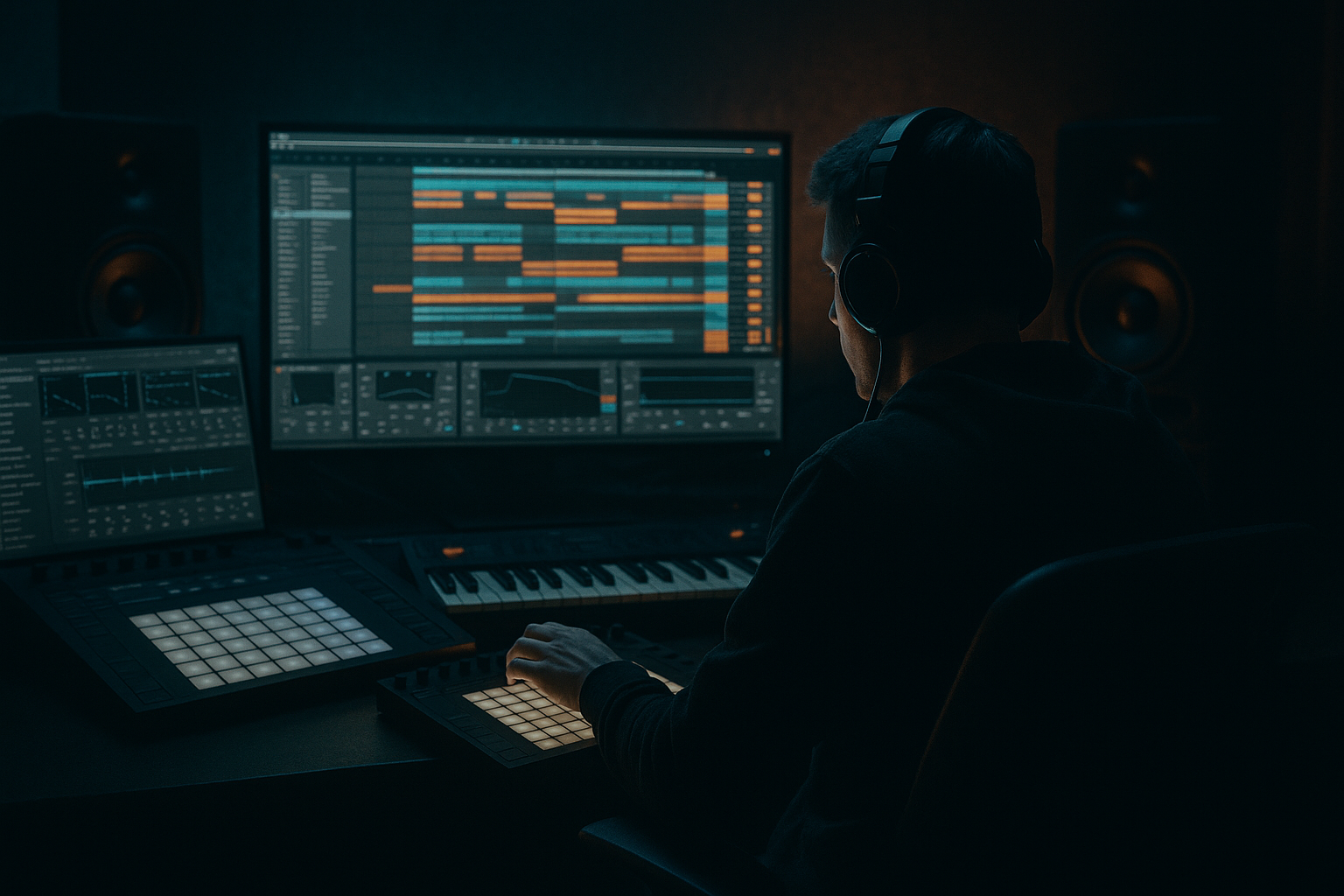
Main tutorial
```markdown
Reverse Cymbal Placement for Clean Mixes (DnB in Ableton Live) 🥁✨
1. Lesson overview
Reverse cymbals (reversed crashes/hats/rides) are classic drum & bass transitions: they pull the listener into a drop, a fill, or a new phrase. The problem is they can easily smear your top end, clash with the real crash, or add messy low-mid “whoosh” that muddies the break and bass.
In this lesson you’ll learn a clean, controllable workflow for placing reverse cymbals in Ableton Live, with DnB-friendly timing, tight EQ, and sidechain-style space so your mix stays punchy. ✅
---
2. What you will build
You’ll create a Reverse Cymbal FX Track that:
- Builds tension into a drop or phrase change (typical 16-bar / 32-bar DnB structure)
- Stays out of the way of:
- Uses only stock Ableton devices (plus your audio sample)
- A clean tail (not noisy/lo-fi unless you want jungle grit)
- Not too much gongy low-mid
- A decay length that matches your build (short for tight rollers, longer for dramatic drops)
- A crash with a smooth tail
- A bright ride hit (can be cool for techy rollers)
- A hat stack or noise cymbal for jungle-style energy
- Put the reverse cymbal so the end hits exactly on Drop bar 17.1.1 (or wherever your drop is).
- It starts at bar 16.1.1.
- End on beat 3 or beat 4 depending on your fill.
- Great for jungle edits where the break does a little turn-around.
- More common in heavier neuro/dancefloor builds.
- Use careful EQ/ducking so it doesn’t flatten your drums.
- High-pass filter: 24 dB/oct at 250–450 Hz
- Gentle dip around 2.5–5 kHz (Q ~1.2, -2 to -4 dB) if it pokes/hisses
- Optional high shelf: +1 to +3 dB at 10–12 kHz if it needs “air”
- Start with -6 dB gain (reverse cymbals often trick you into being too loud)
- If it’s too wide and messy:
- If it feels narrow and you want excitement:
- Ratio: 2:1
- Attack: 10–30 ms
- Release: 80–150 ms
- Aim for 1–3 dB gain reduction on peaks
- Draw a quick dip in the track volume:
- Add short Fade In (2–10 ms) to remove clicks
- Adjust the clip gain envelope (or track automation) for the swell:
- Bars 1–16 (intro/build):
- Bar 16 → 17 (drop):
- Mid-phrase switch (bar 25):
- Band-limit for “industrial” tension
- Saturate for aggression (but control the top)
- Add subtle pitch fall into the impact
- Gate the reverb return
- Reverse cymbals are tension tools, not just “extra top end.”
- For clean mixes, focus on:
- Place reverses with DnB phrasing: 1-bar into drops, shorter ones into fills/edits.
- Break transients (amen/think/roller hats)
- Sub + reese bass
- Main crash on the downbeat
End result: a reverse cymbal that feels big and exciting, but doesn’t wash out your drums. 🌪️➡️🥊
---
3. Step-by-step walkthrough
Step 1 — Choose the right cymbal source (this matters more than you think)
For DnB, pick a cymbal with:
Good candidates:
Ableton tip: Drag the cymbal sample onto an Audio Track named `REV CYM`.
---
Step 2 — Reverse it cleanly (two fast methods)
#### Method A (quickest): Reverse in Clip View
1. Click the audio clip.
2. In Clip View, click Reverse.
#### Method B (best for printing + editing): Consolidate first
If your cymbal is part of a longer recording:
1. Select just the cymbal region you want.
2. Press Cmd/Ctrl + J (Consolidate).
3. Then hit Reverse in Clip View.
---
Step 3 — Warp settings for DnB timing (tight and predictable)
1. Turn Warp ON.
2. Set Warp Mode:
- Beats for very percussive cymbals
- Complex if the tail gets weird with Beats
3. Set Seg. BPM so the reversed tail lands where you expect.
DnB placement rule: reverse cymbals usually end right on a downbeat (e.g., bar 17 beat 1 before the drop).
---
Step 4 — Place it in the arrangement (classic DnB positions)
Here are reliable placements for rolling/breaky DnB:
A) 1-bar reverse into the drop (most common)
B) 2-beat reverse into a snare fill
C) 2-bar reverse for big “incoming danger” energy
---
Step 5 — The “clean mix” device chain (stock Ableton) 🧼
On your `REV CYM` track, add:
#### 1) EQ Eight (non-negotiable)
Start with this practical setup:
- If your mix is bass-heavy, push it up to 600 Hz
> Goal: reverse cymbal should feel like top-end motion, not low-mid fog.
#### 2) Utility (gain + width control)
- Turn Width down to 70–90%
- Try 110–130%, but only if your hats aren’t already super wide
#### 3) Compressor (gentle leveling)
This keeps the swell smooth without sudden spikes right before the drop.
---
Step 6 — Make space for the downbeat (the “duck before impact” trick) 🎯
A super clean trick: duck the reverse cymbal slightly when the real crash/snare hits, so the drop punches harder.
#### Option A: Sidechain Compression (classic)
1. Add Compressor after EQ Eight.
2. Enable Sidechain.
3. Input: your Drum Bus / Kick+Snare Group (or just the snare track for DnB).
4. Settings to start:
- Ratio: 4:1
- Attack: 1–3 ms
- Release: 60–120 ms
- Threshold: adjust for 2–6 dB ducking right at impact
This prevents the reverse tail from fighting the transient.
#### Option B: Volume automation (more surgical)
- -2 to -5 dB during the exact downbeat moment
- Return immediately after (within ~50–120 ms)
Automation often sounds more “intentional” than heavy sidechain.
---
Step 7 — Fade shaping: remove clicks + control the ramp
Reverse cymbals can click at the start (which is the original tail end).
- For smooth: exponential-style swell (slow then fast near the end)
- For aggressive: faster rise earlier
DnB trick: Keep the reverse relatively subtle until the last 1/8–1/4 bar, then let it bloom.
---
Step 8 — Reverb that doesn’t wash your hats (use sends like a pro)
Instead of putting huge reverb directly on the track, use a Return Track:
1. Create Return `A: REV VERB`
2. Add Hybrid Reverb (or Reverb)
- Hybrid Reverb settings:
- Algorithm: Hall or Plate
- Decay: 1.2–2.5 s
- Pre-delay: 15–30 ms (keeps transients clearer)
- Lo Cut: 300–600 Hz
- Hi Cut: 8–12 kHz (optional if it gets fizzy)
3. Send your reverse cymbal to it at -18 to -10 dB send level
This gives size without burying your main hats and breaks.
---
Step 9 — Arrangement ideas rooted in DnB/jungle
Try these placements in a 32-bar phrase:
- Small 2-beat reverse into every 4-bar marker (bar 5, 9, 13)
- A 1-bar reverse crash into the drop
- Duck it so the downbeat kick/snare hits like a hammer
- Short reverse hat into a break chop (jungle flavor)
Keep them rare enough to feel meaningful—DnB rewards restraint.
---
4. Common mistakes 🚫
1. Leaving low end in the reverse
- That “whooom” around 200–500 Hz stacks up fast with bass + break.
2. Too loud compared to hats
- If your reverse is louder than your ride/hat groove, it’ll feel like constant hiss.
3. Reverse + normal crash both fighting
- If you reverse into a crash, consider shortening one or ducking the reverse on impact.
4. Over-reverbing
- Big reverb sounds cool solo, messy in a rolling mix.
5. Bad timing
- If it doesn’t end exactly on the downbeat, it feels late and weak.
---
5. Pro tips for darker/heavier DnB 🖤
- EQ Eight: high-pass 500–800 Hz, low-pass 8–10 kHz
- This creates a focused “air suction” without fizz.
- Add Saturator:
- Drive: 2–6 dB
- Soft Clip: ON
- Then EQ again if it gets harsh.
- Use Clip Transpose Envelope: drop -1 to -3 semitones over the last half-beat.
- Feels ominous—great for neuro/techstep vibes.
- On the `REV VERB` return, add Gate after the reverb:
- Threshold: set so the tail cuts before the drop gets busy
- Release: 100–250 ms
- Classic tight “whoosh” without endless wash.
---
6. Mini practice exercise 🎧
Goal: Make a clean 1-bar reverse cymbal into a DnB drop.
1. Load a crash sample and reverse it.
2. Place it so it ends on bar 17.1.1.
3. Add this chain on the reverse track:
- EQ Eight: HP 350 Hz (24 dB/oct)
- Utility: -6 dB, Width 85%
- Compressor (Sidechain from snare): Ratio 4:1, Attack 2 ms, Release 90 ms, duck ~4 dB
4. Add Return reverb with Hybrid Reverb:
- Decay 1.8 s, Pre-delay 20 ms, Lo Cut 450 Hz
5. A/B test:
- Mute/unmute reverse cymbal and check if your snare still feels punchy.
If the snare loses impact, reduce reverb send and/or increase ducking slightly.
---
7. Recap ✅
- High-passing (often higher than you expect)
- Controlled width
- Duck on impact (sidechain or automation)
- Send reverb with filtering and pre-delay
If you want, tell me your subgenre (liquid / roller / jungle / neuro) and your typical drum sources (breaks vs one-shots), and I’ll suggest a reverse cymbal chain + exact bar-by-bar placement template for your arrangement.
```

