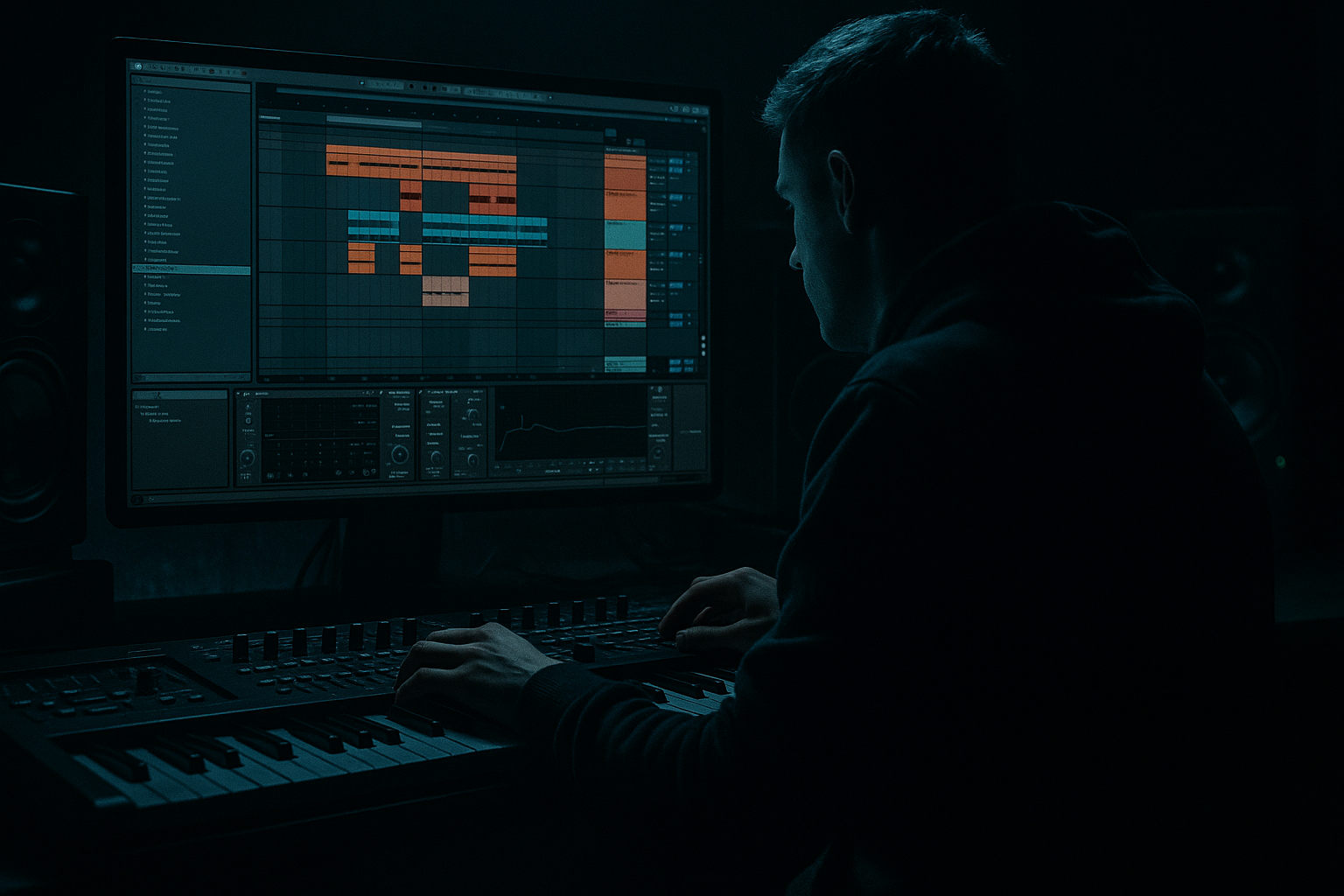
Main tutorial
Rewind Moment Humanize Deep Dive (90s Darkness) in Ableton Live 12
Beginner • Atmospheres • Jungle / Oldskool DnB vibes 🥁🌒
---
1) Lesson overview
That classic 90s jungle “rewind” moment isn’t just an MC shouting “rewind!” — it’s the whole track behaving like a living, slightly imperfect system: pitch wobble, timing drift, filtered air, tape grit, reverb tails smearing, and a dramatic pull-back into darkness before the drop.
In this lesson you’ll learn a practical Ableton Live 12 workflow to:
- Humanize your atmospheres (subtle timing + pitch + dynamics)
- Build a rewind-style transition (reverse + pitch fall + tape stop illusion)
- Keep it dark, weighty, and authentic without fancy plugins—mostly stock devices ✅
- A dark pad/airbed that moves organically (humanized)
- A rewind transition: reverse pull, pitch fall, filter sweep, reverb smear
- A hit-back moment (like the tune rewinds then slams back into the drop) 🔥
- An Atmos group + a Rewind FX track + automation lanes ready for arrangement.
- Warp on, mode Complex or Texture, and nudge a couple warp markers a few ms off-grid.
- Add Saturator:
- HP at 150–250 Hz (remove low-end rumble)
- Slight boost around 300–600 Hz if it feels too thin
- Type: LP24
- Start Cutoff: 6–10 kHz
- Automate Cutoff to end around 300–800 Hz over the rewind bar
- Time: 1/8 or 3/16
- Feedback: 25–40%
- Filter inside Echo:
- Dry/Wet: 15–30%
- Drive: 3–7 dB
- Soft Clip: On
- Decay: 1.2–2.5s
- Low Cut: 300 Hz
- Dry/Wet: 10–20%
- Automate Width from 120% → 70% during the rewind
- Add Shifter set to Pitch
- Automate Coarse from 0 → -12 over the last beat
- Add slight Fine wobble (±5 cents) if desired
- Layer a crash, sub drop, or dub siren stab (keep it tasteful) 💥
- Bars 1–8: rolling beat + bass + atmos (normal)
- Bars 9–12: bring up DubVerb send on atmos + slowly close filter (darker)
- Bar 13: kill drums for 1/2 bar → let atmos ring
- Bar 14: REWIND FX (1 bar reverse + pitch fall)
- Bar 15: dead space for 1/8 beat (tiny pause)
- Bar 15 beat 2 onward: full drop back in (kick/snare + bass) 🔥
- Midrange is the darkness: emphasize 250–900 Hz ambience, but control harshness at 2–5 kHz with EQ.
- Add subtle Redux on REWIND FX:
- Use Gate after reverb on REWIND FX for that chopped-rig feel:
- Automate Return send on the last snare before rewind:
- Try Corpus lightly on textures to simulate resonant boxes/rooms:
- Humanizing atmos with Groove Pool + tiny pitch drift
- Creating depth with DubVerb return and filtered textures
- Resampling + reverse to get the signature “pull back”
- Selling it with filter closing + pitch fall + controlled space
- Arranging it like real jungle: tension → rewind → micro-pause → slam back in 🔄🥁
---
2) What you will build
A reusable “Rewind Atmos” section (1–2 bars) that you can drop into any jungle/DnB tune:
You’ll end with:
---
3) Step-by-step walkthrough
Step 0 — Set up your session like a DnB producer
1. Set tempo to 165–170 BPM (try 168 BPM).
2. Create three tracks:
- ATMOS Pad (MIDI or Audio)
- ATMOS Texture (Audio)
- REWIND FX (Audio)
3. Create a Return Track A: “DubVerb”:
- Add Reverb (stock)
- Settings:
- Size: 120%
- Decay Time: 4.5s
- Pre-Delay: 18ms
- Low Cut: 250 Hz
- High Cut: 7.5 kHz
- Dry/Wet: 100% (because it’s a return)
This return gives instant oldskool space without muddying the subs.
---
Step 1 — Build the dark “airbed” (pad) that can be humanized
#### Option A (Beginner-friendly): Use a simple stock synth
On ATMOS Pad (MIDI):
1. Load Wavetable (or Analog if you prefer).
2. Wavetable quick patch:
- Osc 1: Sine or Basic Shapes
- Osc 2: off (keep it simple)
- Filter: LP24
- Cutoff: 400–900 Hz (dark!)
- Resonance: 10–20%
- Amp Envelope:
- Attack: 80–150 ms
- Release: 1.5–3 s
3. Add Chorus-Ensemble:
- Mode: Ensemble
- Amount: 20–35%
- Rate: 0.20–0.45 Hz
4. Send a bit to Return A (DubVerb): -15 to -10 dB send
Record or draw a 2-chord loop in a minor key (classic choices: F minor, G minor, A minor). Keep it long notes.
---
Step 2 — Humanize the atmos (timing, pitch, and movement) 👣
This is the “rewind moment” secret: even before the rewind, the track feels alive.
#### 2.1 Timing Humanize (subtle)
For MIDI clips on ATMOS Pad:
1. Open the clip.
2. Use Groove Pool:
- Load a groove like MPC 16 Swing (start around 55–58).
- Apply it lightly:
- Timing: 10–20%
- Random: 5–10%
- Velocity: 5–15%
This adds slight drift like old samplers.
If it’s audio, use:
#### 2.2 Pitch “human” wobble (tape-ish)
On ATMOS Pad, add:
1. Shifter (stock) set to Pitch mode:
- Fine: 0
- Coarse: 0
2. Map a tiny modulation to pitch:
- Add LFO (MIDI Modulation device) and map it to Shifter Fine
- LFO settings:
- Shape: Sine
- Rate: 0.10–0.25 Hz
- Amount: ±3 to ±7 cents (tiny!)
- Offset: 0
This gives that “slightly unstable” 90s feel without sounding seasick.
#### 2.3 Dark movement (filter + noise bed)
1. Add Auto Filter after Chorus:
- Filter type: LP12
- Cutoff: ~700 Hz
- Envelope: low or off
2. Add LFO mapping to Auto Filter Cutoff:
- Rate: 0.05–0.15 Hz
- Amount: small (just enough to breathe)
Optional grit:
- Drive: 1–4 dB
- Soft Clip: On
- Keep it subtle—atmos should feel worn, not crushed.
---
Step 3 — Add texture layers (the “smoke”)
On ATMOS Texture (Audio):
1. Drag in a field recording or vinyl noise (even a low-level hiss works).
2. Warp mode: Texture
- Grain Size: 80–180
3. Add EQ Eight:
- High-pass: 200–350 Hz
- Gentle dip around 2–4 kHz if harsh
4. Add Auto Pan:
- Rate: 0.07–0.2 Hz
- Amount: 20–40%
- Phase: 180° for wide drift
5. Send a little to DubVerb.
This makes the rewind moment feel like it happens inside a room/rig, not a sterile DAW.
---
Step 4 — Create the rewind moment (reverse + pitch fall + space smear) 🔄
We’ll do this on the REWIND FX track using resampling.
#### 4.1 Resample a bar of your atmos
1. Group ATMOS Pad + ATMOS Texture (select both → Cmd/Ctrl+G) and name it ATMOS BUS.
2. On REWIND FX, set Audio From = Resampling.
3. Arm REWIND FX and record 1–2 bars right before your drop (or where you want the rewind).
4. Trim the recording cleanly to a bar length.
#### 4.2 Reverse it
1. Click the recorded audio clip on REWIND FX.
2. In Clip View, hit Reverse.
Now you have that “suck back” energy instantly.
#### 4.3 Make it feel like a rewind (not just reverse)
Add this device chain on REWIND FX:
Device Chain (in order):
1. EQ Eight
2. Auto Filter
3. Echo
4. Saturator
5. Reverb (optional, small)
6. Utility
Suggested settings:
1) EQ Eight
2) Auto Filter
This makes it feel like the system is “closing down” into darkness.
3) Echo
- Low: 250 Hz
- High: 4–6 kHz
4) Saturator
5) Reverb (optional)
6) Utility
Narrowing towards the end feels like energy “pulling inward” before the slam.
#### 4.4 Add the “tape stop / pitch drop” illusion
In Ableton, you can do this two simple ways:
Method A: Clip Transpose automation (easy + effective)
1. Click the audio clip on REWIND FX.
2. Enable automation lane for Clip Transposition (or Transpose in clip view).
3. Automate:
- Start: 0 st
- End (last 1/4 bar): -12 st or -7 st
This gives a dramatic “fall” like a deck slowing.
Method B: Shifter pitch automation (smoother)
Keep it fast: most rewinds feel like 1 bar or even half a bar.
---
Step 5 — The “hit back” moment (sell the rewind)
Right after the rewind, you want a strong “we’re back!” impact.
Create a one-shot on the downbeat after the rewind:
Stock-friendly option:
1. Use Operator:
- Sine wave
- Pitch envelope down (quick)
- Short decay
2. Add Reverb send (DubVerb) briefly.
3. Add Drum Buss (Drive 5–15%, Boom 0–10% depending on taste).
Even a simple sub-drop makes the rewind feel intentional.
---
Step 6 — Arrangement idea (very jungle)
Try this 16-bar structure:
That micro-pause is gold. It creates tension like a live sound system moment.
---
4) Common mistakes
1. Over-wobbling pitch
If your pad sounds seasick, reduce pitch LFO to ±2–4 cents.
2. Rewind is too loud
FX should feel dramatic but not bury the mix. Keep REWIND FX peak around -10 to -6 dB depending on your headroom.
3. Too much low end in atmos
High-pass your atmos. Jungle relies on clean sub space for bass + kick.
4. Reverse without context
If the music doesn’t “pull back” before the rewind (filter closing, reverb blooming), it just sounds like a reversed sample.
5. Reverb mud
Always low-cut reverb (250–400 Hz) for DnB clarity.
---
5) Pro tips for darker/heavier DnB
- Downsample just a touch (like 12–14 bit vibe)—don’t destroy it.
- Sidechain the Gate to your snare (classic oldskool “space pumps with the drums”).
- Snare → huge DubVerb send spike → instant 90s drama.
- Great for “warehouse pipe” tones if kept subtle.
---
6) Mini practice exercise (10 minutes) ⏱️
1. Make a 2-chord minor pad (8 bars).
2. Add:
- LFO to Shifter Fine (±5 cents)
- LFO to Auto Filter Cutoff (slow movement)
3. Resample 1 bar into REWIND FX, reverse it.
4. Automate:
- Auto Filter cutoff down
- Clip transpose to -12 st at the very end
- Utility width 120% → 70%
5. Place it right before a drum drop (even a basic Amen loop works).
Goal: make the rewind feel like the system is reacting, not just the DAW.
---
7) Recap
You built a 90s-inspired rewind moment by:
If you want, tell me your tempo and whether you’re using an Amen or a steppy break, and I’ll suggest a rewind length + automation curve that fits your groove perfectly.

