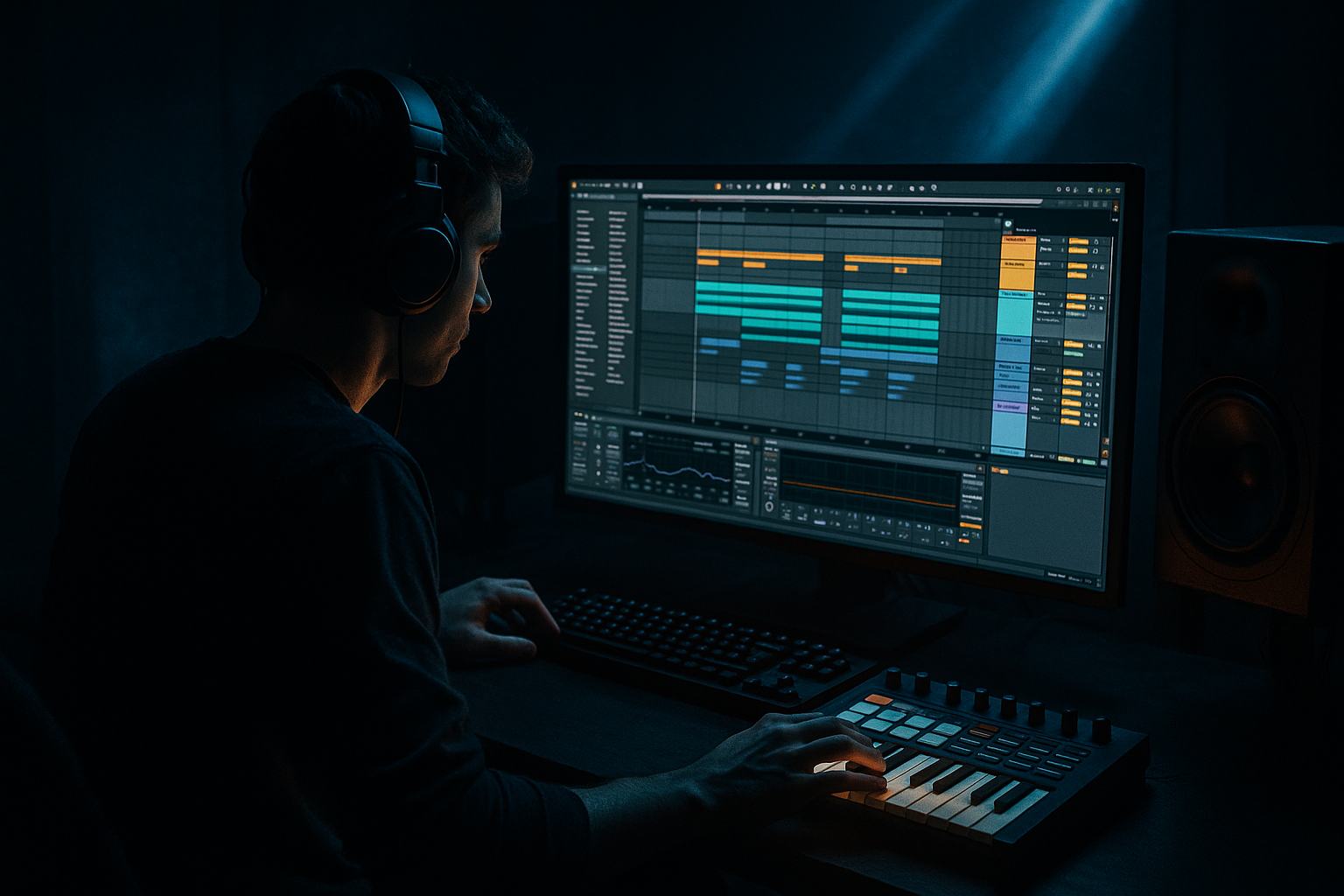
Main tutorial
Ring Mod Textures for Dark Sections (DnB in Ableton Live) 🖤🔧
1. Lesson overview
Ring modulation is a classic “make it sinister” tool: it multiplies your audio with an oscillator, producing inharmonic sidebands and metallic/alien movement. In drum & bass, it’s perfect for dark breakdowns, switch-ups, pre-drop tension, and mid-drop stabs—especially when you want something more menacing than a standard filter sweep.
In this lesson you’ll build controllable ring-mod textures in Ableton Live using mostly stock devices, and learn how to arrange them like proper rolling/jungle-adjacent DnB.
---
2. What you will build
You’ll create a Ring Mod Texture Rack you can drop onto:
- a reese/bass resample,
- a pad/atmo,
- a drum loop (for industrial “crunch” fills),
- or a vocal/one-shot for eerie stabs.
- A clean-to-corrupted macro workflow 🎛️
- Movement synced to tempo (so it grooves with 174 BPM)
- A dark, controlled tone (not harsh white-noise fizz)
- A resampled reese (best for dark sections), or
- A jungle drum loop (for metallic fills), or
- A pad/field recording (for atmosphere)
- Drive: +2 to +6 dB
- Soft Clip: ON
- Color: “Analog Clip” or default
- Frequency: 60–120 Hz (for “dark wobble”) or 300–900 Hz (for metallic)
- Amount: 15–35% (start conservative)
- Dry/Wet: 20–50%
- LFO: ON
- For a rolling dark movement: Freq ~80 Hz, Amount ~25%, LFO at 1/8.
- For horror-metallic stabs: Freq ~600 Hz, Amount 30–50%, LFO 1/16.
- Type: Low-pass (24 dB/oct)
- Cutoff: 3–8 kHz (start ~5 kHz)
- Resonance: 0.7–1.4
- Drive: 1–3 dB (optional)
- Mode: Sync
- Time: 1/8 or 1/4
- Feedback: 15–35%
- Filter: HP around 200–400 Hz, LP around 4–7 kHz
- Modulation: subtle (2–6%)
- Dry/Wet: 8–20%
- Decay: 1.5–3.5 s
- Pre-delay: 15–35 ms (keeps punch)
- Low Cut: 200–500 Hz
- High Cut: 5–9 kHz
- Dry/Wet: 6–18%
- Utility Gain range: -12 dB to +3 dB
- Bars 1–4:
- Bars 5–8:
- Bars 9–12 (peak tension):
- Bars 13–16 (fake-out / impact prep):
- Create Return “RM BUS”
- Put the whole rack on the return
- Send your source to it (start at -18 to -10 dB send level)
- In the Audio Effect Rack, create Dry and Wet chains
- Put Ring Mod + heavy processing on Wet chain only
- Balance with chain volumes
- Band-split the bass (clean sub, corrupted mids):
- Resample for control (classic DnB workflow):
- Add bite after ring mod (but keep it dark):
- Make it talk with formants (subtle):
- Glue it to the beat:
- Ring modulation creates inharmonic darkness by multiplying your signal with an oscillator.
- In DnB, the key is control: saturation before, filtering after, and groove-synced LFO.
- Use macros + automation to make it arrangement-friendly.
- For heavy rollers, parallel processing and band-splitting keep the low end stable while the mids get sinister.
You’ll end up with:
---
3. Step-by-step walkthrough
Step 0 — Prep your source (important!)
Pick one source to start:
Ableton tip: consolidate your audio (Cmd/Ctrl+J) and loop a 4 or 8-bar section.
Gain staging: aim for peaks around -10 to -6 dB before effects so Ring Mod doesn’t explode later.
---
Step 1 — Basic Ring Mod chain (the “core”)
On your source track, add:
1) Saturator (pre)
2) Ring Modulator
3) Auto Filter
4) Echo (or Delay)
5) Reverb
6) Limiter (safety)
#### 1) Saturator (pre-drive for richer sidebands)
Why: Ring mod loves harmonic material; a little saturation makes it sound intentional.
#### 2) Ring Modulator (the texture engine) ⚙️
Ableton device: Ring Modulator (stock)
Start settings:
- Wave: Sine or Triangle
- Rate: 1/4 or 1/8 (sync)
- Depth: small at first (5–20%)
DnB sweet spot:
---
Step 2 — Make it “dark”, not “shrill”
Ring mod can get buzzy fast. Control the top end intentionally:
#### 3) Auto Filter (post-ring shaping)
Workflow move: map cutoff to a Macro called “Darkness” so you can close it down in breakdowns.
---
Step 3 — Add space like a DnB record (tight + ominous)
#### 4) Echo (movement + tail)
#### 5) Reverb (controlled, not washed)
DnB trick: Put Reverb on a Return track and feed it using automation so the section blooms only when needed.
---
Step 4 — Build an Audio Effect Rack with macros (fast control) 🎛️
Select the devices (Saturator → Limiter) and press Cmd/Ctrl+G to create an Audio Effect Rack.
Create macros:
1. Corrupt → Ring Modulator Dry/Wet (0–60%)
2. Tension → Ring Modulator Amount (10–55%)
3. Motion → Ring Mod LFO Depth (0–35%)
4. Rate → Ring Mod LFO Rate (1/16 to 1/2)
5. Darkness → Auto Filter Cutoff (1.5 kHz to 12 kHz)
6. Space → Reverb Send or Reverb Dry/Wet (0–20%)
7. Ping → Echo Dry/Wet (0–25%)
8. Safety → Output gain (Utility) or Limiter ceiling control
Add Utility before Limiter if you want a dedicated “Safety” macro:
---
Step 5 — Add “DnB movement” with clip automation
Now make it arrangeable like a dark section:
#### Example: 16-bar dark breakdown into drop
- Corrupt: 10–20%
- Darkness: closes from 9 kHz → 4 kHz
- Motion: slowly rises 5% → 15%
- Rate: moves to faster divisions (1/8 → 1/16)
- Tension: increases slightly (20% → 35%)
- Add a short reverb send spike at the end of bar 8 (classic pre-drop swell)
- Corrupt: 30–50%
- Darkness: 3–5 kHz
- Add a tiny pitch automation on the source (if it’s a sample) or automate Ring Freq slightly
- Hard mute the texture for 1/4 bar before drop (negative space hits hard)
- Big tail: increase Space briefly then cut it right at the drop
This gives you the “rolling but ominous” energy without turning it into random noise.
---
Step 6 — Bonus: Parallel ring mod (best for drums & bass)
Instead of inserting ring mod directly, do it in parallel so your punch stays intact.
Method A (Return track):
Method B (Rack chains):
DnB use-case:
Parallel ring mod on a drum break gives you that metallic edge while the dry keeps transients and groove.
---
4. Common mistakes ⚠️
1. Too much Dry/Wet too soon
Ring mod at 80–100% quickly becomes unusable in a mix. Build up with automation.
2. No filtering afterward
Ring mod generates lots of top-end hash. Always shape with Auto Filter or EQ Eight.
3. Messy low end
If you ring mod a bass, the sub can get unstable. Consider splitting bands: keep sub clean, ring-mod the mids/highs.
4. Over-wide reverb
Huge stereo reverb can smear your drop impact. Keep your dark texture wide, but automate it down before the drop.
5. Unmusical LFO rates
If it doesn’t lock to groove, it won’t feel like DnB. Start with 1/8, 1/16, 1/4 sync.
---
5. Pro tips for darker/heavier DnB 🥷
Use an Audio Effect Rack with two chains:
- SUB chain: EQ Eight low-pass at ~90 Hz, keep clean/mono
- MID chain: EQ Eight high-pass at ~90 Hz → Ring Mod rack
This keeps the low end solid while the mids go feral.
Once you like the movement, resample the texture to audio, then chop it into 1-bar or 1/2-bar hits. You’ll get more “produced” results than endless live modulation.
Try Drum Buss lightly after the filter:
- Drive: 5–15%
- Crunch: 0–10%
- Damp: 5–12 kHz
Great for industrial roller energy without fizz.
Put Vocoder after ring mod (carrier off, just using filter banks subtly), or use Auto Filter resonance sweeps rhythmically.
Sidechain the texture using Compressor keyed from kick/snare (or the whole drum bus).
- Ratio 2:1 to 4:1
- Attack 2–10 ms
- Release 80–200 ms
This keeps the texture breathing like a proper roller.
---
6. Mini practice exercise (15–25 minutes) 🎯
1. Load a 4-bar reese (or a gritty bass resample) at 174 BPM.
2. Build the rack: Saturator → Ring Mod → Auto Filter → Echo → Reverb → Limiter.
3. Map macros: Corrupt, Tension, Motion, Rate, Darkness, Space.
4. Write a 16-bar dark breakdown:
- Bars 1–8: slowly increase Motion + close Darkness
- Bars 9–12: speed up Rate to 1/16 and raise Tension
- Bars 13–16: add a reverb spike, then cut it hard right before bar 17
5. Resample the output to audio and create 3 one-bar “texture shots” you can reuse in other projects.
Deliverable: a clip that sounds like a proper dark switch-up layer—moving, controlled, and mix-ready.
---
7. Recap ✅
If you tell me what source you’re starting with (reese, pads, drums, vocals) and the vibe (jungle, neuro, minimal, techy roller), I can suggest specific frequency/LFO ranges that match it.

