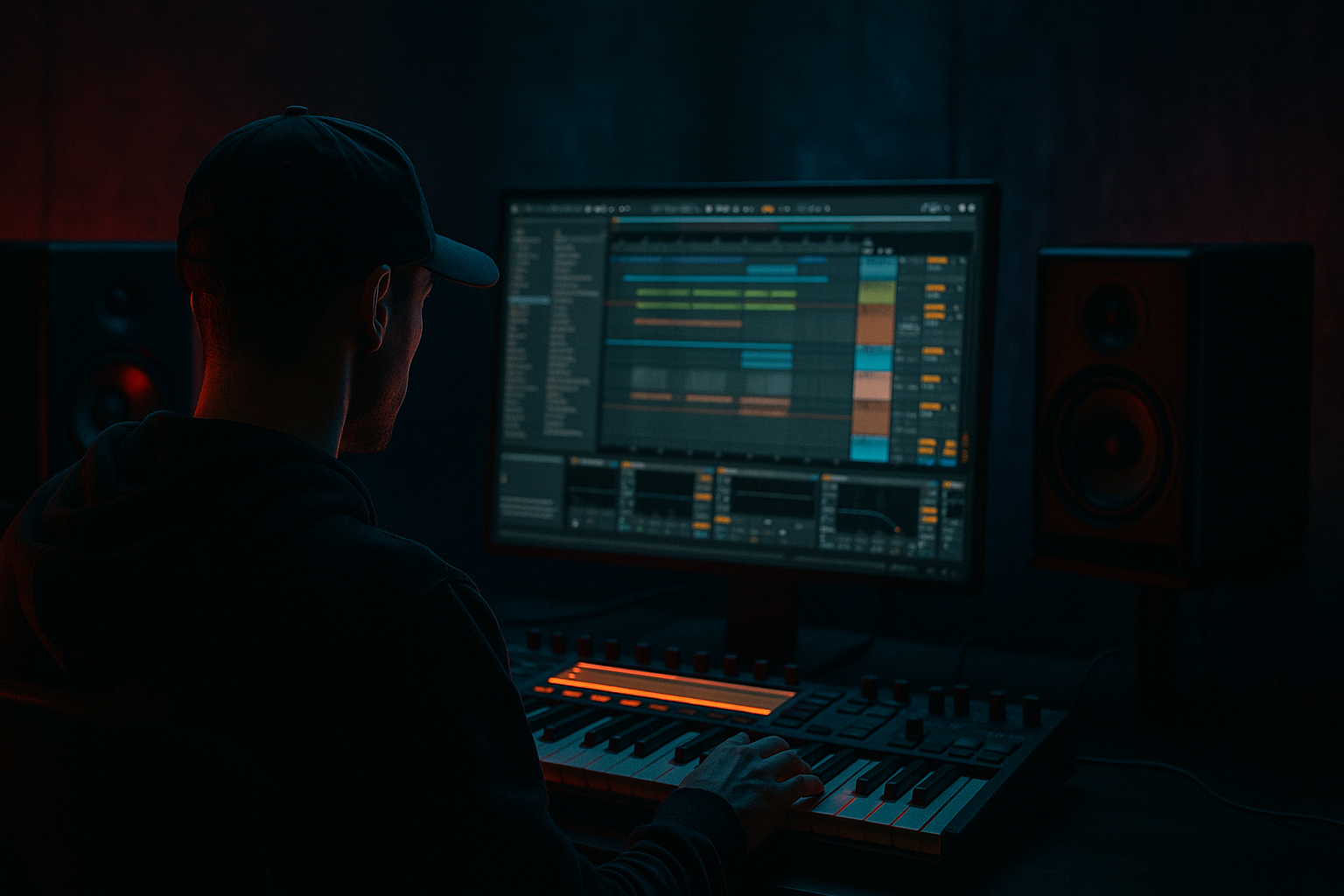
Main tutorial
Lesson Overview
In this lesson, you’re building a roller-style bassline in Ableton Live 12 from scratch that sits right in the pocket of jungle, oldskool DnB, and darker rollers. The goal is not just to make “a bass sound,” but to create a moving, musical low-end line that can carry an 8-bar drop, support chopped breaks, and leave room for the snare, hats, and FX.
Why this matters in DnB: a great roller bassline is often the difference between a track that feels flat and one that feels like it’s rolling forward with intent. In DnB, your bass has to do several jobs at once:
- hold the sub weight
- create midrange movement
- leave space for the drums
- and provide tension/release across the phrase
- a clean sub layer in mono
- a slightly gritty mid bass layer with reese-style movement
- a simple repeating MIDI phrase with oldskool DnB bounce
- FX automation for filter sweeps, small fills, and drop energy
- a bassline that can work under a sliced breakbeat and a snare on 2 and 4
- bars 1–2: stripped intro into the drop
- bars 3–4: main roller phrase with a little variation
- bars 5–6: call-and-response with a gap or stab
- bars 7–8: small lift or turnaround leading into the next phrase
- Making the sub too complex
- Letting the mid bass overlap the sub too much
- Using too much width in the low end
- Writing bass notes that fight the break
- Overusing distortion
- Too many note changes
- Ignoring arrangement
- Use slight filter automation on the mid bass instead of huge sound changes. Small movements feel more underground and controlled.
- Add Saturator before EQ if you want more harmonics, then trim the harshness after. This is a classic way to make bass translate on smaller systems.
- If your bass sounds too clean, try Redux subtly on the mid layer only. A tiny amount of bit reduction can add vintage grime.
- For extra tension, create a 1-bar silence or half-bar gap before the drop phrase repeats. Silence makes impact feel bigger.
- Use Drum Buss on the bass group very lightly to add density and attack, but don’t overdo Boom.
- If the track feels too polite, make the bass rhythm slightly more syncopated against the break. DnB often feels heavy because the bass and drums are interlocking, not just playing together.
- For darker character, keep notes in a limited range and emphasize lower root notes with occasional higher jump notes for contrast.
- Make a quick audio bounce of the bass loop and try chopping one or two hits. Resampling is a very authentic jungle workflow and often creates better ideas than endless MIDI tweaking.
- Build the bass in two parts: clean sub + moving mid bass.
- Keep the sub simple, mono, and strong.
- Use Ableton stock devices like Operator, Wavetable, EQ Eight, Saturator, Auto Filter, Drum Buss, and Redux.
- Write the bass around the drum groove, especially the snare and break rhythm.
- Use small automation moves for tension and FX instead of overloading the mix.
- Think in phrases and arrangement, not just loops.
- For jungle/oldskool DnB vibes, keep it repetitive, gritty, and controlled — that’s what makes it roll.
We’ll keep this beginner-friendly, but still very real to how DnB is made in Ableton: using Wavetable or Operator, Auto Filter, Saturator, Redux, EQ Eight, Drum Buss, and a little automation for movement and FX. You’ll also learn how to shape the line so it works with a jungle-style break, not against it. 🔥
What You Will Build
By the end, you’ll have a dark roller bass patch that combines:
Musically, imagine an 8-bar loop at 170 BPM:
The result should feel dark, controlled, and hypnotic, not huge and overblown. It should move like a train—steady, heavy, and impossible to ignore.
Step-by-Step Walkthrough
1. Set up a clean DnB project and reference the drums first
Open a new Ableton Live 12 set and set the tempo to 170 BPM. For jungle/oldskool roller energy, this tempo range keeps the breakbeats lively while still giving the bassline room to breathe.
Create:
- 1 MIDI track for Kick/Snare reference
- 1 MIDI track for Breakbeat
- 1 MIDI track for Sub Bass
- 1 MIDI track for Mid Bass / Reese
- 1 Return track for Delay/Reverb FX if needed later
Start with the drums first. Even a simple loop helps you place the bass properly. Use a chopped break or a basic amen-style loop and make sure your snare lands clearly on beat 2 and 4. The bassline will be written around that pocket.
Practical tip: keep the master peaking around -6 dB while building. In DnB, headroom matters because the low end can get out of control fast.
2. Build the sub bass with Operator or Wavetable
For a beginner-friendly sub, use Operator:
- Oscillator A: Sine wave
- Turn off the other oscillators
- Set the amp envelope with:
- Attack: 0–5 ms
- Decay: short or off
- Sustain: full
- Release: 50–120 ms
If you use Wavetable, choose a simple sine or clean waveform and keep it plain. The sub should be pure and stable.
Write a MIDI bassline that follows a DnB roller pattern:
- mostly root notes
- a few passing notes for movement
- short note lengths with some gaps for groove
Example in A minor:
- A1, A1, C2, G1, A1, E1, G1, A1
Keep it simple and repetitive. Roller basslines work because of phrasing and rhythm, not because of complex melodies.
Why this works in DnB: the sub gives the track physical weight, and because DnB drums are fast, the low end needs to be stable and readable so the groove stays clear.
3. Create the mid bass layer for movement and darkness
On a new MIDI track, load Wavetable and build a more textured tone:
- Oscillator 1: saw or basic analog-style waveform
- Oscillator 2: saw, detuned slightly
- Reduce unison if it gets too wide
- Set the filter to Low-Pass 24
- Filter cutoff: start around 150–400 Hz depending on tone
- Add a little resonance: 5–15%
Now add movement with Ableton stock devices:
- LFO mapped to filter cutoff
- or automate the filter cutoff manually
- Add Saturator after the synth with Drive around 2–6 dB
- Add Auto Filter for extra sweep control if needed
Keep the mid bass short and rhythmic. You want it to sit like a reese-lite roller layer, not a massive dubstep growl. The note rhythm should lock into the break. Try alternating between:
- one longer note
- two shorter notes
- a small pickup before the snare
Beginner-friendly shape:
- notes mostly between G1 and C2
- use 2-bar repetition with a variation in bar 2
- avoid too many different notes at once
4. Layer sub and mid bass cleanly with grouping and EQ
Group the sub and mid bass tracks into a Bass Group. This gives you faster control and helps you think like a mixer.
On the sub track:
- add EQ Eight
- low-pass if needed around 80–120 Hz to keep it pure
- remove any unwanted top end
On the mid bass track:
- add EQ Eight
- high-pass around 80–120 Hz so it doesn’t fight the sub
- if the tone gets boxy, gently cut around 200–400 Hz
- if it gets harsh, look around 2–5 kHz
Keep the sub in mono. If you use any stereo widening, use it only on the mid layer and very lightly. DnB low end should stay locked in the center for club translation.
Routing idea:
- sub = clean center weight
- mid bass = movement and character
- both together = one unified bass identity
This separation is a classic DnB workflow because it makes your bass stronger and easier to mix.
5. Add rhythmic FX control with Auto Filter, Saturator, and Drum Buss
Now we make the bass feel more alive without turning it messy.
On the Bass Group or mid bass chain, try:
- Auto Filter with envelope movement or automation
- Saturator for harmonics
- Drum Buss very lightly for punch and density
Useful starting settings:
- Saturator Drive: 3–8 dB
- Soft Clip: On
- Drum Buss Drive: 5–15%
- Boom: usually low or off on bass unless you know exactly what you’re doing
For a roller vibe, automate the Auto Filter cutoff over 4 or 8 bars:
- slightly lower on the first phrase
- open more in the second half of the drop
- dip briefly before a snare fill or switch-up
This gives you subtle FX movement without needing huge risers. In DnB, small automation moves often feel more professional than giant obvious sweeps.
6. Write the bassline around the drum groove, not on top of it
Open the MIDI clip and think like a drummer. Your bass should answer the break, not fight it.
Try this structure for an 8-bar loop:
- Bars 1–2: simple repeated bass phrase
- Bars 3–4: add a small note change or extra hit
- Bars 5–6: create a gap after the snare for a call-and-response feel
- Bars 7–8: use a pickup or turn-around note into the loop restart
A classic DnB technique is to leave space exactly where the drums hit hardest. If the snare is busy and the break has ghost notes, don’t fill every beat with bass. Let the groove breathe.
MIDI phrasing tips:
- use short notes for bounce
- try slightly longer notes for tension at the end of a bar
- move one note earlier or later by a tiny amount if it feels stiff
- keep velocities controlled, but vary them slightly for life
Musical context example: if your break has a strong snare accent on beat 2, place a bass note just before it, then leave a small gap on the snare hit. That contrast creates forward motion and makes the snare feel bigger.
7. Use resampling for texture and oldskool grit
To push the jungle/oldskool character, resample your bass phrase. In Ableton, you can:
- freeze and flatten the bass track
- or record the bass to an audio track
Once it’s audio, you can:
- chop small bits
- reverse tiny sections
- add Redux subtly for grit
- use Auto Filter for phrase movement
- add Beat Repeat very lightly for transitional stutters
Keep this tasteful. The goal is not to destroy the bass, but to add a little sampled, vintage character. This is especially effective in darker jungle-inspired DnB where the bass feels more like a machine responding to the break.
Beginner rule: resample only after you like the MIDI groove. Don’t over-edit too early.
8. Automate FX for transitions and drop energy
A roller needs small moments of lift so it doesn’t feel looped to death.
In your 8-bar loop, automate:
- Filter cutoff up slightly into bar 5 or 7
- Reverb send on a short bass hit or noise hit for transition
- Delay only on a tiny upper-mid stab, not the sub
- Volume on the mid bass for a 1-beat pre-drop pullback
Good FX placements:
- tiny rise before a new bass variation
- short downlifter into a break edit
- a filtered noise burst before the loop restarts
Keep your FX in the mid/high range so they don’t muddy the low end. In DnB, FX should support the groove, not steal from it.
9. Check the mix in mono and rebalance against the drums
Turn on a mono check or use Ableton’s Utility on the bass group:
- Width: 0% for the sub
- Mid bass width: keep modest, not exaggerated
Listen for:
- Does the kick disappear when the bass plays?
- Does the snare still cut through?
- Is the sub louder than the drum low end?
- Does the bass feel punchy or just loud?
If the bass masks the kick:
- reduce sub level slightly
- shorten bass note lengths
- cut a bit more low mid from the mid bass
If the bass feels weak:
- add more harmonic content with Saturator
- raise the mid bass a little
- make the rhythm tighter, not just louder
DnB mixing is often about balance and arrangement discipline more than raw volume.
10. Shape a simple arrangement for a DJ-friendly roller
Build a basic arrangement so the idea feels like an actual DnB track:
- 16-bar intro with drums and filtered bass tease
- 16-bar drop with full roller bass
- 8-bar variation with a small switch-up or fill
- 8-bar breakdown or tension section
- repeat with a stronger second drop
For a DJ-friendly approach:
- keep the intro and outro more stripped
- leave space for mixing
- avoid huge FX on every bar
- use a short call-and-response change every 4 or 8 bars
This is where your bassline becomes a track, not just a loop. In oldskool/jungle-inspired DnB, arrangement is often built from repetition plus controlled variation.
Common Mistakes
Fix: keep the sub mostly sine-based and simple. Let the mid bass do the movement.
Fix: high-pass the mid layer around 80–120 Hz and keep the sub clean.
Fix: mono the sub and keep stereo effects for higher layers only.
Fix: leave space around the snare and use the break as your rhythm guide.
Fix: add enough saturation to hear the bass on smaller speakers, but stop before it turns fuzzy or harsh.
Fix: roller bass works best with a strong repeating phrase and a few smart variations.
Fix: even a great bass loop needs fills, filter movement, and switch-ups to feel like a proper DnB section.
Pro Tips for Darker / Heavier DnB
Mini Practice Exercise
Spend 10–20 minutes making a 2-bar roller bass loop in Ableton Live:
1. Set tempo to 170 BPM.
2. Load a simple breakbeat and a snare on 2 and 4.
3. Build a sub with Operator sine wave.
4. Add a mid bass with Wavetable and light Saturator.
5. Write a 2-bar MIDI pattern using only 3–5 notes.
6. Make one note repeat with a small variation at the end of bar 2.
7. Add one automation move:
- filter cutoff opening
- or a small volume dip before the loop resets
8. Check the low end in mono and adjust until the bass and drums feel locked.
Goal: by the end, you should have a loop that already feels like the start of a DnB drop, not just a bass sound.

