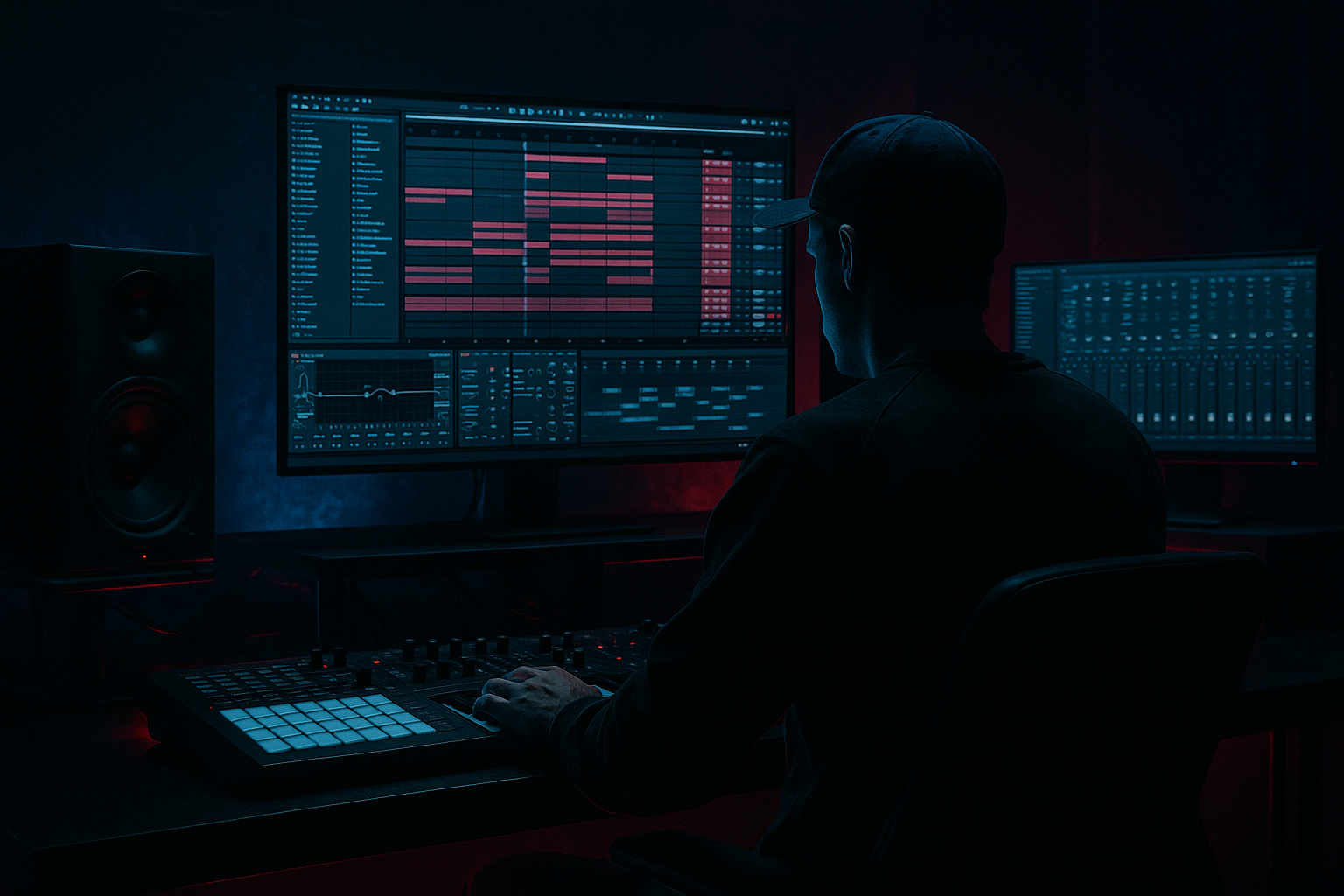
Main tutorial
```markdown
Rolling Bass Accents from Scratch with Stock Devices (Ableton Live) 🔊⚡
Skill level: Intermediate
Category: Basslines (Drum & Bass / Jungle)
---
1. Lesson overview
Rolling DnB basslines aren’t just “one note on every 1/8.” The movement comes from accent control: tiny boosts in level, filter, drive, and pitch that create a push–pull groove with the drums.
In this lesson you’ll build a rolling Reese-ish bass and program accent patterns using only stock Ableton devices—with a workflow you can reuse on any bass sound.
---
2. What you will build
You’ll end up with:
- A clean, mono sub layer (solid and consistent on big systems)
- A mid-bass layer (Reese/rumble character) with controllable grit
- A single MIDI clip that triggers rolling accents (velocity + envelopes)
- Macro controls (optional but recommended) for:
- Place notes on: 1.1, 1.1.3, 1.2, 1.2.3, 1.3, 1.3.3, 1.4, 1.4.3
- Remove one note before the snare hits (space = groove).
- Shorten note lengths to around 1/16–1/8 (don’t let everything overlap).
- Add a pickup note at the end of the bar (optional):
- Sidechain: ON
- Audio From: your Kick
- Ratio: 4:1
- Attack: 5–15 ms (let a tiny bit of transient through)
- Release: 60–120 ms (tempo dependent)
- Threshold: adjust for 3–6 dB gain reduction on kick hits
- Make the MID chain do most of the accent “excitement” (filter/drive), not the SUB.
- 2-bar accent cycle:
- Drop switch-up (after 16 bars):
- Call & response with the snare:
- Add subtle pitch dips on accents (MID only):
- Multiband distortion control (stock):
- Stereo discipline:
- Dark movement:
- Rolling DnB bass energy comes from accents, not complicated notes.
- Build a Sub + Mid rack: keep the sub stable, make the mids move.
- Use velocity as the accent lane, then route it to filter + drive for real character.
- Add sidechain compression for rhythmic pumping that locks to the kick.
- Arrange accents across 2–4 bars to create progression without rewriting the bassline.
- Accent intensity
- Filter movement
- Bite/drive
- Stereo width (mids only)
The vibe: modern rolling DnB / jungle with that “propulsive” bass bounce 🏎️
---
3. Step-by-step walkthrough
Step 0 — Session setup (so the groove feels like DnB)
1. Set tempo to 174 BPM (170–176 is typical).
2. Add a basic drum loop (even placeholder): kick on 1, snare on 2 & 4.
3. Turn on Groove Pool (optional): try Swing 16-55 lightly later—don’t overdo it.
> Bass accents make more sense when they “answer” the drums.
---
Step 1 — Create the bass instrument rack (Sub + Mid split) 🎚️
1. Create a new MIDI track: CMD/CTRL+Shift+T
2. Drop an Instrument Rack on it.
3. Create two chains inside the rack:
- SUB
- MID
#### SUB chain (clean + stable)
Device chain:
1. Operator
- Algo: A only
- Osc A: Sine
- Level: adjust so it’s strong but not clipping
2. EQ Eight
- Enable HP filter at 20–30 Hz (24 dB/oct) to remove sub-rumble
- Optional tiny dip around 200–300 Hz if it feels boxy
3. Utility
- Width: 0% (mono sub always)
- Gain: leave at 0 for now
Why: You want the sub to be boring (in a good way). The movement comes from the mids.
---
#### MID chain (character + movement)
Device chain:
1. Wavetable (or Operator if you prefer)
- Osc 1: Saw (or Classic Saw)
- Osc 2: Saw (detune slightly)
- Detune: 10–20 cents (taste)
- Unison: 2 voices (keep it controlled)
2. Auto Filter
- Type: LP24
- Freq: start around 200–600 Hz (we’ll modulate)
- Resonance: 10–25%
- Drive: 0–20% (we’ll accent this too)
3. Saturator
- Mode: Analog Clip
- Drive: 3–8 dB
- Soft Clip: On
4. EQ Eight
- HP at 90–120 Hz (so the mid layer doesn’t fight the sub)
- Optional gentle boost 700 Hz–2 kHz for growl presence
5. Utility
- Width: 120–160% (mids can be wide)
- Optional: Bass Mono button ON (if using Live 11/12 Utility with that option)
Why: You’ll “accent” this chain harder than the sub—so the bass feels like it’s rolling without destabilizing low-end.
---
Step 2 — Program the rolling bass MIDI (the foundation groove) 🥁
Create a 1-bar MIDI clip.
Key: Start in F or G (DnB-friendly ranges).
Sub note range: around F1–G1 typically works well.
#### Pattern (classic roller feel)
Use 1/8 notes with strategic gaps and accents. Example in F1:
(That’s basically steady 1/8s.)
Now add rolling interest:
Try removing the note at 1.2.3 (just before beat 2 snare).
Put a quick note at 1.4.4 (1/16 before the loop restarts).
> The “roll” comes from consistent momentum + intentional holes.
---
Step 3 — Use velocity as your accent lane (the simplest, most musical method) 🎯
Most stock synths respond to velocity via the Amp envelope and/or modulation routing.
1. In the MIDI clip, open Velocities.
2. Set a baseline velocity around 70–90 for most notes.
3. Choose 2–3 accents per bar:
- Strong accent on 1.1 (downbeat): 115–127
- Another accent after the snare: 1.3 or 1.3.3 at 105–120
- Optional smaller push at 1.4.3 around 95–110
Goal: Accents should feel like they “lean into” the drum groove, not random.
---
Step 4 — Make velocity drive filter + drive (this is the magic) ✨
If you just make accents louder, it can sound flat. Better: make accents brighter + dirtier.
#### Option A: Wavetable modulation (fast + clean)
In Wavetable (MID chain):
1. Go to Mod Matrix.
2. Add:
- Source: Velocity → Destination: Filter Freq → Amount: +10 to +25
- Source: Velocity → Destination: Amp (or Volume) → Amount: small (+3 to +8)
3. If available, also route:
- Velocity → Drive (Auto Filter drive won’t be a destination inside Wavetable, but you can drive Wavetable’s filter/amp or add a rack macro—see Option B)
Now accents open the filter slightly, giving that “bark” on pushes.
#### Option B: Instrument Rack Macros + Expression Control (stock, powerful)
1. On the main rack, add Expression Control (MIDI Effects) before the Instrument Rack.
2. Map Velocity to a Macro:
- In Expression Control:
- Turn on Vel mapping
- Set output range approx 30–127 (so quiet notes still trigger sound)
3. Map that Macro to:
- Auto Filter Frequency (MID chain): small range, e.g. 200 → 650 Hz
- Saturator Drive: e.g. 3 dB → 9 dB
- Optional: Utility Gain on MID chain: 0 → +2.5 dB
Now velocity becomes a “performance control” that changes tone, not just volume.
---
Step 5 — Add a tight sidechain pump (rolling = rhythm with the kick) 💥
Use stock Compressor (or Glue Compressor) on the whole bass rack or just the MID chain.
Compressor settings (starting point):
> Sidechain plus accents creates the classic “pushing forward” roller motion.
---
Step 6 — Control the low end so accents don’t wreck the mix 🧱
Accents can accidentally spike sub energy. Keep the sub consistent:
1. On SUB chain, keep saturation minimal (or none).
2. If the sub feels too dynamic:
- Add Compressor on SUB chain:
- Ratio: 2:1
- Attack: 10–30 ms
- Release: 80–150 ms
- Aim for 1–3 dB reduction on loud notes
If you want the accents to feel big without extra sub:
---
Step 7 — Arrangement ideas (how to use rolling accents musically) 🧠
Try these classic DnB moves:
Bar 1: accents on 1.1 + 1.3
Bar 2: accents on 1.1 + 1.3.3
→ creates forward motion without changing notes.
Increase accent intensity slightly:
- Raise velocity of the 2nd accent by +10
- Open filter range a bit (Macro range wider)
- Add a tiny extra pickup note
Keep the note before the snare lower velocity, and the note after the snare higher velocity.
That contrast = groove.
---
4. Common mistakes 🚫
1. Accents are too frequent
If everything is accented, nothing is. Aim for 2–4 meaningful accents per bar.
2. Sub layer is moving too much
Rolling bass should feel consistent underneath. Put movement in the mids.
3. Filter opens too far on accents
If it gets “honky” or loses weight, reduce velocity→filter amount.
4. Over-saturating the whole rack
Dirt is great, but if the sub distorts, you lose headroom and clarity.
5. No space around the snare
A tiny gap or softer note before the snare helps the whole beat slam harder.
---
5. Pro tips for darker/heavier DnB 🖤
In Wavetable, map Velocity → Osc Pitch (-2 to -8 semitones) with a short pitch envelope (or automate momentary pitch drops). Keep it subtle; this creates a “yank” effect.
Use Multiband Dynamics gently on the MID chain to keep harshness controlled while pushing presence. Try:
- Slight upward compression in the mid band
- Don’t crush it—DnB needs air and transient space.
Keep SUB mono. If you widen mids, check mono compatibility using Utility (Width 0%) temporarily.
Instead of opening the filter for accents, try closing slightly while increasing drive. It can sound more menacing and “underwater.”
---
6. Mini practice exercise 🎛️
Goal: Build a 4-bar rolling bass that evolves without changing notes.
1. Keep the same note pattern for 4 bars.
2. Create a velocity pattern that changes each bar:
- Bar 1: accents on 1.1, 1.3
- Bar 2: accents on 1.1, 1.3.3
- Bar 3: accents on 1.1, 1.4
- Bar 4: accents on 1.1, plus a stronger pickup at 1.4.4
3. Map velocity to:
- MID Auto Filter Freq (small range)
- MID Saturator Drive (medium range)
4. Record 16 bars and automate ONE macro:
- Increase accent intensity slightly every 8 bars.
Deliverable: Bounce a quick loop and listen on headphones + monitors. The groove should feel like it’s “rolling” even with minimal note changes.
---
7. Recap ✅
If you want, tell me your preferred sub note (F, F#, G, etc.) and whether you’re going for liquid roll, techy roller, or neuro-dark, and I’ll suggest a specific 8-bar MIDI + macro mapping template.
```

