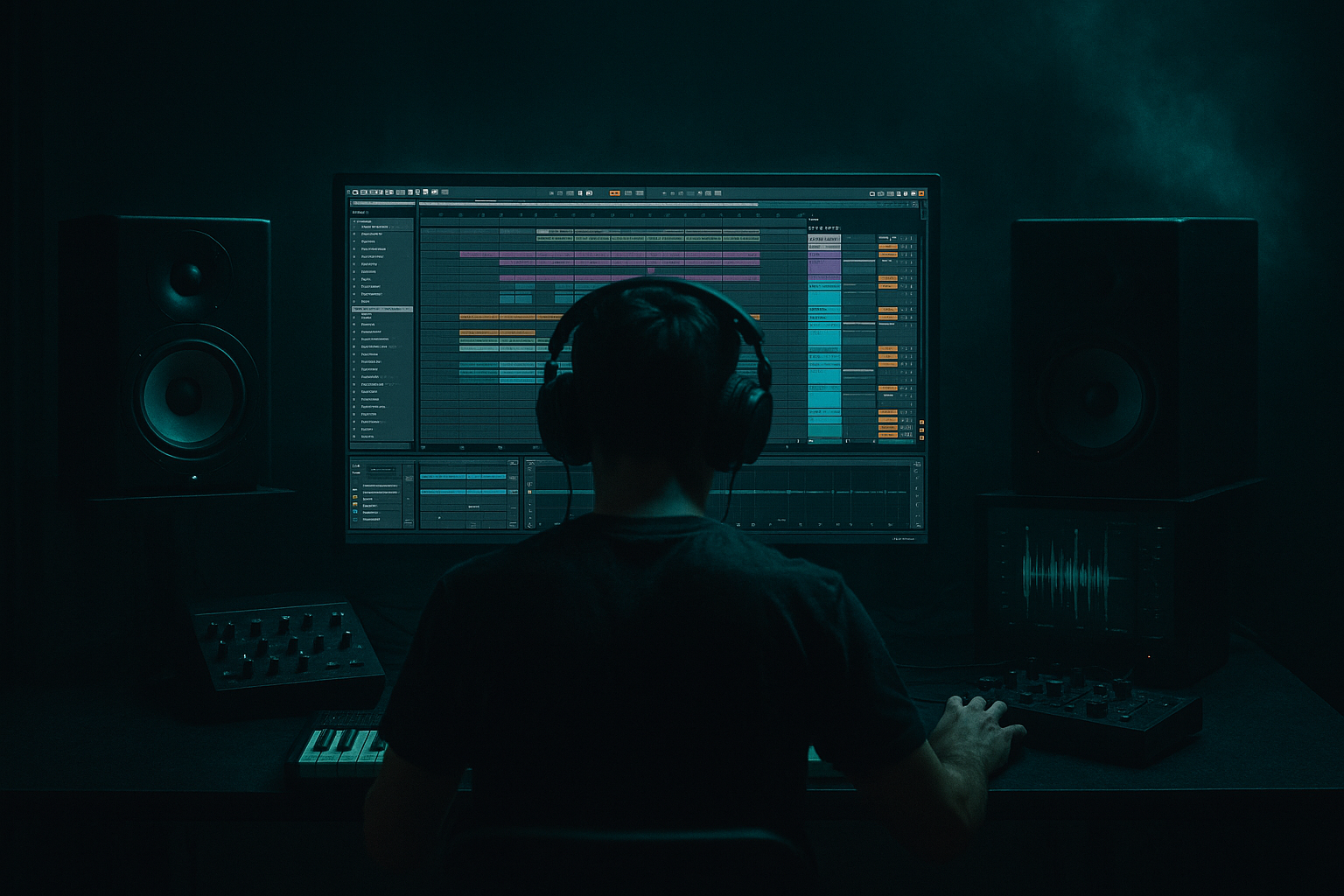
Main tutorial
Lesson Overview
“Ruffneck” breakbeat carve is a drop-design workflow built for that savage, rewind-worthy DnB moment where the drums feel like they’ve been torn apart and reassembled on purpose. The goal is not just to throw in a breakbeat fill — it’s to carve space inside a heavy drop so the listener hears impact, disruption, and swing all at once.
In Drum & Bass, this technique sits right at the edge of the drop, switch-up, or bar-7/8 turnaround. It’s especially effective in darker rollers, jungle-inflected minimal, neuro-adjacent half-time pressure, and anything that needs a “what just happened?” moment before the bass slams back in. The carve gives your arrangement a controlled breakdown of the grid: chopped breaks, tiny mutes, reverse tails, pitch-bent hits, and bass punctuation that feels rude in the best way 😈
Why it matters: DnB drops live and die on contrast. If every bar is full-force, the ear stops reacting. A Ruffneck carve creates a micro-arrangement event that resets attention, adds grit, and makes the return of the drop feel bigger without needing a whole new section.
What You Will Build
You’ll build a short, high-impact breakbeat carve moment for an Ableton Live 12 DnB drop:
- A 2- to 4-bar drop phrase with a rewind-worthy break edit
- A carved drum/bass pocket that creates tension before the main groove returns
- A workflow using stock Ableton devices like Simpler, Beat Repeat, Auto Filter, Saturator, Drum Buss, Echo, Utility, and Envelope/clip automation
- A clean arrangement move that works in:
- A result that keeps the sub stable, preserves kick/snare punch, and uses the break as a musical interruption rather than random chaos
- Too much low end in the break carve
- Random stutters with no phrase logic
- Bass and break fighting for space
- Overusing Beat Repeat
- Break becomes harsh and papery
- The drop loses groove
- Use a mono sub layer with Utility and keep it out of the carve’s chaos. The more violent the drums get, the more important the sub discipline becomes.
- Duplicate the break onto two tracks:
- Add a very light Drum Buss transient boost to only the carve section using automation. Even +5 can make the interruption jump out.
- For a darker jungle feel, keep the carve slightly looser and more swung. For neuro-leaning pressure, tighten the slices and reduce swing so it feels more surgical.
- Use frequency-based movement instead of only volume movement: automate Auto Filter or EQ Eight to open the upper mids as the return hit lands.
- If your reese is wide, narrow it during the carve and reopen on impact. That stereo “snap open” is a huge DnB payoff.
- Layer one short, ugly texture hit — vinyl crackle, hit noise, or filtered ambience — behind the carve for underground character, but keep it tucked low in the mix.
- If the section feels too clean, print the carve and re-process it with a touch more Saturator or a gentler Echo throw. The second-generation version often feels more authentic.
- The Ruffneck breakbeat carve is a drop interruption workflow built for tension, contrast, and rewind energy.
- Keep the sub stable, carve the drums and bass separately, and phrase the moment clearly in 4s, 8s, or 16s.
- Use Ableton stock devices like Simpler, Beat Repeat, Saturator, Drum Buss, Auto Filter, EQ Eight, Utility, and Echo to shape the edit.
- The best results come from controlled chaos: a few strong chops, a short bass void, and a hard return impact.
- In DnB, this works because contrast makes the drop feel heavier, faster, and more memorable.
- jungle-style chops
- rollers with switch-up tension
- darker half-time or neuro-influenced drops
By the end, your drop will have that authentic “rewind bait” energy: the drums duck, glitch, and snap back with purpose.
Step-by-Step Walkthrough
1. Set up a dedicated drop carve group
Create a Group Track called something like `DROP CARVE`. Inside it, route your main drum break, one-shot snare layers, and any top-loop or perc loop you want to manipulate.
Practical routing:
- Put your main kick/snare pattern on one MIDI track or audio track
- Put the breakbeat chop on a separate track
- Keep your sub/bass on its own track or bass bus
- Group the drum elements you want to “tear apart,” but leave the sub outside if you want tighter low-end control
Workflow reason: separating the carve elements from the sub lets you automate aggressively without wrecking the bottom end. In DnB, that separation is everything.
2. Choose a break that already has attitude
Start with a break that has a strong transient profile and useful ghost detail — think classic Amen-style energy, Think break flavor, or a gritty modern drum loop with character. Drag it into an audio track and set the clip to follow your project tempo.
Good target tempo range:
- 170–175 BPM for mainstream DnB
- 160–170 BPM if you want a slightly heavier, more spacious feel
In the Clip View:
- Turn on Warp if needed
- Use Beats mode for punchy drum loops
- Adjust Preserve to emphasize transients if the break is losing snap
- Tighten the loop so the tail doesn’t smear into the next bar
Why this works in DnB: the break is not filler — it’s the motion engine. A break with internal ghost notes and micro-accent changes gives the carve that “human but lethal” feel.
3. Slice the break into performance-friendly pieces
Right-click the break and use `Slice to New MIDI Track`. For slicing, use:
- Transients for the most natural chop points
- 1/8 or 1/16 if the break is already tight and you want a more rhythmic grid
Once sliced:
- Keep the core hits: kick, snare, hat, little pickup hits
- Delete or mute slices that clutter the phrase
- Reorder a few slices to create a rude, off-grid-feeling turn without losing the groove
Intermediate move: make a simple 2-bar “carve pattern” with 6–10 slices maximum. Don’t over-edit. The power comes from contrast, not endless fragmentation.
4. Build the carve with call-and-response between drums and bass
Now write the actual interruption. In a rewind-worthy drop, the breakbeat carve usually works as a call-and-response phrase:
- Main drop groove: kick/snare + bass answering on the offbeats
- Carve moment: bass drops out for a beat or half-bar, break fills the gap
- Return: sub and reese slam back in hard
Try this structural idea:
- Bar 1: full drum/bass groove
- Bar 2 beat 3: remove bass for 1/2 beat
- Bar 2 beat 4: insert a chopped snare roll or break fill
- Bar 3 beat 1: full impact return
- Bar 4: variation with a reverse break hit or stuttered top loop
Concrete phrasing tip:
- Leave at least one clean kick-snare anchor point in the carve so the listener never loses the pulse completely
- Use a short silence before the return impact — even 1/16 note of space can make the next hit feel huge
5. Shape the break with stock Ableton devices
Put these devices on the break track or the group:
- EQ Eight
- High-pass around 120–180 Hz on the carved break if the sub lives elsewhere
- Cut harshness around 3–6 kHz if hats bite too hard
- Saturator
- Drive: +2 to +6 dB for edge
- Soft Clip: On if you want safer peak control
- Drum Buss
- Transients: +5 to +20 depending on how punchy you want the chop
- Boom: Use sparingly, or keep it off if your sub is already strong
- Drive: low to moderate for density
- Auto Filter
- Automate the cutoff to sweep from closed to open during the carve
- Use a band-pass dip for a more “telephone/rewind” transition if needed
- Utility
- Use Width 0% on low-end-sensitive break layers
- Pan or narrow top slices if the stereo image gets messy
Parameter suggestions:
- Saturator Drive: 3–5 dB for dirty but usable energy
- Auto Filter cutoff: sweep roughly 300 Hz → 8 kHz over 1 bar for a tension rise
- Drum Buss Transients: +10 for snappy break slices that cut through busy bass
Workflow note: keep the break processing on a return or group if you plan to reuse the same carve idea across multiple sections.
6. Use Beat Repeat for controlled chaos
Add Beat Repeat to a duplicate break track or an audio effect rack on the carve group. This is one of the best stock tools for rewound DnB energy when used sparingly.
Suggested starting settings:
- Interval: 1 Bar or 1/2 Bar
- Grid: 1/16 or 1/32 for tighter stutters
- Chance: 10–25%
- Variation: 0–2
- Gate: 80–120 ms for punchy repetitions
- Offset: automate a little to move the repeat position
Best practice:
- Automate Beat Repeat on only the last beat before the drop returns
- Don’t leave it running constantly unless you want glitchy chaos
- Combine it with a bass mute or a snare fill so the ear hears the “tear”
Why this works in DnB: the drum repeat creates a rhythmic fake-out that increases perceived speed and tension, which is perfect right before the drop re-engages.
7. Tame the bass so the carve lands harder
The bass must cooperate. If the bassline keeps playing through the carve, the moment loses impact. Use Arrangement View automation or clip envelopes to create a short bass void.
On your bass track:
- Mute the bass for 1/8 or 1/4 note before the return
- Use a filter sweep down to around 150–250 Hz if a full mute feels too abrupt
- Shorten note lengths so the bass doesn’t smear into the carve
- If using a reese, automate a narrower stereo width in the carve moment, then open it back up on return
Bass routing idea:
- Keep sub mono with Utility
- Put reese or mid-bass processing on a separate chain
- Sidechain lightly to the kick if needed, but don’t overdo it here — the carve needs drama, not pumping soup
In a heavier DnB context, a 1-beat bass drop-out can make the drum edit feel twice as aggressive.
8. Add a rewind-style transition without overdoing FX
The “rewind-worthy” part comes from the transition language. Use subtle FX that hint at a DJ pullback or magnetic reverse energy:
- Reverse a snare tail or cymbal hit
- Use an Echo throw on one slice only
- Automate a short Filter frequency dip or resonance bump
- Add a riser that peaks just before the main impact, then cuts hard
Stock device moves:
- Echo
- Feedback low, 10–20%
- High Cut around 6–9 kHz for darker pressure
- Automate Dry/Wet from 0% to 20–30% on a single hit or fill
- Reverb
- Use a short, dark reverb on a send, not full wet on the main carve
- Simple Delay
- Great for one-shot callout hits, especially a snare or rim
Musical context example: in a 16-bar drop, use the carve at the end of bar 8 as a switch-up, then repeat the concept with a slightly different drum chop at bar 16 to signal the second phrase.
9. Automate the arrangement like a DJ would phrase a set
Think in 8s and 16s. DnB listeners expect movement, but they also need phrasing that feels mixable and intentional.
Good placement options:
- End of an 8-bar phrase to set up a new variation
- Bar 7 or 8 before a drop repeat
- The last 1/2 bar before a new bass motif
- Right after a breakdown, as the drop “re-loads”
Arrangement choices:
- Use a clean intro/outro around the carve if this is for a DJ-friendly track
- Make the carve shorter in a roller, longer in a more cinematic neuro tune
- If the tune is darker and weightier, let the carve be more about space and menace than obvious fills
Workflow tip: duplicate the whole 8-bar drop phrase, then make just one or two changes in the second version. That keeps the arrangement fast and makes the variation feel deliberate, not random.
10. Resample the carve for faster finishing
Once your carve works, resample it. Route the group or the key carve moment to a new audio track and record the performance.
Then:
- Consolidate the best section
- Chop the resampled audio into another editable clip
- Reverse, trim, or pitch a few hits by a semitone or two for extra menace
- Use the resample as a new element, not just a copy
This is a classic DnB workflow win: resampling gives you a tighter commit point and helps the carve feel like part of the record, not a temporary edit.
Common Mistakes
- Fix: high-pass the break above 120–180 Hz if the sub is separate, or narrow the break’s low mids with EQ Eight.
- Fix: place the carve on a clear 8-bar or 4-bar boundary and keep the return impact obvious.
- Fix: mute or filter the bass briefly during the carve, then bring it back with a strong anchor note.
- Fix: automate it for one moment only. If everything glitches, nothing feels special.
- Fix: reduce high shelf energy, tame 3–6 kHz, and use Drum Buss or Saturator more for density than brightness.
- Fix: preserve ghost notes and keep at least one snare/kick anchor. Don’t slice so hard that the rhythm turns into random noise.
Pro Tips for Darker / Heavier DnB
- one for the dirty carve
- one for the clean transient layer
Then blend them to keep punch while adding grit.
Mini Practice Exercise
Spend 10–20 minutes building a rewind-worthy carve using only stock Ableton tools.
1. Load a breakbeat loop and slice it to MIDI.
2. Program a 2-bar drop pattern at 174 BPM.
3. Mute the bass for the last 1/4 note of bar 2.
4. Add one snare roll or chopped break fill into that gap.
5. Put Saturator and Drum Buss on the break group.
6. Automate an Auto Filter cutoff sweep across the carve.
7. Add Beat Repeat for only the final hit before the return.
8. Resample the result and listen back from the start of the drop.
Goal: make the last half-bar feel like the track has been physically pulled sideways, then slammed back into place.

