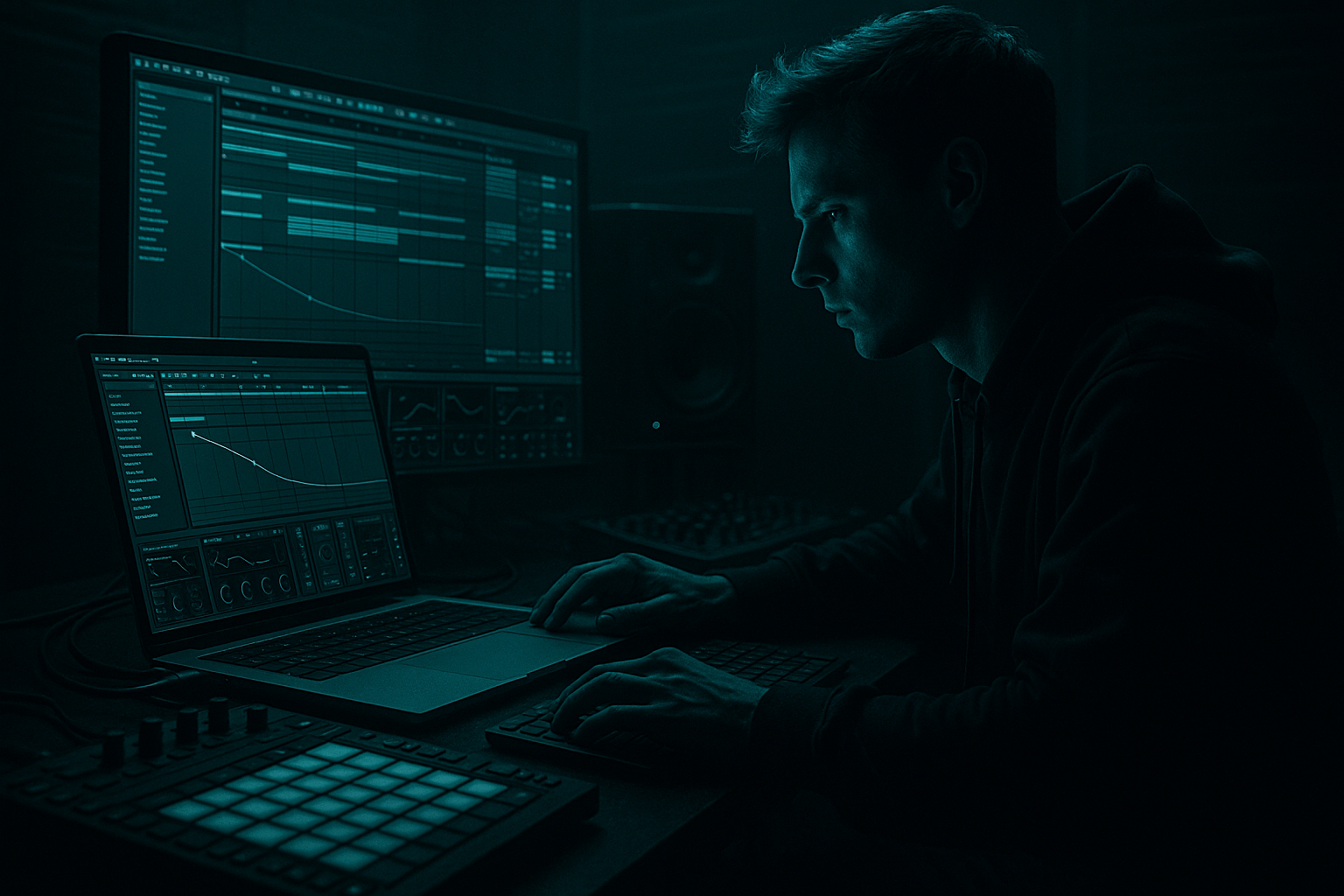
Main tutorial
Sampler Modulation Basics for Smoky Late‑Night Moods (DnB in Ableton Live) 🌒🎛️
1. Lesson overview
This lesson is about using modulation inside Ableton’s Sampler (and a bit of Simpler where useful) to create smoky, late-night character: subtle movement, unstable pitch, filtered hush, and “alive” textures that sit beautifully in rolling drum & bass / jungle.
You’ll learn practical modulation moves for:
- Pads/atmospheres that breathe without getting cheesy
- Vocal chops that drift and smear like cigarette haze
- Reese/noise layers that evolve behind drums and bass
- One-shot hits with micro-variation (so loops don’t sound static)
- A Sampler-based texture (vinyl/noise/field recording/vocal fragment)
- Mod wheel controlling “smoke” (filter + reverb send feel)
- Aftertouch or velocity controlling subtle pitch/brightness
- LFO + Envelope movement for slow drift and rhythmic swells
- A simple arrangement approach to keep it rolling and cinematic
- A vocal phrase (1–3 seconds, emotional/airy)
- Room tone / field recording (street at night, train, rain)
- Vinyl crackle / tape noise
- A sustained instrument note (Rhodes, string, brass) or resampled pad
- In the Sample tab, increase Crossfade (start around 30–120 ms depending on material).
- Sampler Filter 1 Freq (range: e.g. 400 Hz → 3.5 kHz)
- Sampler Filter Env Amount (range: +5 → +30)
- Optional: Sampler LFO Amount (filter) (range: small → medium)
- Call-and-response with the snare:
- 8-bar evolution:
- Drop discipline:
- Sampler/Instrument Rack SMOKE macro
- Echo Mix
- Hybrid Reverb Mix (or Return send)
- EQ Eight high shelf (very subtle moves)
- Too much LFO amount on pitch → instant seasick chorus effect. Keep it 2–8 cents.
- No high-pass filtering → haze eats your sub and makes the mix cloudy. HP at 120–250 Hz.
- Overly bright reverb → kills “late-night.” Darken with reverb damping + LP filters.
- Too wide too low → wide low-mids can smear mono compatibility. Keep the low end mono (use Utility if needed).
- Texture is constant → it stops feeling intentional. Use 8/16-bar automation and dropouts.
- Layer a noise reese bed (quietly):
- Use Auto Filter after Sampler for extra motion:
- Add “air hiss” without brightness:
- DnB tension trick:
- Transient discipline:
- Loop + crossfade in Sampler creates continuous smoky beds.
- LP filter + filter envelope gives soft swells that feel “late-night.”
- Slow LFO on pitch/cutoff adds life—keep it subtle.
- Use velocity mapping so MIDI performance translates into mood.
- Finish with a dark FX chain (Echo + Hybrid Reverb) and sidechain to keep the roll tight.
- Automate in 8/16-bar phrases so it feels like DnB arrangement, not static ambience.
You’ll stay 100% in Ableton stock devices: Sampler, Auto Filter, Saturator, Echo, Hybrid Reverb, Utility, Drum Buss, Glue Compressor.
---
2. What you will build
A small DnB-ready instrument rack called “Late Night Haze Sampler” with:
Result: a moody layer that moves like a living thing, supports a 170–174 BPM groove, and stays out of the bass/kick’s way.
---
3. Step-by-step walkthrough
Step 0 — Prep (DnB context)
1. Set tempo to 172 BPM.
2. Create a basic DnB foundation (quick sketch is fine):
- Drum rack with a tight kick + snare (2 & 4) + hats.
- A placeholder sub/bass line (even a simple sine in Operator).
This matters because your smoky layers should fill the gaps, not fight the main elements.
---
Step 1 — Choose the right sample (source matters) 🎙️
Good sources for smoky moods:
Action:
1. Create a new MIDI track.
2. Drag an audio sample into Sampler (not Simpler) for deeper modulation.
3. In Sampler, click “Zone” and make sure your sample maps across the keyboard (default is fine).
Tip: Shorter samples can be “made long” with looping + modulation. That’s the vibe.
---
Step 2 — Set loop behavior for “endless haze” ♾️
1. In Sampler, open the Sample tab.
2. Turn on Loop.
3. Set:
- Loop Mode: `Forward`
- Start/end points so the loop is smooth (avoid obvious clicks)
4. Enable Snap if it helps, but don’t be afraid to do it by ear.
Add crossfade:
Goal: A loop that feels continuous, like a fog bed behind the drums.
---
Step 3 — Filter shaping (late-night = low-passed + moving) 🌫️
1. Go to Sampler’s Filter/Global section.
2. Enable Filter 1:
- Type: LP24 (classic dark roll-off)
- Frequency: 500–2.5 kHz (start ~1.2 kHz)
- Resonance (Q): 10–25% (subtle, don’t whistle)
3. Drive (if available in your Live version): add a touch, 1–6 dB max.
Why: In DnB, smoky layers usually sit behind the snare crack and behind the hats, not above them.
---
Step 4 — The money move: Filter Envelope for soft swells 🫁
1. In Sampler, find Filter Envelope (usually associated with Filter 1).
2. Set envelope roughly:
- Attack: `60–250 ms` (soft fade-in)
- Decay: `1.5–6 s` (slow fall)
- Sustain: `0–30%` (depends on loop)
- Release: `1–6 s` (tails blend into space)
3. Set Env Amount (to filter cutoff) to something gentle:
- Start around +10 to +25 (small movement)
DnB placement: Great for pads/vox that “bloom” at the start of a bar, then sink back.
---
Step 5 — LFO for slow drift (pitch + cutoff) 🌗
Now we add life without making it seasick.
#### A) Subtle pitch drift (tape-like)
1. In Sampler, go to LFO.
2. Assign LFO → Pitch (global pitch).
3. Set:
- Rate: `0.07–0.25 Hz` (slow)
- Amount: `2–8 cents` (tiny!)
- Wave: `Sine` (smooth)
#### B) Filter movement (breathing)
1. Add a second LFO if your Sampler version supports it, or reuse the same LFO via modulation routing.
2. Assign LFO → Filter 1 Frequency
3. Set:
- Rate: `0.05–0.18 Hz`
- Amount: small—aim for “barely noticeable”
Key idea: You want “alive,” not “wobble.” This is smoke, not dubstep.
---
Step 6 — Velocity as realism (soft notes darker, hard notes brighter) 🎚️
In DnB, you often play sparse chords or single notes—velocity variation makes it feel human.
1. In Sampler’s Matrix (modulation matrix):
2. Route Velocity → Filter 1 Frequency
3. Set amount: +10 to +30 (depends on sample)
Now soft MIDI notes tuck into the mix; harder ones cut through.
---
Step 7 — Make a “Smoke” macro (performance control) 🎛️✨
Wrap your Sampler in an Instrument Rack:
1. Select Sampler → Cmd/Ctrl+G (Group into Instrument Rack).
2. Create Macro 1: `SMOKE`
Map Macro 1 to:
Now you can perform transitions: verses darker, drops slightly more open.
---
Step 8 — Add space and grime with a stock FX chain 🧪
After the Sampler (still on the same track), add:
Device chain (recommended order):
1. EQ Eight
- HP filter: 24 dB/oct at 120–250 Hz (keep sub clean)
- Small dip: 200–500 Hz if muddy
- Gentle shelf down: 8–12 kHz if too bright
2. Saturator
- Mode: `Soft Sine` or `Analog Clip`
- Drive: 1–5 dB
- Optional: turn on Soft Clip
3. Echo (for late-night tail)
- Time: try 1/8 dotted or 1/4
- Feedback: 15–35%
- Filter: HP around 300 Hz, LP around 4–7 kHz
- Mix: 8–20%
4. Hybrid Reverb
- Algorithm: `Hall` or `Dark Hall` style
- Pre-delay: 10–30 ms
- Decay: 2.5–6 s
- Damping: darker (reduce highs)
- Mix: 8–18% (or use a Return track)
DnB tip: Put reverb on a Return track if you want the layer to stay stable while the space stays consistent across elements.
---
Step 9 — Rhythm + arrangement: make it DnB, not ambient 🥁
Smoky layers hit hardest when they interact with the 2-step.
Try these arrangement moves:
Let the texture swell into the snare, then duck out right after.
Every 8 bars, increase SMOKE macro slightly or automate filter opening by 5–10%.
At the drop, keep it darker than you think—DnB drops often need space for bass + drums.
Practical automation lanes:
---
Step 10 — Sidechain the haze to the drums (clean rolling feel) 🔥
To keep it “late-night” but still punchy:
1. Add Compressor after the FX.
2. Enable Sidechain.
3. Input: your Kick + Snare bus (or just kick).
4. Settings:
- Ratio: 2:1 to 4:1
- Attack: 5–20 ms (let initial texture through a bit)
- Release: 80–200 ms (tempo-dependent)
- Gain reduction: 2–6 dB
This makes the haze breathe with the groove—classic rolling DnB glue.
---
4. Common mistakes
---
5. Pro tips for darker/heavier DnB 🖤
Duplicate the Sampler track, pitch it down -12 and low-pass hard (<800 Hz), then saturate lightly. Keep it very low in the mix.
Auto Filter with a slow LFO can be easier to automate than Sampler routing. Try 0.06–0.12 Hz and tiny amount.
Use Redux very subtly (bit reduction tiny) + low-pass after, or gentle Saturator. The ear hears texture, not treble.
Before a drop, automate SMOKE macro down (darker + more closed), then open slightly on the first 8 bars of the drop. Keeps it moody while still lifting.
If your sample has clicks/plucks, soften with Sampler’s Amp envelope (Attack 5–30 ms) so drums stay the sharpest thing.
---
6. Mini practice exercise (15–20 min) 🧠
1. Pick one vocal word or 2 seconds of ambience.
2. Build the Sampler patch with:
- Loop + crossfade
- LP24 filter at ~1.2 kHz
- LFO pitch drift (0.12 Hz, 5 cents)
- Velocity → filter frequency
3. Create a 2-bar MIDI pattern:
- Notes on bar starts and just before snare (e.g., beat 1 and 1.4 / 2.4)
- Vary velocities (50–110)
4. Add sidechain compression from kick/snare.
5. Automate SMOKE macro over 16 bars:
- Bars 1–8: slowly close filter (darker)
- Bars 9–16: open slightly + add a touch more Echo mix
Deliverable: a 16-bar loop where the texture evolves but never steals focus from drums/bass.
---
7. Recap ✅
If you tell me what kind of source you’re using (vocal/field recording/vinyl/etc.) and your sub style (clean sine vs reese), I can suggest exact modulation ranges and a rack macro layout that’ll sit perfectly in your mix.

