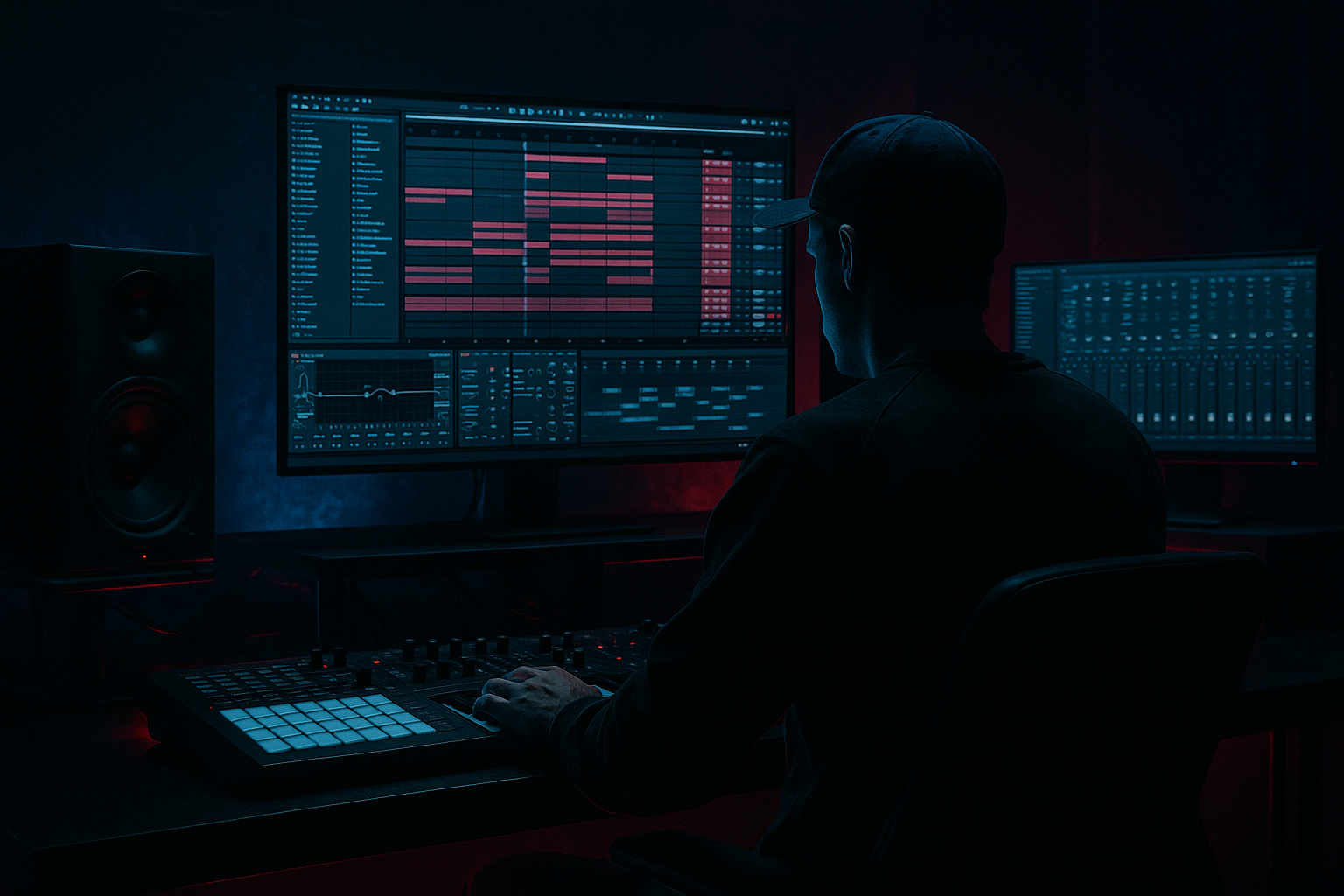
Main tutorial
Lesson Overview
In this lesson you’re building a Selector Dub edit: a sub-heavy, stripped-back roller flip that feels like it could tear up a dark room without needing a giant arrangement. The goal is to take a simple sampled phrase and turn it into a low-end-led DnB tool using Ableton Live 12 stock workflows: slicing, muting, resampling, filtering, and arrangement moves that keep the groove heavy and DJ-friendly.
This technique lives in the space between a dubwise intro tool, a halftime tension section, and a proper roller drop. It’s especially useful for darker DnB, minimal rollers, deep/neuro-influenced club tracks, and selector-style tunes where the bass and drums do most of the talking. It matters musically because the “edit” creates identity from repetition and subtraction, not from overloading the track with layers. It matters technically because a subweight roller only works if the sample occupies its own lane: the low end stays solid, the groove stays readable, and the edits feel intentional rather than chopped-up for the sake of it.
By the end, you should be able to hear a tight, looping edit with weight and space, where the sample becomes a rhythmic hook rather than a full vocal or melodic lead. A successful result should feel like: the sub is carrying the room, the edit lands on the drums cleanly, and each phrase gives the DJ a clear cue without muddying the mix.
What You Will Build
You will make a 4- or 8-bar Selector Dub edit in Ableton Live 12 that works as a roller section or drop variation.
The finished sound should have:
- a deep, rolling sub foundation
- a sample phrase chopped into short, useful hits
- a call-and-response feel between sample and drums
- a slightly gritty, dubby, underground character
- enough polish to sit in a rough arrangement without sounding like a sketch
- Let the sub say more by playing less. A selector edit gets darker fast when the sub notes are spaced so each hit has physical weight. One well-placed note often beats three crowded ones.
- Use saturation to reveal the note, not to flatten it. A small amount of Saturator drive can help the sub translate on smaller systems, but too much drive makes the bottom feel one-note and papery. Aim for just enough harmonic content that you can still hear the pitch without the bass losing depth.
- Keep the sample in the midrange pocket. Darker DnB often works when the sample lives roughly in the area where the ear hears presence and attitude, not sub. If it feels like it is competing with the kick or sub, high-pass more and lean into the texture rather than the body.
- Use phrase gaps as pressure. A half-beat of silence before the return of the sub can be more menacing than a constant wall of sound. In underground rollers, negative space is part of the sound design.
- Make the second section slightly meaner. Open the filter a touch, add a little extra grit, or remove one supportive layer so the drop evolves. The second half of a track should feel like the system is being pushed harder, not just repeated.
- If the edit needs more menace, distort the sample before the bass. A bit of controlled grit on the sample can make the bass feel heavier by contrast. The trick is to keep the distortion mid-focused so the low end stays intact.
- Check the bass against the kick transient. If the kick loses its front edge, shorten the bass notes or move the bass attack later by a tiny amount. In DnB, a heavy edit still needs the kick to punch through the cloud.
- Use only one sample source
- Use only stock Ableton devices
- Keep the sub mono
- Use no more than 5 slices from the sample
- Add only one FX movement: either a filter sweep or a delay throw
- Can you hear the snare clearly at all times?
- Does the sub feel steady in mono?
- Does the sample add attitude without making the loop busy?
- Would a DJ be able to mix into this without confusion?
Think of the result as a subweight loop with attitude: the sample is not the star in a pop sense, but it is the hook that gives the drop identity. It should feel controlled, dancefloor-ready, and mix-safe. If it is working, the listener should immediately feel the groove before they can identify every individual sound.
Step-by-Step Walkthrough
1. Choose the right source sample before you do any editing
Start with a sample that has a clear character but not too much low-end clutter. Good candidates for this style are: a vocal fragment, a spoken dub phrase, a short reggae or sound-system style stab, a percussion phrase, or a textured one-shot with attitude. Avoid samples with long reverb tails or dense chords at this stage.
Drag the sample into an audio track in Ableton and loop a 2- or 4-bar section that has one or two strong moments you can chop. If the sample is too busy, it will fight the drums later. If it is too plain, it may not carry the identity of the edit.
What to listen for:
- A sample with distinct consonants, transients, or phrase endings
- A tone that can survive being shortened without losing character
Why this matters in DnB: selector edits work best when the source has recognisable attitude but can be reduced into a rhythmic instrument. You are not building a full vocal arrangement; you are extracting impact.
2. Set the tempo, then find the pocket against a simple drum loop
Put your project around a DnB tempo, usually 172–174 BPM for a standard roller feel. Drop in a basic drum loop: kick on 1 and 3, snare on 2 and 4, plus a simple hat pattern or break layer. Keep it minimal for now.
Loop your sample against the drums and identify which syllables, accents, or transients feel like they land naturally against the snare. If the sample feels too straight, try nudging the clip slightly earlier or later by a few milliseconds. In Ableton, zoom in and make small timing adjustments until the phrase sits in the pocket.
Good timing signs:
- The edit feels like it pushes into the snare
- The phrase ends without stepping on the next kick
If the sample is consistently fighting the groove, don’t force it. Find a different phrase section or reduce the edit to shorter chops.
3. Slice the phrase into playable pieces
Use Ableton’s Slice to New MIDI Track workflow or manually cut the audio into smaller clips. For a beginner-friendly approach, start with 4 to 8 useful slices:
- a first hit
- a mid-phrase accent
- a tail or response
- one or two short transitional slices
If you use slicing to a MIDI track, map the slices to a Drum Rack so you can trigger them rhythmically. If you stay in audio, you can still duplicate and rearrange clip segments by hand. Either way, your goal is not complexity — it’s control.
Keep some slices very short. In selector dub edits, short slices are useful because they leave room for the sub and drums. A 50–200 ms slice often hits harder than a long held phrase if the arrangement is dense.
What to listen for:
- Whether the slice starts cleanly without clicks
- Whether the slice still carries meaning when shortened
4. Build the subweight foundation first
Add a simple sub bass using Wavetable, Operator, or a sampled sine/sub tone. Keep it plain. A clean sub line is the spine of this edit. Start with notes that support the rhythm rather than showing off harmony.
A practical starting point:
- Use a sine or very clean saw-to-sine-style tone
- Keep the sub mostly mono
- Let notes sit around 1/4, 1/8, or syncopated off-beat placements
- Use note lengths around 80–160 ms for choppy hits or longer holds if the phrase needs space
If you want a little character, add Saturator after the synth with Drive around 1–4 dB and Soft Clip on. That gives the sub a better chance of translating on small speakers without losing its weight.
Why this works in DnB: the sub carries the physical feeling of the roller. If the bottom end is stable, you can get away with a more minimal top structure and still keep the room moving.
5. Shape the sample so it sits above the sub, not inside it
Put EQ Eight on the sample track and high-pass it so it stops competing with the bass. For many selector edits, a high-pass somewhere around 120–200 Hz is a realistic starting area, but choose the point by listening to how much body the sample actually needs.
Then use a Utility device to keep the sample’s low-end centered if it has any stereo spread. If the sample has interesting stereo texture up top, preserve that, but make sure the core low-end remains mono-safe. If the sample is already wide and messy, narrow it slightly.
If the sample still feels thick or cloudy:
- cut a bit around 250–500 Hz if the body is masking the snare
- add a small presence boost around 2–5 kHz only if it needs articulation
- roll off unnecessary top end if the sample has hiss that fights the hats
This is a classic DnB separation move: the sample becomes a midrange character layer, not a second bassline.
6. Decide on your flavour: dub-weighted or more aggressive
This is your first A versus B decision.
A: Dub-weighted selector edit
- Keep the sample more open
- Use lighter saturation
- Allow short delays or echoes on phrase endings
- Leave more negative space between hits
B: Heavier, darker roller flip
- Tighten the sample harder
- Use more distortion and filtering
- Shorten the tails aggressively
- Make the edits punch against the drums with less air
If you choose A, your result will feel more spacious and system-friendly. If you choose B, it will feel more urgent and club-focused. Both are valid — the choice depends on whether the track needs weight and space or pressure and bite.
7. Add dub movement with simple stock FX
Use stock Ableton devices to create movement without washing out the drop. A clean chain example:
- Auto Filter with a gentle low-pass sweep or band-pass movement
- Echo for short rhythmic throws on phrase endings
- Saturator for grit and density
- Utility if you need to control width or gain
For Echo, keep it controlled. Try a short time like 1/8 or 1/8 dotted, low feedback, and reduce the dry/wet so it appears only at the edges of phrases. If the delay starts blurring the snare, it is too loud or too long.
For Auto Filter, use automation to open the filter slightly at the end of a phrase or close it before a drop. A movement of just a few hundred Hz in the cutoff can make the edit feel alive without sounding over-processed.
What to listen for:
- The sample gains momentum without smearing the groove
- The filter movement creates tension, not confusion
8. Program the phrase so it answers the drums
Build a 4-bar loop first. A strong beginner pattern is:
- Bar 1: main sample hit
- Bar 2: response or shortened repeat
- Bar 3: variation, maybe with a filtered version or different slice
- Bar 4: a gap, fill, or pickup into the next cycle
Keep the snare strong and make the sample answer it. In DnB, the snare is often the anchor. If your sample overlaps the snare too much, reduce the sample length or move the slice so the snare stays clean.
A good arrangement feel is:
- sample hits on the off-beat before the snare
- a short tail that leaves space for the snare crack
- a response after the snare that doesn’t clutter the next kick
This is the point where you should check the edit in context with drums and sub. If it works in the loop with just those elements, it will usually scale into a full track much more easily.
9. Commit the best version to audio and make it feel intentional
Once you find a phrase that works, commit this to audio if the edit is getting too messy to manage live. In practice, that means resampling or consolidating the cleanest version so you can trim, reverse, and arrange it more easily.
Print the loop and then create:
- a reverse pickup into the next bar
- a chopped fill at the end of bar 4 or 8
- a muted gap before the drop returns
This is where the edit stops being a loop and starts becoming a track element. A selector dub edit sounds stronger when you treat silence as part of the rhythm. A tiny gap before the snare or sub re-entry can hit harder than another layer.
10. Arrange it like a DJ-friendly tool
Make a simple arrangement:
- 8 bars intro with filtered version
- 16 bars of full edit
- 4-bar breakdown or fake-out
- 16-bar second section with variation
For the second section, change one thing only:
- swap one phrase slice
- add a different delay throw
- remove a note from the sub
- open the filter a little more
This keeps the track moving without losing the core identity. In DnB, the second drop or second half should usually feel like a new angle on the same weapon, not a completely different tune. If you want a club-ready result, the edit should also leave DJs a clean entry and exit point.
11. Do a quick mix-clarity check
Before you call it done, do a practical balance test:
- mute the sample and confirm the drums + sub still work
- mute the sub and make sure the sample is not carrying fake low-end weight
- switch to mono using Utility on the master or relevant track and check that the edit still feels solid
If the sample disappears in mono, reduce width or simplify stereo processing. If the low-end becomes blurry, shorten the sub note lengths or reduce overlapping bass notes. In DnB, mono compatibility matters because the bass needs to stay stable in clubs and on systems where width gets unpredictable.
What to listen for:
- the kick and snare remain defined
- the sub feels centered and physically steady
- the sample supports the groove instead of masking it
Common Mistakes
1. Using a sample with too much low-end
- Why it hurts: it collides with the sub and makes the drop cloudy.
- Fix: use EQ Eight to high-pass the sample more aggressively, often somewhere in the 120–200 Hz range, and keep the sub as the only true low-end source.
2. Leaving the sample too long
- Why it hurts: long tails blur the snare and reduce the roller feel.
- Fix: shorten the clips, trim release tails, and use Consolidate or resampling so you can edit tighter slices.
3. Overusing delay or reverb
- Why it hurts: the edit loses punch and the groove turns blurry.
- Fix: use Echo sparingly on phrase endings only, and keep reverb very controlled or avoid it entirely if the section is already busy.
4. Ignoring the snare placement
- Why it hurts: the sample fights the most important anchor in the groove.
- Fix: move or shorten sample hits so the snare remains clean and exposed. In a roller, the snare should still feel like it cuts through the room.
5. Making the bass too wide
- Why it hurts: low-end width weakens mono compatibility and reduces impact.
- Fix: keep the sub mono with Utility, and only let upper harmonics or textures spread.
6. Chopping without phrasing
- Why it hurts: random cuts sound like practice, not a finished selector edit.
- Fix: edit in 2-, 4-, or 8-bar logic. Make the chops answer the drums and repeat with a clear phrase structure.
7. Not checking the loop in context
- Why it hurts: a cool sample alone can fail once drums and sub enter.
- Fix: test the loop with kick, snare, hats, and bass on before committing to a final edit.
Pro Tips for Darker / Heavier DnB
Mini Practice Exercise
Goal: Build a 4-bar Selector Dub edit that feels heavy, minimal, and usable in a drop.
Time box: 15 minutes.
Constraints:
Deliverable: A 4-bar loop with drums, sub, and one chopped sample phrase that repeats cleanly and has at least one variation in bar 4.
Quick self-check:
Recap
A strong Selector Dub edit in DnB is about sub weight, disciplined slicing, and phrase control. Keep the sample in the midrange, let the sub stay mono and solid, and make the drums the anchor. Use simple stock Ableton tools to shape the phrase, add controlled movement, and arrange the loop so it feels like a real section of a track. If it sounds heavy, spacious, and easy to mix while still feeling dangerous, you’ve nailed it.

