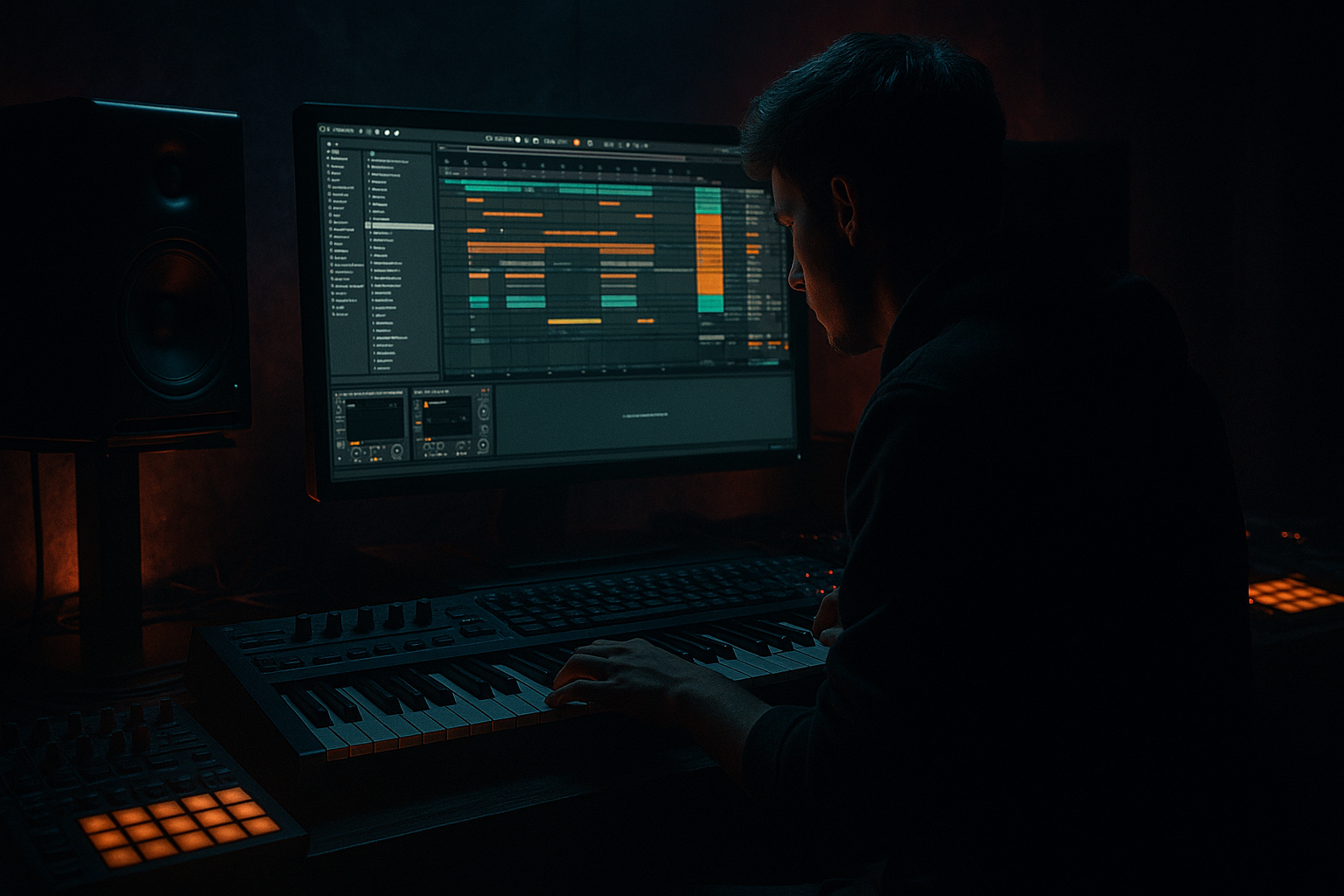
Main tutorial
Lesson Overview
Oldskool DnB bass wobble is one of those sounds that instantly tells the listener, “this is a jungle-influenced tune.” In this lesson, you’ll build a simple, low-CPU wobble bass sequence in Ableton Live 12 using stock devices only, then shape it into something that fits a proper drum & bass drop.
The goal is not to make a huge modern synth patch with tons of processing. The goal is to create a tight, rhythmic, characterful bass movement that works under fast breaks, leaves space for the kick and snare, and still has enough attitude to carry an 8- or 16-bar drop. This is especially useful for rollers, oldskool jungle, darker liquid, and minimal neuro-leaning DnB where the bass has to move without hogging CPU or cluttering the low end.
Why this technique matters in DnB:
- DnB is fast, so the bass has to be simple, readable, and rhythmically intentional
- Oldskool wobble works well because it gives movement without needing complex MIDI
- Minimal CPU matters because DnB projects often have multiple break layers, atmospheres, impacts, and automation running at once
- A clean wobble bass leaves room for the drums to hit hard and for the drop to feel bigger 😈
- A mono-compatible oldskool DnB bass patch with sub weight and a gritty mid layer
- A 4-bar or 8-bar bass sequence that uses simple note repetition and automated wobble movement
- A low-CPU Ableton instrument chain using stock devices like Wavetable or Operator, Auto Filter, Saturator, Utility, and Envelope Follower/automation-style movement
- A bass line that works in a call-and-response pattern with drums and breaks
- A drop-ready loop that can sit under a jungle break, a clean roller drum pattern, or a darker halftime section
- A long sub note under the bar
- Shorter “wobble” notes that answer the drums
- Filter movement that opens and closes in a musical rhythm
- Enough grit to cut through without turning the low end into mush
- Making the bass too busy
- Letting the wobble fight the snare
- Using too much stereo width on the low end
- Overdoing reverb or delay on the main bass
- Cranking saturation until the bass becomes fuzzy and flat
- Forgetting about arrangement
- Building a huge patch before the groove is working
- Use a slightly lower cutoff in the first half of the drop, then open it later for tension/release
- Layer a very clean sub under the wobble if the synth loses low-end after saturation
- Keep the sub mono and let only the upper harmonics move
- Use tiny pitch changes on selected bass notes for a more dangerous jungle feel
- Add a subtle bit of drive before the filter so the wobble has more bite
- Try a call-and-response pattern where the bass answers the snare rather than constantly playing
- In darker rollers, fewer notes with more filter automation often sound heavier than a crowded line
- For an oldskool vibe, let the bass phrase “breathe” with one or two empty beats every bar
- If the drop feels too clean, add a touch more midrange distortion instead of boosting bass EQ
- Use an 8-bar arrangement with a small switch-up in bar 7 or 8 so the loop feels DJ-friendly and not loop-dead
- Start simple: mono bass, basic synth, clear drum loop
- Use filter movement to create classic oldskool wobble energy
- Keep the bass rhythm tight so it leaves room for the snare
- Add saturation for harmonic weight, not just loudness
- Keep the low end mono and controlled
- Automate small changes across 4 or 8 bars to make the drop feel alive
- Save the rack once it works so you can reuse it in future DnB projects
You’ll use a combination of a basic synth patch, filter movement, saturation, and smart sequencing to create that classic “wub-wub” feeling in a modern Ableton workflow.
What You Will Build
By the end of this lesson, you’ll have:
Musically, this will sound like:
Think: 90s-inspired DnB bass energy, but built in a clean Ableton Live 12 session that won’t crush your CPU.
Step-by-Step Walkthrough
1. Set up a simple DnB test loop first
Start with a basic 170–174 BPM project. If you’re learning, 174 BPM is a classic reference point because it forces the bass to behave like real DnB.
Build a 2-bar drum loop using stock Ableton sounds or your own break chops:
- Kick on the 1 and a light pickup before the snare
- Snare on 2 and 4
- Use a breakbeat loop or sliced amen-style chop if you have one
- Add a simple hat pattern so you can hear how the bass moves against fast percussion
Why start with drums first? Because in DnB, the bass is never truly “alone.” It has to fit around the drum groove, especially the snare. The wobble pattern should support the rhythm, not fight it.
2. Create a low-CPU bass instrument with a stock synth
Use either Wavetable or Operator. For beginners, Wavetable is easier to shape quickly, while Operator can be even lighter on CPU if you keep the patch simple.
If using Wavetable:
- Oscillator 1: choose a basic saw or square-based wavetable
- Turn off extra unneeded complexity; keep it simple
- Set voices to mono if available in the instrument settings
- Reduce unison or keep it at 1 voice for low CPU
If using Operator:
- Use one sine or saw oscillator as the core
- Keep the patch monophonic
- Add a second oscillator only if needed for extra bite
Suggested starting point:
- Oscillator level: around 0 dB to -6 dB
- Filter cutoff: around 120–300 Hz for a darker tone
- Resonance: low to moderate, around 10–25%
You want a sound that feels more like a bass engine than a bright lead.
3. Build the wobble movement with a filter, not with heavy effects
The classic oldskool wobble comes from rhythmic filter movement. In Ableton, the cleanest beginner approach is using Auto Filter with automation or an LFO-style modulation approach if available in your setup.
Add Auto Filter after the synth:
- Choose a low-pass filter
- Set cutoff somewhere around 150–500 Hz depending on how dark you want it
- Add a little resonance, but not too much: try 10–20%
- Turn on Drive if the sound feels too polite
For the wobble rhythm, automate the cutoff to create movement:
- Use quarter-note movement for a slower wobble
- Try eighth-note movement for a more active, rolling feel
- Use dotted rhythms for tension before the snare
A very usable beginner rule:
- Dark sections: cutoff around 180–250 Hz
- Open sections: cutoff around 800 Hz to 1.8 kHz
Why this works in DnB: the filter movement creates energy without needing more notes. Fast drum patterns already provide motion, so the bass only needs to “speak” in rhythm.
4. Write a simple bass MIDI pattern that leaves space for the snare
In DnB, less is often more. Start with just 1 or 2 notes per bar.
Build a 4-bar loop in the MIDI editor:
- Put a root note on beat 1
- Add a shorter note before or after the snare to create bounce
- Leave space on the snare hit itself if the bass would clash
- Use repeated notes for the wobble effect rather than complicated melodies
Try this kind of phrasing:
- Bar 1: root note held for most of beat 1, then a short stab on the “and” of 2
- Bar 2: same note, but move the last hit slightly earlier for variation
- Bar 3: add a lower passing note for tension
- Bar 4: leave more space to set up the loop restart
Good beginner ranges:
- Note lengths: 1/8 to 1/2 bar depending on the groove
- Velocity: keep it fairly even, then use a few accent notes
- MIDI note range: stay around the bass register, often C1–C2 territory
Keep the pattern simple enough that you can hear how the drum groove interacts with each hit.
5. Add saturation for weight and presence without raising CPU
After the synth and filter, add Saturator. This is one of the best stock devices for DnB bass because it adds harmonics, helps the bass read on smaller speakers, and can make the wobble feel more aggressive.
Suggested starting settings:
- Drive: 2–6 dB
- Soft Clip: on
- Output: trim down if the level gets too hot
- Color: optional, but use it gently
If the bass feels too clean and sub-heavy only, Saturator helps translate it into the mids so the wobble is audible on club systems and headphones alike.
Keep an eye on headroom:
- Don’t let the bass hit red
- Leave space for the kick and snare
- If needed, lower the instrument volume before the mixer clip happens
For a slightly nastier oldskool edge, you can place a second Saturator later in the chain with lighter drive. Two small stages often sound better than one extreme stage.
6. Make the bass mono and disciplined in the low end
Use Utility after your tonal processing to control stereo width.
Start with:
- Width: 0% for everything below the low end if you’re using a purely mono bass
- Or keep the whole bass chain mono to stay safe for DnB
This matters because:
- The sub must stay solid in mono
- Fast drums and reverbs can make stereo bass messy very quickly
- Club systems usually reveal low-end problems immediately
If you want some stereo character later, keep it in the upper harmonics only, not in the sub. A beginner-safe option is to duplicate the bass chain and keep one track as sub-only mono, but if you want to stay lean, just keep the whole patch mono for now.
7. Shape the movement with automation and variation over 4 or 8 bars
The best oldskool wobble lines don’t stay identical forever. They evolve across the phrase.
In Ableton Live, automate:
- Auto Filter cutoff
- Saturator drive
- Reverb send or delay send very lightly for transitions
- Volume of the bass track for call-and-response moments
Simple arrangement idea:
- Bars 1–2: darker wobble, low cutoff
- Bars 3–4: open the filter slightly
- Bar 4 last beat: add a quick cutoff rise or a small pitch drop
- Bar 8: remove some bass notes so the loop resets with impact
For an 8-bar drop, use this structure:
- Bars 1–2: introduce the bass theme
- Bars 3–4: add more movement or one extra note
- Bars 5–6: repeat but with a more open filter
- Bars 7–8: create a mini switch-up, then strip back for the loop restart
This is classic DnB arrangement logic: repeated phrases with small changes so the groove stays hypnotic without becoming static.
8. Add a tiny FX chain for transition energy, not clutter
Since this lesson is about FX, keep the effects supportive rather than flashy.
Useful stock FX:
- Auto Filter for movement
- Echo for very short throws on selected notes
- Reverb on a send, not necessarily inserted directly on the bass
- Utility for mono control
- EQ Eight to remove low mud or tame harshness
Practical FX moves:
- Put a small Echo throw on the last bass note of every 4 bars
- Use a tiny Reverb send on a transition note only, then mute it in the drop
- Automate a filter sweep on the bass right before a drum fill
Keep the bass dry during the main drop if possible. In DnB, too much reverb on the bass can destroy punch and low-end focus very quickly.
9. Check the bass against the drums and fix clashes
Now loop the drums and bass together and listen for the relationship between kick, snare, and bass.
Check these points:
- Is the bass stepping on the snare?
- Does the kick lose impact when the bass note hits?
- Is the sub audible but not boomy?
- Does the wobble feel rhythmic, not random?
Use EQ Eight if needed:
- Cut low rumble below around 25–30 Hz
- Reduce muddy buildup around 150–300 Hz if the bass feels boxed in
- If the bass is too sharp, gently tame upper mids around 2–5 kHz
If the bass is too wide or blurry, go back to Utility and keep it mono. If the bass is too quiet on small speakers, add a little more saturation rather than just boosting the volume.
10. Save the rack and make it reusable for future tunes
This is a big workflow win. Once the patch works, save it as an Instrument Rack or a full preset so you can reuse it in future DnB projects.
Organize it like this:
- One rack for dark wobble bass
- One variation for more saturated roller bass
- One lighter version for liquid or oldskool jungle sections
Rename the rack clearly, for example:
- “DnB Oldskool Wobble Mono”
- “Roller Bass Dark Filter”
- “Jungle Wub Sub”
Save your MIDI clip too if the phrase works. That way you can drag it into a new project and start from a proven idea instead of rebuilding from scratch.
Common Mistakes
Fix: reduce the MIDI to fewer notes. In DnB, the groove often comes from placement, not complexity.
Fix: leave space on beats 2 and 4, or shorten bass notes so the snare can punch through.
Fix: keep the bass mono with Utility, especially below the sub region.
Fix: use sends sparingly and reserve big FX for transitions only.
Fix: use smaller amounts of Saturator and check the gain staging after every stage.
Fix: vary the filter cutoff, note lengths, or bass rests every 4 or 8 bars so the loop develops.
Fix: start with a plain mono synth, then add movement and grit only after the rhythm feels right.
Pro Tips for Darker / Heavier DnB
Why this works in DnB: the genre relies on contrast. Fast drums, deep sub, and short rhythmic bass gestures create a push-pull effect. That tension is what makes the drop feel alive.
Mini Practice Exercise
Spend 10–20 minutes making a single 4-bar oldskool wobble loop.
1. Set the tempo to 174 BPM.
2. Make a simple drum loop with kick, snare, and hats.
3. Build a mono bass patch in Wavetable or Operator.
4. Add Auto Filter and automate the cutoff across 4 bars.
5. Write a bass MIDI line with no more than 4 notes total per bar.
6. Add Saturator with 2–4 dB drive.
7. Use Utility to keep the bass mono.
8. Listen in context and make just three changes:
- one rhythm change
- one filter change
- one mix change
Goal: by the end, you should have a loop that feels like it could sit in the first drop of a jungle-influenced DnB track.
Recap
If you can make one bass loop feel solid against the drums, you’re already building the exact kind of control that makes DnB productions sound focused and professional.

