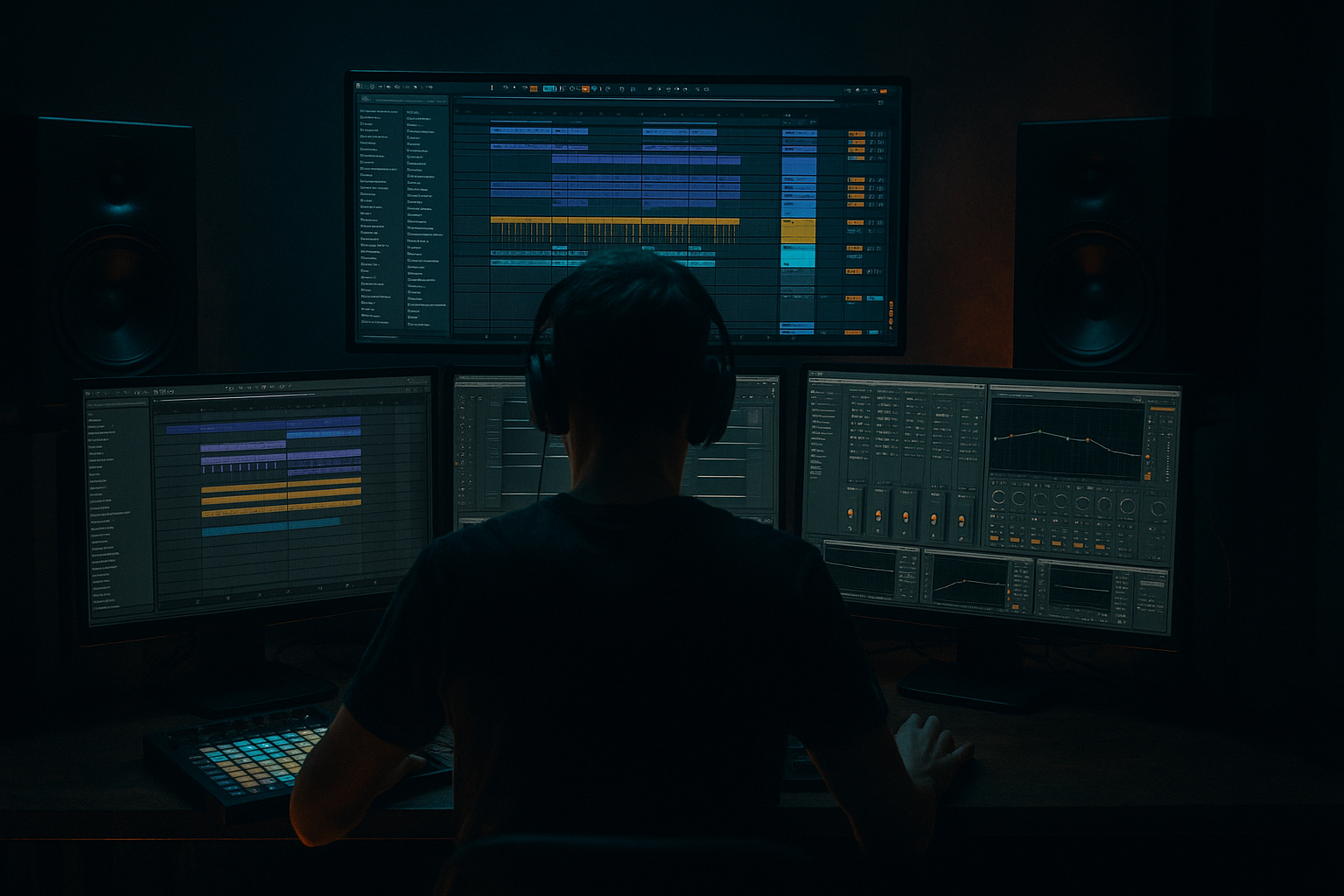
Main tutorial
```markdown
Smart Use of Groups in Jungle Sessions (Ableton Live Workflow) 🥁⚡
1. Lesson overview
Grouping is one of the fastest ways to make jungle sessions clean, punchy, and mix-ready—especially once you’ve got chopped breaks, layered drums, bass resampling, and FX chaos all happening at once.
In this lesson, you’ll learn how to use Ableton Live Groups as:
- Mix busses (glue + control)
- Sound design containers (resampling + parallel chains)
- Arrangement tools (drops, fills, and switch-ups)
- CPU + session management helpers
- DRUMS group
- BASS group
- MUSIC/ATMOS group
- FX group
- PRINT/RESAMPLE group (optional but powerful)
- `A ShortVerb`: Reverb
- `B DubDelay`: Echo
- `C ParallelCrush`: Drum Buss + Saturator
- BREAK (Audio track(s))
- KICK (Audio/MIDI)
- SNARE (Audio/MIDI)
- TOPS (Hats, rides, shakers)
- PERC (extra hits, bongos, rimshots, ghost hits)
- SUB (Operator/Wavetable or audio resample)
- MID (Reese layer, growl, distort)
- Pads, stabs, strings, drones
- Risers, downlifters, impacts, vinyl, sirens
- `Amen_Main` (audio track)
- `Amen_Ghosts` (optional duplicated track for ghost detail)
- `Break_Fills` (one-shots, edits, reverses)
- EQ Eight
- Transient shaping (stock): Drum Buss
- Glue Compressor
- Saturator
- Drum Buss
- EQ Eight
- Auto Filter
- Utility
- `DRUMS_SMASH` (parallel compression/distortion)
- `DRUMS_ROOM` (parallel ambience)
- Set `DRUMS_SMASH` Audio From: `DRUMS` → Post FX (or route from key subgroups)
- Set monitor to In (if needed), and keep it inside the group
- Reverb
- Optional: Compressor sidechained from `KICK` (subtle pump)
- Osc A: Sine
- Add Saturator (very light)
- EQ Eight
- Utility
- Wavetable: saw-based Reese + unison
- Auto Filter: automate cutoff for movement
- Saturator: Drive 4–12 dB
- Overdrive (optional): for harshness
- EQ Eight: shape around 200–2k for growl presence
- Glue Compressor
- Utility
- Intro: Atmos + light tops, no full break
- Build: bring in break filtered, tease bass
- Drop: full DRUMS + full BASS
- Switch-up: remove BREAK for 4–8 bars, feature K+S or tops
- Second drop: reintroduce break edits + extra smash
- DRUMS group: automate Utility Gain for micro-lifts (e.g., +0.8 dB into drop)
- BREAK group: automate Auto Filter (lowpass opening into drop)
- BASS group: automate Saturator Drive for phrase energy
- MUSIC/ATMOS group: automate reverb send increases in transitions
- `PRINT_DRUMS`
- `PRINT_BASS`
- `PRINT_MUSIC`
- Audio From: corresponding group (e.g., `DRUMS` → Post FX)
- Arm and record 8–16 bars of your drop
- Consolidate (Cmd/Ctrl + J) and chop like a new break
- Reverse small hits
- Gate sections
- Pitch a fill up/down
- Create new call/response patterns
- Make a “NOISE/GRIT” subgroup inside DRUMS: vinyl, hiss, room tone, distorted foley. Sidechain it lightly to kick/snare for movement.
- Use Drum Buss on the DRUMS group sparingly: Drive 2–6, Transients small. Too much kills break detail.
- Add a “SHADOW BASS” layer inside BASS group:
- Create a “DROP FX” group that’s only active in drops: impacts, sub drops, noise hits. Automate group mute/activator for clean arrangement.
- Mid/side control with Utility + EQ Eight:
- Groups are your mix busses, sound design containers, and arrangement switches in one.
- For jungle/DnB, smart grouping means:
- Add a `TRIM` Utility first on each group, glue gently on busses, and automate groups like you’re performing the track.
We’ll keep everything rooted in classic/modern jungle & drum and bass: breaks, Reese/rolling subs, dark atmospheres, and controlled aggression.
---
2. What you will build
A practical group-based session layout for a jungle roller, including:
- `BREAK` subgroup (Amen edits / chopped break)
- `TOPS` subgroup (hats/shakers/perc)
- `KICK+SNARE` subgroup (modern punch layer)
- Group bus processing + parallel smash
- `SUB` and `MID` layers inside a group
- Simple resample-friendly chain
- pads, stabs, jungle strings, foggy textures
- impacts, noise sweeps, dub sirens
By the end, you’ll be able to mute/automate entire musical “systems” and keep your mix consistent while doing heavy edits.
---
3. Step-by-step walkthrough
Step 0 — Session prep (fast and boring… but it saves you) ✅
1. Set tempo: Jungle roller territory: 160–174 BPM (try 170 BPM).
2. Project setup tips:
- Turn on Warp (default) and ensure your break samples are tight.
- Create returns early: `A - ShortVerb`, `B - DubDelay`, `C - ParallelCrush` (we’ll use them).
Return suggestions (stock devices):
- Decay: 0.6–1.2s, Predelay: 10–20ms, HiCut: 7–10 kHz, LowCut: 200–400 Hz
- Time: 1/8 or 3/16, Feedback: 25–45%, Filter on (cut lows < 250 Hz), Mod: subtle
- Drum Buss Drive: 10–25, Crunch: 10–30, Boom: off or very low
- Saturator: Soft Clip On, Drive 3–8 dB
---
Step 1 — Build your core Groups (the “console”) 🧱
Create tracks and group them:
1) DRUMS (Group)
2) BASS (Group)
3) MUSIC/ATMOS (Group)
4) FX (Group)
Ableton move: Select the relevant tracks → Cmd/Ctrl + G to group.
Rename groups clearly and color-code them (e.g., DRUMS = red, BASS = purple). This matters when the session gets dense.
---
Step 2 — Use subgroups for jungle-specific drum control 🥁
Jungle is often break-led, but modern weight often comes from a layered kick/snare. Subgroups let you push both without losing control.
#### 2A) BREAK subgroup (tight edits + controlled chaos)
Inside `DRUMS`, make a `BREAK` subgroup and put:
On individual break tracks (start here):
- Highpass: 25–35 Hz (keep subs clean)
- Optional small dip: 200–350 Hz if boxy
- Drive: 3–10
- Transients: +5 to +20 (adds snap if break is soft)
- Damp: to taste
On the BREAK group bus:
- Attack: 3 ms
- Release: Auto
- Ratio: 2:1
- Aim for 1–3 dB gain reduction on loud parts
- Drive: 1–4 dB
- Soft Clip: On
Why: This keeps break edits feeling like one instrument instead of random slices.
#### 2B) KICK+SNARE subgroup (modern punch layer)
Group `KICK` and `SNARE` into `K+S`.
On K+S group:
- Drive: 5–15
- Crunch: 0–10
- Transients: +5 to +15
- Keep it clean: cut mud 250–500 Hz gently if needed
Now you can bring modern punch up/down against the break with one fader.
#### 2C) TOPS subgroup (air + movement)
On `TOPS` group:
- Highpass around 200–400 Hz (tops shouldn’t fight lows)
- Width: 120–160% (careful—don’t destroy mono compatibility)
---
Step 3 — Add parallel processing inside a Group (clean workflow) 🔥
This is where groups become “smart.”
Inside your DRUMS group, create two extra audio tracks:
Route audio:
DRUMS_SMASH chain (stock):
1. Glue Compressor
- Ratio: 4:1
- Attack: 0.3 ms
- Release: 0.1–0.3 s
- Drive the input for 5–10 dB GR (yes, heavy)
2. Saturator
- Drive: 5–10 dB
- Soft Clip: On
3. EQ Eight
- Highpass: 50–80 Hz (don’t mess with subs)
Blend the `DRUMS_SMASH` fader under the clean drums until the break feels angrier and louder without losing transient clarity.
DRUMS_ROOM chain:
- Decay: 0.4–0.9 s
- Size: small/medium
- LowCut: 300–600 Hz
- HighCut: 6–9 kHz
This gives that jungle “room” without washing the entire mix.
---
Step 4 — Bass Group: keep subs stable, mids violent 😈
Inside `BASS`, split into `SUB` and `MID`.
#### 4A) SUB track (clean + mono)
Use Operator (fast and solid):
- Drive: 1–3 dB, Soft Clip On
- Lowpass: 120–180 Hz (depends on your mid layer crossover)
- Width: 0% (mono)
#### 4B) MID track (Reese / growl / resampled menace)
Use Wavetable or an audio resample chain:
On the BASS group bus:
- Attack: 10 ms (let transients through if any)
- Release: Auto
- Ratio: 2:1
- 1–2 dB GR
- Bass Mono: enable (if using Live’s Utility with Bass Mono feature), set around 120 Hz
This makes your bass act like a single controlled unit in the drop.
---
Step 5 — Arrangement control: automate Groups like “scenes” 🎛️
This is where grouping becomes an arrangement superpower.
Drop discipline (typical jungle roller):
Practical automations (on group tracks):
Tip: Put a Utility as the first device on each Group and rename it `TRIM`. This becomes your “gain staging knob” so the mix stays consistent.
---
Step 6 — Resampling workflow using Groups (jungle-friendly) 🎚️
Jungle thrives on printing and re-chopping.
Create a `PRINT` group:
Set each print track:
Now you can create “second-generation” edits:
This is the classic jungle “mutate the loop” workflow, but organized.
---
4. Common mistakes 🚫
1. Over-grouping too early
If everything is inside 4 nested groups, you’ll lose visibility. Keep it functional: DRUMS/BASS/MUSIC/FX is plenty.
2. Processing on every track + on the group
Stack compression everywhere and your breaks turn to cardboard. Use group processing for glue; individual processing for fixes.
3. Parallel smash not filtered
If your smash channel includes sub energy, your low end will wobble and distort. Highpass the parallel chain.
4. Stereo widening the wrong stuff
Don’t widen sub or core snare body. Widen tops/ambience instead.
5. No gain staging on group busses
If groups clip, you’ll chase mix problems all day. Use a `TRIM` Utility first.
---
5. Pro tips for darker/heavier DnB 🌑🔩
- Duplicate MID, lowpass to 200–400 Hz, distort, keep it mono-ish. Blend quietly for menace.
- Keep lows mono, push gritty mids slightly wider for size without losing club translation.
---
6. Mini practice exercise 🎯
Goal: Build a 32-bar jungle drop with smart groups and one resample pass.
1. Create the 4 main groups: `DRUMS`, `BASS`, `MUSIC/ATMOS`, `FX`.
2. Inside `DRUMS`, create `BREAK`, `K+S`, `TOPS`.
3. Add:
- A chopped Amen loop in `BREAK`
- A tight kick + snare layer in `K+S`
- Hats in `TOPS`
4. On `DRUMS`, build a `DRUMS_SMASH` parallel track and blend it at -12 to -20 dB (start low).
5. In `BASS`, make `SUB` mono sine + `MID` Reese.
6. Arrange:
- Bars 1–8: filtered break + atmos
- Bars 9–16: drop (full drums + bass)
- Bars 17–24: switch-up (mute BREAK group, keep K+S + tops)
- Bars 25–32: drop return with extra smash automation (+2 dB on parallel)
7. Record 8 bars of `DRUMS` to `PRINT_DRUMS`, then chop one fill and use it at bar 31.
---
7. Recap ✅
- Control breaks vs punch layers cleanly
- Run parallel smash without wrecking the mix
- Keep sub stable and mono, mids aggressive and shaped
- Resample entire systems for authentic jungle mutations
If you want, tell me your typical session size (how many break layers / bass layers), and I’ll suggest a personalized group template and routing map.
```

