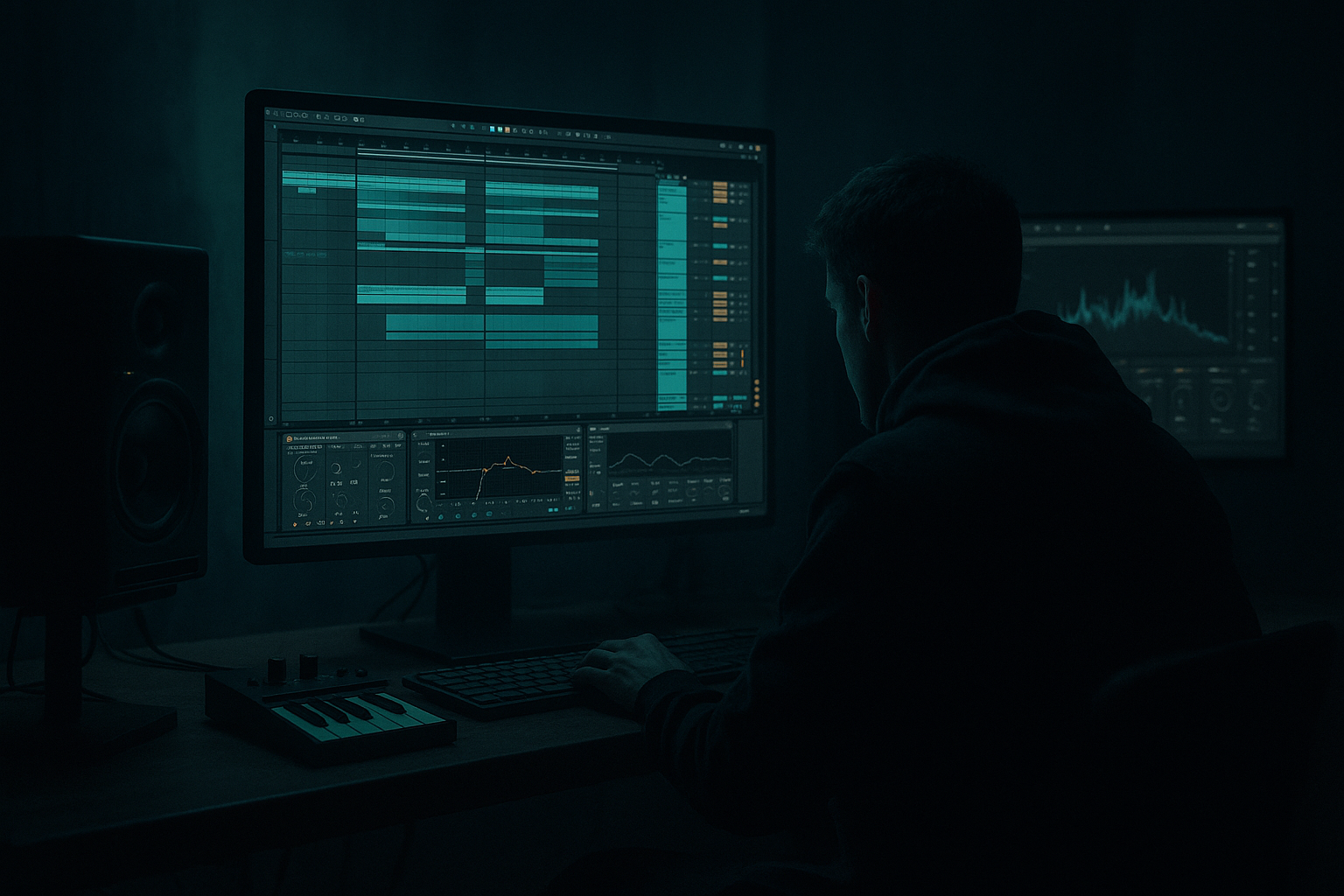
Main tutorial
Stepper System: Top Loop Drive in Ableton Live 12 for Jungle / Oldskool DnB Vibes 🥁⚡
1. Lesson overview
In this lesson, we’re building a top loop drive system for oldskool jungle / stepping drum & bass inside Ableton Live 12.
The goal is simple:
- keep the breakbeat energy alive
- make the top loop feel constantly moving
- create drive, swing, grit, and forward momentum
- support the kick, snare, and bassline without cluttering the low end
- jungle rollers
- steppers
- 90s-style DnB
- dark minimal rollers
- break-driven halftime or full-step hybrids
- a primary loop layer
- a high-pass filtered percussion layer
- transient shaping
- swing and groove control
- stereo movement
- subtle saturation for grime
- arrangement automation for energy changes
- feels alive, not static
- adds speed and urgency
- sits above a heavy 2-step / break / bass foundation
- works in a jungle or oldskool DnB mix without fighting the kick and bass
- chopped Amen or Think break tops
- isolated hats and rides
- dusty vinyl-style percussion loops
- loose rim/shaker loops
- top fragments from old break samples
- natural swing
- slight noise floor / grit
- varied velocity
- some ghost hits
- enough movement to avoid sounding looped and robotic
- Beats warp mode for rhythmic loops
- Complex Pro only if the loop is tonal or has awkward artifacts
- set warp markers to preserve the groove, not flatten it
- keep the loop mostly intact
- trim to 1 or 2 bars
- make sure it locks to the groove of the kick/snare
- EQ Eight
- Auto Filter
- HP filter at 300–600 Hz
- gentle resonance if you want a nasal presence
- automate the cutoff slightly over sections
- shakers
- rides
- tiny hat ticks
- reversed percussion
- noise bursts
- zoom into the loop
- place warp markers on strong transients
- keep the important offbeats and ghost hits in time
- don’t over-quantize everything
- a tight relationship with the drum grid
- but still enough looseness to feel human and breakbeat-driven
- Slice to New MIDI Track
- Simpler
- or a Drum Rack for individual hit control
- mute weak hits
- accent certain hats
- shift a single snare ghost
- create custom call-and-response top patterns
- High-pass around 200–400 Hz
- cut any harsh ring around 2–5 kHz if it stings
- tame excessive fizz above 10–12 kHz if the loop is too bright
- Drive: low to moderate
- Crunch: subtle, just enough to roughen edges
- Transients: slightly positive if you want more attack
- Boom: usually off for top loops, unless you want a very colored break layer
- Ratio: 2:1
- Attack: 10–30 ms
- Release: Auto or 0.3–0.6 sec
- Gain Reduction: 1–3 dB max
- Phase: 180° for stereo motion
- Rate: try 1/2, 1/4, or synced triplet rates
- Amount: subtle, around 10–30%
- reduce width if the loop gets too wide
- mono the lower mid side of a loop if it’s too messy
- automate gain to push certain sections forward
- MPC-style swing
- SP-style loose timing
- extracted groove from a breakbeat
- Timing: 10–30%
- Random: 0–5%
- Velocity: 5–15%
- Base: usually leave as-is
- A: full loop
- B: reduced loop
- C: fill / push loop
- reversed hat
- extra ride hit
- chopped shaker burst
- short stutter at the end of the bar
- snare fills
- drop changes
- bassline switches
- Drum Buss
- Transient shaping with Envelope controls inside Sampler/Simpler
- Clip Gain shaping
- Gate for tightening messy tails
- shape brightness consistently
- automate movement across sections
- keep the mix under control when the bass gets heavy
- high-pass if needed
- small dip around harsh upper mids
- Soft Clip on
- Drive: low to moderate
- Use for subtle grit and density
- 1–2 dB reduction max
- slow attack for punch
- medium release for movement
- automate gain by section
- reduce width in breakdowns if needed
- start with filtered tops
- introduce hats gradually
- use a broken, dusty loop
- let the listener hear the rhythm before the full bass drops
- bring in the full top loop layer stack
- widen the stereo slightly
- add a brighter accent layer every 4 or 8 bars
- remove the main loop for 1 bar
- use a fill or reverse texture
- reintroduce the main loop hard on the next downbeat
- add a new percussion layer or alternate loop
- slightly more saturation than the first drop
- automate extra drive for escalation
- EQ Eight
- Saturator
- Drum Buss
- Saturator
- Erosion
- Overdrive
- Compressor with sidechain
- or Volume automation if you want finer control
- low-pass filter opening
- width
- drive amount
- reverb send
- micro-stutters
- ghost-hit fragments
- broken ride tails
- accidental texture gold
- one break top
- one shaker or hat loop
- high-pass both
- trim to 4 bars
- warp them tightly
- EQ Eight
- Drum Buss
- Glue Compressor
- Auto Pan
- Utility
- full
- reduced
- fill
- Bar 1: full loop
- Bar 2: full loop with one muted accent
- Bar 3: reduced loop
- Bar 4: fill into restart
- does the loop drive forward?
- does it leave space for the snare?
- does it feel like jungle energy?
- the right break or percussion source
- careful warping and slicing
- light groove shaping
- clean but gritty processing
- variation through arrangement
- bus control for the full top end
This approach works especially well for:
We’ll be focusing on top percussion loops: hats, shakers, ride textures, ghost percussion, chopped break tops, and little rhythmic accents that keep the track pushing forward.
---
2. What you will build
By the end of this lesson, you’ll have:
A top-loop drive rack that includes:
The result:
A top loop that:
---
3. Step-by-step walkthrough
Step 1: Choose the right source material
For this style, don’t start with a polished pop drum loop. Start with something that has character.
Good source options:
What to listen for
Pick loops that have:
In Ableton Live
Drag your loop into an Audio Track and switch to Warp mode if needed.
For jungle / DnB tops, try:
---
Step 2: Build the top loop layer stack
Create 3 audio tracks:
1. Main Top Loop
2. Filtered Texture Layer
3. High-Frequency Accent Layer
This gives you control over movement and density.
Track 1: Main Top Loop
This is your main rhythmic driver.
On this track:
Track 2: Filtered Texture Layer
Duplicate the main loop or use a different break top.
Add:
Suggested settings:
This layer gives you top-end movement without muddying the mix.
Track 3: High-Frequency Accent Layer
This is for:
Use this layer sparingly. It’s there to create air and urgency in drops and transitions.
---
Step 3: Tighten the groove with Warp and slice editing
Oldskool DnB loves groove, but it still needs discipline.
In Live 12:
Practical rule:
If the loop loses feel after warping, back off.
You want:
If you’re slicing the loop:
Right-click the loop and choose:
Then use:
This is powerful because you can:
---
Step 4: Apply a drum and bass-friendly device chain
Here’s a solid stock Ableton chain for the main top loop:
Device chain:
1. EQ Eight
2. Drum Buss
3. Glue Compressor
4. Auto Pan
5. Utility
---
1) EQ Eight
Use this to clean the loop.
Suggested moves:
For jungle, don’t over-polish. Leave some dirt.
---
2) Drum Buss
Great for adding bite and weight to percussion tops.
Suggested settings:
This helps the loop cut through a dense bassline.
---
3) Glue Compressor
Use lightly to make the loop feel coherent.
Suggested starting point:
You’re not crushing it — just gluing the hits together.
---
4) Auto Pan
This is a classic way to make top loops feel wider and more alive.
Suggested settings:
For darker DnB, use subtle modulation rather than obvious swooshing.
---
5) Utility
Use Utility to control width and mono compatibility.
Suggested uses:
---
Step 5: Add groove with Ableton Groove Pool
This is where things start to feel like proper jungle energy.
Good groove sources:
Try dragging a groove into the Groove Pool, then apply it gently to the top loop.
Suggested approach:
The key is subtlety.
You want the loop to breathe, not stumble.
---
Step 6: Create variation with clips, not just plugins
A top loop that repeats unchanged for 64 bars gets boring fast.
Make 3 clip versions:
#### A: Full loop
Use during the main groove sections.
#### B: Reduced loop
Mute one or two high-hat accents to create space.
#### C: Fill / push loop
Add:
This is especially effective before:
---
Step 7: Use transient control for more drive
If the loop feels flat, you need more attack.
Stock options:
Practical tip:
If the loop has long noisy tails, shorten them slightly so the rhythm feels sharper and more stepping.
For oldskool DnB, crisp top energy often works better than smooth washed-out percussion.
---
Step 8: Design a top-loop return track for bus processing
Route all top percussion to a group called Top Loop Bus.
On the bus, add:
1. EQ Eight
2. Saturator
3. Compressor or Glue Compressor
4. Utility
Why group them?
Because top-loop energy should be controlled as a unit. This helps you:
Suggested bus processing:
#### EQ Eight
#### Saturator
#### Glue Compressor
#### Utility
---
Step 9: Arrangement ideas for jungle and stepping DnB
Top loop drive is not just sound design — it’s arrangement energy.
In the intro:
In the drop:
In the turnaround:
In the second drop:
This gives your track that classic evolving, forward-pushing DnB structure.
---
4. Common mistakes
1) Over-layering too many tops
If you stack 8 percussion loops, the groove turns into noise.
Fix:
Keep one main loop, one texture layer, and one accent layer. That’s often enough.
---
2) Letting tops clash with the snare
In DnB, the snare is sacred. Don’t clutter its space.
Fix:
Carve a small dip in the top loop around the snare’s key presence area if needed, and mute hits that collide too heavily.
---
3) Over-compressing
Too much compression kills swing and punch.
Fix:
Use light glue, not heavy squashing.
---
4) Too much brightness
A top loop that’s too shiny can feel modern and plastic instead of dusty and oldskool.
Fix:
Use EQ and saturation to make it gritty, not glossy.
---
5) Ignoring groove
Perfectly quantized hats can sound sterile.
Fix:
Use Groove Pool or selective timing shifts to keep it human.
---
6) No variation
A static loop makes the whole track feel looped in a bad way.
Fix:
Create A/B/C versions and automate filters, gain, and mutes.
---
5. Pro tips for darker/heavier DnB
Tip 1: Push the upper mids, not just the treble
Dark DnB percussion often lives in the 2–6 kHz range more than in shiny 12 kHz air.
Use:
to bring forward aggressive stick, metal, and tape-like texture.
---
Tip 2: Use distortion as texture, not just loudness
Try:
A tiny amount of distortion can make hats feel more vicious and industrial.
---
Tip 3: Sidechain the top loop very lightly to the snare or kick bus
This can help the loop breathe around the rhythm section.
Use:
Keep it subtle. The goal is movement, not pumping.
---
Tip 4: Darken the loop in breaks, brighten it in drops
Automate:
This creates tension and release, which is huge in DnB arrangement.
---
Tip 5: Use resampling for grime
Once your top loop feels good, resample 4 or 8 bars, then chop it again.
This can create:
Very jungle. Very effective.
---
6. Mini practice exercise
Exercise: Build a 4-bar top loop drive system
#### Step 1
Find 2 loops:
#### Step 2
Place them on separate tracks and:
#### Step 3
Apply this chain to the main loop:
#### Step 4
Create three clip variations:
#### Step 5
Add Groove Pool swing at around 15–25%
#### Step 6
Arrange the 4 bars like this:
#### Step 7
Listen against your kick/snare and bass.
Ask:
If not, simplify.
---
7. Recap
A strong top loop drive system in Ableton Live 12 for jungle and oldskool DnB is built from:
Core mindset:
You are not just adding hats.
You are creating a moving rhythmic layer that propels the track forward without stealing the spotlight from the kick, snare, and bass.
If you do it right, the top loop becomes the engine that makes the whole tune feel like it’s rolling at 170+ BPM with proper jungle pressure 🔥
If you want, I can also turn this into:
1. a rack preset blueprint,
2. a MIDI drum rack version, or
3. a full Ableton session template for oldskool DnB tops.

