Main tutorial
1. Lesson Overview
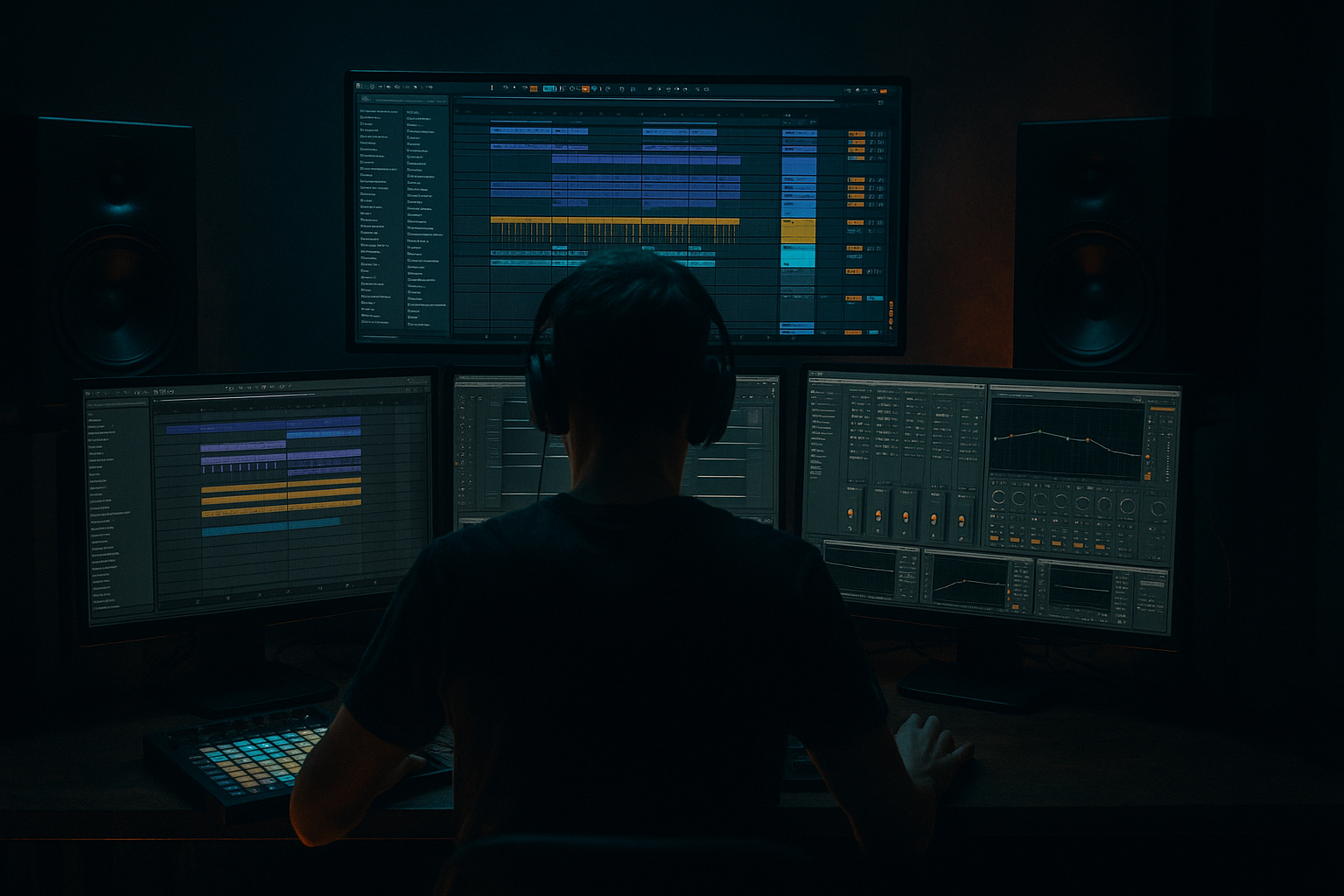
This intermediate mixing lesson teaches you how to craft a Sub Focus micro percussion shuffle: glue and arrange in Ableton Live 12 for deep jungle atmosphere. You’ll learn how to program and “shuffle” micro-percussion, glue them into a single usable bus using Ableton stock devices, and arrange those glued parts so they sit with a deep sub and create immersive jungle space without cluttering the low-end.
2. What You Will Build
A tight 8–16 bar Drum & Bass micro-percussion loop with:
- A shuffled micro-perc pattern (hi-hats, shakers, clicks, rim snaps) in a Sub Focus / deep jungle aesthetic
- A grouped “MicroPerc” bus with EQ, saturation and Glue Compressor settings that glue the pieces together
- Two returns (filtered reverb + delay) for atmosphere and rhythmic stereo motion
- An arrangement snippet showing how to automate width, send levels and bus processing to build and release atmosphere
- Set project tempo to 174 BPM (typical DnB).
- Create a Drum Rack named MicroPerc, and load 5–7 micro-perc samples (tight hats, shaker, tambourine, click, rim, small conga/snare ghost). Keep samples short and dry.
- Create two Return tracks: R-Rev (Hybrid Reverb) and R-Delay (Echo).
- In the MIDI editor: vary velocities per hit (e.g., alternating velocities 70/100/85/120). Use the Groove Pool Velocity setting or manually randomize to avoid robotic repetition.
- Duplicate certain hits to slightly detune/pitch-shift a layer (+2–7 cents or -10 cents) for width and movement (simpler/transposition).
- Add tiny transient clicks on 32nd note ghost hits to create motion. Keep these very low-level (clip gain -6 to -12 dB).
- Insert Utility after Glue Compressor:
- If you want mid/side work: duplicate group, Highpass duplicate > wide, left as stereo reverb/delay source, collapse mono on original.
- Leaving micro-perc full-range: Not high-pass filtering group causes masking with sub-bass and muddiness.
- Over-gluing: Heavy compression destroys the shuffle groove and transient detail. Aim for 2–4 dB of reduction on Glue for cohesion.
- Applying full-band reverb: Using full-spectrum reverb on micro-perc will wash low-mids. Always high-pass reverb sends and/or use reverb’s internal HP.
- Excessive stereo widening: Makes the mix unstable on club systems and can collapse to a weak mono center. Keep low content mono and automate width carefully.
- Misapplied Groove: Extracting a groove that’s strongly swung can clash with the main drum loop. Test grooves against your primary drum break and adjust the groove Timing amount.
- Extract Groove from an organic shuffled break (think old jungle breaks) rather than a synthetic groove — it yields convincing micro-shuffles.
- Use two Glue Compressors: one subtle Glue on the group, and a parallel bus with a heavier Glue for transients, blended under the original to add punch.
- Use transient-sensitive editing: if shuffles feel flat, slightly shorten attack of certain hits with Drum Buss Transient knob or by trimming the sample start/end.
- Automate Send Dry/Wet vs. Send Level: keep send levels consistent but automate the return wet/dry or EQ to avoid changing the main envelope of the percussion.
- Bounce variations: render several variations of the glued micro-perc (dry, wet, saturated) and use them as layered one-shots across the arrangement for texture without recalculating processing.
- Use a narrow multiband compressor on the bus (Multiband Dynamics) to tighten harsh upper mids (2–6 kHz) without killing the sparkle.
- Shuffle should feel rhythmic, not mechanical.
- Bus should sound cohesive without crushed transients.
- Reverb should be airy and high-passed, not muddying bass.
3. Step-by-Step Walkthrough
Note: the phrase “Sub Focus micro percussion shuffle: glue and arrange in Ableton Live 12 for deep jungle atmosphere” describes the full workflow you’ll perform below — programming the shuffle, gluing the parts with stock devices, and arranging them to create the atmosphere.
Preparation
A. Create the micro-percussion shuffle
1. Program a basic 16th-note pattern in a MIDI clip (1 bar or 2 bars). Put steady 16th notes on a few pads (hi-hat/ shaker) to form the backbone.
2. Apply an extracted groove for shuffle:
- Drag a short swung/broken break or small shuffle audio clip into the Arrangement or Session view (or use a one-shot shuffled loop).
- Right-click that audio clip and choose “Extract Groove.” The groove will appear in the Groove Pool (bottom left).
- In the Groove Pool, click the extracted groove and set: Timing ~ 60–80 (start at 70 for audible shuffle), Velocity ~ 10–20, Random 5–12. Base = 1/16.
- Select your micro-perc MIDI clip(s) and in the Clip View > Sample/Groove chooser, choose the extracted groove. Press Commit (optional) or adjust the Groove amount and Timing until the shuffle feels right.
- Alternatively, create shuffle by nudging off-beat 16th notes: set grid to 1/64, select backbeat notes and nudge forward by 6–18 ticks for micro shuffle. Use Groove Pool when you want consistent swing across clips.
3. Humanize dynamics
B. Layering and micro-variations
C. Bus routing and cleanup
1. Group the MicroPerc tracks into a group named MicroPerc Bus (select tracks > Cmd/Ctrl+G).
2. Insert EQ Eight first on the group:
- High-pass filter: 180–300 Hz (slope 24dB/oct) to prevent micro-perc from competing with the sub-bass. For deep jungle, start at ~220 Hz and adjust by ear.
- Gentle dip around 400–700 Hz if cluttering the mids (2–3 dB).
- Slight presence boost 6–10 kHz (+1.5–3 dB) for clarity.
3. Insert Drum Buss (optional) after EQ for subtle saturation:
- Drive 2–4, Distortion type = Tube (subtle), and Transients: reduce slightly (-3 to -6) if peaks are too spiky. Keep it subtle—this is glue & color, not distortion.
4. Insert Glue Compressor (last in chain for cohesion):
- Threshold: -6 to -12 dB (adjust to get ~2–4 dB of gain reduction on bus hits)
- Ratio: 2:1 or 3:1
- Attack: 5–15 ms (fast enough to tighten but let a little transient through)
- Release: Auto or set to ~100–300 ms (sync by ear so pump feels musical with 174 BPM)
- Makeup gain: adjust to match pre/post level
- Dry/Wet: keep at 100% on Glue; if you want parallel, use an additional return or duplicate bus and blend
D. Stereo image and width control
- Width: set to 90–150% for scatter in breaks; but keep the low-end centered using the earlier HP filter. Automate width: narrower during driving sections, wider in breakdowns.
E. Returns & atmospheric processing (for deep jungle atmosphere)
1. R-Rev (Hybrid Reverb):
- Pre-filter cut: HP 700–900 Hz on the reverb (High-pass within reverb or use auto-filter before return) to keep reverb tails airy and not muddy.
- Size: medium-large; Decay 1.2–2.5 s (less when busy)
- Diffusion: higher for shimmer
- Send 2–4% from MicroPerc Bus; automate more on fills or breakdowns.
2. R-Delay (Echo):
- Set Delay to dotted 1/16 or ping-pong 1/8 to create rhythmic motion
- Lowpass feedback (~2–5 kHz)
- Sync to tempo; Feedback 10–25%
- Pre-filter the send with Auto Filter (LP around 5–7 kHz) so only high transient gets delayed
- Place a Compressor or Gate after the return if you want ducking or to cut long tails.
F. Arrangement techniques for deep jungle atmosphere
1. Placement and automation:
- Intro (bars 1–8): micro-perc sparse — use fewer hits, width 130%, sends low.
- Build (bars 9–16): bring in full shuffle, increase send to R-Rev + R-Delay, slightly lower Width to 100% to tighten.
- Drop: micro-perc combined with kick/sub; compress bus a little harder (lower threshold) for energy.
2. Use clip fades and crossfades:
- Arrange micro-perc as short clips and create small crossfades (select clip ends > press F) to avoid clicks.
3. Create moments of “deepness”:
- Automate R-Rev decay up at bar transitions to smear transients into the tail of the beat.
- Automate Utility Width to open up micro-perc in breakdowns (e.g., 150%) and close to 80% in the drop for focus.
4. Bounce and resample:
- If you want to further process the glued micro-perc as a single element, freeze and flatten the group or resample the group to audio and add additional EQ, saturation, and rhythmic gating (Auto Pan or Tremolo) to create evolving textures.
4. Common Mistakes
5. Pro Tips
6. Mini Practice Exercise
Goal: Build an 8-bar loop demonstrating the Sub Focus micro percussion shuffle: glue and arrange in Ableton Live 12 for deep jungle atmosphere.
Steps:
1. Create Drum Rack named MicroPerc, load 6 micro-perc samples.
2. Program 1-bar MIDI pattern at 16th notes; duplicate to 2 bars.
3. Drag a shuffled amen or break to Arrangement, right-click > Extract Groove. Set Timing 70 in Groove Pool.
4. Apply the groove to your micro-perc MIDI clips. Tweak velocities (randomize across hits).
5. Group tracks, insert EQ Eight (HP ~220 Hz), Drum Buss (Drive 3), Glue Compressor (Threshold -8 dB, Ratio 2:1, Attack 10 ms, Release Auto).
6. Create returns: Hybrid Reverb (HP ~800 Hz, decay 1.8 s), Echo (dotted 1/16, lowpass ~5 kHz).
7. Send MicroPerc to returns at 3–6% baseline; automate send to +6–10% on bar 5 for a build.
8. Automate Utility Width: 140% bars 1–4, 100% bars 5–8.
9. Export a preview stem and compare: You should hear a convincing shuffle, glued bus cohesion, and an airy reverb tail that doesn’t muddy the low end.
Expected checkpoints:
7. Recap
You’ve built the Sub Focus micro percussion shuffle: glue and arrange in Ableton Live 12 for deep jungle atmosphere by programming shuffled micro-perc, extracting/applying Groove, grouping and gluing with EQ Eight, Drum Buss and Glue Compressor, and arranging with filtered returns and width automation. Keep the low end clean with HP filtering, glue subtly to preserve groove, and use returns and automation to shape the jungle atmosphere without washing the mix. Practice the mini-exercise to lock the workflow into your production toolkit.

