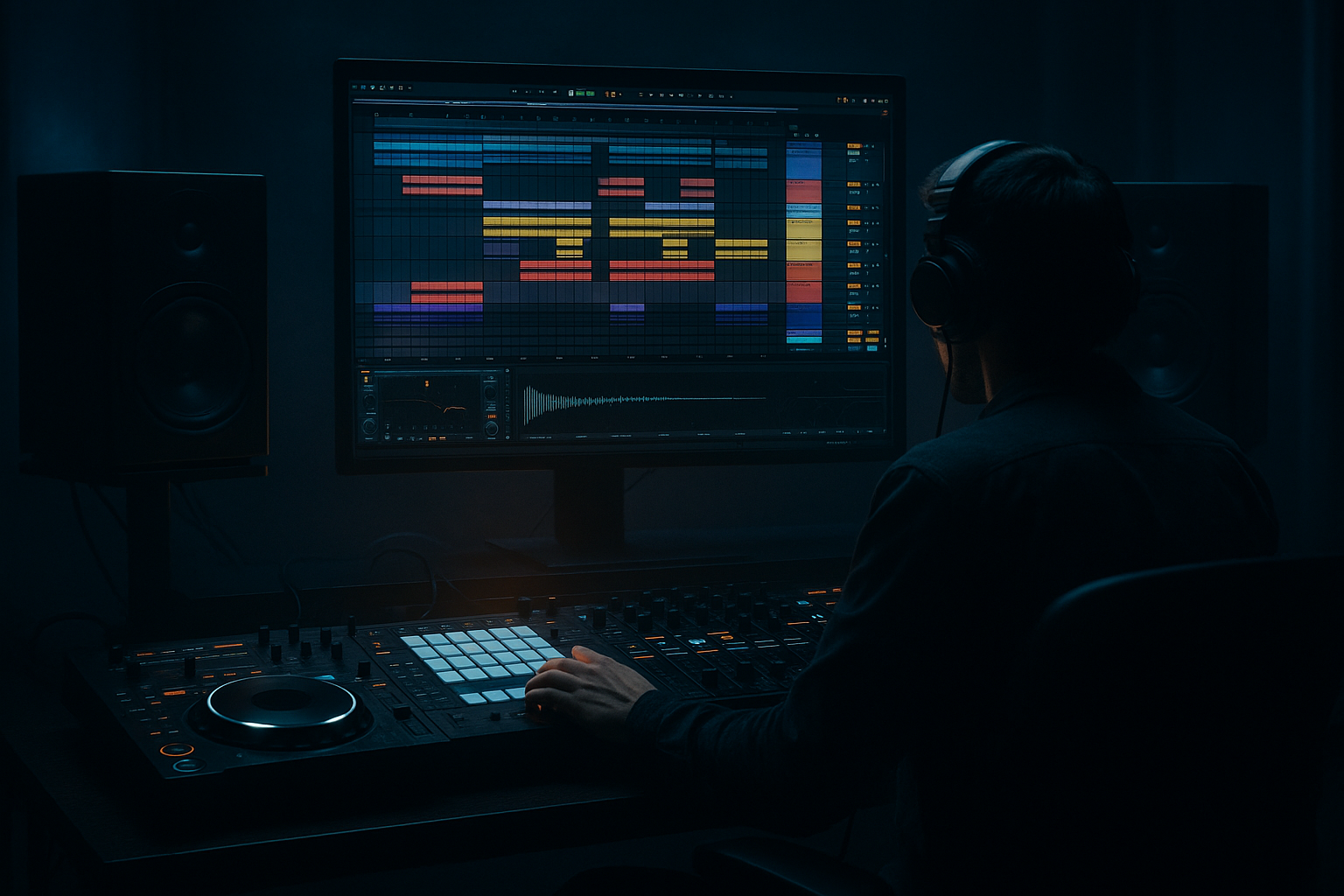
Main tutorial
Sub Glue Blueprint: Groove Pool Tricks in Ableton Live 12 (Oldskool Jungle / DnB) 🔥🎛️
Category: Edits • Level: Intermediate • Focus: Making the sub + kick + break feel like one engine using Groove Pool timing + subtle dynamics
---
1. Lesson overview
In jungle/oldskool DnB, the feeling comes from micro-timing: the break breathes, the kick punches, and the sub “leans” with the groove instead of fighting it. This lesson is a practical blueprint to glue your sub to your drums using Ableton Live 12’s Groove Pool (and a few stock devices) without wrecking low-end phase or turning everything into mush.
You’ll learn how to:
- Extract groove from a classic break and apply it intelligently (not blindly)
- Use Timing vs Velocity vs Random to get that “human swing” 🥁
- Make the sub follow the groove without audible wobble or flamming
- Keep low-end tight while the top grooves like a proper oldskool roller
- A break has authentic swing (Amen/Think-style)
- Your kick + snare reinforcement hits with intention
- A pure sub (sine/triangle) is rhythmically glued to the drums via groove (but still solid in mono)
- Optional: a mid-bass layer takes more groove than the true sub for extra movement
- Use a clean DnB kick (short, punchy).
- Place it on the grid first (e.g., classic 2-step-ish placement or jungle patterns).
- Layer a crisp snare on 2 and 4 (or jungle-style hits).
- Keep transient strong; don’t over-lengthen.
- EQ Eight: High-pass at 25–35 Hz (remove rumble), small dip if boxy
- Drum Buss (subtle):
- Saturator (optional): Soft Clip On, Drive 1–3 dB
- Operator (best for pure subs)
- Add Saturator after Operator:
- EQ Eight: Low-pass around 90–120 Hz (24 dB/oct)
- Groove Amount on MIDI clip: 5–15% Timing
- Optional Compressor sidechained to kick (gentle):
- EQ Eight: High-pass at 100–140 Hz
- Add Roar (Live 12) or Saturator for grit:
- Groove Amount on MIDI clip: 20–45% Timing
- Commit drum layers before you start heavy arrangement edits.
- Keep the original uncommitted clips duplicated/muted as a backup.
- Bars 1–4: Break only (filtered intro)
- Bars 5–8: Add kick/snare reinforcement + sub
- Bars 9–12: Add mid-bass + extra ghost hats/shakers (grooved)
- Bars 13–16: Drop variation
- Auto Pan on a high hat only (not bass): Rate 1/8 subtle
- Echo on snare hits: 1/8 or dotted 1/8, low feedback, HP/LP filtered
- Make the “glue” audible in mids, not just lows:
- Use subtle saturation on drum bus, not heavy limiting:
- Ghost notes = darkness + momentum:
- Accent the “late” snare feel:
- Clip the break tops, not the sub:
- Version A: Grooved SUB + MID
- Version B: Tight SUB, grooved MID only (usually the winner)
- Use the break as the groove master: extract and drive the feel from it.
- Apply groove in tiers:
- For real “sub glue,” split bass duties:
- Commit grooves when you’re happy, then arrange with classic jungle edits for momentum.
---
2. What you will build
A 16-bar rolling jungle loop where:
---
3. Step-by-step walkthrough
Step 0 — Session setup (fast + practical)
1. Tempo: set 165–172 BPM (try 170 BPM for classic vibes).
2. Create groups:
- DRUMS (break + kick/snare layers)
- BASS (sub + mid layer)
3. Put a Utility on the BASS group:
- Bass Mono: On (Live 12 Utility has Bass Mono)
- Bass Mono Freq: 120 Hz (safe starting point)
This keeps the low end centered while you experiment.
---
Step 1 — Pick a break and make it the groove “leader” 🧠
1. Drop in a breakbeat (Amen, Think, Funky Drummer—anything with real shuffle).
2. Warp it:
- Use Warp Mode: Beats
- Preserve: 1/16 or 1/8 (start 1/16 for jungle detail)
- Turn Transient Loop off unless you need extra snap
3. Get it tight to bar lines (basic alignment), but don’t over-edit—oldskool breaks need some natural drift.
Goal: The break provides the groove DNA.
---
Step 2 — Extract groove from the break into Groove Pool
1. Select the break clip.
2. In Clip View, find Groove (or right-click the clip) → Extract Groove.
3. Open the Groove Pool (hot tip: search “Groove Pool” in Live’s browser if hidden).
You’ll see a groove created from your break. Rename it:
“Amen_170_Extract” (or similar). Organization matters when you stack grooves.
---
Step 3 — Build a simple drum foundation (layer like a junglist)
Create a tight reinforcement so the break can be dirty but the punch stays modern.
Kick layer
Snare layer
Suggested stock chain (Kick/Snare tracks):
- Drive: 2–5%
- Boom: 0–10% (careful—sub already exists)
- Transients: +5 to +15 for snap
---
Step 4 — Apply the groove: drums first, then bass (order matters)
#### 4A) Apply groove to the break
1. Click the break clip → choose your extracted groove in the Groove chooser.
2. Set clip Groove amounts (starting points):
- Timing: 70–90%
- Velocity: 10–30%
- Random: 0–10% (tiny, we’re not making lo-fi hip hop 😉)
3. In Groove Pool, keep Base typically at 1/16 for jungle.
#### 4B) Apply groove to kick/snare layers (less than the break)
This is where glue happens—your clean hits inherit the break’s swagger.
1. Select kick clip(s) → apply the same groove.
2. Use smaller values:
- Timing: 15–35%
- Velocity: 0–10%
- Random: 0–5%
Same for snare. You want reinforcement that leans with the break, not flams against it.
---
Step 5 — Build the sub so it locks but still grooves 🎚️
Use a clean sub instrument:
- Osc A: Sine
- Level: -inf to taste
- Envelope:
- Attack 0–5 ms
- Decay 300–700 ms (depends on pattern)
- Sustain -inf (if you want pure plucks) OR Sustain -6 to -12 dB for held notes
- Release 50–120 ms
- Drive 1–4 dB
- Soft Clip On
- This helps sub translate on smaller speakers
#### The key: Groove the MIDI clip, not the instrument
1. Write a sub pattern that matches the drum call-and-response (simple at first).
- Think: long notes that hit on kick accents + occasional offbeat stabs.
2. Apply the same groove to the sub MIDI clip, but keep it conservative:
- Timing: 5–20%
- Velocity: 0% (velocity shouldn’t change sub loudness much)
- Random: 0% (sub timing random = messy low end)
Why so low? Too much timing swing on sub causes phase smear and makes kicks feel late.
---
Step 6 — The “Sub Glue” trick: split sub vs mid-bass groove (best of both) ⚙️
Instead of forcing your true sub to do all the dancing:
1. Duplicate your bass track:
- SUB (true low)
- MID BASS (movement + character)
#### SUB track (tight + centered)
- Ratio 2:1
- Attack 15–30 ms
- Release 60–120 ms
- Gain reduction: 1–3 dB
#### MID BASS track (more groove)
- Roar: start with Tube or Dirt style, Mix 10–30%
Now the perceived bass groove moves, while the true sub stays solid.
---
Step 7 — Commit the groove (when ready) using “Commit” in Groove Pool
When your groove feels right:
1. Select the grooved clips.
2. In Groove Pool, use Commit (or in clip context).
3. This writes timing into the notes/audio markers.
Workflow tip:
---
Step 8 — Arrangement moves for authentic oldskool energy 🧨
Try this 16-bar blueprint:
- Auto Filter on DRUMS: HP sweeping down from 250 Hz → 80 Hz
- Remove kick layer for 2 beats
- Add a reverse cymbal into the snare
- Add a classic jungle “pull-up” style stop (1/4 or 1/2 bar)
Stock devices for movement:
---
4. Common mistakes ❌
1. Grooving the sub too hard
Result: flabby low end, kick feels late, mono suffers. Keep sub timing subtle.
2. Applying groove equally to everything
Break gets most groove, layers get less, sub gets least.
3. Velocity groove on sub
Makes low-end inconsistent; use timing only for sub.
4. Random > 10% on core drums
Jungle can be wild, but your main impact points must stay reliable.
5. Not checking mono / phase
Always check with Utility → Mono on Master occasionally.
---
5. Pro tips for darker/heavier DnB 🕶️
Let MID BASS carry more groove and distortion; keep SUB clean.
Try Drum Buss with gentle Drive, then Glue Compressor:
- Attack 10 ms, Release Auto, Ratio 2:1, GR 1–2 dB
Add quiet snare ghosts between main hits, then apply groove (Timing 30–60% on ghosts only).
Apply slightly more groove to snare layer than kick (e.g., snare Timing 30%, kick 20%) for that rolling drag.
Use Saturator Soft Clip on break channel; keep sub unclipped and controlled.
---
6. Mini practice exercise 🎯
Goal: Hear the difference between tight sub + grooved mid vs grooved sub.
1. Create an 8-bar loop with:
- Break (warped)
- Kick layer
- Snare layer
- SUB (Operator sine)
- MID BASS (duplicate)
2. Extract groove from the break.
3. Apply groove:
- Break: Timing 85%, Velocity 20%
- Kick: Timing 25%
- Snare: Timing 30%
- SUB: Timing 10%
- MID: Timing 40%
4. Toggle Groove on/off for SUB and MID separately and listen:
- Which one keeps the drop heavy?
- Which one adds roll without ruining impact?
Deliverable: Export 8 bars with two versions:
---
7. Recap ✅
- Break = most
- Kick/snare layers = moderate
- Sub = minimal
- SUB stays tight + mono
- MID BASS carries groove + grit
If you want, tell me what break you’re using (Amen/Think/etc.) and whether your bass is sub-led or reese-led, and I’ll suggest exact groove amounts + a matching 16-bar pattern.

