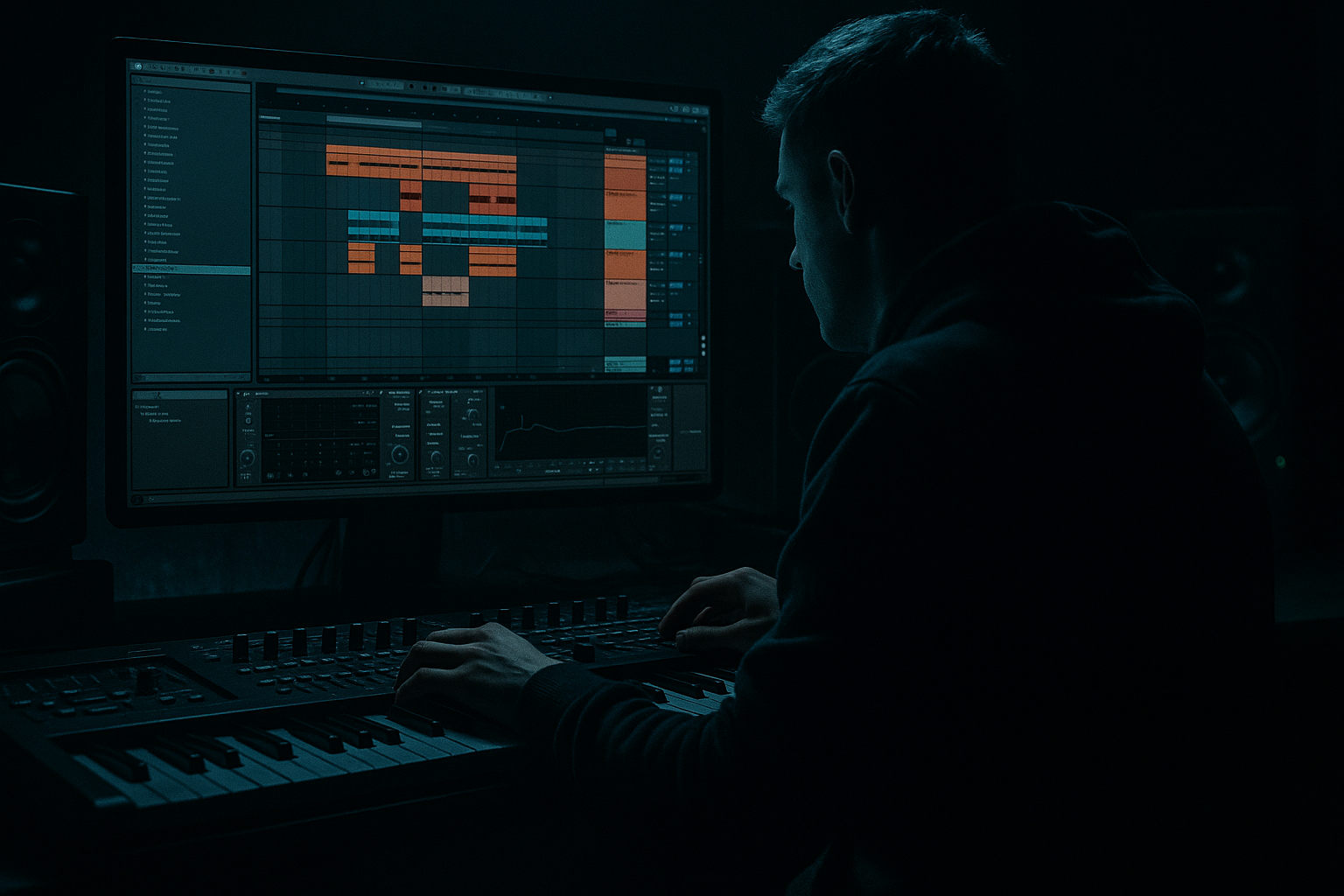
Main tutorial
Sub Pressure Sub Blend Session Without Losing Headroom in Ableton Live 12
Beginner-friendly tutorial for jungle / oldskool DnB / rolling bass 🔊🥁
1. Lesson overview
In this lesson you’ll learn how to build a tight, heavy sub blend in Ableton Live 12 that keeps your low end powerful without eating all your headroom.
This is especially important in jungle and oldskool DnB, where the bassline often needs to feel:
- deep and physical
- steady enough to support the break
- clean enough to let the kick and snare punch through
- loud enough to work in a DJ mix without distortion
- sub sine layer
- mid bass / character layer
- utility gain control
- EQ Eight
- Saturator
- Compressor / Glue Compressor
- optional Drum Buss
- proper grouping and gain staging
- a clean sine-based low end
- centered mono
- controlled peak level
- no unnecessary low-mid buildup
- a slightly brighter bass voice
- provides audibility on smaller systems
- adds bite, grit, or movement
- filtered so it doesn’t fight the sub
- sits around -12 to -6 dB peak on the group, depending on arrangement
- leaves room for drums and FX
- translates on headphones, monitors, and club systems
- works well for DJ tools, intros, breakdowns, and drop sections
- 1 MIDI track for sub
- 1 MIDI track for character bass
- 1 drum group with break, kick, snare
- 1 bass group to route both bass tracks
- Operator with a sine wave
- Wavetable with a sine or near-sine oscillator
- Analog with a simple sine/triangle tone
- Oscillator A: Sine
- Turn off other oscillators
- Set the amplitude envelope with:
- Width: 0% or use Bass Mono settings if preferred
- Keep the sub fully centered
- If you want to be extra safe, use the Bass Mono feature in Live 12 to keep only the low end mono while preserving higher harmonics on other layers
- High-pass only if needed? For sub, usually do not high-pass the fundamental
- If there’s mud, cut gently around 180–300 Hz only if necessary
- Avoid boosting the sub heavily
- Your job is to keep it clean, not louder
- Wavetable
- Operator
- Analog
- Simpler if you want a sampled bass hit or resampled texture
- a saw, square, or pulse-based tone
- slight filter movement
- a bit of detune or unison if you want width
- low-pass filtering to remove harsh highs
- High-pass around 90–140 Hz so it doesn’t fight the sub
- Let it live in the 150 Hz–2 kHz zone depending on the sound
- Sub track: lower, so it feels solid but not dominant
- Character track: slightly quieter than the sub or equal depending on tone
- Listen at low monitor volume
- The sub should be felt, not overpowering
- The character layer should be audible enough to hear the bass note on smaller speakers
- Solo both bass tracks
- Lower the character layer until it supports the sub instead of masking it
- Then bring the drums in and re-check
- shared processing
- level control
- easier automation
- simpler arrangement
- Ratio: 2:1
- Attack: 10–30 ms
- Release: Auto or around 0.1–0.3 s
- Gain reduction: aim for 1–2 dB max
- Drive: 1–3 dB to start
- Soft Clip: On
- Output: adjust so level matches bypass
- Drive: low
- Crunch: very cautious
- Boom: only if you know the bass isn’t already too heavy
- Transients: usually leave subtle
- Shorten the kick tail if it overlaps too much with the sub
- Lower the sub note length slightly if the kick loses punch
- Use EQ Eight on the kick only if needed
- moving the bass rhythm slightly off the kick hits
- creating call-and-response phrasing
- using note gaps in the sub line
- 16-bar intro with drums only or filtered bass
- 8-bar build with bass filter opening
- drop section with full bass
- breakdown with just atmospheres and a filtered sub hint
- DJ-friendly outro with drums and reduced bass
- automate filter cutoff on the character bass
- automate sub volume slightly for tension and release
- automate Utility gain on the bass group for drop energy changes
- automate reverb send on bass accents, but keep it minimal
- Keep the bass group peaking safely below 0 dB
- Leave master headroom
- Aim for the master to peak around -6 dB while producing
- avoid slamming the master limiter too early
- do not mix bass while clipping the channel or master
- check the Spectrum device if you want to see where the sub is sitting
- turn width down temporarily
- listen for disappearing sub or phase weirdness
- simplify the character layer
- keep the true sub mono
- remove stereo widening from the low end
- avoid chorus or stereo delay on the sub
- low-end weight
- kick/sub balance
- overall bass loudness
- how much headroom the track seems to leave
- Saturator
- Dynamic Tube
- subtle Overdrive
- grit
- harmonics
- filtered texture
- syncopated notes
- held notes before snare hits
- bass drops after break fills
- resample it to audio
- print the bounce
- edit the clip for tightness
- then continue arranging
- Drum break
- Kick
- Snare
- Sub sine
- Character bass layer
- Is the sub strong but not overpowering?
- Do the drums still punch through?
- Does the bass feel bigger when both layers play together?
- Does the mix still have space?
- a more aggressive bass tone
- a softer reese-style character layer
- a more minimal oldskool step pattern
- use a clean mono sub
- add a separate character layer
- cut the character layer’s low end
- group the bass and process gently
- keep the master headroom safe
- check mono compatibility
- arrange like a DJ tool with space for drums and transitions
The goal is not to make the bass as loud as possible.
The goal is to make it feel bigger while staying controlled.
You’ll build a simple session workflow using:
By the end, you’ll know how to create a bass blend that has weight, movement, and DJ-friendly headroom.
---
2. What you will build
You’ll create a 2-layer bass patch for a classic DnB / jungle-style drop:
Layer 1: Pure sub
Layer 2: Character layer
Session result
A bass group that:
---
3. Step-by-step walkthrough
Step 1: Set up a clean session
Open a new Ableton Live 12 set and create:
Keep the session simple at first. Jungle and DnB low end gets messy fast, so clarity early on saves you later.
Step 2: Load a sub source
On the sub MIDI track, use one of these Ableton stock options:
#### Recommended starting point with Operator:
- Attack: 0 ms
- Decay: short or medium
- Sustain: full
- Release: 30–80 ms for smooth note ends
If you want classic oldskool movement, program a bassline with longer notes and small gaps so it breathes with the drums.
Step 3: Make the sub mono and controlled
Add Utility after the synth:
Then add EQ Eight:
Step 4: Add a second layer for character
Create a second MIDI track for mid bass / character.
Good stock instrument choices:
#### Easy jungle-style character layer:
Use Wavetable or Operator with:
Now shape it with EQ Eight:
This separation is the key to keeping headroom.
If both layers fight in the same low range, the mix gets thick and blurry fast.
Step 5: Balance the layers before adding processing
Before you add effects, set the faders properly.
A simple starting balance:
Use the following check:
A great beginner trick:
Step 6: Group the bass layers
Select both bass tracks and press Cmd/Ctrl + G to group them.
Now you have a Bass Group which is ideal for:
This is where you can control the total bass impact without constantly moving multiple faders.
Step 7: Add gentle group processing
On the Bass Group, use stock Ableton devices carefully.
#### Option A: Glue Compressor
Use it lightly for cohesion:
This helps the layers behave like one instrument without squashing the punch.
#### Option B: Saturator
Use subtle saturation to make the bass feel louder without increasing peak level too much:
This is a classic headroom trick.
You get more perceived weight, but you don’t need to push the fader as hard.
#### Option C: Drum Buss
Use very lightly if you want a rougher, more oldskool edge:
For jungle and darker DnB, too much Drum Buss can make the low end lumpy fast. Use with restraint.
Step 8: Make sure the kick and bass are not fighting
This is where many beginner bass sessions fall apart.
In jungle / oldskool DnB, the kick and sub often need to share the low end rather than both fully occupying the same space.
Try this:
- gentle cut around 200–400 Hz for boxiness
- avoid wrecking the kick’s body
If the kick and bass clash on the same notes, try:
Step 9: Use automation for DJ-tool arrangement
For a DJ tool style arrangement, you want sections that are useful for mixing.
Good arrangement ideas:
Useful automation ideas:
For headroom, automation should be musical, not random.
Make the bass energy rise and fall rather than constantly being maxed out.
Step 10: Monitor levels correctly
A beginner-friendly level target:
This is not a final loudness target; it’s a production headroom target.
Also:
Step 11: Check the low end in mono
Use Utility on the master or bass group to check mono compatibility:
If the bass loses power in mono:
Step 12: Add a reference track
Drop in a reference jungle or DnB tune you know well.
Compare:
Do not copy the loudness exactly at first.
Use it to judge balance and energy.
---
4. Common mistakes
1. Making the sub too loud
A sub that is too loud destroys the mix quickly.
It may sound impressive soloed, but it will mask the kick and eat headroom.
2. Letting both layers occupy the same frequency area
If sub and character layer both sit in the low lows, the mix becomes muddy.
Use EQ to separate roles.
3. Adding too much stereo width
Low frequencies should stay mostly mono.
Wide sub = weak club translation.
4. Overcompressing the bass group
Too much compression can flatten the groove and remove the punch.
For DnB, keep compression subtle.
5. Not leaving room for the drums
In jungle and oldskool DnB, the break and snare are part of the energy.
If the bass is too dense, the drums lose impact.
6. Boosting the master while producing
Don’t chase loudness too early.
You need headroom first, loudness later.
---
5. Pro tips for darker/heavier DnB
Tip 1: Use saturation instead of volume
If the bass needs to feel more aggressive, try:
These make the bass read louder without needing as much peak level.
Tip 2: Layer a tiny bit of mid content above the sub
A pure sine is safe, but darker DnB often benefits from a little:
That helps the bass cut through on smaller speakers and DJ systems.
Tip 3: Shape the bass rhythm around the break
Oldskool jungle works because the bassline interacts with the drums.
Try:
Tip 4: Use return tracks for atmosphere, not bass weight
Keep low-end clean in the main channel.
Put reverb, delay, and ambience on returns, and filter them heavily if they touch bass material.
Tip 5: Don’t overfill the 80–200 Hz area
This zone can make tracks feel huge, but it’s also where headroom disappears fast.
If needed, carve small cuts with EQ Eight on either the kick, bass, or both.
Tip 6: Resample once you like the groove
When the bass blend feels good:
This is very useful in jungle-style workflows because it locks in the feel and avoids endless tweaking.
---
6. Mini practice exercise
Exercise: Build a 4-bar sub blend
Create a simple 4-bar loop with:
#### Your task:
1. Program a bassline with only 4 notes
2. Make the sub mono using Utility
3. High-pass the character layer around 100 Hz
4. Add Saturator on the bass group with light drive
5. Set the bass group so the master does not clip
6. Check the loop in mono
7. Compare it to a reference track
#### What to listen for:
Repeat the exercise with:
This will train your ears fast 🎧
---
7. Recap
To build a strong sub pressure blend session in Ableton Live 12 for jungle / oldskool DnB:
The big idea is simple:
make the bass feel huge without making the mix heavy and broken.
That’s the DnB sweet spot.
Clean, deep, and ready to smash on a system 🔥
If you want, I can also turn this into a hands-on Ableton Live 12 rack recipe with exact device chains and preset-style settings.

