Main tutorial
Lesson Overview
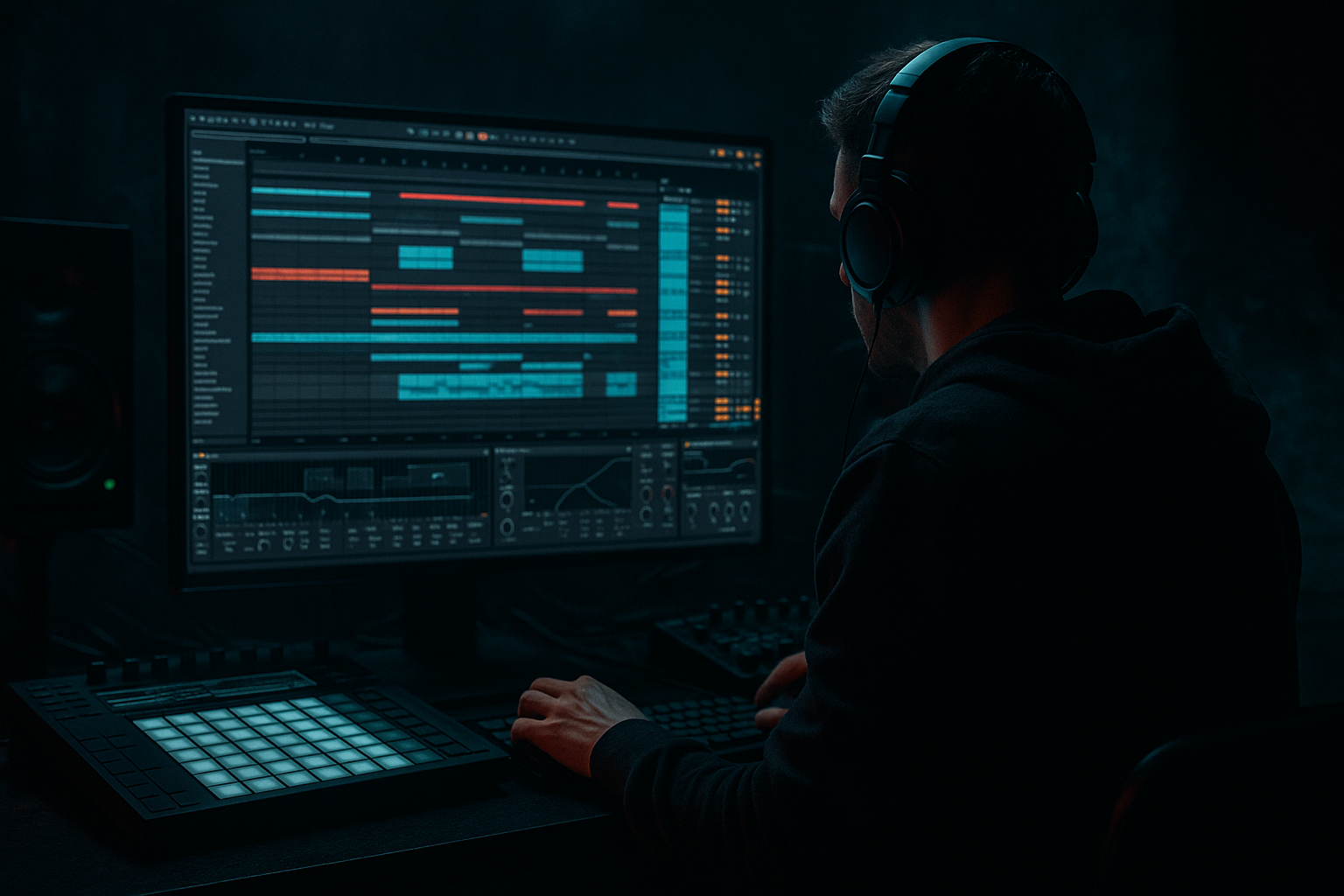
Swing is one of the fastest ways to make Drum & Bass feel alive instead of sequenced. In jungle, rollers, and darker half-time-leaning DnB, a tight but slightly off-grid drum feel can instantly make an 8-bar loop feel like a record instead of a draft. In this lesson, you’ll build a swing jungle sampler rack in Ableton Live 12 using Drum Rack, Simpler, and the Groove Pool to create break-inspired drums with controlled shuffle, ghost-note movement, and repeatable composition structure.
The goal is not to “randomize” your drums. The goal is to create a playable rhythmic system: kick, snare, break chops, hats, and ghost details all moving with a coherent pocket. That matters in DnB because the groove has to do two things at once:
1. drive the tune hard enough for the floor, and
2. leave space for sub weight, bass phrasing, and arrangement tension.
This technique sits perfectly in the intro-to-drop pipeline of a DnB tune. Use it for 8-bar drum loops, stripped-back roller intros, jungle drop energy, switch-up fills, or a second section that opens up after a more rigid first drop. If your drums feel too straight, too copy-pasted, or too “MIDI grid,” this is the fix. 🎛️
What You Will Build
You’re going to build a multi-slot Drum Rack designed for jungle/DnB groove writing:
- A main break lane chopped in Simpler
- A snare layer with strong backbeat impact
- A kick layer that punches without taking over the sub
- A ghost/percussion lane that adds swing and forward motion
- A groove-controlled rack where different elements inherit different shuffle amounts
- A bus-style processing chain for glue, grit, and transient control
- classic jungle chop energy,
- modern roller discipline,
- and darker bass music weight.
- Over-applying groove to everything
- Using a full break loop without control
- Letting break lows fight the kick/sub
- Too much randomization
- No arrangement variation
- Saturating the drum bus too early
- Keep the kick short and aggressive if your bassline is a reese or neuro-style mid-bass. A shorter kick leaves more room for bass movement.
- Use a darker break source and filter the top end slightly so the groove feels shadowy rather than crisp.
- Layer a quiet rim or click on the off-beats to give the drums a stalking, mechanical feel.
- Try subtle timing contrast: keep the main snare straight, but let the break chops sit a touch late through Groove Pool.
- Use Drum Buss carefully for density. A little Drive and Crunch can help darker DnB drums feel closer and more physical.
- Automate tension into fills by pushing a high-pass filter on the break lane and then dropping it out hard on the downbeat.
- Make one section more stripped so the heavier return hits harder. In dark rollers, less movement before the drop often makes the groove feel larger when it arrives.
- Use mono discipline on the low end with Utility. Wide drums are fine up top, but the club cares about center-heavy weight.
- Build the groove around a clear DnB backbone first.
- Use Drum Rack + Simpler to separate kick, snare, break chops, and ghost details.
- Apply Groove Pool selectively so the swing feels human but controlled.
- Keep low-end elements disciplined and let the break provide movement, not mud.
- Use small arrangement changes every 2 bars to make the loop feel composed.
- For darker DnB, aim for weight, tension, and clarity at the same time.
Musically, the result should feel like a loop that sits in the pocket between:
By the end, you’ll have an 8-bar drum section that can be dropped under a reese bassline, sub-led roller, or amens-and-fill jungle arrangement.
Step-by-Step Walkthrough
1. Start with a clean 8-bar drum composition grid
In Arrangement or Session View, set up an 8-bar MIDI clip at a DnB tempo. A strong starting range is 170–175 BPM for straight jungle / modern DnB, or 168–172 BPM if you want a slightly looser, heavier pocket.
Build a simple composition first:
- Bar 1–2: stripped intro groove
- Bar 3–4: add break chops and ghost notes
- Bar 5–6: full groove
- Bar 7–8: small fill or variation
Why this matters in DnB: the listener needs a clear phrasing arc even inside a loop. A good DnB drum loop is not just rhythmic; it’s arranged. Think in 2-bar and 4-bar logic, because that’s how DJs and dancers feel the energy lift.
2. Create a Drum Rack with dedicated lanes for kick, snare, break, and ghost detail
Add a Drum Rack to a MIDI track. Put these sounds into separate pads:
- Kick
- Snare
- Main break chop
- Ghost snare / perc
- Closed hat
- Rim / click / top layer
Keep your sounds organized by function, not just by sample source. For example:
- Kick pad: short, clean kick with a click
- Snare pad: punchy snare with body
- Break pad: a chopped amen or funky break hit
- Ghost pad: quieter snare ghost or hat shuffle
On each pad, use Simpler if you want quick sample control. In Simpler, set:
- Warp mode: Complex Pro for tonal loops, or Beats for drum chops
- Start: trim tight to transient
- Fade: very short, around 3–10 ms
- Filter: low-pass lightly if the chop is too bright
Keep the break lane separate from the main snare so you can shape swing without destroying the core backbeat.
3. Build the main backbeat first, then layer the swing around it
Program a classic DnB backbone:
- Snare on beat 2 and 4
- Kick on 1 and a few syncopated off-beats
- Hats on straight 1/8s or 1/16s as a reference
Then add break chops around the backbeat rather than on top of everything. Use the break lane to fill the gaps:
- a little pickup before beat 2
- a ghost hit after beat 2
- a tiny chopped flourish before beat 4
Suggested starting pattern:
- Kick: beat 1, a light kick before 3, and one syncopated note near the end of bar 2
- Snare: 2 and 4
- Break chop: off-grid accents around the “and” of 1, late 2, early 4
- Hat: steady 1/8 or 1/16 to support the groove
The point is to preserve a clear DnB spine while letting the break add human movement. If the break becomes the whole groove, the drop can lose impact. If it’s too rigid, it won’t feel jungle enough.
4. Extract or apply groove from a classic break and use the Groove Pool on purpose
This is the core trick.
Grab a break loop with real swing energy — an amen, think break, or any classic jungle-style percussion loop. In Ableton Live 12, you can use groove workflows to capture that feel and apply it to your MIDI or audio clips.
Workflow:
- Drag a break loop into the project
- Open the Groove Pool
- Extract groove from the loop if needed
- Apply that groove to your Drum Rack MIDI clip
Start with these groove ideas:
- Timing: around 55–65%
- Random: keep low, around 0–5%
- Velocity: around 10–25%
- Base: test between 50–70%
Use groove subtly on the full drum clip first, then fine-tune per lane. For example:
- Apply stronger groove to hats and ghost notes
- Apply lighter groove to kick and snare
- Leave the sub-bass MIDI mostly straight
Why this works in DnB: the groove pool gives you the “human” pocket of jungle without forcing the entire track off-grid. That means your drums feel alive, but your low-end can still hit with precision.
5. Use clip-level swing differences to create call-and-response
Don’t give every element the same groove amount. In DnB, contrast creates tension. Use clip or lane variation to set up a question-and-answer feel:
- Straight kick/snare = the answer
- Swingy break chop = the question
- Ghost hat fill = the lead-in
In practice:
- Keep your main snare clip relatively tight
- Make a separate ghost/percussion clip with stronger groove
- Use a second break chop clip that enters only at the end of bar 4 or bar 8
A useful arrangement idea:
Bars 1–4 = restrained groove
Bars 5–8 = more swing, more chop density, extra pickup into the next phrase
This is especially strong for rollers and darker DnB, where the groove must evolve without becoming busy.
6. Shape the rack with Drum Rack chains, not just sample choice
Inside Drum Rack, use chain-level processing to make each rhythmic layer sit correctly.
Good stock Ableton tools here:
- EQ Eight on each chain
- Saturator for soft grit
- Drum Buss for punch and low-end bloom
- Utility for mono control
Suggested settings:
- Kick chain EQ: high-pass only if needed, but often leave low end intact and trim mud around 200–350 Hz
- Snare chain: gentle boost around 180–220 Hz for body, and 3–7 kHz for crack if needed
- Break chain: high-pass around 120–200 Hz so it doesn’t fight the kick/sub
- Ghost hats/percs: roll off lows aggressively, sometimes up to 400–600 Hz
For saturation:
- Saturator Drive: start around 1–4 dB
- Soft Clip: on if you want tighter peak control
- Drum Buss Transients: small positive push for snap, usually 5–20%
Keep the rack punchy, not crushed. The aim is to make the swing feel glued into the drums, not flattened.
7. Program micro-variations and ghost notes to stop the loop from looping
Intermediate DnB writing lives in the micro-details.
Add:
- very quiet ghost snares before the main backbeat
- tiny hat pickups leading into bar 4 and bar 8
- one or two altered kick placements across 8 bars
- a break chop that only plays once every 2 bars
Keep ghost note velocities lower than the main hits:
- main snare: around 110–127
- ghost snare: around 20–60
- hats: vary between 40–90
For composition, think “same groove, changing sentence.” A 2-bar jungle idea becomes more musical when bar 2 slightly answers bar 1. This is exactly what keeps modern DnB drum loops interesting over a long bassline.
8. Automate energy into the groove over the 8 bars
Use arrangement automation to create lift:
- Open the Auto Filter on the break lane and automate a gentle high-pass rise into bar 8
- Automate Saturator Drive upward by 1–2 dB during the build to the drop
- Increase Reverb decay briefly on a snare fill, then cut it dry again on the drop
- Automate Utility Width narrower in the intro and broader right before the drop, then snap back to mono-friendly drums on impact
A smart DnB arrangement example:
- Bars 1–4: filtered drum intro with sparse hats
- Bars 5–6: full swing groove
- Bar 7: snare fill plus break chop variation
- Bar 8: short impact or pickup to the next section
Keep automation practical. You’re not making a cinematic FX showcase; you’re directing energy into a heavy beat.
9. Check low-end discipline and make the drum/bass relationship intentional
Even though this lesson is about swing, your groove only works if the low end is clean.
Do a quick check:
- Put Utility on the drum bus and check mono
- High-pass break elements that do not need low end
- Make sure kick and sub aren’t constantly landing on the exact same transient unless that’s the intended hit
- Use EQ Eight to carve around sub space if the kick is long
A good rule in DnB: if the bassline owns the sub, let the kick be short and present. If the kick owns a bit more low-mid, make the sub line more controlled and slightly later in the pocket. The groove should feel intentional, not crowded.
Common Mistakes
- Fix: keep kick and snare tighter; give more swing to hats, ghost notes, and break chops.
- Fix: slice it into functional pieces and separate the body from the texture.
- Fix: high-pass the break lane and keep the low end reserved for dedicated elements.
- Fix: use velocity and timing variation subtly. DnB groove should feel human, not unstable.
- Fix: change one or two elements every 2 bars so the loop progresses like a phrase.
- Fix: get the groove right first, then add glue and grit after the pattern is working.
Pro Tips for Darker / Heavier DnB
Mini Practice Exercise
Set a timer for 15 minutes and build this:
1. Create a 170 BPM Drum Rack with kick, snare, break chop, and ghost hat lanes.
2. Program an 8-bar drum loop with snare on 2 and 4, plus simple kick placement.
3. Add one chopped amen-style or break-style lane and extract/apply groove from it.
4. Set groove timing differently per lane:
- kick: light groove
- snare: very light or none
- break chops and hats: stronger groove
5. Add one ghost-note variation every 2 bars.
6. Put EQ Eight on the break lane and high-pass it so it stops competing with the kick.
7. Add one automation move: filter rise, saturation increase, or reverb fill into bar 8.
8. Export or bounce the loop and listen once with a reese bassline underneath.
Goal: make the loop feel like a real jungle/roller foundation, not just a MIDI sketch.
Recap
If you get the balance right, this technique gives you that sweet spot where the drums feel jungly, modern, and ready to carry a serious bassline.

