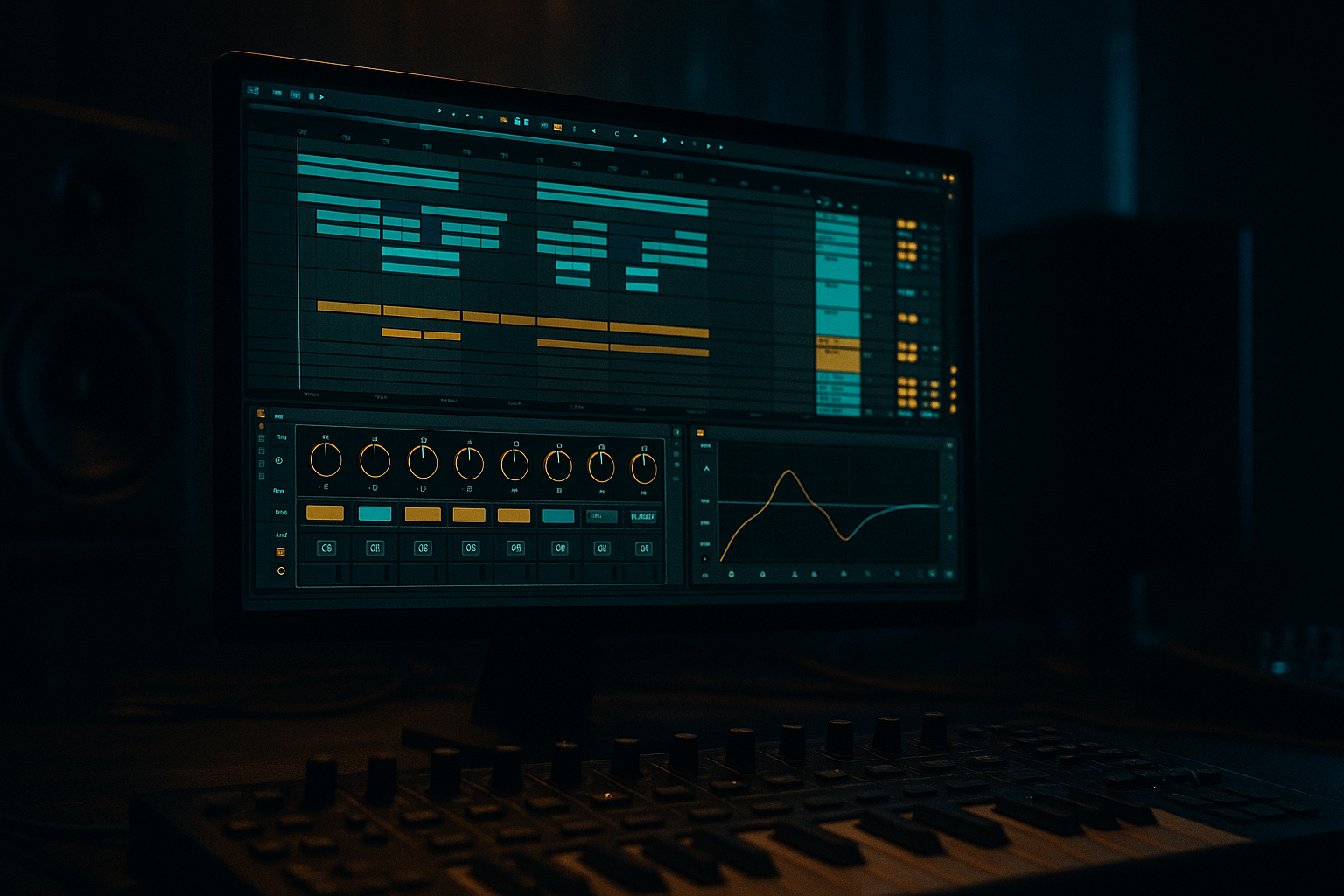
Main tutorial
Swing + Saturate Deep Dive: Heavyweight Sub Impact (Ableton Live 12)
Beginner-friendly edits lesson for jungle / oldskool DnB vibes 🥁🔊
---
1. Lesson overview
In oldskool jungle and rolling DnB, groove + grit is the whole game. This lesson shows you how to:
- Add authentic swing (without making your drums sloppy)
- Use saturation in the right places to make the sub feel heavier and translate on smaller speakers
- Do it using Ableton Live 12 stock devices (so you can recreate it anywhere)
- Classic jungle drum break (or break-chops) with swing
- A sub-bass line that hits hard and stays clean
- A practical device chain for sub impact + controlled grit
- A simple arrangement idea: 8–16 bar “roll-in” edit that feels like proper DnB progression 🎛️
- Timing: 10–25%
- Velocity: 5–20%
- Random: 0–5% (keep low for DnB tightness)
- Base: 1/16
- Quantize: 100% (you can lower later)
- Find your main snare hits
- Nudge them slightly earlier if the groove makes them late
- Use short + medium notes that “talk” with the kick
- Leave tiny spaces where the kick hits
- Hit on 1, a pickup before 2, then a run into 3, and a sustain to 4
- Stage 1: gentle harmonics on the sub (translation)
- Stage 2: “impact layer” in the upper bass only (weight without mud)
- HP filter: Off (don’t high-pass your sub unless necessary)
- Make sure there’s no rumble below ~25–30 Hz if needed:
- Mode: Analog Clip
- Drive: 2–6 dB
- Output: lower to match level (important!)
- Soft Clip: On
- Color: On, set around 1.5–3.5 (taste)
- If it gets boxy: small dip 150–250 Hz (1–2 dB)
- If it gets clicky: dip 700–1.5k slightly (depends on harmonics)
- Ratio: 2:1
- Attack: 15–30 ms
- Release: 60–120 ms
- Aim for 1–3 dB gain reduction on peaks
- Keep it mostly clean (just your Stage 1 saturation)
- HP: 24 dB/oct @ 90–120 Hz
- LP: 12 dB/oct @ 800–1500 Hz
- Mode: Hard Clip or Analog Clip
- Drive: 6–12 dB
- Soft Clip: On
- Keep Output trimmed
- Drive: 5–15%
- Crunch: 0–10% (tiny)
- Boom: 0–10% (be careful—Boom can mess with sub)
- Damp: adjust until it feels tight
- Width: 0% (mono)
- Gain: pull down until it sits behind the clean sub
- Sidechain: On
- Audio From: your Kick (or drum bus with kick)
- Ratio: 4:1
- Attack: 0.5–3 ms
- Release: 60–120 ms
- Threshold: adjust for 2–6 dB gain reduction
- Kick track: Track Delay -3 to -10 ms
- Sub track: Track Delay +0 to +8 ms
- HP: 24 dB/oct @ 80–130 Hz (break-dependent)
- Drive: 5–20%
- Transients: +5 to +20 (more snap)
- Boom: usually 0 for breaks if you already have sub/kick
- Drive: 1–3 dB, Soft Clip ON
- In your sliced MIDI clip, select hat/ghost notes and lower Start Time randomness; keep them slightly behind for roll.
- Add Auto Filter on sub (LP around 120–200 Hz) opening up
- Add 1–2 extra ghost snares or kick pickups (quiet)
- On bar 12, remove kick for 1 beat and let sub slide (classic tease) 😈
- Groove Timing from 15% → 22% for energy lift
- Too much swing on the main snare: makes DnB feel drunk instead of rolling. Keep the backbeat confident.
- Saturating true sub frequencies too hard: it eats headroom and makes the mix collapse.
- Not gain-matching after saturation: louder always sounds “better,” so you’ll overdo it.
- Stereo bass below 120 Hz: causes phase issues and weak club translation. Keep it mono.
- Sidechain too extreme: you’ll hear the bass pumping rather than feeling punch.
- Use minor keys + semitone slides (e.g., F → E → F or Ab → G) for menace.
- Add Roar (Live 12 stock) only on the GRIT LAYER:
- Put Redux very lightly on breaks (oldskool crunch):
- Make “weight” with upper harmonics, not just more sub:
- Reference a classic jungle track at matched loudness and check:
- Swing = groove movement. Apply it mainly to hats/ghosts; protect the main snare. 🥁
- Saturation = harmonic translation + perceived weight. Do it in stages and gain-match. 🔥
- Heavy sub impact comes from:
- These edits create that rolling, oldskool jungle pressure without wrecking your mix. 🔊
We’ll focus on edits: subtle timing shifts, transient handling, and controlled harmonic distortion—especially around sub + kick interaction.
---
2. What you will build
A tight, punchy, oldskool-style loop:
---
3. Step-by-step walkthrough
Step 0 — Set the project up (DnB basics)
1. Set tempo to 165–172 BPM (try 170 BPM).
2. Create 3 tracks:
- Drums (break) (Audio track)
- Kick + snare support (MIDI track with Drum Rack or samples)
- Sub bass (MIDI track)
Tip: Oldskool jungle often feels fast but swings—your goal is momentum, not stiffness.
---
Step 1 — Get a break loop into Live and prepare it
1. Drag a break (Amen, Think, Hot Pants, etc.) onto Drums (break).
2. In Clip View:
- Turn Warp = On
- Mode: Beats
- Preserve: 1/16
- Transients: start around 50–70
3. Right-click the clip → Slice to New MIDI Track
- Slicing preset: Built-in or Transient
- This gives you a Drum Rack with slices you can edit and swing more musically.
Why slice? Swing is often better applied to hits than to a fully warped audio file.
---
Step 2 — Apply swing the “DnB way” (Groove Pool)
#### A) Add a groove
1. Open Groove Pool (hotkey: Shift + Alt + G on Windows / Shift + Option + G on Mac).
2. In the Browser → Grooves
- Try: MPC 16 Swing, SP 1200, or any 16th swing groove
- Drag the groove into Groove Pool
3. Drag that groove onto:
- Your break MIDI clip
- Your kick/snare MIDI clip (if you have one)
#### B) Set groove amounts (good beginner starting point)
In Groove Pool, click your groove and set:
✅ Goal: A rolling “push-pull” feel while keeping snare backbeats solid.
#### C) Keep the snare anchor tight
Oldskool DnB usually has the snare hitting confidently on 2 and 4 (or the classic break accents).
In the MIDI clip:
- Use Track Delay (bottom right of mixer) for micro timing:
- Example: Drums track -5 ms if it feels sluggish
🎯 Rule of thumb: Let hats/percs swing more; keep main snare/kick confident.
---
Step 3 — Build a sub that stays heavy and readable
#### A) Create the sub instrument (stock only)
On Sub bass MIDI track:
1. Add Wavetable
2. Oscillator 1: Sine
3. Voices: 1 (mono)
4. Turn on Mono + Legato
5. Glide/Portamento: 40–90 ms (DnB slide taste)
#### B) Write a classic rolling pattern (simple)
In 1 bar (at 170 BPM), try notes around F, G, Ab (dark vibe) or E, F, G.
Example rhythm idea (not exact notes):
✅ You want motion, not a constant held tone.
---
Step 4 — The “Swing + Saturate” concept for heavier sub
Here’s the key:
Swing creates movement. Saturation makes the sub audible and impactful.
But saturation must be controlled so it doesn’t destroy low-end headroom.
We’ll do two-stage saturation:
---
Step 5 — Sub chain (Ableton stock): clean weight + controlled grit
On the Sub bass track, use this chain:
#### Device chain
1) EQ Eight (pre-clean)
- Enable HP: 24 dB/oct @ 25 Hz (only if your sub has junk energy)
2) Saturator (Stage 1 – subtle)
🎛️ Beginner move: Increase Drive until you clearly hear grit, then back off 20–30%.
3) EQ Eight (post-control)
4) Compressor (optional, gentle)
---
Step 6 — Add an “Impact Layer” for sub presence (without ruining the sub)
Instead of overdriving the sub itself, create a parallel upper-bass layer.
#### Method: Audio Effect Rack (parallel)
1. Select your Sub track devices → Cmd/Ctrl + G to group into an Audio Effect Rack
2. Create 2 chains:
- SUB CLEAN
- GRIT LAYER
SUB CLEAN chain
GRIT LAYER chain
Add:
1) EQ Eight (band-limit it)
- This ensures you’re not distorting true sub frequencies.
2) Saturator (Stage 2 – more aggressive)
3) Drum Buss (yes, on bass—works great)
4) Utility
✅ Blend the GRIT LAYER quietly. You should miss it when it’s off, not instantly hear distortion.
---
Step 7 — Make kick + sub hit like a heavyweight system (sidechain + timing edits)
#### A) Sidechain the sub to the kick (clean punch)
On Sub track, add Compressor:
🎯 In DnB, sidechain is often subtle but essential for headroom and “thump”.
#### B) Micro-timing trick: “Kick slightly early, sub slightly late”
This creates a physical hit.
Do this by ear. The goal is: kick transient punches first, sub body follows.
---
Step 8 — Swing the drums without smearing the low end
If your break has heavy low end, it can fight your kick/sub.
On Drums (break) track:
1) EQ Eight
2) Drum Buss
3) Optional: Saturator very light
Then apply Groove mostly to hats/ghosts:
---
Step 9 — Arrangement idea (quick oldskool edit)
Make an 16-bar loop feel like a tune:
Bars 1–4: Drums + filtered sub
Bars 5–8: Full sub + extra ghost hits
Bars 9–12: Drop a bar / break edit
Bars 13–16: Add a crash + ride pattern, increase swing slightly
---
4. Common mistakes
---
5. Pro tips for darker/heavier DnB
- Try gentle drive + tone shaping, but keep lows protected with EQ.
- Downsample small amount, mix low (or parallel).
- If the bass disappears on small speakers, you need a better grit layer, not more 40 Hz.
- snare level
- sub length
- swing feel (especially hats)
---
6. Mini practice exercise (15–20 minutes) 🧪
1. Load a break, slice to Drum Rack, and program a 2-bar loop.
2. Apply one groove:
- Timing 18%, Velocity 10%, Random 2%
3. Create a sine sub with Wavetable and write a 2-bar rolling pattern.
4. Build the Audio Effect Rack with:
- SUB CLEAN chain (light Saturator)
- GRIT LAYER chain (EQ band-limit + heavier Saturator + Utility mono)
5. Add sidechain from kick to sub and adjust until kick feels like it “owns” the transient.
6. Bounce/export a 16-bar idea and listen on:
- headphones
- phone speaker (check if bass presence remains via harmonics)
---
7. Recap
- clean mono lows
- controlled upper-bass grit (parallel)
- tight kick/sub timing + sidechain
If you tell me what kind of break you’re using (Amen/Think/etc.) and your target vibe (1994 jungle vs 1998 techstep vs modern roller), I can suggest a specific groove choice + exact rack settings to match it.

