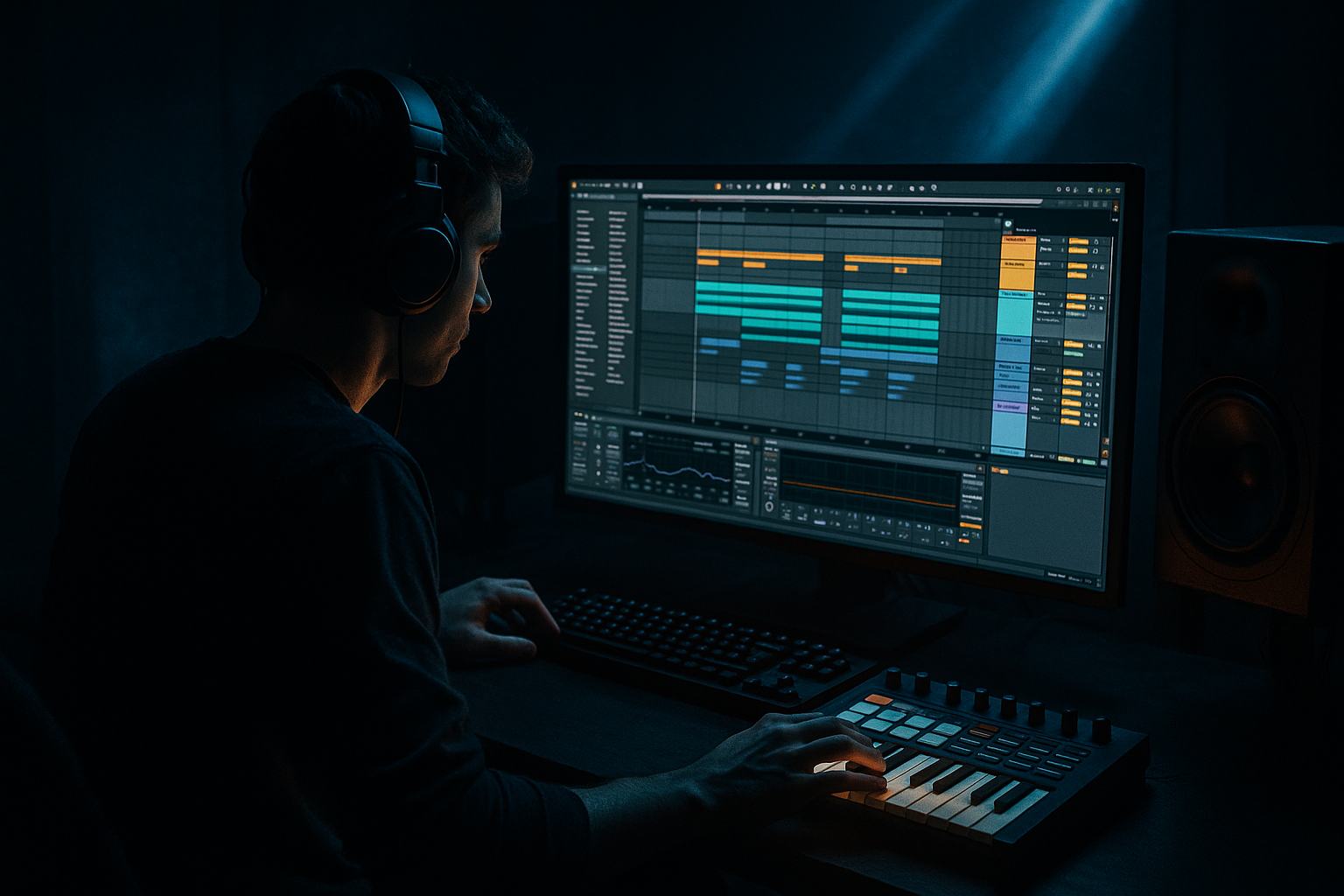
Main tutorial
Think Break Timing & Micro-Edits (DnB in Ableton Live) 🥁⚡
1) Lesson overview
In drum & bass—especially jungle and rolling styles—the feel often comes from classic breaks (Think, Amen, Funky Drummer) that have tiny timing imperfections, ghost notes, and micro-edits that create momentum.
In this lesson you’ll learn how to:
- Extract the groove of a Think-style break
- Tighten it to DnB tempo without killing the swing
- Make micro-edits (1/16–1/64) for fills, stutters, and rolls
- Layer clean kick/snare over the break for modern punch
- Break chopped and re-timed with groove intact
- Punchy layered kick + snare on top
- Micro-edited fill every 4 or 8 bars
- A darker/heavier version using saturation, transient shaping, and resampling
- Select clip → Clip View → Fades (enable in Arrangement)
- Or consolidate after edits.
- EQ Eight
- Drum Buss
- Saturator
- Glue Compressor
- Optional: Limiter just catching peaks (don’t crush it)
- Bars 1–2: Core groove, minimal edits
- Bars 3–4: Add a small 1/32 stutter before beat 4
- Bars 5–6: Drop hats for 1/2 bar (space = tension) 😈
- Bars 7–8: Bigger fill:
- Warping every transient: Makes the break lifeless and phasey. Anchor snares, not every hat.
- Overusing micro-edits: If everything is edited, nothing feels special. Save edits for transitions.
- No fades on audio cuts: Clicks and pops will ruin your mix fast.
- Layering without EQ: Break + snare layer will fight. Use EQ Eight to carve space.
- Too much swing/random: Groove is controlled chaos—not a drunken stumble.
- Parallel smash return:
- Noise/room for grit:
- Transient control:
- Resample to commit:
- Think-style breaks get their magic from imperfect timing + ghost detail.
- Warp lightly: lock the snares, let hats breathe.
- Slice to Drum Rack for fast micro-edits and rearrangement.
- Use micro-edits sparingly: 1/32 stutters, nudged hats, short fills.
- Layer modern kick/snare, then glue with Glue Compressor + Drum Buss for a contemporary DnB hit.
We’ll do it all with Ableton Live stock tools.
---
2) What you will build
You’ll create a rolling 174 BPM drum loop built from a Think-type break:
---
3) Step-by-step walkthrough
Step 0 — Session setup (fast + clean)
1. Set tempo to 174 BPM (classic DnB range: 172–176).
2. Create these tracks:
- Audio Track: `BREAK`
- MIDI Track: `DRUM LAYER` (Drum Rack)
- Return Tracks: `A - SHORT ROOM`, `B - PARALLEL SMASH` (optional but useful)
---
Step 1 — Load a Think-style break and prep it
1. Drag a Think break (or any drum break) into the `BREAK` audio track.
2. In Clip View:
- Turn Warp = ON
- Set Mode = Beats
- Set Preserve = Transients
- Start with Transient Loop = OFF
- Try Envelope = 100, then later tweak
Why Beats mode? It keeps drum transients punchy when you warp to DnB tempo.
3. Right-click the clip → Warp From Here (Straight) at the true downbeat.
4. Find where the break loops nicely (often 1 bar). Set Loop = ON, Loop length = 1 Bar (or 2 bars if it’s a longer phrase).
Quick check: If hats sound “smeared,” reduce Envelope (e.g., 70–90) or try Complex Pro only if the break is very messy (usually avoid for drums).
---
Step 2 — Get the timing right: “tight but alive”
This is where beginner DnB producers often go wrong: either too sloppy or too robotic.
#### Option A: Keep the original groove (recommended first)
1. Leave warp markers minimal. Only place a marker on:
- The bar start
- The main snare hits (usually beat 2 and 4 in a 1-bar loop)
2. If the snare drifts:
- Drag those warp markers so the snares sit correctly on 2 and 4.
- Don’t “grid-correct” every hat—let the hats breathe.
#### Option B: Use Ableton Groove Pool for controlled swing
1. Open Groove Pool (hotkey: Ctrl/ Cmd + Alt + G).
2. Load a groove:
- Try MPC 16 Swing 57–63 for a rolling feel
- Or any “Breakbeat” groove if you have it
3. Drag the groove onto your break clip.
4. Settings to start:
- Timing: 30–60%
- Velocity: 0–20%
- Random: 0–10%
5. Hit Commit only when you’re happy (optional). Keeping it uncommitted allows easy tweaks.
✅ Goal: The snare is dependable, hats are slightly behind/ahead in a musical way.
---
Step 3 — Slice the break into playable pieces (micro-edit friendly)
Now we’ll convert the break into slices so you can rearrange hits quickly.
1. Right-click the break clip → Slice to New MIDI Track…
2. Settings:
- Slice by: Transients
- Create one slice per: Transient
- Slicing preset: Built-in → Drum Rack (default is fine)
You now have a Drum Rack of slices with MIDI triggering the pattern.
Workflow tip: Rename the new track `BREAK SLICES` and keep the original `BREAK` muted as a backup.
---
Step 4 — Build a classic DnB pattern with the break (1–2 bars)
DnB groove typically anchors around snare on 2 and 4.
1. Create a 1-bar MIDI clip on `BREAK SLICES`.
2. Start simple:
- Put the main snare slice on beat 2 and 4
- Add kick-ish slices around beat 1 and the “and” of 3 (3.2 in 16ths)
- Use hat slices to fill 1/16ths but leave occasional gaps
Important: Don’t fill every 16th. Breaks feel good because of holes.
---
Step 5 — Micro-edits: stutters, reverses, and tiny shifts 🧩
Micro-edits are small changes that create energy without changing the whole beat.
#### A) 1/32 stutter before a snare (classic tension)
1. Go to the last 1/8 note before beat 2 (or before beat 4).
2. Add the same snare slice repeated at 1/32 for a quick roll.
- In the MIDI editor, set grid to 1/32 (or 1/64 for spicy edits).
3. Keep it short: 2–4 hits max.
#### B) “Hat drag” with micro timing (push/pull)
1. Pick one hat slice (or a light ghost).
2. Turn Grid OFF (Ctrl/Cmd + 4) briefly.
3. Nudge one hat slightly late (like 5–15 ms).
- In Ableton: select note → Nudge (use keyboard nudge or drag carefully)
✅ Result: the groove leans forward without sounding off-time.
#### C) Micro “cut” edits (audio-style, but clean)
If you prefer audio edits:
1. Duplicate your original `BREAK` audio clip.
2. Use Split at very small intervals:
- Set grid to 1/32
- Use Ctrl/Cmd + E to cut
3. Move a tiny slice earlier/later, or repeat it once.
Pro beginner habit: Always add tiny fades on audio cuts to avoid clicks:
---
Step 6 — Layer modern kick + snare (for that “clean + dirty” DnB blend)
Breaks alone can sound thin. Layering gives you club punch.
1. On `DRUM LAYER`, load a Drum Rack.
2. Choose:
- Kick: short, punchy (50–110 Hz weight)
- Snare: crisp (180–250 Hz body + 2–6 kHz crack)
3. Program a simple layer pattern:
- Kick on 1
- Snare on 2 and 4
- Optional kick on 3+ (the “and” after 3) for drive
#### Suggested stock device chain (DRUM LAYER track)
- Kick: low shelf or bell boost around 60–90 Hz if needed
- Snare: small dip around 300–500 Hz if boxy
- Drive: 5–15
- Boom: 0–20 (tune to key/weight)
- Damp: 5–20
- Soft Clip: ON
- Drive: 2–6 dB
#### Glue the break + layer together
On a Drum Group (group both break and layer):
- Attack: 3 ms
- Release: Auto
- Ratio: 2:1
- Aim for 1–3 dB gain reduction
---
Step 7 — Arrangement ideas: make it feel like real DnB (8–16 bar loop)
DnB drums typically evolve every few bars.
Try this 8-bar plan:
- Snare roll (1/32 → 1/16)
- Quick kick triplet feel (fake it with 1/16 + nudges)
- Crash or ride on bar 8 downbeat
DnB trick: Make fills short—often last 1/4 bar.
---
4) Common mistakes
---
5) Pro tips for darker/heavier DnB 🖤
Return track `B - PARALLEL SMASH`:
- Saturator (Drive 6–12 dB, Soft Clip ON)
- Drum Buss (Drive 10–25)
- Compressor (fast attack, medium release)
Send break + layers lightly (start -18 to -12 dB send).
`A - SHORT ROOM` return:
- Hybrid Reverb (Room, short 0.3–0.7s)
- EQ Eight cutting lows below 200 Hz
Send mainly snares/hats for that warehouse air.
- Use Drum Buss “Transient” knob on the break slices:
Slightly negative for smoother hats, positive for sharper snare snaps.
- Print your break bus to audio (Resampling), then do 2–3 surgical edits.
This is how a lot of dark jungle feels “designed,” not just looped.
---
6) Mini practice exercise (15 minutes) ⏱️
1. Load a break and warp it to 174 BPM (Beats mode).
2. Slice to Drum Rack and make a 2-bar loop.
3. Add exactly two micro-edits:
- One 1/32 stutter before a snare
- One hat note nudged late by ~10 ms
4. Layer a clean snare on 2 and 4.
5. Export a 8-bar drum loop with a fill on bar 8.
Challenge mode: Make bar 8 fill using only break slices—no extra samples.
---
7) Recap
If you want, tell me your Ableton version (Live 10/11/12) and whether you’re using a specific Think break, and I’ll give you a tight 2-bar MIDI pattern template plus a starter Drum Rack chain.

