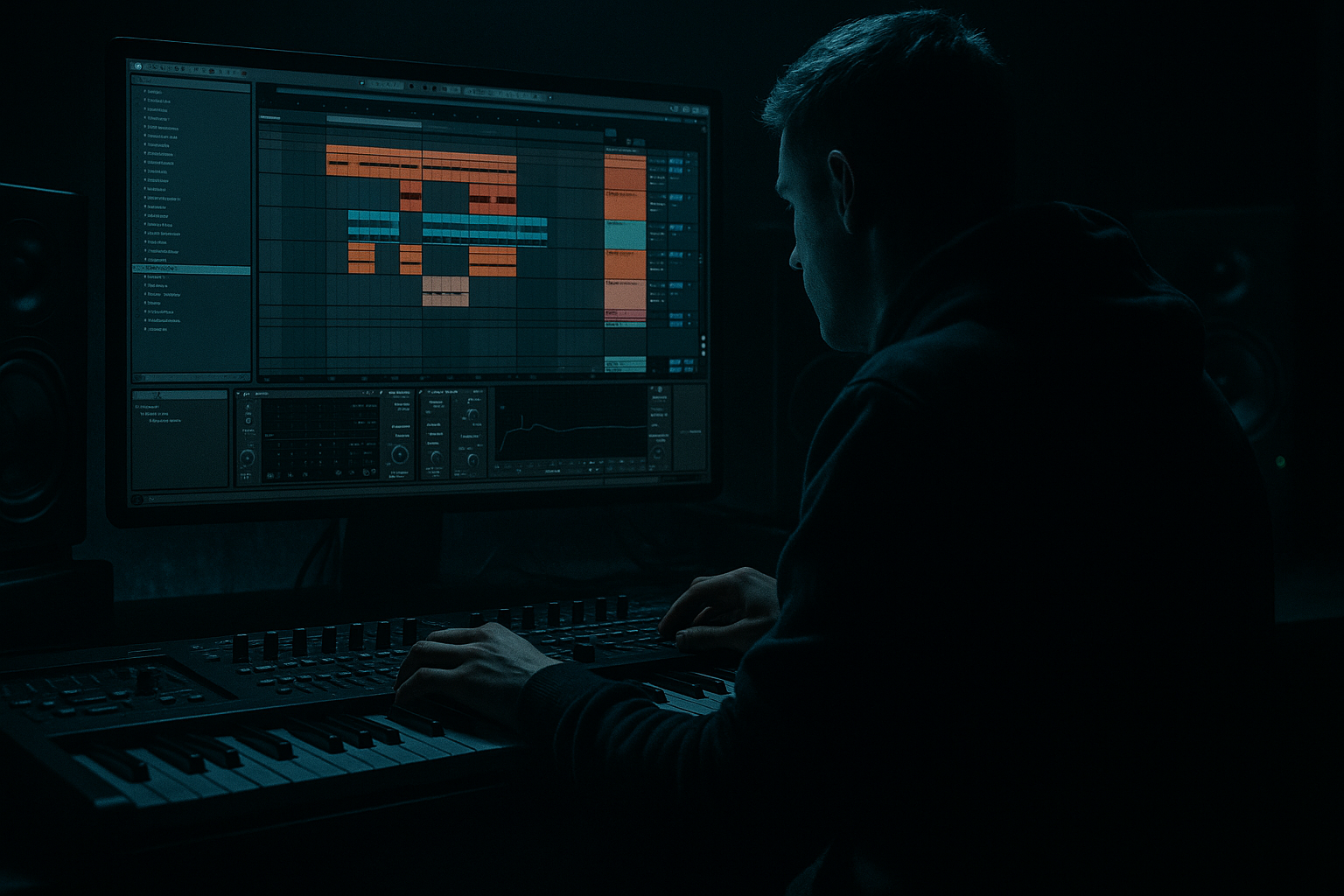
Main tutorial
Think Jungle Ghost Note: Bounce and Arrange in Ableton Live 12
1. Lesson overview
In this lesson, you’ll build a jungle-style ghost-note riser idea inside Ableton Live 12 and use it to create movement, tension, and bounce in a drum & bass arrangement.
We’re not making a generic EDM riser here — we’re making something that feels rooted in jungle / DnB rhythm, using tiny percussive hits, ghost notes, filtered noise, pitch movement, and arrangement pacing.
A “ghost note” in this context is a quiet, almost-hidden rhythmic hit that helps the groove feel alive. In DnB, ghost notes can be used to:
- create rolling momentum
- lead into drops, fills, or transitions
- add jungle-style swing and human feel
- make a riser sound more musical and percussive than just white noise 🌫️
- design a bouncey ghost-note riser
- process it with stock Ableton devices
- arrange it so it works in a DnB track
- make it hit harder without cluttering the mix
- a short percussion or rimshot sample
- ghost-note repetitions
- filter and pitch automation
- reverb and delay tails
- optional noise layer for lift
- arrangement placement leading into a drop or drum switch
- jungle tension
- rolling breakbeat energy
- subtle but effective build
- dark, confident DnB transition
- a drop
- a bass switch
- a drum fill
- an 8-bar phrase change
- 174 BPM for classic liquid / jungle
- 170–172 BPM for a slightly heavier, darker swing
- 176–178 BPM if you want sharper neuro-style energy
- rimshot
- short tom
- closed hat
- tiny snare tap
- conga or woodblock
- a chopped breakbeat fragment
- Drum Rack
- Simpler
- any one-shot from the Live browser
- Mode: Classic
- Trigger: Gate
- Turn Start slightly forward if the transient is too clicky
- Keep the sample short and tight
- Beat 1: main hit
- Early off-beat ghost note
- Another quiet hit before beat 3
- Cluster of smaller hits near the end of the bar
- 1.1.1 = strong hit
- 1.2.3 = ghost note
- 1.3.2 = ghost note
- 1.4.1 = stronger hit
- 1.4.3 = ghost note
- 1.4.4 = ghost note
- main hits: 90–110
- ghost notes: 20–55
- select notes
- lower velocities for ghost notes
- slightly offset some notes by tiny amounts for a more human groove
- apply a Groove Pool swing preset
- use a light amount of shuffle from a breakbeat groove
- manually nudge some ghost notes slightly late
- Swing amount: 54–58%
- keep it subtle, not house-y
- High-pass around 120–200 Hz to remove low-end clutter
- If the sample is harsh, dip a little around 3–6 kHz
- If it needs more presence, gently boost around 1–2.5 kHz
- Filter type: Low-pass
- Start cutoff low enough to sound muffled
- Automate cutoff upward over 1–4 bars
- Add a little resonance for extra bite
- Start cutoff: around 300–800 Hz
- End cutoff: up near 10–18 kHz
- Resonance: 10–25%
- Drive: light if needed
- Let the sound feel hidden at first
- Open it gradually before the drop
- Final half-bar should feel noticeably brighter and more urgent
- Drive: 2–6 dB
- Soft Clip: On
- Output: trim to match gain
- ghost-note details can disappear in busy DnB
- saturation helps the small transients stay audible
- it adds attitude without making the sound huge
- short feedback
- filtered repeats
- low mix
- Time: 1/8 or 1/16
- Feedback: 10–25%
- Dry/Wet: 8–18%
- Filter the repeats so they don’t dominate
- Decay: 1.5–4 seconds
- Pre-delay: 10–25 ms
- Dry/Wet: 5–15%
- High-pass inside Reverb if needed
- keep the reverb darker and shorter
- don’t let it wash over the kick/snare
- automate the wet amount upward slightly before a drop if needed
- Operator or Analog
- or just use a noise sample in Simpler
- white or pink noise
- a short envelope
- Auto Filter sweeping open
- optional Auto Pan for movement
- Auto Filter
- Saturator
- Reverb
- Utility
- Bar 1: sparse ghost notes, filtered dark
- Bar 2: more notes, filter opens, added delay/reverb
- Last 1/2 bar: stronger density, riser peaks
- Drop hits immediately after
- Bar 1: minimal bounce
- Bar 2: slightly more movement
- Bar 3: faster note density and rising filter
- Bar 4: full energy, widest/brightest point, then cut to drop
- before a new breakbeat
- before bass re-entry
- before a snare fill
- before an 8-bar phrase reset
- Auto Filter cutoff
- Reverb dry/wet
- Echo feedback
- Saturator drive
- Utility gain
- optional pitch in Simpler or Sampler
- duplicate the ghost note
- make one hit slightly louder
- add a tiny pitch rise
- cut the sound abruptly right before the drop
- add a reverse reverb swell
- use a snare pickup
- place a short drum fill underneath the riser
- rimshots
- metallic clicks
- chopped break fragments
- tom ticks
- Drum Buss with low Transients and moderate Drive
- Saturator with Soft Clip
- Pedal for dirtier tone if you want character
- HP filter it
- compress lightly if needed
- automate cutoff open before the drop
- one rimshot sample
- Simpler
- EQ Eight
- Auto Filter
- Saturator
- Reverb
- Version A: subtle and rolling
- Version B: heavier and more aggressive
- Use short percussion as the source
- Program quiet ghost notes with velocity contrast
- Add groove and swing for jungle bounce
- Shape the sound with EQ Eight, Auto Filter, Saturator, Echo, and Reverb
- Arrange it over 2 or 4 bars so it leads naturally into a drop
- Keep it rhythmic, controlled, and genre-aware
- a device-by-device Ableton rack recipe
- a MIDI pattern chart
- or a matching bass drop lesson to follow this riser.
By the end, you’ll know how to:
---
2. What you will build
You’ll create a 1-bar to 4-bar riser phrase that uses:
Final vibe
Think:
This will work well before:
---
3. Step-by-step walkthrough
Step 1: Set up your session
Open a new Ableton Live 12 set and set the tempo to a DnB range:
Create these tracks:
1. Drum track for your ghost-note source
2. Noise track for optional riser texture
3. Return track for reverb or delay if you want shared ambience
---
Step 2: Choose your source sound
For a jungle ghost-note riser, the source should be short and punchy.
Good stock or sampled source choices:
#### Best beginner choice
Use a rimshot or short snare tap because it’s easy to hear and process.
If needed, use Ableton’s stock:
Place the sample into Simpler:
---
Step 3: Build the ghost-note rhythm
Now make the rhythm feel like jungle.
In a 1-bar MIDI clip, place notes on a pattern like this:
A simple starting rhythm:
Velocity idea
Use velocity to create bounce:
The point is contrast.
If everything is equally loud, it stops being a ghost note and becomes clutter.
#### Quick tip
In Ableton’s MIDI editor:
Keep the timing mostly tight, but don’t make it robotic.
---
Step 4: Add groove with swing
DnB and jungle thrive on rhythmic push and pull.
Try one of these:
Good starting point:
If your riser is too stiff, add groove.
If it starts sounding sloppy, reduce it.
---
Step 5: Process the source for a riser feel
Now we’ll turn the ghost notes into a real transition tool.
Insert these stock devices on the track, in this order:
#### Suggested device chain
1. EQ Eight
2. Auto Filter
3. Saturator
4. Echo or Delay
5. Reverb
6. Utility
---
Step 6: Shape the tone with EQ Eight
Open EQ Eight and clean up the source.
Suggested starting moves:
For risers, you generally want the sound to live in the midrange and upper mids, not fight the kick and sub.
---
Step 7: Use Auto Filter for the rise
This is where the riser starts to “breathe.”
Add Auto Filter:
#### Suggested settings
Automation idea:
This is a classic way to make a jungle ghost-note phrase turn into a riser. 🔥
---
Step 8: Add subtle saturation
Add Saturator to help the ghost notes cut through.
Suggested settings:
Why this matters:
If the sound becomes too crunchy, reduce drive and compensate with EQ or filter automation.
---
Step 9: Add delay for motion
Use Echo or Delay very carefully.
For jungle-style movement:
Suggested Echo settings:
This gives the riser a tail that feels like it’s tumbling forward, which is great in rolling DnB.
---
Step 10: Add reverb for space
Use Reverb to create lift, but keep it controlled.
Suggested starting point:
For darker DnB:
---
Step 11: Add a noise layer if you want more lift
A noise layer can help the riser feel bigger without losing the ghost-note character.
#### How to do it
Create a new MIDI track with:
Use:
Suggested chain:
Keep this layer low in the mix.
Its job is to support the ghost notes, not replace them.
---
Step 12: Arrange it like a real DnB transition
Now place the idea in your arrangement.
A good beginner arrangement shape:
#### 2-bar version
#### 4-bar version
DnB arrangement tip
Use the riser to guide the listener into the drum change:
The best risers in DnB feel like part of the rhythm section, not just extra FX.
---
Step 13: Automate for impact
Automation is what turns a loop into an arrangement tool.
Good automation targets:
#### Practical approach
Start with only 2–3 automations:
1. cutoff opens
2. reverb increases slightly
3. final hit gets louder or brighter
That’s enough for a beginner to get a convincing result.
---
Step 14: Add a final accent before the drop
This is very DnB.
On the last beat before the drop:
You can also:
The goal is to create a final moment of tension before everything slams back in.
---
4. Common mistakes
1. Making the riser too loud
Ghost notes should support the groove, not dominate it.
If the riser is as loud as the snare or lead, it loses the “ghost” effect.
2. Using too much reverb
Too much reverb will blur the rhythm and make the buildup muddy.
Keep the movement defined.
3. Ignoring the low end
Even short percussion can cause clutter.
Always high-pass ghost-note risers so they don’t interfere with kick and sub.
4. Making every note the same velocity
This kills bounce.
Use strong hits and quiet hits to create shape.
5. Over-automating everything
If you automate filter, reverb, delay, pitch, and gain all at once, the idea can feel messy.
Start simple.
6. Forgetting the groove
A riser in DnB should still feel like it belongs to the drum pattern.
If it sounds like a generic trance sweep, it won’t fit the genre.
---
5. Pro tips for darker/heavier DnB
Tip 1: Keep the riser percussive
For heavier DnB, use:
This keeps the transition aggressive and rhythmic.
Tip 2: Distort the ghost notes lightly
Try Saturator, Drum Buss, or Pedal for extra grit.
Useful device ideas:
Tip 3: Layer a filtered break slice
Take a tiny slice from a jungle break and loop it under the ghost notes.
Then:
This makes the riser feel more authentic to jungle heritage.
Tip 4: Use short reverb, not huge wash
Dark DnB usually benefits from controlled depth rather than giant space.
Think “tunnel energy,” not “stadium splash.”
Tip 5: Make the last hit feel unstable
A slight pitch rise or a tiny timing push on the last hit can make the transition feel more urgent and dangerous. 😈
---
6. Mini practice exercise
Try this quick exercise in Ableton Live 12:
Exercise
Create a 2-bar ghost-note riser using only:
Instructions
1. Program a 2-bar MIDI clip with 6–10 notes total
2. Make half the notes ghost notes with low velocity
3. Automate the filter cutoff from dark to bright
4. Add a touch of saturation
5. Add a small amount of reverb
6. Bounce the clip to audio and listen in context with drums and bass
Challenge
Make two versions:
Compare which one fits a DnB drop better.
---
7. Recap
You’ve now built a jungle ghost-note riser in Ableton Live 12 that feels useful in real drum & bass arrangements.
Key takeaways
Final thought
The best DnB risers often feel less like “FX” and more like part of the drum pattern evolving. That’s the secret to making your transitions sound musical, heavy, and believable. 🥁
If you want, I can also turn this into:

