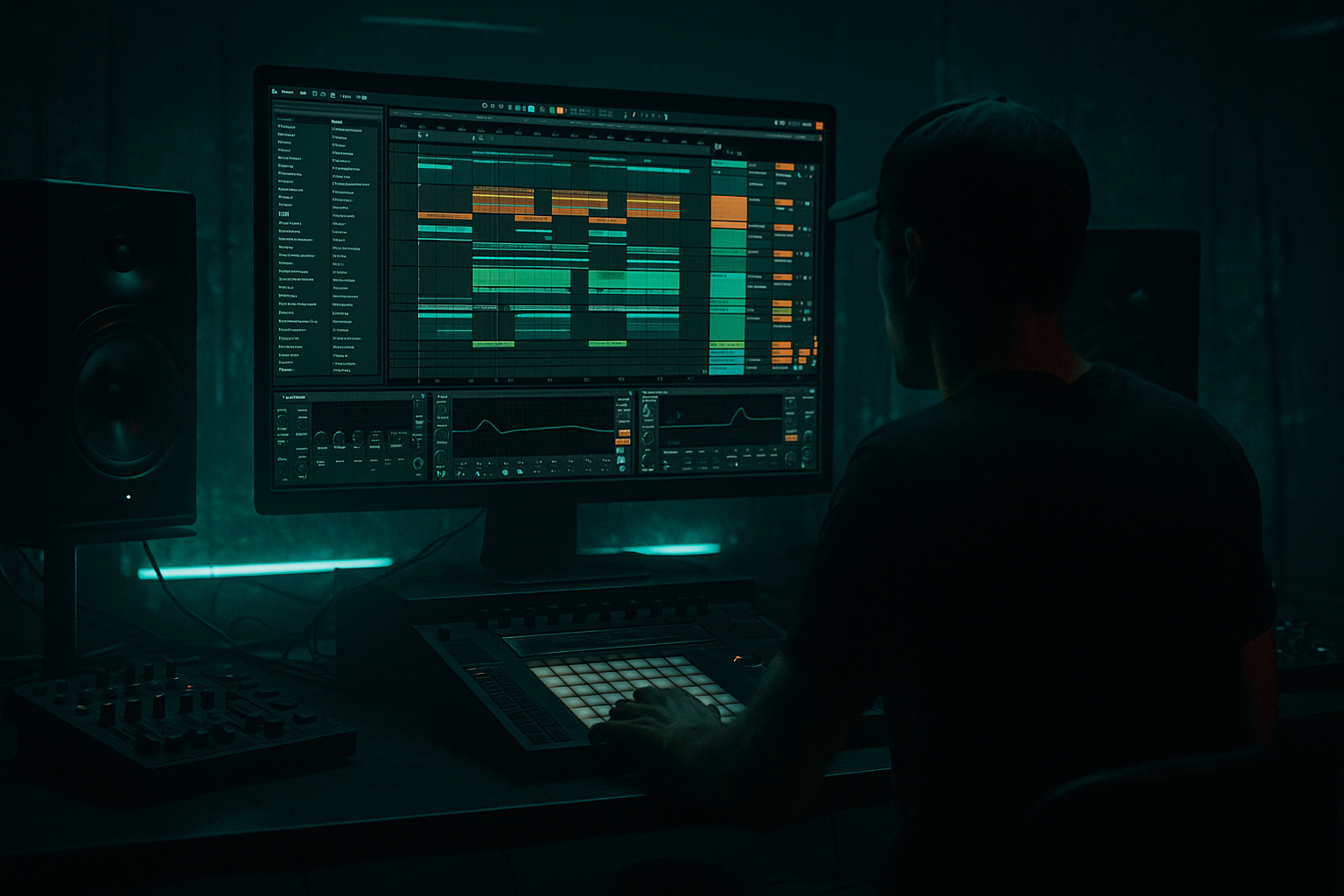
Main tutorial
```markdown
Tighten an Amen‑style pad with modern punch + vintage soul (Ableton Live 12) 🥁🔥
Skill level: Beginner
Category: Edits (Drum & Bass / Jungle)
---
1) Lesson overview
In drum & bass, an “Amen-style pad” is that classic busy break loop (often Amen-inspired) that’s been looped, layered, and glued into a rolling foundation. The goal is a loop that feels tight and modern (punchy, consistent, controlled) while keeping the vintage soul (swing, grit, air, imperfect groove).
In this lesson you’ll:
- Warp and stabilize a break so it locks to your grid without killing the vibe
- Add punch and clarity with stock Ableton devices
- Preserve the old-school feel using micro-timing, saturation, and parallel processing
- Build an Amen-style pad loop that rolls in a modern DnB mix
- A 4-bar Amen-style pad (170–175 BPM) that loops cleanly
- A two-layer drum setup:
- A practical device chain that gives:
- Start with Beats mode
- Keep the snare hits consistent
- Let the ghost notes be messy (that’s the soul)
- EQ Eight: high-pass around 30 Hz, tame harsh highs if needed
- Compressor: just to keep it stable (1–2 dB GR)
- Keep it cleaner than the break
- Nudge certain regions using warp markers, but keep some “late hats” intact.
- Bars 1–8 (Intro):
- Bars 9–16 (Build):
- Bars 17–32 (Drop):
- Over-warping every transient: kills swing and makes the break feel plastic.
- Too much Drum Buss Boom: clashes with your sub/bassline and muddies the low end.
- Reverb on the whole break directly: makes snares wash out—use a return and filter the reverb.
- No punch layer: the break alone often won’t hit hard enough in modern DnB.
- Over-saturation: cool for vibe, but easy to turn hats into harsh fizz.
- Make the break darker without losing punch:
- Add controlled menace with distortion in parallel:
- Mono the lows, keep highs wide:
- Cut a pocket for the snare crack:
- Snare feels steady and hits every time ✅
- Ghost notes move and shuffle without sounding random ✅
- The loop feels energetic even with no bassline ✅
- Warp lightly: tighten the grid, preserve the soul
- Slice to Drum Rack for quick Amen-style edits and variations ✂️
- Modern punch = Drum Buss transients + light glue compression
- Vintage vibe = saturation + filtered parallel reverb + micro-groove
- Arrange in 4/8/16-bar phrases so it behaves like real DnB music 🎛️
---
2) What you will build
By the end you’ll have:
- Break Pad Layer (character + movement)
- Punch Layer (clean kick/snare reinforcement)
- Modern punch (transient shape, controlled low end)
- Vintage soul (texture, subtle warble, groove)
---
3) Step-by-step walkthrough
Step 0 — Session setup (DnB defaults)
1. Set tempo to 172 BPM (good middle ground for rollers).
2. Create two audio tracks:
- Track 1: `BREAK PAD`
- Track 2: `PUNCH LAYER`
3. Optional but recommended: create a Drum Bus group later (glue + final tone).
---
Step 1 — Choose a break and prep it
1. Drop your Amen-ish loop onto BREAK PAD (a full break, 1–4 bars).
2. Double-click the clip to open Clip View.
3. Turn Warp ON.
Warp mode choice (beginner-safe):
- Preserve transients while keeping timing tight.
- Set:
- Preserve: `Transients`
- Transient Loop Mode: `Forward`
- Envelope: `~70–90` (higher = tighter/shorter tails)
✅ This keeps the “crack” while stopping the break from smearing.
---
Step 2 — Get the loop perfectly cycling (tight but not sterile)
1. In Clip View, enable Loop.
2. Set loop to 4 bars (classic for DnB phrasing).
3. Find the true downbeat:
- Zoom in to the first kick transient.
- Right-click near it → Set 1.1.1 Here.
4. Use Warp Markers sparingly:
- Add a marker at the start of bar 1.
- Add one around bar 3 if drift happens.
- Avoid placing markers on every hit (that’s how breaks get robotic).
Micro-tightening tip:
If the break feels late/early overall, nudge the clip start by a few milliseconds rather than over-warping.
---
Step 3 — Slice the break into an “Amen pad” workflow (easy edit power) ✂️
This is where you get that classic chopped feel while staying beginner-friendly.
Option A (recommended): Slice to Drum Rack
1. Right-click the audio clip → Slice to New MIDI Track.
2. Slicing preset:
- Slice by: `Transients`
- Preset: `Built-in` (default is fine)
3. You now have a Drum Rack with each hit mapped to pads.
Why this helps:
You can now reprogram the rhythm, fix messy timing, and create variations without fighting Warp Markers.
---
Step 4 — Program a tight rolling 2-step-ish backbone (but keep Amen movement)
1. Create a 1–2 bar MIDI clip on the sliced drum rack track.
2. Lay a simple DnB backbone:
- Kick-ish slices roughly on 1 and (sometimes) the “&” of 2
- Snare-ish slices on 2 and 4
3. Add extra Amen slices (ghost notes):
- Little hat/shuffle hits between snares
- Short “drag” before snare occasionally (classic jungle energy)
Beginner groove rule:
---
Step 5 — Tighten transients + body on the BREAK PAD (modern punch)
On the break pad track (or the sliced rack’s return/group), add this chain:
#### Device chain (stock-only)
1. EQ Eight
- HP filter: 24 dB/oct at ~30–40 Hz (removes sub-rumble)
- Gentle cut if boxy: -2 to -4 dB around 200–350 Hz
- Add bite if needed: +1 to +3 dB around 3–6 kHz (watch harshness)
2. Drum Buss 🥊
- Drive: 5–15% (taste)
- Crunch: 0–10% (keep it subtle for “vintage”)
- Boom: 0–10%
- If you use Boom, set Frequency around 50–80 Hz (but don’t fight the bassline)
- Transients: +5 to +20 (adds punch)
- Damp: adjust if it gets too bright
3. Glue Compressor
- Attack: 3 ms (lets transients through)
- Release: Auto or 0.1–0.3 s
- Ratio: 2:1
- Aim for 1–3 dB gain reduction on peaks
- Makeup Gain: match level, don’t just make it louder
4. Saturator (vintage soul)
- Mode: `Analog Clip` (great for breaks)
- Drive: 2–6 dB
- Soft Clip: On
- Output: reduce to match volume
🎯 Goal: the break should feel forward and controlled, but still “hairy” and alive.
---
Step 6 — Add a clean punch layer (kick/snare reinforcement)
The break pad is character. The punch layer is consistency.
1. On `PUNCH LAYER`, load a Drum Rack.
2. Choose:
- A tight DnB kick (short, punchy)
- A snare with a strong fundamental around 180–220 Hz + crack around 4–7 kHz
3. Program a basic DnB pattern:
- Kick on 1
- Snare on 2 and 4
- Optional extra kick before second snare for rolling energy
Process PUNCH LAYER lightly:
✅ Now your break can be gritty and dynamic, while your drop stays punchy.
---
Step 7 — Blend and “pad-ify” the break (movement + glue) 🌫️
To make it feel like a pad (continuous energy), use subtle ambience in parallel.
Create a Return Track: `BREAK AIR`
1. On the return, add:
- Hybrid Reverb
- Algorithmic, small/medium room
- Decay: 0.4–1.2 s
- Pre-delay: 10–25 ms
- High-pass inside reverb (or EQ after): ~200–400 Hz
- EQ Eight after reverb:
- High-pass 250–500 Hz
- Optional dip at 3–6 kHz if splashy
2. Send `BREAK PAD` to `BREAK AIR` at -18 to -10 dB (subtle).
This gives that classic “washed loop energy” without drowning the punch.
---
Step 8 — Keep vintage groove with timing (without losing tightness) 🕺
You want grid-locked big hits, human micro-feel in the small stuff.
If using sliced MIDI:
1. Select only ghost notes (small hat/slices).
2. Use Groove Pool:
- Try an MPC-style groove (or any swing groove)
- Start with Groove Amount 10–25%
3. Leave snares mostly straight.
If using audio loop (no slicing):
---
Step 9 — Arrange like real DnB (so it rolls in a track)
Build a quick 32-bar sketch:
- Filtered break pad (EQ Eight low-pass around 8–12 kHz)
- Light reverb send
- Gradually open highs
- Add small fills every 4 bars
- Full break pad + punch layer
- Add 1–2 variations (swap a slice, add a snare drag, add a quick stop)
Classic jungle/DnB trick: mute the break for 1/2 beat before bar 17 for impact.
---
4) Common mistakes
---
5) Pro tips for darker/heavier DnB 🖤
- EQ Eight: gentle high shelf down -1 to -3 dB above 10 kHz
- Keep transient punch via Drum Buss Transients instead of boosting highs
- Create a return `BREAK GRIT`:
- Saturator (Analog Clip, Drive 6–12 dB)
- EQ Eight (band-limit: HP 200 Hz, LP 6–8 kHz)
- Blend quietly under the main break
- Use Utility on the break group:
- Bass Mono: set width low via mid/side EQ (or simply avoid wide low end)
- If the break masks your snare: dip 2–4 dB around 4–6 kHz on the break only
---
6) Mini practice exercise (15 minutes) ⏱️
1. Pick one break and set to 172 BPM.
2. Slice to Drum Rack and program:
- 2 bars, with consistent snare on 2/4
- Add at least 6 ghost notes per bar
3. Add the chain:
- EQ Eight → Drum Buss → Glue Compressor → Saturator
4. Create one return reverb (`BREAK AIR`) and send subtly.
5. Export a 16-bar loop:
- 8 bars “intro filtered”
- 8 bars “drop full”
Success criteria:
---
7) Recap
If you want, tell me your break tempo/source and whether you’re going for liquid rollers or dark jungle, and I’ll suggest a specific groove approach + device settings to match.
```

