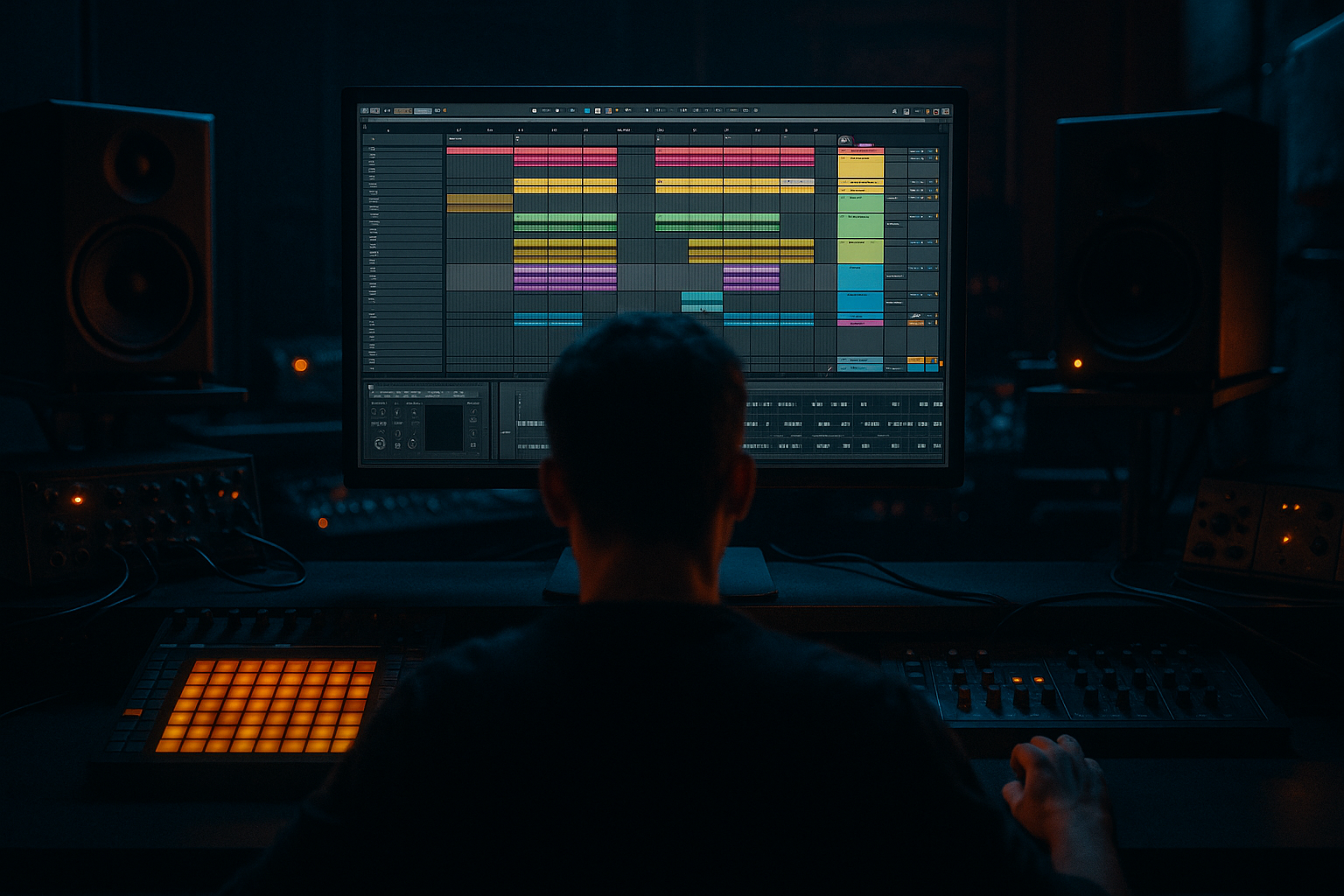
Main tutorial
```markdown
Tighten Oldskool DnB SubSine for Ragga-Infused Chaos in Ableton Live 12 🔊🔥
Skill level: Beginner
Category: Basslines
---
1. Lesson overview ✅
In oldskool jungle/DnB (especially ragga-infused, chaotic rollers), the sub is usually simple—but it has to be tight, consistent, and loud without flapping.
In this lesson you’ll learn how to build a clean subsine in Ableton Live 12 that:
- Hits hard and steady under busy breaks
- Stays in tune and doesn’t “wobble” unpredictably
- Cuts through the mix even when the arrangement gets messy
- Works with classic ragga patterns: long notes + quick dips + call/response
- Voices: 1 (mono behavior)
- Glide/Portamento: Off (for now)
- Drive: 2 to 6 dB
- Soft Clip: ON ✅
- Output: reduce so you’re not louder just because of drive (match level)
- Curve Type: “Analog Clip” or default is fine
- Ratio: 2:1
- Attack: 15–30 ms (lets initial hit through)
- Release: 80–150 ms (musical bounce)
- Gain Reduction: aim for 1–3 dB on peaks
- Beat 1: Long note (root)
- Beat 2 “and”: Quick dip (5th or octave)
- Beat 3: Silence (let drums breathe)
- Beat 4: Short stab (root again)
- G1 (long) → D1 (short) → rest → G1 (short)
- Amp Envelope
- Amp Env:
- Don’t make notes too tiny unless your release is short.
- For “stabs”, keep note length ~1/16 to 1/8 with short release.
- Keep SUB clean and consistent
- Let MID be nasty and rhythmic
- Intro (16 bars): breaks + atmos, sub minimal (maybe only on drops)
- Drop (32 bars): full sub pattern + occasional mid stabs
- Variation (16 bars): remove sub for 2 bars → vocal/FX chaos → slam back in
- Second drop: same bass but change rhythm (swap 1 note, add 1 rest)
- Tune your kick + sub relationship: If your kick has a strong fundamental at ~50–60 Hz, choose sub notes that don’t constantly clash.
- Use subtle saturation, not fuzz: Saturator + Soft Clip is your friend. Keep it controlled.
- Try “negative space” basslines: Leave holes so the break transients dominate. Dark rollers often feel heavy because the sub isn’t constant.
- Automate the sidechain release: Short release for tight sections; slightly longer for more pump on drops.
- Add sub “drops” (pitch dips) carefully: A quick dip down a semitone (or to the 5th) can feel ragga/oldskool—just keep it musically intentional.
- Does the kick read clearly?
- Does the sub feel steady and deep without drowning the break?
- Oldskool DnB subs are simple sine basslines, but they must be controlled.
- Use a clean chain: Utility (mono) → EQ → Saturator (light) → Compression → Sidechain.
- Tightness comes from envelopes, note lengths, and sidechain timing, not fancy synth tricks.
- For ragga chaos, keep the sub steady and add aggression with a mid layer (HP filtered).
We’ll do this using stock Ableton devices and a practical DnB workflow.
---
2. What you will build 🧱
You’ll build a two-track bass system (classic DnB approach):
1. SUB track (mono, pure sine, super controlled)
2. MID/CHARACTER track (optional, adds grit/edge while the sub stays clean)
Even if you only use the SUB track today, you’ll be set up like a proper DnB session.
---
3. Step-by-step walkthrough 🛠️
Step 0 — Session prep (DnB basics)
1. Set tempo to 170–175 BPM (try 174 BPM).
2. Drop in a breakbeat loop (Amen, Think, etc.) so you can hear how the sub behaves under chaos.
3. Add a simple drum group if you want: kick + snare + break.
Goal: build the sub while the drums play—DnB subs are about relationship with the drums.
---
Step 1 — Create the SUB instrument (stock Ableton)
1. Create MIDI Track → Instrument: Wavetable (or Operator if you prefer).
2. Make the oscillator a Sine:
- Wavetable: Osc 1 → Basic Shapes → choose Sine (position at sine)
- Operator: Osc A → Sine, turn off other oscillators
Recommended settings (beginner-safe):
Why: Oldskool subs are typically straight sine fundamentals—the groove comes from notes and rhythm, not fancy movement.
---
Step 2 — Lock it to mono + control low-end range
On the SUB track, add this device chain:
1. Utility
- ✅ Bass Mono: ON (Live 12 Utility has Bass Mono)
- Bass Mono Freq: 120 Hz
- Width: 0% (or keep at 100% but Bass Mono handles lows—beginner-safe: set Width 0%)
2. EQ Eight
- HP filter OFF (don’t high-pass your sub unless you know why)
- Add a gentle low-pass if needed:
- Filter 1: Low-pass, around 180–250 Hz, slope 12 dB
- Optional: tiny dip if it’s booming:
- Bell around 60–80 Hz: -1 to -3 dB (only if needed)
Why: Ragga jungle mixes can get dense—mono sub keeps the foundation stable in clubs.
---
Step 3 — Shape the sub’s punch (the “tight” part)
Add Saturator (stock) after EQ Eight:
Saturator settings (starter):
Why: A pure sine can disappear on smaller speakers. Gentle saturation adds harmonics so the sub is audible without turning it into a noisy bass.
Then add Compressor (or Glue Compressor) lightly:
Compressor (clean control):
Important: We’re not “slamming” the sub—just evening it so it behaves under hectic drums.
---
Step 4 — Sidechain the sub to the kick (DnB classic) 🎛️
If your kick is strong, sidechain is your best friend for tightness.
1. On the SUB track, add Compressor at the end of chain.
2. Enable Sidechain:
- Audio From: Kick track (or Drum Group kick chain)
3. Set:
- Ratio: 4:1
- Attack: 0.5–3 ms
- Release: 60–120 ms (tune it to groove)
- Adjust Threshold until you get 2–6 dB ducking
DnB tip: If your break has a kick inside it, you can sidechain from a ghost kick MIDI track for consistent pumping.
---
Step 5 — Write a proper oldskool ragga-friendly subline 🎶
Create a 1-bar loop first, then expand.
Key choice: Start in F# minor or G minor (common DnB territory).
Note range: Keep sub mostly between E1–A1 (around 41–55 Hz fundamentals). Avoid going too low unless you know your monitoring is accurate.
Pattern idea (1 bar @ 174 BPM, 4/4):
Example in G minor (notes):
Why it works: Ragga chaos = lots of vocal chops + breaks. This bass pattern gives the mix space while still rolling.
---
Step 6 — Make it tight with MIDI length + fades (no clicks!)
Clicks happen when notes start/stop at non-zero waveform points.
Fix it in the instrument envelope:
In Wavetable:
- Attack: 0.5–3 ms
- Release: 40–120 ms (don’t hard-cut)
In Operator:
- Attack 1–3 ms
- Release 60–150 ms
Then fix MIDI notes:
---
Step 7 (Optional but powerful) — Add a mid layer for “ragga bite” 🐍
Create a second MIDI track: MID BASS.
MID BASS chain (stock):
1. Wavetable (or Operator)
- Use a saw/square blend (not sine)
2. EQ Eight
- High-pass at 120–180 Hz (important!)
3. Saturator
- Drive 6–12 dB, Soft Clip ON
4. Auto Filter
- Low-pass around 1–3 kHz
- Add slight envelope movement if you want subtle “yap”
Then group SUB + MID into a Bass Group:
Arrangement move: Bring the MID in for fills, drops, and call/response with ragga vocal chops.
---
Step 8 — Arrangement ideas for rolling jungle energy 🧨
Try a classic structure:
DnB trick: Mute the sub for 1 bar before the drop to make the return feel huge.
---
4. Common mistakes 🚫
1. Stereo sub → weak in clubs, phase issues.
2. Too much distortion on the sub → turns into a foggy mess and fights the kick.
3. No sidechain → kick and sub collide; groove feels “late” and overloaded.
4. Notes too low (below ~E1) → you won’t hear it properly; headroom disappears.
5. Clicking notes → envelope release too short / MIDI too choppy.
6. Overwriting → busy bass rhythm + busy breaks + ragga vox = chaos with no punch.
---
5. Pro tips for darker/heavier DnB 🖤
---
6. Mini practice exercise 🧪
Goal: Build a 16-bar loop that survives chaos.
1. Load a break loop (Amen/Think).
2. Build the SUB chain: Utility → EQ Eight → Saturator → Compressor (sidechained).
3. Write two 1-bar sub patterns:
- Pattern A: long root + short 5th
- Pattern B: more rests, one extra stab
4. Arrange:
- Bars 1–8: Pattern A
- Bars 9–16: Pattern B
5. Add one “impact moment”:
- Mute sub for 1 bar before bar 9, then slam back in.
Check yourself:
---
7. Recap 🎯
If you want, tell me your tempo + key + what break you’re using, and I’ll suggest a few subline patterns that fit classic ragga/jungle phrasing.
```

