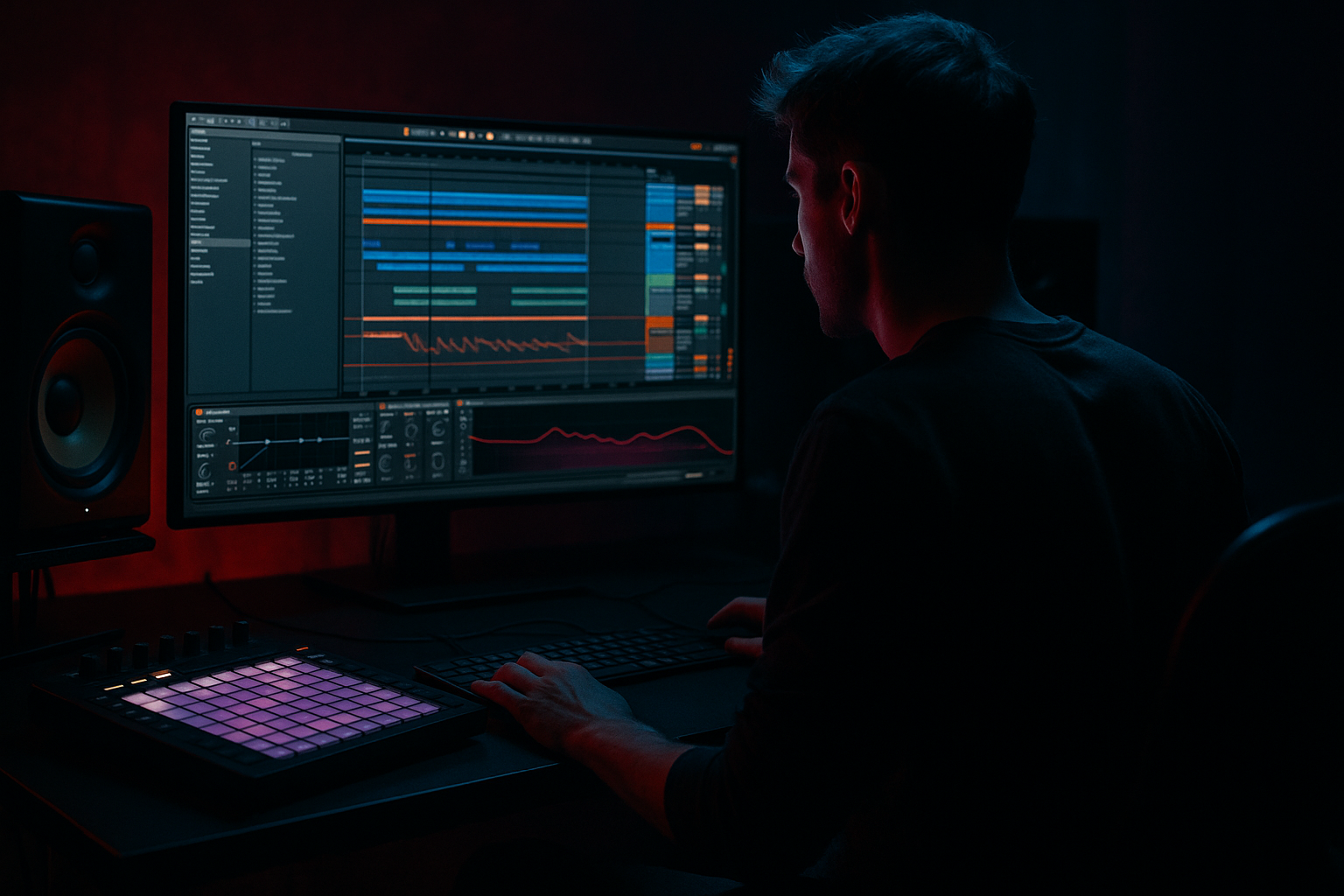
Main tutorial
Transform an Amen-style Chop for Warm Tape-Style Grit in Ableton Live 12
1. Lesson overview
In this lesson, you’ll take an Amen-style drum chop and turn it into a warm, gritty, tape-worn loop that feels right at home in drum and bass, jungle, and rolling bass music. The goal is not to “destroy” the break completely — it’s to keep the movement, swing, and transient energy while adding analog-style saturation, subtle instability, and musical dirt 🎛️
We’ll work entirely in Ableton Live 12, using stock devices and practical editing moves that fit a real DnB workflow.
This technique is especially useful when you want your break to sit behind a heavy bassline, sound more lived-in, and avoid the overly clean, modern loop sound.
---
2. What you will build
By the end of this lesson, you’ll have:
- A looped Amen chop with tighter timing and better bounce
- Warm tape-style coloration using stock Ableton devices
- A slightly degraded top end without killing the snap
- A break that feels like it came off a dubplate, cassette, or old sampler
- A version that works in both:
- Simpler or Sampler
- EQ Eight
- Drum Buss
- Saturator
- Redux or Dynamic Tube
- Auto Filter
- Compressor
- Utility
- optional Hybrid Reverb or Echo for space
- Simpler in Slice mode, or
- directly onto an audio track if you prefer manual editing
- a solid kick/snare relationship
- some ghost notes or off-grid hats
- enough dynamic variation to react well to saturation
- Drop the sample into an audio track
- Right-click and choose Slice to New MIDI Track if you want MIDI control
- Use Warp if needed, but don’t over-stretch it at this stage
- Set the project tempo around 170–174 BPM
- Aim for a 1-bar or 2-bar loop
- Keep the break’s natural groove intact before processing
- High-pass at 25–35 Hz to remove sub rumble
- Small dip around 250–400 Hz if the break sounds boxy
- Gentle shelf or cut above 10–12 kHz if the break is too crisp
- Set Width to around 90–100% if the break is too wide
- Use Gain to keep headroom before saturation
- Drive: `+2 to +6 dB`
- Soft Clip: ON
- Output: trim to match level
- Curve: try Analog Clip or default, depending on how aggressive you want it
- keep Drive lower
- use softer saturation
- avoid pushing the output too hot
- raise Drive slightly
- pair it with a later filter or EQ to tame harshness
- Drive: `5–15%`
- Boom: very subtle, or off if the kick already dominates
- Decay: `small-to-medium` for tighter rolls
- Crunch: `5–20%` depending on how gritty you want it
- Transient: slightly positive if the snare needs more crack
- Damp: lower it if you want a darker, older texture
- Use small Drive
- Keep Boom minimal unless the break is too thin
- Focus on Crunch and Transient to preserve that classic punch
- Mode: Low-pass
- Cutoff: around `12–16 kHz`
- Resonance: very low, around `0.7–1.2`
- Drive: a touch if needed
- Envelope: usually off for this specific effect
- automate cutoff slightly over 8 or 16 bars
- use a slow LFO-like motion with automation rather than obvious wobble
- Downsample: very light, around `1.5x–2.5x`
- Bit Reduction: small amount only
- Dry/Wet: `10–25%`
- lo-fi texture
- grain on the hats
- slightly crunchy top end
- Drive: moderate
- Circuit: try different modes to find the smoothest coloration
- Bias: nudge carefully for more harmonic thickness
- Keep the output managed
- Ratio: `2:1` to `4:1`
- Attack: `10–30 ms`
- Release: `50–120 ms` or Auto
- Aim for just `2–4 dB` of gain reduction
- use a slightly faster release
- let the snare pull the loop forward
- remove any harshness around `3–6 kHz` if the hats sting
- roll off a little top end if needed
- control any mud around `200–300 Hz`
- keep the snare present
- keep the kick punchy
- tame brittle cymbal content
- leave space for the sub and bassline
- light swing
- MPC-style timing
- or extracted groove from another break
- Timing: low to medium
- Velocity: moderate if the hits feel too even
- Random: only if it supports the vibe
- slightly push or pull ghost notes
- keep snares solid
- let off-beats breathe
- avoid over-quantizing
- You can edit the waveform directly
- You can create custom fills
- You can automate mutes, reverses, and stutters more easily
- It helps with CPU when stacking multiple gritty layers
- EQ Eight
- Saturator
- Overdrive or Amp
- Auto Filter
- maybe Redux
- keep the parallel layer low in the mix
- emphasize mids and crack
- roll off sub and excessive top end
- increase saturation into drops
- automate more filtering in breakdowns
- add a touch more Redux or Drive on fills
- subtle Drive
- tiny Crunch
- careful Transient control
- Echo on snare hits
- short filtered delay on fill shots
- Hybrid Reverb very quietly for atmosphere
- EQ Eight
- light compression
- no distortion
- EQ Eight
- Saturator
- Drum Buss
- Auto Filter
- Compressor
- EQ Eight
- Redux or Dynamic Tube
- heavy filtering
- low volume underneath
- Arrange them across 8 bars
- Use Version A in the intro
- Bring in Version B in the first drop
- Add Version C only on fills or second half of the drop
- start with a strong break and preserve its groove
- clean the low end with EQ before processing
- add warmth with Saturator
- shape impact with Drum Buss
- soften the top with Auto Filter
- add vintage texture with Dynamic Tube or subtle Redux
- glue it with light compression
- keep the timing human with groove and manual editing
- use parallel dirt layers and arrangement automation for movement
- a device-chain cheat sheet
- a step-by-step Ableton Live 12 session template
- or a video-style lesson script for teaching.
- intro / breakdown atmosphere
- full drop support under bass pressure
You’ll build a processing chain using devices like:
---
3. Step-by-step walkthrough
Step 1: Start with a strong Amen chop
Load an Amen break slice or a short chop into:
For best results, pick a break that already has:
#### In Live 12:
#### Practical starting point:
---
Step 2: Clean the chop before adding grit
Before any coloration, make sure the source is controlled.
#### Use EQ Eight
Place EQ Eight first in the chain.
Suggested moves:
You’re not trying to make it thin — just leaving room for the bass and making the later saturation more deliberate.
#### Use Utility
Add Utility after EQ Eight:
If the break is stereo and messy, narrow it slightly so the core groove feels more focused.
---
Step 3: Add tape-style body with Saturator
Now start adding warmth.
#### Place Saturator next
This is one of the most useful stock devices for DnB grit.
Suggested settings:
If you want a warmer, less abrasive sound:
If you want more breakup:
Important: Always level-match. If it sounds better only because it’s louder, you’re not really hearing the effect properly.
---
Step 4: Add transient glue and drum weight with Drum Buss
Drum Buss is excellent for turning a break into something heavier and more “finished.”
Place it after Saturator.
Suggested starting settings:
#### For Amen-style chops:
This device can easily overcook the loop, so use less than you think you need. In DnB, the break often needs to stay agile under a sub-heavy bassline.
---
Step 5: Simulate tape wear with subtle modulation and filtering
Tape-style character is not just distortion — it’s also softening, rolling off highs, and slight instability.
#### Add Auto Filter
Use it after Drum Buss or Saturator.
Suggested settings:
If the break feels too modern, gently lower the cutoff until the high hats lose some sheen but the groove remains alive.
#### Optional: add gentle movement
If you want a more animated, degraded feel:
Keep it subtle. In DnB, too much filter movement can fight the bassline.
---
Step 6: Add vintage degradation with Redux or Dynamic Tube
Now we bring in the “old sampler / worn tape” edge.
#### Option A: Redux
This is the more obviously degraded route.
Suggested settings:
Use this if you want:
#### Option B: Dynamic Tube
This is usually the better choice for warm grit.
Suggested settings:
Dynamic Tube can add that rounded, chewy distortion that feels very usable in modern jungle/DnB without sounding like a cheap effect.
Best practice:
For most rolling DnB, use Dynamic Tube before Redux, or skip Redux entirely unless you want a more obviously degraded sound.
---
Step 7: Glue it with compression
To keep the break tight and workable under bass, add Compressor.
Suggested settings:
You want the break to breathe, not flatten.
For a more authentic old-school squeeze:
If the break is already heavily saturated, compress less. Saturation often creates enough perceived density on its own.
---
Step 8: Shape the tone for tape warmth
Now refine the actual tonal balance.
Add a second EQ Eight near the end of the chain.
Use it to:
#### General DnB-friendly target:
A warm tape-style chop should sound rounded, not dull.
---
Step 9: Add micro-groove and human feel
Amen-style breaks live or die on feel.
#### Use Groove Pool
Try groove templates with:
Apply groove subtly:
#### Manual slice editing
If you’re using MIDI slices:
The best jungle breaks feel like they’re locked but slightly unstable.
---
Step 10: Print or freeze the result for arrangement control
Once the break sounds right, consider freezing and flattening or resampling it to audio.
Why?
#### Arrangement idea:
Use 3 versions of the same break:
1. Clean-ish main loop
2. Dirtier drop version
3. Filtered atmospheric intro version
This gives you real arrangement movement without constantly redesigning the sound.
---
Step 11: Build a simple parallel dirt layer
This is a very effective DnB move.
Create a return track or duplicate track for parallel processing.
#### Parallel chain example:
Then blend it quietly underneath the main break.
Suggested approach:
This gives you grime and density without ruining the punch of the main loop.
---
4. Common mistakes
Over-saturating the break
Too much drive can turn the Amen into mush.
If the kick loses definition or the snare turns fizzy, back off immediately.
Killing the transient
Tape-style warmth should still let the break snap.
If everything sounds flat, reduce compression or soften the saturation.
Leaving too much high end
Bright hats can make the break feel modern and harsh instead of old and warm.
Use gentle filtering or EQ to soften the top.
Making the loop too lo-fi for the track
If your bassline is already heavy and dark, an extremely degraded break may disappear.
Keep enough punch and clarity to support the groove.
Forgetting headroom
Saturation and Drum Buss can add a lot of level.
Trim gain between devices so you’re not slamming into the master chain.
Over-quantizing the groove
Amen breaks need movement.
If the loop feels robotic, loosen the timing and velocity.
---
5. Pro tips for darker/heavier DnB
Tip 1: Keep the sub separate
Your break should not fight the sub region.
High-pass the drum bus if needed, and let the bass own the low end.
Tip 2: Use a parallel mid-grit layer
For heavier DnB, keep one main break relatively controlled and build dirt in parallel.
That way the groove stays punchy while the texture gets nastier.
Tip 3: Automate grime into transitions
Instead of leaving the same texture all track:
This makes the break feel like it’s reacting to the arrangement.
Tip 4: Try Drum Buss on a group bus
Group your drums and use Drum Buss gently on the bus:
This can glue the break to claps, tops, and percussion layers.
Tip 5: Resample and re-chop
For darker jungle energy, resample the processed loop and cut it again.
You’ll get more interesting artifacts and a more authentic chopped-up feel.
Tip 6: Pair with delay throws or dub ambience
A warm grit break sounds even better when you automate:
Just keep the core groove dry enough to stay powerful.
---
6. Mini practice exercise
Exercise: Build 3 versions of the same Amen chop
Take one Amen loop and create these three versions:
#### Version A: Clean groove
#### Version B: Warm tape grit
#### Version C: Dirty parallel layer
Then do this:
#### Challenge:
Automate the filter cutoff and saturation drive over the section so the break feels like it’s getting more damaged as the tune intensifies 🔥
---
7. Recap
To transform an Amen-style chop into warm tape-style grit in Ableton Live 12:
The key idea is simple:
keep the break alive, but age it beautifully.
That’s the sweet spot for DnB and jungle — raw enough to hit, warm enough to vibe, and controlled enough to sit under a massive bassline. 🥁🎚️
If you want, I can turn this into:

