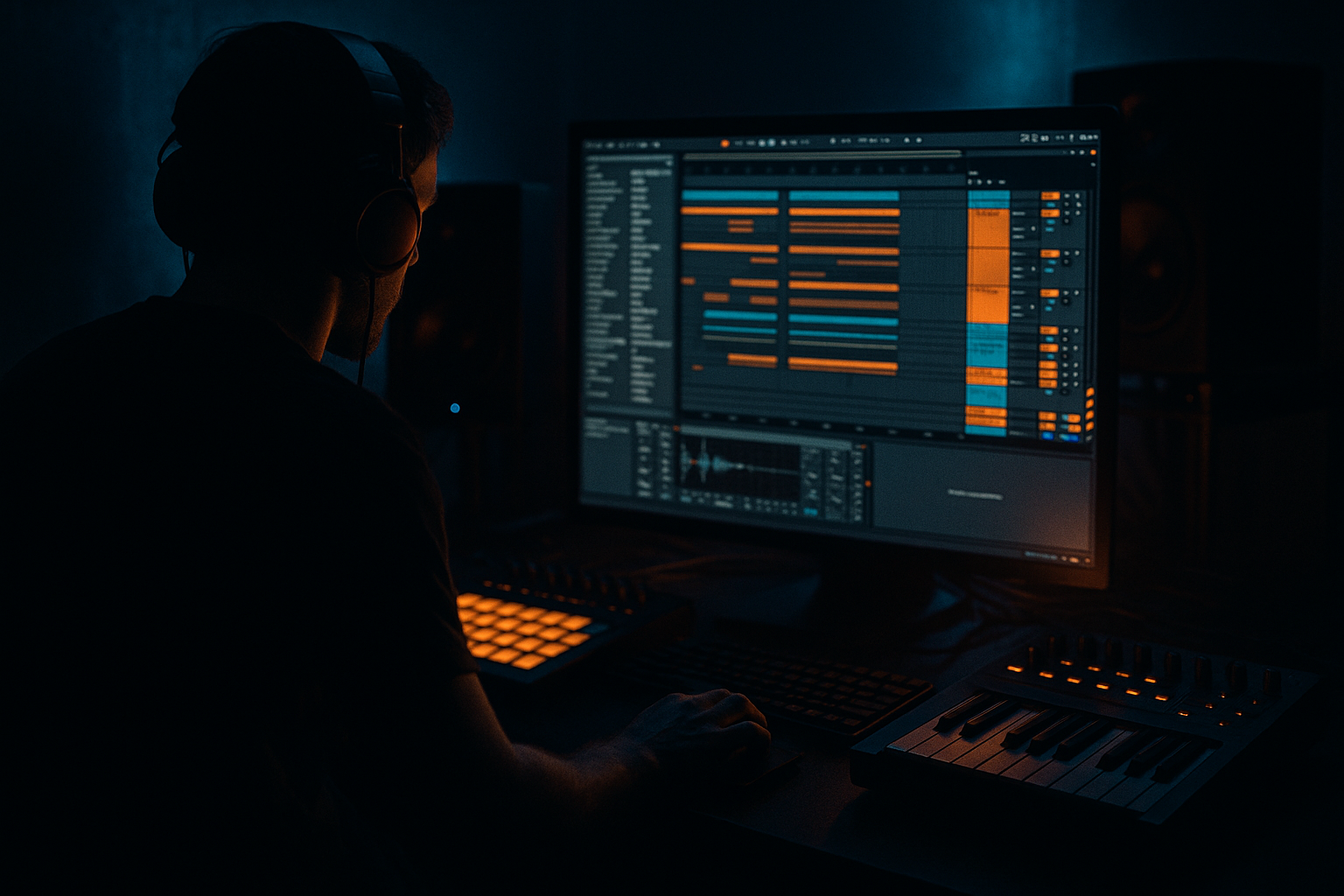
Main tutorial
Transform an Oldskool DnB Call-and-Response Riff for VHS-Rave Color (Ableton Live 12) 🎛️📼
1) Lesson overview
In this lesson you’ll take a classic oldskool DnB/jungle call-and-response vocal riff (think: short shout + answering phrase) and flip it into a VHS-rave flavored hook—gritty, time-stretched, pitch-warped, and glued into a rolling drum & bass context.
You’ll learn how to:
- Cut a call-and-response like an MC sample (tight, punchy, musical)
- Use Warp modes creatively for vintage time-stretch artifacts
- Add VHS tape wobble + crunchy bandwidth using stock devices
- Arrange it so it answers the drums/bass and drives energy through drops and breakdowns
- Call: short, bold phrase (e.g., “Come again!”)
- Response: pitched/processed answer (e.g., “Again… again…”)
- VHS-rave aesthetic: wow/flutter, noisy stereo, lo-fi bandlimiting, small-room slap, and resampled grit
- Drop-ready structure: 8-bar statement → 8-bar variation → 16-bar development
- Enable HP and LP:
- Optional: small presence bump
- Mode: Analog Clip
- Drive: 2–6 dB
- Soft Clip: On
- Output: reduce to match level (don’t let it get louder just because it’s distorted)
- Use Chorus-Ensemble
- Try:
- Keep it subtle; we’re going VHS, not trance supersaw 😄
- Filter type: Band-Pass or Low-Pass
- Set Frequency around 1.5–4 kHz
- Add modulation:
- Add a bit of Drive (3–6)
- Algorithm: Plate or Room
- Decay: 0.6–1.4 s
- Pre-delay: 10–25 ms
- Early reflections: increase slightly for “room”
- Dry/Wet: 8–18%
- (Optional) use the built-in EQ to roll lows below 250 Hz
- Mode: Repitch (adds character)
- Time: 1/8 or 1/8 dotted
- Feedback: 15–35%
- Dry/Wet: 8–20%
- Add Noise a touch if it fits (careful: can get loud)
- In Clip View:
- Layer A: Transpose -5
- Layer B: Transpose +7 but lower in volume
- Call: 1 hit per bar (strong and memorable)
- Response: short tail on the “and” of 2 or just after the snare
- Add a second response (stutter or pitched variation)
- Introduce a “fill phrase”:
- Use 1/16 for edits
- For oldskool swing, nudge certain cuts slightly late (2–10 ms) for pocket
- Add Compressor on Vox Bus
- Sidechain input: your Drum Bus or Kick/Snare group
- Settings:
- On Vox Bus EQ Eight:
- Filtered call only (Auto Filter LP at 2–4 kHz)
- Sparse echoes, tease the hook
- Add response quietly
- Automate Echo Dry/Wet from 8% → 18%
- Full call-and-response, but vary every 8 bars:
- Resampled loop + heavy bandlimit + long reverb tail
- Bring back drums with the vocal answering the snare
- Over-warping everything perfectly: DnB vocals often need attitude, not grid perfection.
- Too much reverb in the drop: it washes out the snare crack. Use short rooms/slaps and keep tails controlled.
- Not bandlimiting: VHS/rave color comes from restricted bandwidth and saturation—don’t leave it full-range.
- Ignoring bass conflict: if your vocal has low-mid mud, your rolling bass loses definition.
- Chorus too wide: massive stereo can collapse in mono and smear impact. Keep width tasteful.
- Make the response scary: pitch the response down -7 and use Texture mode grains for gnarly artifacts.
- Add “tape panic” automation:
- Parallel dirt (on a return track):
- Harder call impact:
- Answer the bass rhythmically: place the response in gaps where the bass opens up (often between kick and snare, or after snare).
- You chopped a vocal into call-and-response like classic jungle/DnB sampling.
- You used Warp modes (especially Texture/Complex Pro) to control intelligibility vs artifact.
- You built a VHS-rave color chain using stock Ableton devices: EQ Eight, Saturator, Chorus-Ensemble, Auto Filter, Hybrid Reverb, Echo.
- You resampled to commit to the vibe and simplify the mix.
- You arranged and mixed it to ride the drums and leave room for the rolling bass.
---
2) What you will build
A 16–32 bar DnB vocal hook built from a single vocal source:
---
3) Step-by-step walkthrough
Step 0 — Session setup (DnB-ready)
1. Set tempo to 172–176 BPM.
2. Create these tracks:
- Vox Call (Audio)
- Vox Response (Audio)
- Vox Bus (Audio for group processing)
- (Optional) Vox Resample (Audio, set “Audio From” = Vox Bus)
3. Drag in your vocal source (old sample, your own recording, a spoken phrase, etc.). Keep it short and rhythmic.
---
Step 1 — Chop the call-and-response like an oldskool sampler ✂️
1. Double-click the vocal clip to open Clip View.
2. Turn on Warp.
3. Set Warp Mode to:
- Complex Pro for cleaner intelligibility or
- Texture for more “rave artifact” character (we’ll exploit this later)
4. Find two phrases:
- A call (1–3 words, strong transient)
- A response (short answer, ad-lib, or tail)
5. Consolidate each phrase:
- Select the region → Cmd/Ctrl + J (Consolidate)
- Put the call onto Vox Call, response onto Vox Response
DnB timing tip: In rolling DnB, vocals often hit off the 1 or land on beat 3/“and” to avoid fighting the snare.
---
Step 2 — Tighten groove with Warp markers (but keep it human) 🥁
For Vox Call:
1. Place Warp Markers on key consonants (start of words).
2. Nudge so the main hit lands:
- Often 1.2 or 1.3 (after the kick), or
- Right before the snare to build tension (1.4.3-ish depending on groove)
For Vox Response:
1. Let it trail slightly late for swagger.
2. If it’s too stiff, add groove:
- Use Groove Pool → try MPC-style or shuffle grooves
- Apply lightly: Timing 10–25%, Random 2–6%
---
Step 3 — Build the “VHS-rave” processing chain (stock devices) 📼
Group Vox Call + Vox Response into Vox Bus (Cmd/Ctrl + G).
Put this chain on Vox Bus in this order:
#### A) EQ Eight — bandlimit like old tape/TV
- HP: 120–200 Hz (24 dB/oct)
- LP: 7–10 kHz (12 or 24 dB/oct)
- Bell at 2.5–4 kHz, +1 to +3 dB (Q ~1)
#### B) Saturator — cheap cassette bite
#### C) Chorus-Ensemble — wobbly stereo smear
- Amount: 20–35%
- Rate: 0.20–0.45 Hz
- Width: 120–170%
#### D) Auto Filter — moving “tracking” feel
- LFO Amount: 10–25%
- Rate: 0.07–0.20 Hz (slow drift)
#### E) Hybrid Reverb — small slap / warehouse tail
#### F) Echo — dotted ping for rave energy
---
Step 4 — Make the response “answer” musically (pitch + formant) 🎚️
On Vox Response (track-level processing), before it hits the bus:
#### Option 1: Clip Transpose + Warp artifacts (fast and authentic)
- Transpose: -3, -5, or -7 semitones (classic darker answer)
- Warp mode: Texture
- Grain Size: 70–140
- Flux: 10–30
This creates that crunchy, time-stretched “pirate tape” response.
#### Option 2: Harmonizer-style stack (thicker call/response)
Duplicate Vox Response to create two layers:
Pan them slightly (L/R 10–20) and keep center clear.
---
Step 5 — Rhythm programming: make it bounce with the drums 🧠
In Arrangement View, build a 8-bar loop:
Bars 1–2
Bars 3–4
Bars 5–8
- Repeat response twice quickly (1/16–1/8) right before the phrase resets
Practical grid choices
---
Step 6 — Resample for instant authenticity (the secret sauce) 🔥
1. Arm Vox Resample.
2. Set Audio From = Vox Bus → Post FX.
3. Record 8–16 bars of your processed call-and-response.
4. Now treat the resampled audio like a single old tape loop:
- Add Utility (mono the lows if needed)
- Add Redux (very lightly):
- Downsample: 8–15 kHz
- Bit Reduction: 0–2 (don’t destroy it)
- Add Limiter (1–2 dB gain reduction max)
Why this works in DnB: resampling “prints” movement and grit so your vocal sits like a committed sample—less plugin chaos, more vibe.
---
Step 7 — Make it sit with rolling bass (sidechain + frequency slots) 🥷
Vocals and bass fight in DnB. Win the fight cleanly:
#### A) Sidechain the Vox Bus to the kick/snare (subtle)
- Ratio: 2:1
- Attack: 5–15 ms
- Release: 60–120 ms
- Gain reduction: 1–3 dB
This keeps the vocal from masking drum transients.
#### B) Make space for the bass
- HP 150–220 Hz
- If bass is heavy around 200–400, cut 2–4 dB at 250–350 Hz
---
Step 8 — Arrangement ideas (DnB/Jungle phrasing) 🧱
Try this structure:
Intro (16 bars)
Build (8 bars)
Drop (32 bars)
- Bars 1–8: cleanest version
- Bars 9–16: add stutter edits
- Bars 17–24: pitched response (-5) becomes dominant
- Bars 25–32: drop the vocal for 2 bars, then slam it back in
Break (16 bars)
---
4) Common mistakes
---
5) Pro tips for darker/heavier DnB 🖤
- Automate Chorus rate slightly up during fills
- Automate Auto Filter frequency to dip on snare hits for a pumping illusion
- Return A: Saturator (Drive 8–12 dB) → EQ Eight (bandlimit) → Compressor
- Send the vocal lightly (5–15%) to glue grit without losing clarity
- On Vox Call track: Drum Buss (yes, on vocals!)
- Drive: 5–15%
- Crunch: 5–20%
- Boom: Off (usually)
---
6) Mini practice exercise (15 minutes) ⏱️
1. Pick a single vocal phrase (1–2 seconds long).
2. Create:
- One call chop
- One response chop
3. Build an 8-bar loop:
- Call on bar 1 and 3
- Response on bar 2 and 4 (late by a few ms)
4. Add the Vox Bus chain (EQ → Saturator → Chorus → Auto Filter → Hybrid Reverb → Echo).
5. Resample it and replace the original tracks with the resample.
6. Make two variations:
- Variation A: response pitched -5
- Variation B: response stuttered into 1/16 repeats for the last beat of bar 8
Export a quick bounce and listen on headphones: does it feel like a sampled rave tape sitting inside a modern rolling drop?
---
7) Recap
If you want, tell me what kind of vocal you’re using (MC shout, movie quote, your own recording) and whether your track is more rollers, jump-up, or techy neuro-leaning, and I’ll suggest a tailored call/response rhythm + exact processing values.

