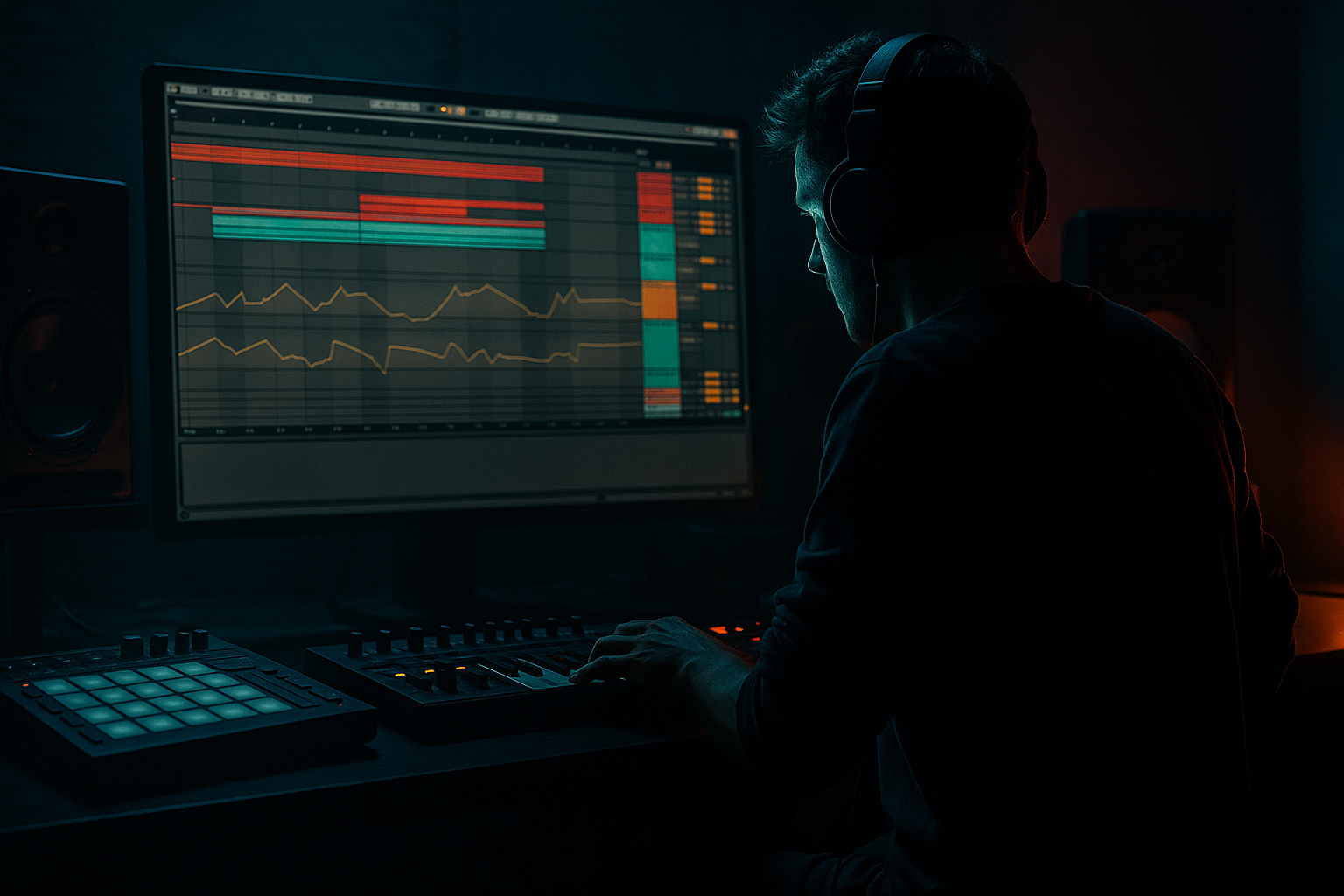
Main tutorial
Urban Echo “Edit Color” Tutorial (Automation‑First) in Ableton Live 12 🎛️
Category: Vocals • Level: Intermediate • Vibe: Jungle / oldskool DnB / rolling “echoes in the alleyway” energy
---
1. Lesson overview
This lesson is about making vocals feel like they live inside the track, not pasted on top. We’ll build an “Urban Echo” edit color: short, dirty delays that duck out of the way, plus occasional tape-ish throws, pitchy stutters, and filtered call‑and‑response—all driven by an automation-first workflow in Ableton Live 12.
You’ll learn how to:
- Set up send/return echo chains that sound authentic for jungle/DnB
- Use automation lanes as the main performance tool
- Create oldskool delay throws without cluttering your mix
- “Color” different vocal phrases with macro-like automation (filter, feedback, time, width, distortion)
- Short, tempo-locked delay (1/8 or 1/16)
- Filtered, slightly distorted, ducked so it doesn’t fight drums/bass
- Great for rolling DnB phrases and fast chops
- Longer throw (1/4 to dotted 1/8), feedback rides
- More character (wow/flutter-ish vibe using modulation + saturation)
- For end-of-line emphasis and “warehouse shout” moments
- A clean vocal track with automation for send amounts (your “edit color paintbrush”) 🎨
- Optional resampling to audio for classic jungle chop workflow
- Send A: tiny hits on off-beats (adds shuffle/ghost echo)
- Send B: one throw every 4 or 8 bars (keeps it special)
- Echo Time (sparingly): jump `1/8 → 1/16` for faster chatter edits
- Echo Filter LP: open slightly during builds (`4 kHz → 7 kHz`)
- Saturator Drive: push +1–2 dB on hype moments
- Echo Feedback:
- Auto Filter cutoff:
- Utility Width:
- Bars 1–16: mostly Send A micro-echo
- Bar 16: big Send B throw + printed tail reversed into the drop
- Drop: sparse throws every 8 bars so the breaks and bass dominate
- HP at `80–140 Hz`
- If harsh: small dip `3–6 kHz`
- If boxy: dip `250–500 Hz`
- Ratio `2:1`
- Attack `10–30 ms` (keep transients)
- Release `60–120 ms`
- Aim for `2–4 dB` gain reduction
- Use Multiband Dynamics (gentle) or EQ Eight dynamic mode if you prefer manual control
- Keep sibilance from lighting up your delays
- Set vocal width mostly mono-ish (0–40% width) so echoes can be the width layer
- Too much send all the time: DnB is dense; constant delay turns into mush fast.
- No ducking: your echoes will fight the snare and blur break edits.
- Feedback not automated down: runaway feedback = instant amateur moment.
- Echo low end not filtered: you’ll mask the sub and ruin the weight.
- Over-warping vocals: if the vocal is mangled, the echo emphasizes artifacts.
- Throws on every phrase: save big throws for arrangement punctuation (every 4/8/16 bars).
- Make the echoes darker than the vocal: LP around `3–5 kHz` often feels more “underground.”
- Saturate the return, not the main: grit on the echo reads as texture without destroying intelligibility.
- Sidechain the return to the snare (not just the kick): the snare is the anchor in jungle.
- Automate time switches for tension: `1/8 → 1/16` right before the drop, then back.
- Mid/Side discipline: keep `VOCAL MAIN` centered, make `B TAPE THROW` wider—this gives size without eating headroom.
- Print and pitch the throws: a pitched-down throw (−3 to −7 semitones) can sound menacing and oldskool.
- You built two DnB-ready vocal echo colors using Ableton stock devices (Echo, Saturator, EQ Eight, Compressor, Auto Filter, Utility, optional Roar).
- You used an automation-first approach: automate send levels as the main edit tool, then automate return parameters for color and drama.
- You kept it jungle-credible by filtering low end, ducking to drums, and using throws as arrangement punctuation.
- You learned a classic workflow: perform → resample → chop for authentic oldskool texture.
---
2. What you will build
A vocal processing setup with two dedicated echo “colors”:
1) A-Return: Tight Urban Echo
2) B-Return: Dirty Tape Throw
Plus:
---
3. Step-by-step walkthrough
Step 0 — Prep your vocal for DnB timing
1. Drop your vocal in an Audio Track: `VOCAL MAIN`.
2. Warp it:
- Set Warp Mode: Complex Pro (good for full phrases)
- Adjust Formants if the vocal gets too chipmunky when warped
3. Slice edit points (optional but very DnB):
- Consolidate a phrase you like (`Cmd/Ctrl + J`)
- Use Split (`Cmd/Ctrl + E`) on consonants / ends of words for later throw points
Goal: you want clean moments where you can “throw” echoes without smearing the whole line.
---
Step 1 — Build Return A: “Tight Urban Echo” (fast, ducked, filtered) 🏙️
Create a Return Track A and name it: `A URBAN ECHO`.
Device chain (in this order):
1) Echo (Ableton stock)
- Sync: On
- Time: `1/8` (start here)
- Feedback: `18–30%` (short tail, tight vibe)
- Filter:
- HP around `250–500 Hz` (keeps bass clean)
- LP around `4–7 kHz` (oldskool “radio” vibe)
- Modulation: small amount (just enough to “move”)
- Rate low, Amount subtle (avoid chorusy wobble)
2) Saturator
- Mode: Soft Clip On
- Drive: `2–6 dB` (to taste)
- Output: trim so it doesn’t jump in level
3) Compressor (as a ducker via sidechain)
- Sidechain Input: your drum bus (or kick+snare group)
- Ratio: `4:1`
- Attack: `1–5 ms`
- Release: `60–140 ms` (match groove; faster for jumpier jungle)
- Threshold: lower until the echo tucks under drums
4) EQ Eight (final cleanup)
- High-pass a bit higher if your mix is heavy: `350–700 Hz`
- Small dip around `2–4 kHz` if it fights snare crack
Why this works in DnB: you get rhythmic motion and grit without washing the break and bass.
---
Step 2 — Build Return B: “Dirty Tape Throw” (longer, character, automated feedback) 📼
Create Return Track B: `B TAPE THROW`.
Device chain:
1) Echo
- Sync: On
- Time: `1/4` or `1/8 Dotted` (dotted = classic jungle bounce)
- Feedback: `25–45%` (this one will be automated later)
- Noise: a touch if you want grime (subtle!)
- Filter:
- HP `200–400 Hz`
- LP `3–6 kHz`
- Character: push toward “tape-ish” by using more modulation and filtering (keep it musical)
2) Auto Filter
- Type: LP
- Frequency: start around `2–5 kHz`
- Resonance: `10–25%` (careful—too much whistles)
3) Roar (Ableton Live 12) or Overdrive (if you prefer simpler)
- Use Roar for controlled aggression:
- Drive low to medium
- Tone slightly dark
- Keep low end filtered so it doesn’t mud the bass
4) Utility
- Width: `70–120%` (wider throws can sound huge—just don’t wreck mono compatibility)
---
Step 3 — The automation-first workflow (your main “performance”) ✍️
We’re not putting delay directly on the vocal. We’re automating send levels like an editor.
1. On `VOCAL MAIN`, locate Send A and Send B knobs.
2. In Arrangement View, show automation:
- Press `A` to toggle automation lanes.
3. Choose automation lane:
- `VOCAL MAIN → Sends → Send A`
- Draw quick ramps only where you want echo color:
- End of a word: small spike to `-12 to -6 dB`
- End of a bar: bigger spike to `-6 to 0 dB` for a throw
Practical DnB pattern (starting point):
✅ Tip: Avoid constant send in fast DnB. Jungle is busy—your edits must be intentional.
---
Step 4 — Make “Edit Color” changes by automating return parameters
Now we automate the returns, so the echo itself evolves.
#### A) Urban Echo color changes
On `A URBAN ECHO`, automate:
DnB use: during a break edit, tighten to `1/16` so it “machine-guns” behind the vocal.
#### B) Tape Throw drama (classic feedback ride)
On `B TAPE THROW`, automate:
- Normal: `25–35%`
- Throw moment: ramp to `55–70%` briefly
- Then slam back down to avoid runaway feedback
- Start darker (`2–3 kHz`), then open up (`5–7 kHz`) as the throw blooms
- Wider at the peak of the throw, then back to normal
Important: always automate feedback back down. That’s the difference between “pro throw” and “why is my mix screaming?”
---
Step 5 — Create jungle-style “echo chops” (resample and slice) 🔪
Oldskool technique: print the effect, then chop it like audio.
1. Create a new audio track: `VOCAL ECHO PRINT`.
2. Set its Audio From to:
- `Resampling` or directly from the return track (if you route returns to a bus).
3. Record a section where you perform/automate sends and feedback.
4. Consolidate the printed audio and slice:
- Cut the best tails, reverse one, pitch one up/down slightly (Warp + Transpose)
5. Place chops between snare hits or into bar transitions.
Arrangement idea:
---
Step 6 — Glue it into a DnB vocal chain (so it sits with breaks + bass)
On `VOCAL MAIN`, use a clean, practical chain:
1) EQ Eight
2) Compressor (light)
3) De-esser (stock workaround)
4) Utility
---
4. Common mistakes ⚠️
---
5. Pro tips for darker/heavier DnB 🖤
---
6. Mini practice exercise (15 minutes) ⏱️
1. Pick a 2-bar vocal phrase (preferably a shout or short line).
2. Build Returns A and B exactly as above.
3. Create automation:
- Send A: 8 small spikes (one per 1/8 note) but only on the last word of each bar
- Send B: one big throw at the end of bar 2
4. Automate `B` Echo Feedback:
- Ramp up to `65%` for the throw
- Drop to `25%` immediately after
5. Resample 4 bars and chop two tails into a fill before your next phrase.
Deliverable: a loop where the vocal feels edited and rhythmic, but the drums and bass stay clean.
---
7. Recap ✅
If you want, tell me your project tempo (e.g., 160/170/174) and the type of vocal (rap, spoken word, ragga, female hook), and I’ll suggest exact delay divisions + throw placements that fit your drum pattern.

