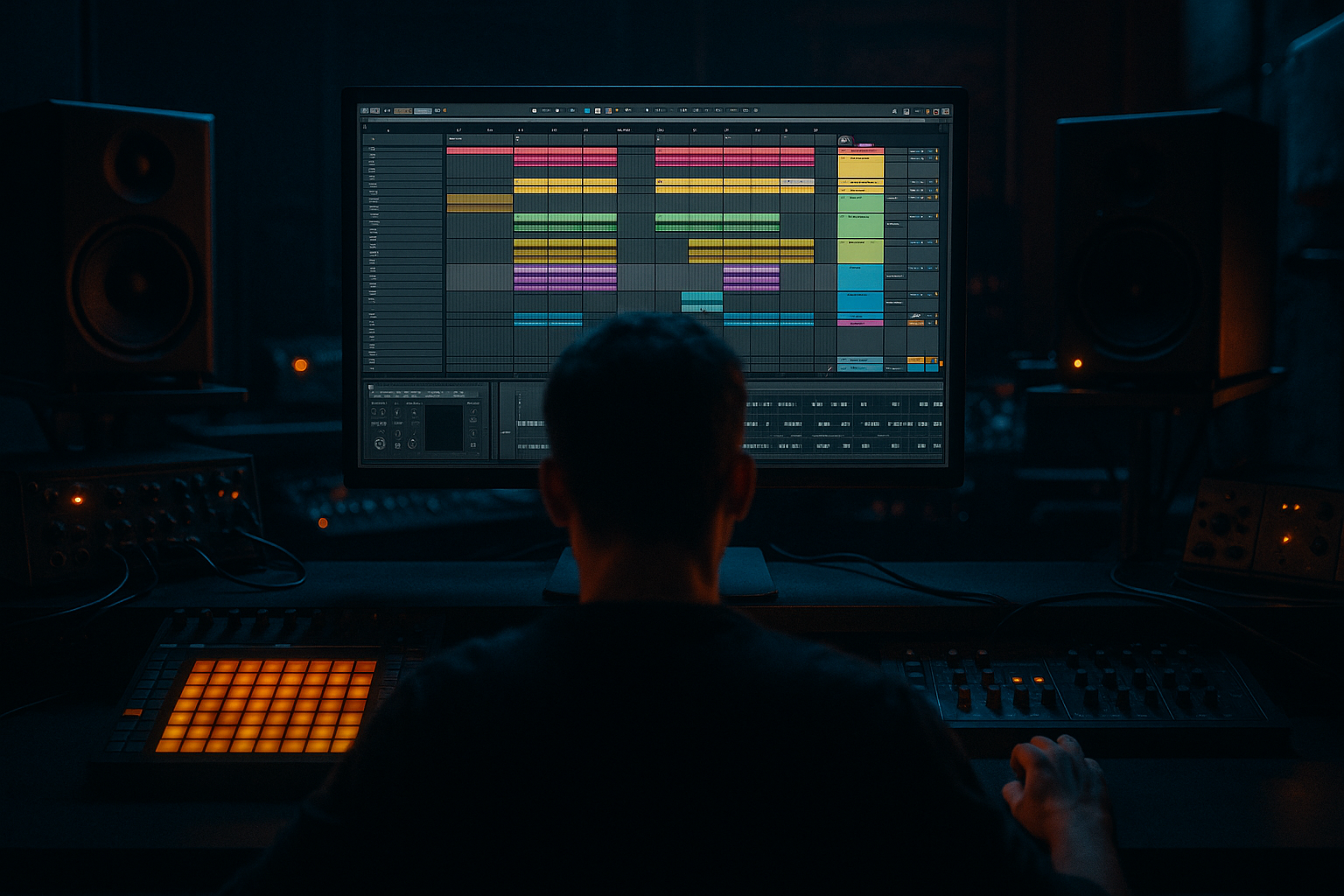
Main tutorial
```markdown
Using Envelopes for Break Attack Control (DnB in Ableton Live) 🥁⚡
1. Lesson overview
In drum & bass, the attack (the “front snap”) of a breakbeat determines whether it feels tight and modern or loose and cloudy. In this lesson you’ll learn beginner-friendly ways to shape break attacks using envelopes inside Ableton Live—without destroying the vibe of the break.
We’ll focus on Ableton stock tools and DnB-ready workflows:
- Simpler envelopes (fastest + most musical for break chops)
- Audio clip fades (surgical and visual)
- Drum Rack + Simpler (classic DnB chopping workflow)
- Transient control using envelopes + filtering (keep snap, reduce harshness)
- Keeps the break’s groove, but tightens the kick/snare attack
- Lets you increase or soften snap per chop using envelopes
- Sits cleanly under a modern DnB kick/snare layer
- A Drum Rack with each slice in a Simpler
- A MIDI clip triggering the original rhythm
- To tighten / add snap:
- To soften harsh transients (less click, more roll):
- If the break “ticks” or feels too spiky, raise Attack slightly.
- If it feels late/soft, reduce Attack and shorten Release.
- `SN`, `K`, `HAT`, `GHOST` etc.
- Env Amount: try +10 to +35
- Attack: 0 ms
- Decay: 50–150 ms
- Sustain: 0
- Release: 50–120 ms
- Let the break provide movement + texture
- Let layered one-shots provide punch + consistency
- Amp Attack: 2–6 ms or reduce their volume in Drum Rack.
- Dark roll trick: Use Filter Envelope to add “snap then dark” (fast decay), and keep the base filter frequency lower (6–9 kHz).
- Heavier groove: Slightly shorten Release on hat slices so the break doesn’t wash out when the bass comes in.
- Ghost note control: For ghost/snare ghost slices, reduce perceived attack by:
- Resample your best 2 bars
- Parallel bite: Create a return track with Saturator + EQ Eight (high-pass ~200 Hz) + Drum Buss, then blend in lightly for grit without ruining low-end.
- Envelopes are your breakbeat “front-end designer.”
- Use Simpler Amp Attack/Release per slice to tighten or soften hits.
- Use Filter Envelope to keep snap while making the break darker and cleaner.
- Finish with a simple break bus chain (EQ → Drum Buss → Saturation → Glue).
- In DnB, breaks often work best under layered one-shots—envelopes help them sit perfectly.
---
2. What you will build
You’ll build a rolling DnB break channel that:
End result: a break that’s punchy, controlled, and mix-ready 🔥
---
3. Step-by-step walkthrough
Step 0 — Set up a DnB session (quick start)
1. Set tempo to 174 BPM (170–176 is typical).
2. Create an Audio Track and drag in a classic break (Amen, Think, Hot Pants, etc.).
3. Warp mode:
- For breaks, try Complex Pro if it’s getting weird, but for punchy drums start with Beats.
- In the clip view, set Warp Mode: Beats
- Set Transient Loop Mode: Off
- Start with Preserve: Transients (or 1/16 if it’s too choppy)
Why: Beats mode keeps transients crisp—great for DnB drum detail.
---
Step 1 — Chop the break so envelopes can work per hit
You’ll get the most control when each hit is its own sample.
Option A: Slice to New MIDI Track (recommended)
1. Right-click the audio clip → Slice to New MIDI Track
2. Slicing preset:
- Slice by: Transients
- Slicing preset: Built-in → Slice to Drum Rack
Ableton creates:
This is the perfect setup for attack envelopes per slice ✅
---
Step 2 — Use Simpler’s Amp Envelope to control attack (core technique)
1. Open the Drum Rack.
2. Click a slice (pad). You’ll see Simpler.
3. In Simpler, go to Controls (not Warp).
4. Find the Amp Envelope:
- Attack
- Decay
- Sustain
- Release
#### Recommended beginner settings (DnB-friendly)
Start with these and adjust by ear:
- Attack: 0.0–1.0 ms
- Decay: 200–600 ms
- Sustain: -6 to -12 dB (or lower if you want it more “hit” than “tone”)
- Release: 30–80 ms
- Attack: 3–10 ms (small changes matter!)
- Release: 50–120 ms
What to listen for:
---
Step 3 — Control attack differently for kick vs snare slices
Breaks often need different transient shaping per element.
1. Identify pads that contain snare hits (usually louder transients).
2. On snare slices:
- Set Attack: 0–1 ms for snap
- Or 2–6 ms if it’s too sharp/old-school “papery”
3. On hat/shuffle slices:
- Increase Attack slightly (2–8 ms) to reduce fizz
- Shorten Release to avoid wash
Workflow tip: Rename pads in Drum Rack:
This speeds up later edits like a pro.
---
Step 4 — Add a Filter Envelope for “snap without harshness” 🎛️
This is a very DnB trick: let the transient through, but mellow the body.
1. In Simpler, enable Filter
2. Choose LP24 (low-pass 24dB) for strong tone control
3. Set:
- Freq: 6–12 kHz (depends how bright the break is)
- Res: 0.10–0.30 (keep it subtle)
Now use the Filter Envelope:
Result: The transient gets a quick brightness boost, then the break settles darker—perfect for rolling DnB.
---
Step 5 — Tighten timing feel with micro-fades (audio-level envelope)
Even after slicing, some hits click/pop or feel messy.
If you’re working with raw audio (or resampling):
1. Consolidate a bar of your break pattern: select → Cmd/Ctrl + J
2. Zoom into any clicky hits.
3. Add tiny fades:
- Fade in: 0.5–2 ms
- Fade out: 5–20 ms depending on tail
DnB use case: Removes nasty ticks without softening the whole break.
---
Step 6 — Suggested device chain for a modern DnB break bus
Once your envelope shaping is solid, put the break through a clean DnB chain:
Drum Rack (slices) → Break Bus
1. EQ Eight
- High-pass around 25–40 Hz (remove rumble)
- Dip 250–450 Hz if boxy (start with -2 to -4 dB, Q ~1.2)
- If harsh, gentle dip 7–10 kHz
2. Drum Buss
- Drive: 5–15
- Boom: 0–15 (careful—often not needed if you’re layering a kick)
- Transient: +5 to +20 if you want more snap
3. Saturator
- Soft Clip: On
- Drive: 1–6 dB
4. Glue Compressor
- Attack: 3 ms
- Release: Auto
- Ratio: 2:1
- Aim for 1–3 dB gain reduction
Arrangement idea: Keep breaks controlled in verses, then automate more transient/brightness in drops for energy.
---
Step 7 — Layer with a clean kick/snare (so the break can be darker)
Classic rolling DnB approach:
1. Add a Drum Rack with a modern kick + snare one-shot.
2. Side by side:
- Break: slightly darker + controlled attack envelope
- One-shots: sharper transient, consistent level
Tip: If the break fights the snare, soften the break snare slices with:
---
4. Common mistakes 🚫
1. Attack too long (10–20 ms+) on everything
Your break loses urgency and feels behind the beat.
2. Over-chopping without managing tails
You get clicks, gaps, or weird flams. Use short fades or adjust Release.
3. Boosting transients before fixing the envelope
If the transient is messy, Drum Buss “Transient +20” just makes it worse.
4. Not separating snare vs hats
One envelope setting rarely works across all slices.
5. Warp mode causing transient smearing
If it feels dull, try Beats mode and adjust Preserve.
---
5. Pro tips for darker/heavier DnB 😈
- Attack: 2–8 ms
- Lower pad volume in Drum Rack by -3 to -9 dB
After shaping envelopes, resample to audio and do micro-edits + fades. This is very jungle/DnB: commit, then refine.
---
6. Mini practice exercise 🎯
Goal: Make one break loop work in two ways: “tight modern roll” and “dark heavy roll.”
1. Slice a break to Drum Rack (Transients).
2. Duplicate the Drum Rack track:
- Track A: Modern Roll
- Track B: Dark Heavy
3. Track A (Modern):
- Amp Attack on snare/kick slices: 0–1 ms
- Drum Buss Transient: +10
- Slight high-shelf +1 to +2 dB at 8–10 kHz (EQ Eight)
4. Track B (Dark):
- Amp Attack on hats/harsh slices: 4–8 ms
- Filter ON: LP24 around 7–9 kHz
- Filter Envelope Amount: +15 to +30, Decay 80–120 ms
- Add Saturator Drive 3–6 dB, Soft Clip ON
Now A/B them in the drop and notice how attack shaping changes the whole vibe.
---
7. Recap ✅
If you want, tell me what break you’re using (Amen/Think/etc.) and whether you’re going for liquid roll or neuro/darkstep, and I’ll suggest exact envelope ranges for that style.
```

