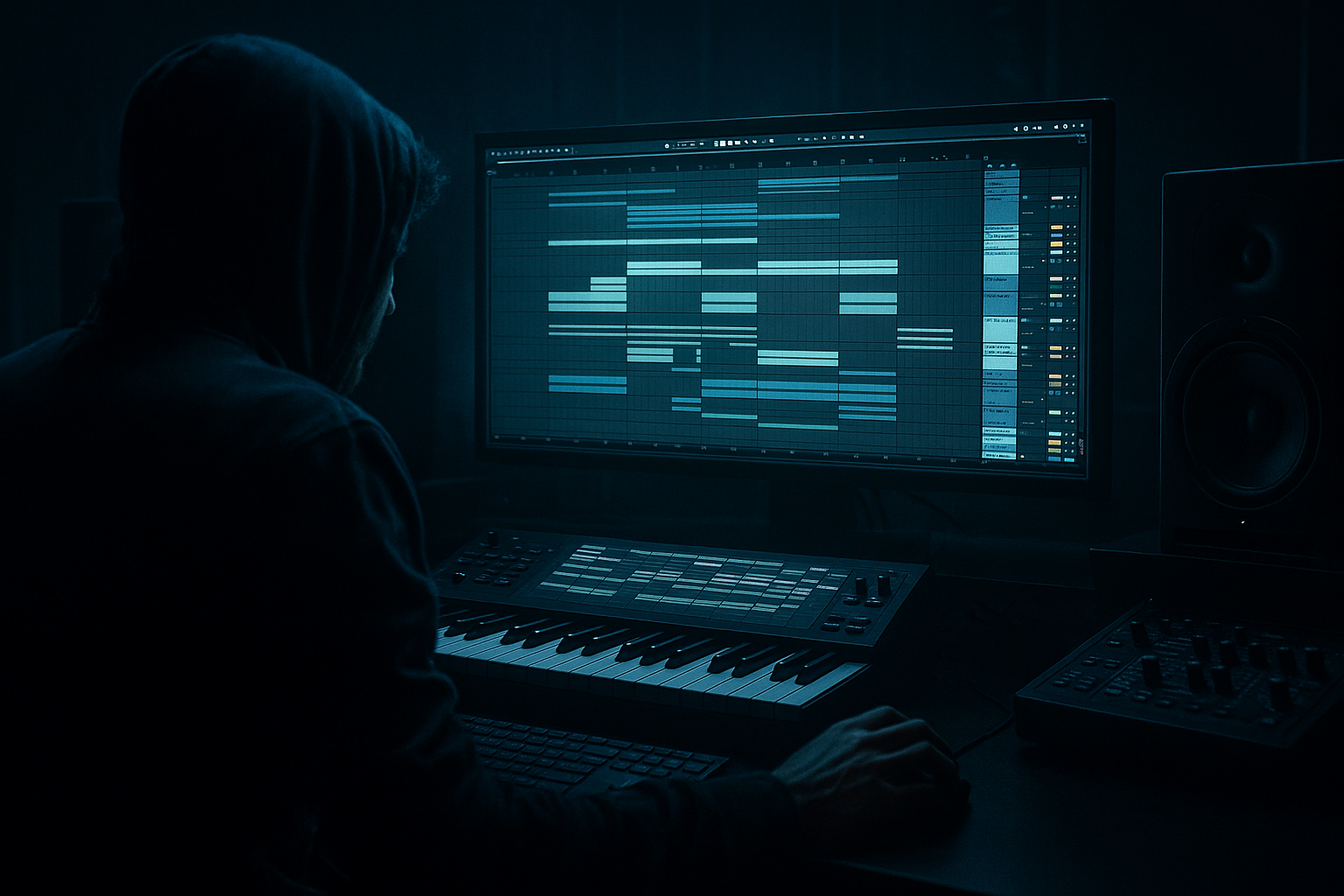
Main tutorial
Lesson Overview
Vinyl Heat lab is all about making your drum grooves feel like they were cut from an old jungle dubplate, but built cleanly inside Ableton Live 12. The goal of this lesson is to teach you how to compose swing-heavy drum phrasing and automate movement so your beats feel human, dusty, and alive — not robotic.
This sits right at the heart of a DnB track. In jungle and oldskool drum & bass, the groove is often the identity of the whole tune. If the drums don’t bounce, the bassline won’t hit, and the drop won’t feel dangerous. Swing, ghost notes, break edits, and automation are what create that loose-but-controlled energy you hear in classic rollers, breakbeat jungle, and darker atmospheric DnB.
Why this matters:
- Swing gives your drums that off-grid push and pull
- Automation keeps loops from feeling static
- Controlled movement in drums, bass, and FX makes the track feel “produced,” not just looped
- A good oldskool-style groove helps you write better bass phrasing, because the bass can answer the drums instead of fighting them
- A breakbeat loop with swung hi-hats and ghost notes
- A layered kick and snare with oldskool punch
- A reese-style bass phrase that answers the drums
- Automation on filter, saturation, and reverb send for movement
- A simple arrangement shape that works like a real DnB section: intro → tension build → drop → switch-up
- Drums sit around 170 BPM
- The break feels off-grid and human
- The bass is mostly mono and low-mid focused
- FX and automation create “vinyl heat” — that sense of wear, grit, and motion 🎛️
- Drum Rack track
- Bass track
- FX track
- Kick
- Snare
- Closed hat
- Open hat
- A chopped break sample in Simpler
- Kick on beat 1
- Snare on beat 2
- Kick again near the end of the bar if you want a classic forward pull
- Snare on beat 4 for a more rolling feel
- Use a kick with a short tail
- Use a snare that has body around the low-mid range and a crisp top
- Kick: trim so it doesn’t overhang too much
- Snare: layer two sounds if needed, one for body and one for crack
- Drum Bus volume: leave at least -6 dB of headroom on the master
- Add a ghost kick before the main kick
- Add a low-volume snare drag just before beat 4
- Nudge a closed hat slightly off the grid for human feel
- Swing amount around 54% to 58% is a strong starting zone
- Timing around 70% to 90% if you want the groove to retain some of the original quantized feel
- Velocity around 5% to 20% if you want slight dynamic variation
- Closed hats should sit slightly behind the grid
- Ghost notes should feel natural and not machine-tight
- The snare should remain strong and stable
- Keep the snare hits obvious
- Place a few kick fragments between main backbeats
- Use short hats or ride fragments to fill space
- Don’t over-chop everything at once
- One strong break phrase for the first bar
- A variation in bar 2
- A tiny fill at the end of bar 4 or 8
- Bars 1–2: let the break play with subtle edits
- Bars 3–4: add one extra ghost snare and a reversed hit
- Bars 5–6: remove a few hits so the groove breathes
- Bars 7–8: add a quick fill before the loop resets
- Choose a saw or detuned oscillator patch
- Keep the bass mostly mono
- Add light Saturator for edge
- Use Filter Envelope for movement
- Let the bass hit after the main kick/snare
- Use short notes first, not long drones
- Leave space for the break to breathe
- Answer the snare with a bass stab or low growl
- Low-pass filter cutoff around 100–250 Hz if the sound is too bright
- Saturator Drive around 2 dB to 6 dB for weight
- Utility width at 0% or very narrow for sub-focused sections
- Bars 1–2: bass notes only on the offbeats
- Bars 3–4: add one longer note under the fill
- Bars 5–6: change the rhythm so the bass “talks back” to the break
- Bars 7–8: leave a gap before the loop repeats for tension
- Auto Filter cutoff on the bass
- Saturator drive on the drum bus
- Reverb send on a snare hit or fill
- Delay send on a chopped vocal or FX hit
- Utility gain for drop mutes or breakdown dips
- Open the bass filter slightly over 8 bars to build tension
- Increase Saturator on the drum bus by 1–2 dB in the last bar before the drop
- Automate a reverb send up briefly on the last snare of a phrase
- Pull the bass volume down for half a bar before the drop, then slam it back in
- Auto Filter cutoff sweeps: from around 120 Hz up to 1.5 kHz on a mid-bass layer
- Reverb decay: short to medium, around 0.8 s to 2.0 s for tasteful jungle space
- Drum Bus Saturator Drive: keep changes subtle, usually under 3 dB of automation range
- EQ Eight first to clean mud
- Glue Compressor for glue, not crushing
- Saturator for gentle harmonic grit
- Utility if you need mono control or gain trim
- EQ Eight: cut a little around 250–400 Hz if the loop sounds boxy
- Glue Compressor: slowish attack, medium release, just a few dB of gain reduction
- Saturator: Soft Clip on if needed, but keep the amount modest
- Bars 1–4: intro groove, filtered bass, lighter break
- Bars 5–8: full drum drop, bass phrase opens up
- Bars 9–12: switch-up, remove one kick or change the snare fill
- Bars 13–16: variation with automation reset and a short fill
- Filter opens into bar 5
- Reverb send spikes on the last snare before bar 9
- Drum bus gain nudges up slightly for the second half
- Swinging everything too hard
- Making the bass too busy
- Letting the sub clash with the kick
- Overprocessing the break
- Automating too many things at once
- Ignoring the arrangement
- Keep the sub layer simple and mono. Use Utility to check stereo width and keep low frequencies centered.
- Add grit with Saturator before EQ, then trim harshness after. This can make a bass feel more “recorded” and less synthetic.
- Use a second bass layer only for midrange movement. Let the top growl be stereo if needed, but keep the sub locked down.
- For neuro-leaning tension, automate Auto Filter resonance lightly on a mid-bass layer, but don’t overdo it. A small bump around the cutoff can create motion without squeal.
- Use ghost notes in the snare lane and tiny hat pushes before the backbeat to make the groove feel like it’s breathing.
- If the drums feel too clean, resample a section to audio, then cut and rearrange tiny pieces. That gives you more of that chopped jungle identity.
- For darker atmosphere, place a short reverb on an FX return and automate send only on transition hits. This keeps the core mix clear while still adding space.
- Compare your loop in mono sometimes. If the groove loses weight, the stereo image is doing too much in the low end.
- Keep one “dry truth” version of the beat and one “heat version” with more saturation. That helps you judge how far to push the vibe.
- Start with a solid DnB drum backbone at 170 BPM
- Use Groove Pool for controlled swing, not messy timing
- Chop breaks with intention: anchors, ghosts, and fills
- Keep bass simple, mono, and rhythmically responsive to the drums
- Automate filters, sends, and gain to create movement and tension
- Shape the drum bus lightly so the loop hits like an actual record
- Build your 8-bar idea into a proper arrangement with phrasing and switch-ups
We’ll focus on beginner-friendly Ableton stock workflows, using tools like Groove Pool, Drum Rack, Simpler, Auto Filter, Saturator, Utility, EQ Eight, and automation lanes. You’ll build a gritty, vinyl-flavoured drum loop that can sit under a jungle intro, a drop, or a rollers section with proper tension and release.
What You Will Build
By the end of this lesson, you’ll have a short 8-bar DnB groove that sounds like a vinyl-dusted jungle sketch:
Musically, think of it as a dark rollers / jungle hybrid:
Step-by-Step Walkthrough
1. Set the session up for jungle pacing
Open Ableton Live 12 and create a new set. Set the tempo to 170 BPM. This is a classic sweet spot for jungle and drum & bass, and it gives you enough speed for breakbeat energy without making the groove feel rushed.
Now make three tracks:
On the Drum Rack track, load a Drum Rack and put these sounds on pads:
If you don’t have break samples yet, use any oldschool amen-style, think, or break material you already own and slice it in Simpler. The key is not the exact sample — it’s how you phrase it.
Why this works in DnB: 170 BPM gives your kick/snare placements enough space to feel heavy while still letting break edits and ghost notes create rapid energy.
2. Build a basic two-step backbone first
Before doing anything swing-heavy, lay down the core drum skeleton in the MIDI clip:
For a beginner, keep it simple:
Suggested starting point:
Now duplicate the bar and change the second copy slightly:
This is the first step toward authentic jungle phrasing. The groove should already feel like it wants to move, even before swing is applied.
3. Add swing using Groove Pool, not random timing chaos
Ableton’s Groove Pool is perfect for this style because it gives you controlled swing instead of messy humanization.
Drag a groove into Groove Pool from one of Ableton’s groove presets. Start with a light-to-moderate swing feel:
Apply the groove to your MIDI clip and listen to the hats and break against the snare. In jungle, the swing should feel like the beat is leaning forward, not drunkenly wobbling.
What to listen for:
If the groove becomes too loose, reduce the groove amount rather than re-editing every note. That keeps your workflow fast and your decisions reversible.
Why this works in DnB: the rhythmic feel of jungle often comes from the relationship between straight anchors and swung fragments. Groove Pool lets you make that relationship musical very quickly.
4. Chop and phrase the break like a drummer, not a loop copier
Now add your break into Simpler on another pad in the Drum Rack or on a separate audio track. If you use Simpler, switch to Slice mode so you can trigger individual hits.
Beginner-friendly chop approach:
A good oldskool DnB edit often uses:
Try this pattern logic:
If you want more grit, lower the break’s clip gain a little and use EQ Eight to high-pass gently around 30–40 Hz so it doesn’t fight your kick/sub.
5. Write a simple bass phrase that answers the drums
Now build a bassline on a new MIDI track. For this lesson, keep it simple and drum-aware. A strong beginner DnB bassline does not need to be complicated — it needs rhythm.
Use Operator, Wavetable, or Analog if you want a stock synth start. For a darker jungle vibe:
Basic bass note strategy:
Useful starting settings:
A classic DnB call-and-response idea:
This is where the swing really matters. If the drums lean one way and the bass lands in the pocket, the whole thing feels intentional.
6. Automate movement on the drums and bass
Automation is what turns a loop into a track. In Ableton Live 12, you can automate almost anything directly in Arrangement View. For this lesson, focus on a few high-impact moves.
Automate these:
Practical automation ideas:
Concrete parameter ranges:
Keep automation simple and noticeable. One good move is better than five tiny ones.
7. Shape the drum bus so the groove hits like a record
Route your drum sounds to a Drum Bus or group, then process the whole group lightly.
Stock Ableton chain suggestion:
Beginner settings to start with:
If your break is too sharp, soften it with a tiny bit of compression. If it feels too flat, add subtle saturation instead of just turning it up.
Arrangement context example: in a jungle intro, the drum bus might start dry and narrow, then open up with more saturation and reverb sends right before the first drop. That creates a “vinyl heat” rise without needing huge risers.
8. Create a small arrangement with tension and switch-ups
Now turn the loop into a real DnB section. Use Arrangement View and sketch 8 to 16 bars.
A simple structure:
Add one or two automation events:
Keep one section DJ-friendly by leaving space at the start or end for mixing. Oldskool DnB and jungle often need clean intro/outro zones for DJs, so even a small loop should feel like it could live in a proper set.
Common Mistakes
Fix: keep swing moderate. If the beat feels drunk, lower the groove amount.
Fix: remove notes before adding more. In DnB, space is part of the groove.
Fix: high-pass non-sub layers, keep the sub mono, and leave headroom.
Fix: use small amounts of compression and saturation. The break should still sound alive.
Fix: focus on one filter move, one send move, and one gain move per phrase.
Fix: change something every 4 or 8 bars so the listener feels progression.
Pro Tips for Darker / Heavier DnB
Mini Practice Exercise
Spend 10–20 minutes making one 4-bar DnB loop with swing and automation.
Your task:
1. Set tempo to 170 BPM.
2. Create a drum loop with kick, snare, hats, and one break sample.
3. Apply a Groove Pool swing around 56%.
4. Write a bass phrase with only 3–6 notes total.
5. Automate one Auto Filter cutoff sweep on the bass.
6. Automate one reverb send on the last snare of bar 4.
7. Add one tiny drum fill or ghost note change in bar 4.
8. Bounce or resample the loop and listen back once in mono.
Goal: make the loop feel like a real jungle/oldskool DnB section, not just a repeated clip.
Recap
If it swings, breathes, and answers itself, you’re in the zone. That’s the Vinyl Heat method: clean Ableton workflow, dirty jungle energy 🔥

