Main tutorial
Vinyl Heat Session: Switch‑Up Rebuild in Ableton Live 12 (Jungle / Oldskool DnB Drums) 🔥🧨
1. Lesson overview
In jungle and oldskool DnB, the switch‑up is where the track “rebuilds” after a drop or breakdown: drums get reintroduced in stages, edits get tighter, and tension ramps until the full groove returns.
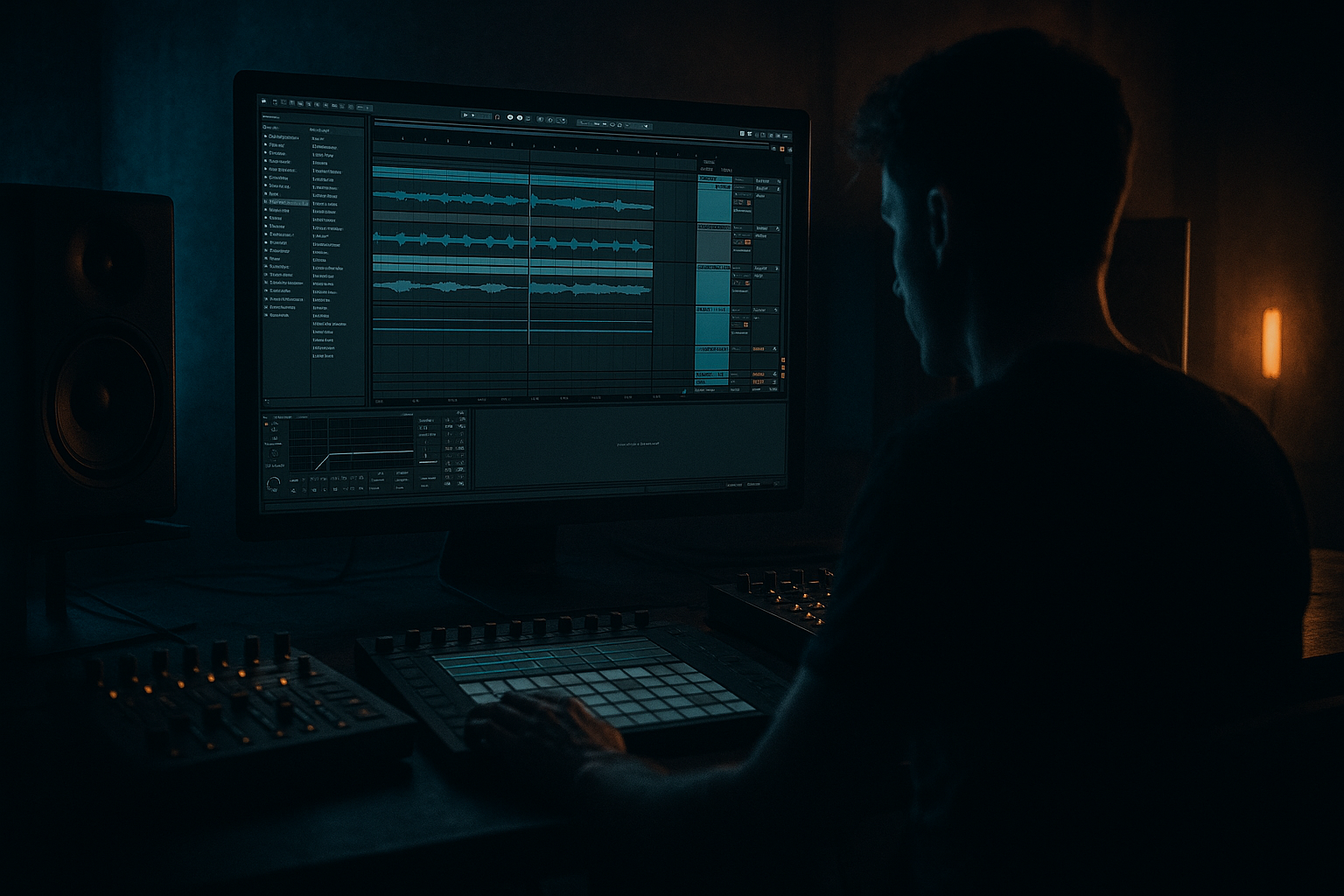
This lesson shows a practical, Ableton‑native way to rebuild a classic switch‑up using break edits, fills, vinyl heat, resampling, and arrangement tricks—all inside Ableton Live 12.
You’ll work like a real session: quick decisions, tight edits, and intentional “grime” (without ruining punch). 🎛️
---
2. What you will build
A 16‑bar switch‑up rebuild (adaptable to 8/32) for jungle/oldskool DnB at 165–174 BPM, featuring:
- A main chopped break (Amen / Think / Hot Pants vibes)
- A rebuild version with:
- On the main snare slice: add EQ Eight
- On the kick slice: add Saturator
- Play only tops + vinyl heat layer, no full break yet.
- Tops track idea:
- Automation on Break Rebuild Auto Filter cutoff:
- Add short room on hats (Return track):
- Add a ghost snare slice (very low velocity) on the rebuild layer MIDI.
- Bring in partial break hits (1–2 key snare accents), but keep the filter still relatively low.
- Add Delay (Ping Pong off; keep it mono-ish) on a return for little “dub taps”:
- Start stuttering a 1/16 or 1/32 slice briefly at the end of every 2 bars.
- Automation:
- Add a reverse cymbal or reversed hat (Audio clip reversed) into bar 12.
- Mute your Main break still (or keep it minimal).
- Create a 1‑bar fill on bar 16:
- Add master or drum-group high‑pass automation for the last 2 bars:
- Turn OFF (or sharply reduce) the rebuild layer processing:
- Bring in Break Main full, unfiltered.
- Optional: add a single crash and a sub hit (if your tune has bass) but keep the drums leading the moment.
- Over-saturating the main break: keep heat/grit mainly on the rebuild layer, not the drop layer.
- Too much low end during rebuild: if the rebuild has full lows, your drop won’t feel like it “arrives.”
- Random edits with no phrasing: jungle edits still respect structure—think 2, 4, 8, 16 bar logic.
- No velocity variation: ghost hits should be quiet; otherwise everything sounds like a drum machine demo.
- Over-wide noisy layers: super-wide vinyl/noise can smear transients. Narrow it a bit, then open up at drop.
- Parallel crush, not full-time crush:
- Snare weight without mud:
- Make the rebuild “old,” make the drop “modern”:
- Transient control with Glue Compressor (on DRUMS group):
- Dark tension with subtle pitch:
- You built a two-layer drum system: clean main break + dirty filtered rebuild layer.
- You arranged a staged switch‑up rebuild using automation, ghost hits, and phrased edits.
- You used stock Ableton tools to get authentic oldskool jungle tension without sacrificing drop impact.
- You printed/resampled to add that “session” feel and commit to edits. 🔥
- filtered + saturated “vinyl heat” layer
- staged drum re‑entry (tops → ghost snare → full break)
- tension fills (1‑bar + 2‑beat edits)
- a final “slap back in” moment on bar 17 (or wherever your drop lands)
All with stock Ableton devices: Drum Rack, Simpler, EQ Eight, Saturator, Auto Filter, Roar (if you have it), Glue Compressor, Drum Buss, Redux, Utility, Auto Pan, Reverb, Delay, Limiter.
---
3. Step‑by‑step walkthrough
A) Session setup (fast + correct)
1. Set tempo: `170 BPM` (classic jungle sweet spot).
2. Warp mode: For break samples, use:
- In Clip View → Warp: start with Beats mode
- Preserve: Transients
- Transient Loop Mode: Forward
- Envelope: ~70–90
3. Create groups:
- DRUMS (Group)
- Break Main
- Break Rebuild (heat layer)
- Tops (hats/shaker)
- Perc FX (optional)
- DRUM BUS (Return or Group chain)
Workflow tip: keep your main drop drums intact, and build the rebuild on duplicate tracks so you can A/B instantly.
---
B) Build your main break (the “destination” groove)
Goal: a solid 2‑bar loop that the rebuild returns to.
1. Load a break onto an audio track: Amen, Think, Hot Pants, or any crisp break.
2. Right‑click clip → Slice to New MIDI Track
- Slicing preset: Built‑In → Slicing
- Slice by: Transient
3. You’ll get a Drum Rack with slices. Now program a classic jungle pattern:
- Start by placing the original 1–2 bars as a reference (drag the original break to another audio track and mute it).
- In the MIDI clip, aim for:
- Kick on 1
- Snare on 2 and 4 (or classic Amen-style push/pull)
- Add a few ghost snare hits (low velocity) before main snares
Drum Rack quick cleanup (recommended):
- HP filter: `24 dB/oct @ 90–120 Hz`
- small dip: `-2 to -4 dB @ 350–500 Hz` if boxy
- Drive: `2–5 dB`
- Soft Clip: On
---
C) Create the “Vinyl Heat” rebuild layer (the secret sauce) 🎚️
This is the character layer that makes the rebuild feel like it’s coming off tape/vinyl and then “snapping” clean at the drop.
1. Duplicate your break rack track: `Break Main → Break Rebuild`.
2. On Break Rebuild, insert this device chain (top to bottom):
#### Device Chain: “Vinyl Heat Rebuild”
1. EQ Eight (pre-clean)
- HP: `24 dB/oct @ 120–170 Hz` (keep low end out)
- gentle shelf down: `-1 to -3 dB @ 8–12 kHz` (older feel)
2. Saturator
- Drive: `6–10 dB`
- Soft Clip: On
- Color: Analog Clip (if available) or leave default
3. Redux (tiny, just for grit)
- Downsample: `2.0–6.0` (subtle)
- Bit Reduction: `0–2` (don’t overdo)
- Dry/Wet: `10–25%`
4. Auto Filter
- Filter type: LP24
- Start cutoff: `~400–1.2kHz` for rebuild
- Resonance: `10–20%`
- Envelope: off (manual automation is cleaner)
5. Drum Buss (glue + smack)
- Drive: `5–15%`
- Crunch: `5–10%`
- Damp: to taste (often `10–30%`)
- Boom: Off (you already high‑passed)
6. Utility
- Width: `70–90%` (slightly narrower feels older/mono-ish)
- Gain: trim so it sits under main break when both play
✅ Now you have: Main = clean/punchy, Rebuild layer = hot/filtered/grimy.
---
D) Arrange the switch‑up rebuild (16 bars that work)
We’ll build tension in stages. Assume your drop hits at bar 17.
#### Bars 1–4: “Tease the groove”
- Closed hat 1/8 notes + tiny swing
- Add Auto Pan on hats (subtle movement):
- Rate: `1/2` or `1/4`
- Amount: `10–20%`
- Start: `~400 Hz`
- End bar 4: `~1.2–2 kHz`
- Reverb: Decay `0.4–0.8s`, HP in reverb `>300 Hz`
#### Bars 5–8: “Introduce ghost snares + push”
- Delay time: `1/8` or `3/16`
- Feedback: `10–20%`
- Filter the delay return: HP `>400 Hz`, LP `<6–8 kHz`
#### Bars 9–12: “Tension ramp + micro edits”
- Easiest method: duplicate a snare slice and repeat it quickly in MIDI for the last 1/2 beat.
- Filter cutoff rises more aggressively: `~1.5k → 4–6k`
- Slightly increase Redux Dry/Wet (e.g., `15% → 25%`) for intensity
#### Bars 13–16: “Pre‑drop fill + strip the lows”
This is where jungle rebuilds shine—energy is high but you’re withholding the full punch.
- Use 4–8 slices in a call/response
- End with a classic snare roll (1/16 → 1/32 for last beat)
- On DRUMS group: Auto Filter HP12 or HP24
- Move cutoff from `~60 Hz → 180–300 Hz` by the last beat
- This makes the drop feel huge when lows return
#### Bar 17 (drop return): “Snap back clean” 💥
- Auto Filter opens fully or the track mutes
- Redux to 0% / bypass
- Utility width back to 100% if you narrowed
---
E) Resampling trick (makes it feel “performed”)
This is a classic: print your rebuild edits as audio and re-cut.
1. Create a new audio track: “Rebuild Print”
2. Set Audio From: `DRUMS Group` (or just Break Rebuild)
3. Arm and record 16 bars of the rebuild.
4. Now chop the printed audio:
- Turn Warp on
- Slice a few tiny moments (last beat fills, stutters)
- Create quick tape stops using clip Transpose Envelope or Beat Repeat:
- Beat Repeat (stock):
- Interval: `1 Bar`
- Grid: `1/8` or `1/16`
- Chance: `20–40%` (automate to 100% only for the fill)
- Filter: On, keep it mid/high
This resample pass usually adds that “vinyl session” unpredictability without messing your main racks.
---
4. Common mistakes
---
5. Pro tips for darker/heavier DnB 🕶️
Make a return track with Saturator + Drum Buss + EQ Eight and send snares to it. Keep return level low for weight.
On snare channel, use EQ Eight:
- boost a touch at `180–240 Hz` (wide)
- cut `350–600 Hz` if cardboard
- add snap at `3–6 kHz` if needed
Rebuild layer = filtered, narrower, noisier.
Drop = cleaner, more transient, slightly wider tops.
- Attack: `3–10 ms`
- Release: `Auto` or `0.1–0.3 s`
- Ratio: `2:1`
- Aim for `1–2 dB` GR on drop, a bit less during rebuild.
Automate Simpler slice transpose on a fill (like `-2 to -5 semitones` on last hit) for menace.
---
6. Mini practice exercise (20 minutes) ⏱️
1. Pick one break and slice to Drum Rack.
2. Program a 2‑bar main loop (your “drop” groove).
3. Duplicate the track and build the Vinyl Heat Rebuild device chain.
4. Arrange a 8‑bar rebuild:
- Bars 1–4: tops + filtered heat break
- Bars 5–8: add ghost snare + one fill in bar 8
5. Print/resample the rebuild and replace one fill with a chopped audio edit.
Deliverable: export 16 bars (8 rebuild + 8 drop) and listen on repeat—your drop should feel inevitable.
---
7. Recap
If you want, tell me your tempo + which break you’re using (Amen/Think/etc.), and I’ll suggest a specific 16‑bar rebuild map with exact edit points and fill ideas.

