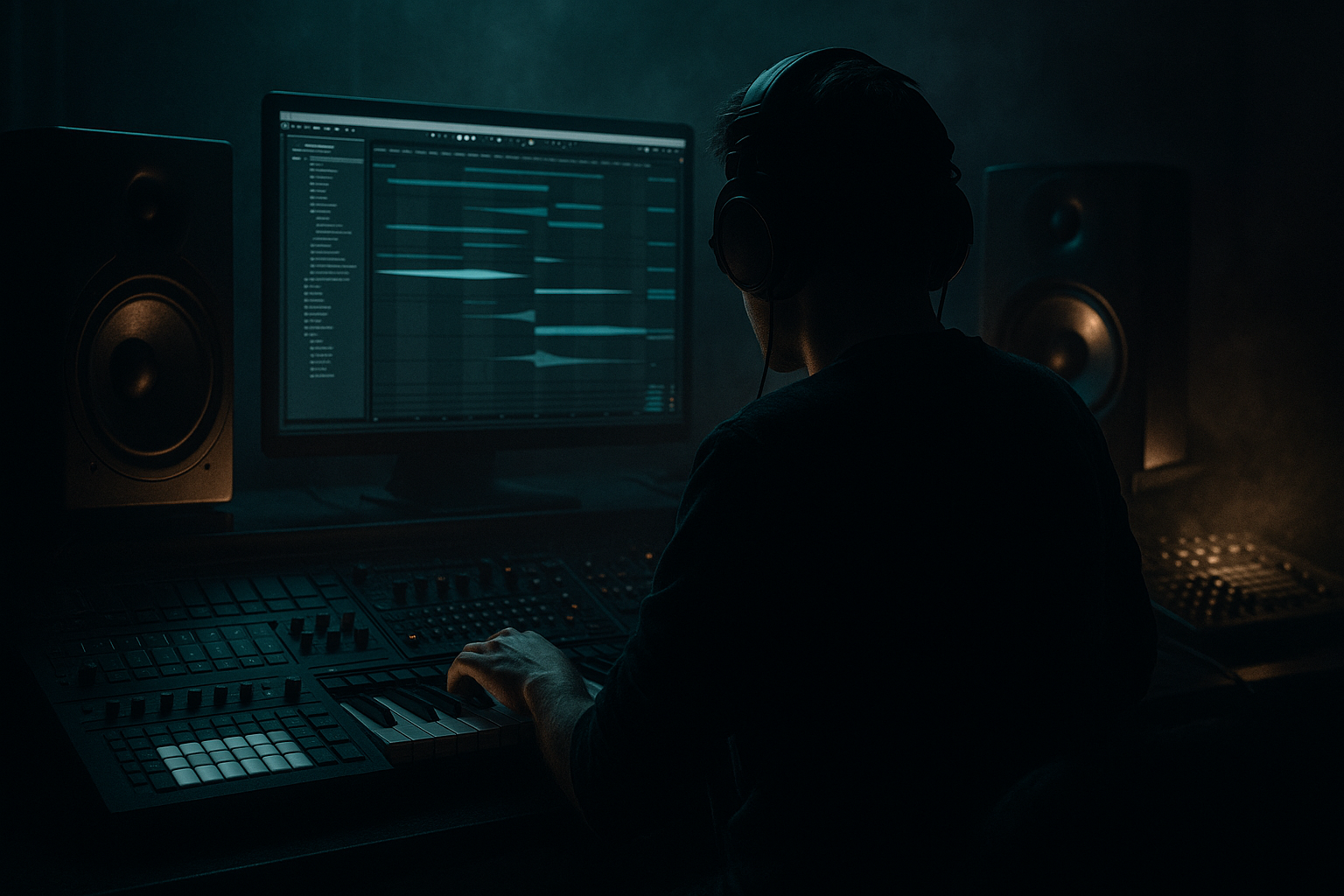
Main tutorial
```markdown
Warp a Reese Patch from Session View to Arrangement View (Ableton Live 12) — Jungle / Oldskool DnB Vibes 🌀🔊
1) Lesson overview
In jungle and oldskool DnB, the reese isn’t just a bass sound—it’s a moving texture that breathes with the break. In this lesson you’ll:
- Generate a reese loop (or record one) in Session View
- Resample it into audio for total control
- Warp it with the right mode (Complex Pro vs Beats vs Tones)
- Print the groove into Arrangement View and slice it for classic rolling phrases
- Add oldskool movement (pitch drifts, filter rides, stereo phase) without losing low-end
- Locks to your project BPM using warping
- Has jungle-era swagger (sub stability + mid “growl” + subtle pitch/phase movement)
- Is arranged into call/response phrases that work with breaks (Amen, Think, etc.)
- Is ready for heavier processing (distortion, multiband control, resampling)
- Make a 2-bar loop with a long note (root) and one or two slides/steps:
- Keep it simple—the movement comes from resampling + warping + filtering.
- Zoom in and trim the start so it begins right on a cycle (zero crossing helps).
- Turn on Fade (small fade-in/out) if there’s a click.
- Complex Pro (best for thick reese loops when you want “tape-ish” time-stretch):
- Beats (best if your reese has strong rhythmic pulsing and you want choppier grit):
- Tones (sometimes magic for mono-ish reeses):
- Right-click the first solid cycle start → Set 1.1.1 Here
- Right-click → Warp From Here (Straight) if the clip drifted
- Check the Clip BPM shown—make sure Live understands it.
- Load a break loop (Amen/Think style) on the `BREAK` track.
- Warp the break properly (usually Beats mode).
- In the reese audio clip:
- In Arrangement View, right-click the recorded audio → Freeze Track → Flatten
- 16 bars:
- Warping the reese in Beats mode with too small a division → it can “machine-gun” and lose body. Try Complex Pro first.
- Over-widening the bass → sounds huge solo, disappears in mono. Keep sub mono always.
- Too many warp markers → phasey, unstable low end. Use just enough markers to lock groove.
- Chopping without fades → clicks everywhere. Micro-fades are mandatory.
- Not checking against the break → jungle bass is married to the break’s swing.
- Split sub + mid:
- Resample your resample:
- Use Phaser-Flanger subtly on mids:
- Sidechain with a tight envelope:
- Clip gain staging matters:
- Session View is your performance + capture zone; Arrangement View is your commit + chop + arrange zone.
- Resample the reese, then warp with intention: Complex Pro for weight, Beats for grit.
- Use warp markers to match the break’s swing, not to sterilize it.
- Print into Arrangement, then slice and phrase like classic jungle—call/response, fills, and space for drums.
- Keep the sub mono, and let the mids do the talking. 🔥
Target tempo: 160–170 BPM (we’ll use 165 BPM as a reference).
---
2) What you will build
A 4–8 bar reese bass audio loop that:
---
3) Step-by-step walkthrough
A) Prep your set for proper low-end + workflow
1. Set tempo: `165 BPM`
2. Set global quantization: `1 Bar` (top middle)
3. Create tracks:
- MIDI Track: `REESE MIDI`
- Audio Track: `REESE RESAMPLE`
- Audio Track: `BREAK` (optional, but recommended for context)
4. Utility safety on master (optional but helpful):
- Add Utility on Master
- Set Bass Mono: `120 Hz` (keeps sub centered)
> Jungle bass is unforgiving—get your monitoring and mono low-end disciplined early. 🎛️
---
B) Build (or load) a proper reese patch (fast + classic)
You can use Wavetable or Operator. Here’s a reliable Wavetable starting point:
On `REESE MIDI` add:
1. Wavetable
- Osc 1: Saw (or “Basic Shapes” Saw)
- Osc 2: Saw (detune slightly)
- Unison: `Classic` / Voices `4–8`
- Detune: `10–20%` (don’t go insane yet)
- Sub (if available): low level, just reinforcement
2. Filter: LP24
- Freq: ~`200–800 Hz` (depends on brightness)
- Drive: `2–6 dB`
3. LFO for motion (oldskool wobble without being dubstep):
- LFO → Osc Pitch (both oscillators): very small amount (like `5–15 cents`)
- Rate: `0.10–0.30 Hz` (slow drift), or sync to `2 Bars`
4. Saturator (stock)
- Mode: `Analog Clip`
- Drive: `3–8 dB`
- Soft Clip: On
5. Chorus-Ensemble (for classic width/phase in mids, not sub)
- Amount: `10–25%`
- Rate: slow
6. EQ Eight
- HP filter: `24 dB/oct at 25–35 Hz` (clean rumble)
- Optional: small dip `250–400 Hz` if muddy
7. Utility
- Width: `80–120%` (keep it reasonable)
- Bass Mono: `120 Hz`
MIDI pattern suggestion (jungle-friendly):
- Bar 1: root note held
- Bar 2: quick step up/down (like +3 or +5 semitones briefly)
> The oldskool reese “talk” comes from phase + drift + distortion, not from super complex note writing. 🧠
---
C) Capture the reese as audio (Session View resampling)
We want audio because warping + slicing is where the jungle magic lives.
Option 1 (clean and fast): Freeze/Flatten
1. In Session View, record MIDI clip and loop it.
2. Right-click `REESE MIDI` track → Freeze Track
3. Right-click again → Flatten
4. You now have audio on that track.
Option 2 (more oldskool control): Resample
1. Set `REESE RESAMPLE` input to Resampling (in Audio From).
2. Arm `REESE RESAMPLE`.
3. In Session View, launch your reese clip and record 4–8 bars into an empty clip slot.
4. Stop and rename the clip: `Reese_165bpm_8bar_raw`
Resampling is great because it captures exactly what your chain does, including chorus/phase artifacts. 🎚️
---
D) Warp the reese clip like a DnB producer (not like a guitarist)
Double-click the recorded audio clip to open Clip View.
#### 1) Set the clip’s start cleanly
#### 2) Turn Warp on and pick the right mode
Enable Warp.
Now choose a warp mode depending on the vibe you want:
- Formants: `0 to 20`
- Envelope: `80–120`
- Use when you’re stretching or nudging groove and want it smooth.
- Preserve: `1/16` or `1/8`
- Transients: `0–20`
- Use when you want a more “gated” old sampler feel.
- Grain size: start `20–40`
- Use if Complex Pro smears too much.
DnB default recommendation: Start with Complex Pro, then audition Beats for character.
#### 3) Set the correct warp anchor (this is crucial)
#### 4) Make it groove with the break (micro-warping)
Now we’re doing the Session-to-Arrangement trick: making the reese follow jungle swing.
- Add warp markers at key rhythmic points (like bar 1 beat 2, beat 4, bar 2 beat 3).
- Nudge those markers slightly to lock with the break’s push/pull.
- Don’t grid-fix everything—jungle groove lives in tiny imperfections.
Rule of thumb: If your sub starts flamming with the kick, adjust the reese warp marker by 1–10 ms, not 50 ms.
---
E) Move the warped reese from Session View into Arrangement View 🎛️➡️🎚️
Here’s the clean, pro workflow:
1. In Session View, get your warped reese clip looping correctly.
2. Hit Global Record (top transport) and launch the reese clip.
3. Let it record 8–16 bars while you:
- Tweak filter cutoff
- Slightly adjust warp markers (yes, you can do this while recording)
- Add mutes/launch variations (optional)
4. Press Stop.
You now have a recorded performance of that clip in Arrangement View, including timing and automation.
Important: If you want the audio as printed (not just clip references), do this:
This commits the result for slicing and heavy processing.
---
F) Slice + arrange for classic jungle phrasing
Now you’ll turn that long reese print into usable DnB blocks.
Method 1: Slice to new MIDI track (fast chopped reese)
1. Right-click the reese audio clip → Slice to New MIDI Track
2. Slicing preset:
- Slice by: 1/8 or Transient
- Use built-in slicing preset (or “Built-in”)
3. This creates a Drum Rack where each slice is a pad.
4. Program a 2-bar rolling pattern:
- Leave space for kicks
- Use call/response: bar 1 steady, bar 2 more chops
- Add a few “pullbacks” (chops slightly before the snare)
Method 2: Manual audio chops (more control)
1. In Arrangement View, select the reese clip.
2. Use Ctrl/Cmd+E to split on musical points.
3. Create a 4-bar phrase:
- Bars 1–2: stable, less movement
- Bars 3–4: more stabs/chops + filter rise
4. Add clip fades to avoid clicks.
---
G) Add oldskool movement (but keep sub disciplined)
Device chain suggestion on the reese audio track (Arrangement stage):
1. EQ Eight
- HP: `25–35 Hz`
- Optional: Mid notch `300–500 Hz` if boxy
2. Saturator
- Drive: `2–6 dB`
- Soft Clip: On
3. Roar (Live 12 stock) for modern control while staying gritty
- Mode: try a Tape or Overdrive flavor
- Mix: `10–40%` (parallel is your friend)
- Add a subtle mod to drive for movement
4. Auto Filter
- LP24
- Envelope or LFO for subtle sweep
- Map cutoff automation to phrase endings
5. Utility
- Bass Mono: `120 Hz`
- Width: automate `80% → 120%` on fills (keep main groove tighter)
Arrangement idea (very jungle):
- Bars 1–8: reese steady + minor filter movement
- Bars 9–12: introduce chopped variation (Slice track or mutes)
- Bars 13–16: pre-drop tension—filter closes, then a 1-beat stop or tape-stop FX
---
4) Common mistakes
---
5) Pro tips for darker/heavier DnB 🖤
Duplicate the reese:
- Track A (SUB): low-pass around `80–120 Hz`, mono, minimal distortion.
- Track B (MID): high-pass `120 Hz+`, go wild with Roar/Chorus/Phaser-Flanger.
Print a “processed reese” audio, then warp that again. This is how you get that crunchy, lived-in oldskool texture.
Rate slow, feedback low. Old hardware vibes without wrecking the fundamental.
Use Compressor sidechain from kick (or a ghost kick). Fast-ish attack, medium release—make it bounce not pump.
Keep the audio clip around `-12 to -6 dB` before heavy distortion so Roar/Saturator respond musically.
---
6) Mini practice exercise (15–20 minutes) 🎯
1. Build a reese in Wavetable and make a 2-bar MIDI loop at 165 BPM.
2. Resample 8 bars in Session View.
3. Warp in Complex Pro, then duplicate the clip and warp the duplicate in Beats.
4. Record both versions into Arrangement View (8 bars each).
5. Slice one version to Drum Rack and write a 2-bar chopped pattern.
6. Bounce a quick A/B:
- Version A: smooth Complex Pro
- Version B: gritty Beats
7. Decide which sits better against a Think break.
Deliverable: a 16-bar arrangement with a clear 8-bar variation.
---
7) Recap
```

