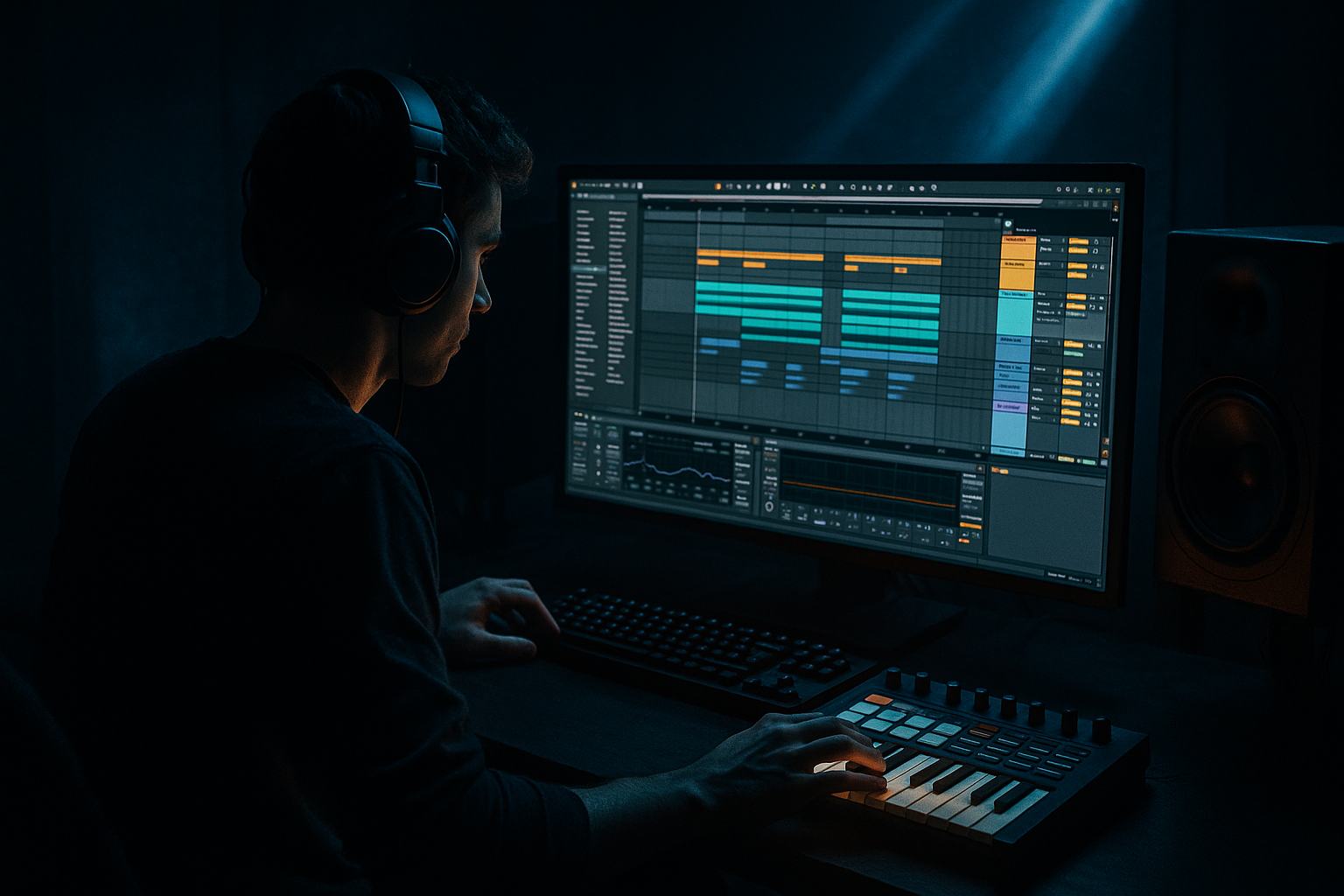
Main tutorial
Widen a Jungle Fill With Chopped‑Vinyl Character in Ableton Live 12 🥁💿
1) Lesson overview
You’re going to build a stereo-wide jungle fill that feels like it came from a chopped break + vinyl deck, but with modern DnB control: tight low end, controlled width, and that “rewind/needle drop” grit. We’ll do it using stock Ableton Live 12 devices (plus Live’s new workflow perks like better modulation routing), and you’ll end with a fill you can drop into a rolling tune without it wrecking the mix.
---
2) What you will build
A 1–2 bar fill (at 170–176 BPM) that has:
- Chopped break edits (micro-rearranged like old jungle cut-ups)
- Wide stereo “vinyl smear” on the top only (lows stay mono)
- Transient control + glue so it still punches in a modern mix
- Optional tape stop / rewind vibe and rhythmic width modulation
- Mode: Chorus
- Amount: 15–30%
- Rate: 0.20–0.45 Hz
- Delay 1/2: around 8–18 ms
- Feedback: 0–10%
- HP filter inside device: raise it if low mids get cloudy
- Mode: Ring Mod OFF (use Frequency shifting, not ring modulation)
- Fine: +0.8 to +2.5 Hz (tiny!)
- LFO:
- Filter type: LP 12 (or 24 if you want stronger)
- Drive: 0–20%
- Envelope: 0 (we’ll automate cutoff)
- Automate cutoff:
- Bar 8 → into bar 9 (phrase turnaround)
- Last 1 bar before the drop
- Every 16 bars to refresh momentum
- On the fill track, automate volume to rise slightly into the fill (+0.5 to +1.5 dB), then hard cut on the drop so the drop feels bigger.
- Widening the lows: instant club translation problems. Keep lows mono below ~200 Hz.
- Too much chorus or detune: it turns into “watery EDM hats” instead of jungle grit.
- Over-slicing without anchors: if your fill removes the implied downbeats, it sounds like a mistake, not a flex.
- Ignoring transient shape: chopped breaks can lose punch. Use Drum Buss/Glue strategically.
- Over-limiting: if the fill is crushed, it’ll feel smaller than the drop.
- Parallel distortion on tops only:
- Add a “ghost ride” layer:
- Make space for the bass:
- Horror texture without extra samples:
- Slice/chop your break like jungle—dense at the end, anchored at the start.
- Use an Audio Effect Rack to split LOW (mono) and HIGH (wide).
- Create vinyl width with Chorus-Ensemble + tiny Frequency Shifter drift.
- Add Auto Filter automation for “needle tuck,” optional Re-Pitch tape-drag.
- Glue + limit lightly so it translates in a heavy DnB mix.
- Always mono check and keep width mostly above ~200 Hz.
Think: classic Amen-style energy but engineered for a clean, heavy DnB drop.
---
3) Step-by-step walkthrough
Step 0 — Session setup (fast + correct)
1. Set tempo to 174 BPM.
2. Make a new Audio Track called: `FILL_BREAK`.
3. Drop in a break sample (Amen, Think, Hot Pants, any crunchy break works).
4. Warp mode:
- For most breaks: Beats
- Preserve: Transients
- Transient Loop Mode: Off
- Envelope: start around 35–60
- If the break is super tonal and you want pitch character: try Texture (Grain Size ~ 20–40, Flux ~ 10–25) later only for a layer.
Workflow tip: Consolidate your break to a neat bar length first (`Cmd/Ctrl+J`) so edits stay tidy.
---
Step 1 — Chop the break like jungle (but keep it playable)
You want “vinyl-chopped” movement without random chaos.
Option A: Slice to MIDI (quickest for fills)
1. Right click the audio clip → Slice to New MIDI Track.
2. Slicing preset: choose Built-in → Slice to Drum Rack.
3. Slice by: Transient (or 1/16 if the break is super consistent).
4. In the new MIDI clip, program a 1 bar fill:
- Keep kick anchors on 1 and 3 (or at least don’t fully remove the downbeat)
- Add classic jungle stutters:
- 1/32–1/16 snare repeats near bar end
- Kick-to-snare “flip” (swap one kick slice with a snare slice)
- A “drag” (two fast ghost notes before a main hit)
Option B: Audio clip micro-edits (more authentic chaos)
1. Duplicate the break clip to a 1-bar region.
2. Turn on Grid: 1/16 (then temporarily 1/32 for stutters).
3. Cut (`Cmd/Ctrl+E`) and rearrange slices:
- Last 1/2 bar: increase density (more cuts)
- Last 1/8: do a rapid stutter (repeat a snare slice 3–6 times)
Pro arrangement move: Keep bar 1 steady, then go nuts in bar 2. The contrast sells the fill.
---
Step 2 — Split the fill into LOW (mono punch) and HIGH (wide vinyl) 🎛️
This is the secret: widen the character without widening the foundation.
1. Create an Audio Effect Rack on `FILL_BREAK`.
2. Create 2 chains:
- `LOW_MONO`
- `HIGH_WIDE`
3. On `LOW_MONO`, add:
- EQ Eight
- Enable HP/LP: low-pass around 180–250 Hz (depends on break)
- Keep mainly kick body + low snare weight
- Utility
- Width: 0% (fully mono)
- (Optional) Bass Mono: enable if you’re on a newer Utility with that option
4. On `HIGH_WIDE`, add:
- EQ Eight
- High-pass around 180–250 Hz
- If harsh: notch ~ 3–6 kHz a couple dB
- Utility
- Width: start 130–170%
- Drum Buss (yes, on tops too)
- Drive: 5–15%
- Crunch: 5–20
- Transients: -5 to +5 (depends how snappy you want it)
- Saturator
- Mode: Analog Clip
- Drive: 2–6 dB
- Soft Clip: On
- Redux (very subtle for chopped-vinyl crunch)
- Downsample: 2–6
- Bit Reduction: 0–2 (don’t overdo it)
Why this works: the low chain stays punchy + centered (club-safe), while the high chain gets the “deck smear” and width.
---
Step 3 — Add vinyl-style stereo motion (without phase disasters) 💿↔️
We’re going to build movement that feels like a wide sampled record, not a “cheap stereo enhancer.”
#### Method 1: Chorus-Ensemble (controlled width + wobble)
On `HIGH_WIDE`, add Chorus-Ensemble after Saturator:
This gives “turntable air” and spread without wrecking transients.
#### Method 2: Frequency Shifter (micro detune for vinyl drift)
Add Frequency Shifter after Chorus-Ensemble:
- Rate: 0.10–0.30 Hz
- Amount: 0.5–2.0
- Phase: 180° (this is key for width feel)
If it gets metallic, reduce Fine and LFO Amount.
---
Step 4 — Make the fill “chopped-vinyl” with envelope moves (fast automation)
Now make it perform like a DJ/mixer moment.
#### A) Vinyl “needle tuck” at the start of the fill
On the whole track (post-rack), add Auto Filter:
- At fill start: ~1.2–2.5 kHz
- Over 1/8–1/4 bar: open to 12–18 kHz
This mimics the “coming back in” feel of sampled material.
#### B) Tape-stop micro moment (optional but spicy) 🔥
Duplicate the last 1/8 or 1/4 of the fill onto a new audio clip.
1. Set Warp mode of that tiny clip to Re-Pitch
2. Automate Clip Transpose down:
- Example: from 0 to -12 over 1/8 bar
3. Put it only on the last hit or last stutter
That gives a modern “rewind/tape drag” without plugins.
---
Step 5 — Tighten dynamics so it hits like modern DnB
Chopped fills can get spiky or thin. Fix it with controlled dynamics.
1. On `FILL_BREAK` (after the rack), add Glue Compressor
- Attack: 3 ms
- Release: Auto (or 0.1–0.3s)
- Ratio: 2:1
- Threshold: aim for 1–3 dB gain reduction
- Soft Clip: On
2. Add Limiter last
- Ceiling: -0.3 dB
- Keep it gentle: just catch rogue peaks
Goal: fill feels hyped but doesn’t jump 6 dB louder than the drop.
---
Step 6 — Arrangement placement (where fills actually work)
In jungle/DnB, fills usually land in predictable but powerful spots:
Practical trick:
---
Step 7 — Check mono compatibility (don’t skip this)
1. Put Utility on the master temporarily.
2. Toggle Mono.
3. If the fill loses too much snap:
- Reduce `HIGH_WIDE` Utility width (e.g. 170% → 140%)
- Reduce Chorus amount
- Push more transient via Drum Buss (tops) or bring up LOW chain slightly
---
4) Common mistakes
---
5) Pro tips for darker/heavier DnB 🖤
Create a return track with Saturator (Analog Clip) → EQ Eight (HP 300 Hz) → Drum Buss. Send only the `HIGH_WIDE` chain to it.
Duplicate the fill, filter it high (HP 1–2 kHz), then add Corpus (very low mix) for metallic resonance—instant techy darkness.
Sidechain the fill to the sub/bass (or vice versa, depending on your mix). Use Compressor with sidechain input from the bass:
- Ratio 2:1, Attack 1–3 ms, Release 60–120 ms, just 1–2 dB GR.
On the HIGH chain, insert Erosion (Noise mode) very quietly. Amount 0.3–1.5, Frequency 6–10 kHz.
---
6) Mini practice exercise (15 minutes)
1. Pick one break and create three fills:
- Fill A: last 1/2 bar only, subtle width (130%)
- Fill B: full 1 bar, more stutters, width modulation (140–160%)
- Fill C: 2 bars, includes Re-Pitch tape-drag on the final hit
2. For each, do a mono check and adjust until:
- The fill still slaps in mono
- The stereo version feels wider but not louder
3. Bounce each fill to audio and label them with notes like:
`AmenFill_B_174_W160_Chorus25_FShift1.2Hz`
---
7) Recap
If you want, tell me what break you’re using and whether your tune is more rollers / techstep / jungle revival, and I’ll suggest a specific fill rhythm (MIDI pattern) and a width chain tuned to that vibe.

